What Is Employee Task Management?
Every business depends on employees completing different activities on time. From handling customer enquiries and preparing invoices to managing inventory and coordinating daily operations, every task contributes to the overall performance of a business.
However, as a business grows, managing employee responsibilities becomes more complicated. Tasks may be assigned through phone calls, WhatsApp messages, spreadsheets, or informal discussions. This can create confusion about who is responsible for a particular activity and when it needs to be completed.
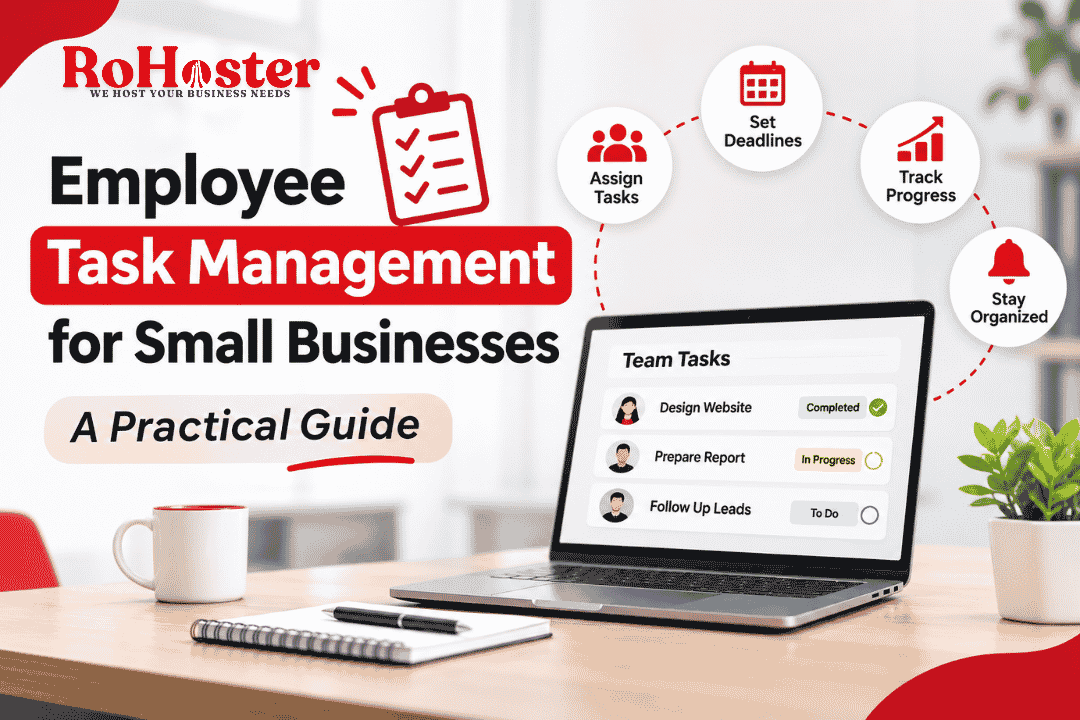
Employee task management is the process of organizing, assigning, prioritizing, and tracking work performed by employees. It helps businesses ensure that every task has a clear owner, deadline, and expected outcome.
It is closely connected to the broader concept of task management, which involves planning and organizing activities to achieve specific objectives.
For small businesses, effective task management does not necessarily require a large management team or complicated software. It starts with creating a clear system for assigning work and monitoring progress.
Why Is Employee Task Management Important?
When employees understand their responsibilities and priorities, daily operations become easier to coordinate. A structured task management system can improve several areas of business performance.
1. Clear Responsibilities and Ownership
One common problem in small businesses is that multiple employees may assume someone else is handling a particular task.
Assigning every task to a specific employee creates accountability. It also helps managers identify who is responsible for completing each activity.
A clear responsibility structure is an important part of building a scalable business system.
2. Better Time Management
Employees often handle several responsibilities throughout the day. Without proper priorities, urgent activities may get delayed while less important work receives unnecessary attention.
Task management helps employees understand which activities need immediate attention and which can be completed later.
Businesses can further improve their daily operations by learning how to improve business efficiency without hiring more employees.
3. Improved Team Productivity
A well-organized task system reduces unnecessary discussions, repeated instructions, and confusion about pending work.
Employees can spend more time completing their responsibilities instead of repeatedly asking managers what needs to be done next.
4. Fewer Missed Deadlines
When deadlines are recorded and tasks are monitored regularly, employees and managers can identify delays before they become serious problems.
Reminders, progress updates, and clear priorities help teams complete important activities within the expected time.
5. Better Communication Between Teams
In growing businesses, one department often depends on another to complete its work.
For example, the sales team may need information from accounts before confirming a customer order. If responsibilities and deadlines are unclear, the entire process can slow down.
Organized task management makes these dependencies easier to understand and coordinate.
6. Greater Management Visibility
Business owners need to understand what their employees are working on, which activities are completed, and where delays are occurring.
A structured task management system provides better visibility into daily operations and helps managers make informed decisions.
This is especially important when businesses want to automate repetitive tasks in growing Indian SMEs and reduce unnecessary manual work.
Signs Your Business Needs a Better Task Management System
Your current approach may no longer be effective if:
Employees frequently forget assigned activities.
Managers repeatedly ask for task updates.
Important deadlines are regularly missed.
Multiple employees perform the same work.
Work assignments are scattered across different communication channels.
Managers cannot easily identify pending and completed tasks.
Employees are unclear about their daily priorities.
These problems may appear small individually, but together they can affect productivity, customer satisfaction, and business growth.
A more organized approach to employee task management can help businesses address these challenges before they become larger operational problems.
Different Methods of Managing Employee Tasks
Every business has different operational requirements. A small retail shop may need to manage billing and inventory activities, while a service company may need to coordinate customer projects and employee assignments.
Here are some practical methods businesses can use to manage employee tasks.
1. Daily Task Lists
A daily task list identifies the activities employees need to complete during a working day.
Managers can use daily lists to communicate priorities, assign responsibilities, and review completed work.
For example, a retail employee's daily task list may include checking stock levels, updating sales records, handling customer enquiries, and organizing product displays.
Daily task lists work particularly well for businesses with predictable and recurring activities.
2. Priority-Based Task Management
Not every task has the same level of importance. Priority-based task management helps employees identify which activities require immediate attention.
A simple classification can include:
High priority: Urgent activities that directly affect customers or business operations.
Medium priority: Important tasks that should be completed within the planned schedule.
Low priority: Activities that can be completed after more important work.
This approach prevents employees from spending too much time on less important activities while critical work remains pending.
3. Deadline-Based Task Management
Every task should have a realistic completion deadline wherever possible.
For example, a customer quotation may need to be prepared within one working day, while a monthly inventory report may have a deadline at the end of the month.
Clear deadlines make it easier for employees to plan their work and help managers identify potential delays.
4. Department-Wise Task Management
Businesses with multiple departments can organize work according to functional responsibilities.
For example:
Sales team: Customer enquiries, quotations, and follow-ups.
Accounts team: Invoices, payments, and expense records.
Operations team: Order processing and service delivery.
Inventory team: Stock updates and purchase coordination.
Department-wise task management reduces confusion and makes coordination easier.
5. Project-Based Task Management
Some activities require several employees to work together toward a common outcome. In these situations, project-based task management can be useful.
A project can be divided into smaller tasks, each with an assigned employee, deadline, and progress status.
To understand the broader approach, explore project management and how projects are planned, organized, and monitored.
Best Practices for Effective Employee Task Management
Choosing a task management method is only the beginning. Businesses also need consistent practices to make the system useful.
1. Assign One Clear Owner to Every Task
Each task should have one clearly identified person responsible for ensuring its completion. Other employees may assist, but ownership should not be ambiguous.
2. Write Clear Task Instructions
Avoid vague instructions such as "handle customers" or "complete office work."
Instead, describe the expected result. For example, "Contact the five pending customer enquiries and update their follow-up status."
Clear instructions reduce misunderstandings and unnecessary communication.
3. Set Realistic Deadlines
Deadlines should reflect the complexity of the task and the employee's existing workload.
Assigning unrealistic deadlines may create unnecessary pressure and reduce work quality.
4. Review Pending Tasks Regularly
Managers should review pending, overdue, and completed tasks at appropriate intervals.
Regular reviews help identify bottlenecks and provide an opportunity to redistribute work when required.
For broader operational insights, businesses can also refer to the business owner's weekly checklist.
5. Avoid Unnecessary Meetings
Not every task update requires a meeting. A shared task list or progress dashboard can communicate basic information without interrupting employees repeatedly.
This also helps reduce the communication overload that can occur when businesses depend entirely on informal messaging.
6. Balance Employee Workloads
Managers should consider each employee's current responsibilities before assigning additional work.
If one employee consistently receives more tasks than others, deadlines and work quality may suffer. Reviewing task distribution can help create a more balanced workload.
7. Document Repetitive Processes
When employees repeatedly perform similar activities, businesses should document the correct procedure.
Standardized instructions make it easier to train new employees and maintain consistent work quality.
Companies can also explore the hidden cost of poor business processes to understand why unclear workflows can affect business performance.
Common Employee Task Management Mistakes
Even businesses with task lists and management tools can face problems when the system is not used correctly.
Some common mistakes include:
Assigning tasks without clear instructions.
Setting unrealistic deadlines.
Changing priorities without informing employees.
Failing to update task status.
Assigning too many activities to one employee.
Monitoring every small action instead of focusing on outcomes.
Using multiple disconnected tools for the same workflow.
A good task management system should provide clarity and accountability without creating unnecessary administrative work.
How to Implement an Employee Task Management System
Businesses do not need to change their entire working structure immediately. They can introduce a task management system gradually by following a few practical steps.
Step 1: Understand Your Current Work Process
Start by identifying how work is currently assigned, completed, and monitored.
Find out whether employees receive instructions through meetings, phone calls, spreadsheets, messaging applications, or other tools.
Identify the activities that frequently get delayed, forgotten, or repeated.
Step 2: Define Employee Roles and Responsibilities
Prepare a clear list of responsibilities for each employee or department.
For example, sales employees may handle customer enquiries and follow-ups, while accounts employees manage invoices and payment records.
Clear roles reduce overlapping responsibilities and help managers assign tasks more effectively.
Step 3: Create a Centralized Task List
Maintain a common system where managers and authorized employees can view relevant task information.
Each task should ideally include:
Task title and description.
Assigned employee.
Priority level.
Start date and deadline.
Current status.
Relevant notes or attachments.
A centralized task list reduces dependence on scattered messages and individual spreadsheets.
Step 4: Introduce a Simple Task Status System
Use consistent task statuses so everyone understands the progress of assigned work.
A simple structure could include:
To Do: Task has been assigned but work has not started.
In Progress: Employee is currently working on it.
Completed: Task has been finished.
On Hold: Work is temporarily paused.
Overdue: The deadline has passed without completion.
This makes pending work easier to identify and review.
Step 5: Set Up Reminders and Notifications
Employees may forget deadlines when they are handling multiple activities.
Task reminders and notifications can help employees stay aware of upcoming deadlines and pending responsibilities.
Businesses can also use suitable workflow automation to automate repetitive activities such as task assignments, notifications, and follow-up reminders.
Step 6: Train Employees to Use the System
A task management system is useful only when employees understand how to use it.
Provide simple instructions explaining how to view assigned tasks, update progress, report delays, and mark completed activities.
Start with essential features rather than introducing too many functions at once.
Step 7: Monitor Performance and Make Improvements
Review how the system performs after implementation.
Useful performance indicators include:
Percentage of tasks completed on time.
Number of overdue tasks.
Average task completion time.
Workload distribution among employees.
Number of tasks requiring rework.
Use these indicators to identify areas that need improvement. The objective should be better coordination and productivity, not unnecessary employee surveillance.
Manual Task Management vs. Task Management Software
Many small businesses initially manage employee tasks using notebooks, spreadsheets, and messaging applications.
These methods may be sufficient for a very small team, but they can become difficult to maintain as responsibilities and employee numbers increase.
Task management software can provide a more organized way to assign activities, monitor progress, manage deadlines, and maintain task records.
Before choosing a tool, consider the following:
Ease of use for employees.
Task assignment and deadline management.
Progress tracking and notifications.
Team collaboration features.
Reporting and performance visibility.
Data security and access permissions.
Pricing and scalability.
Avoid purchasing complicated software when your business only needs a simple task management system.
How Business Management Software Can Help
Employee tasks are connected to other business activities. A sales follow-up may depend on customer information, an order may require inventory availability, and an invoice may depend on completed work.
When these activities are managed through disconnected systems, employees may spend additional time searching for information and coordinating with different departments.
Business management software can help bring important business information and operational activities into a more organized environment.
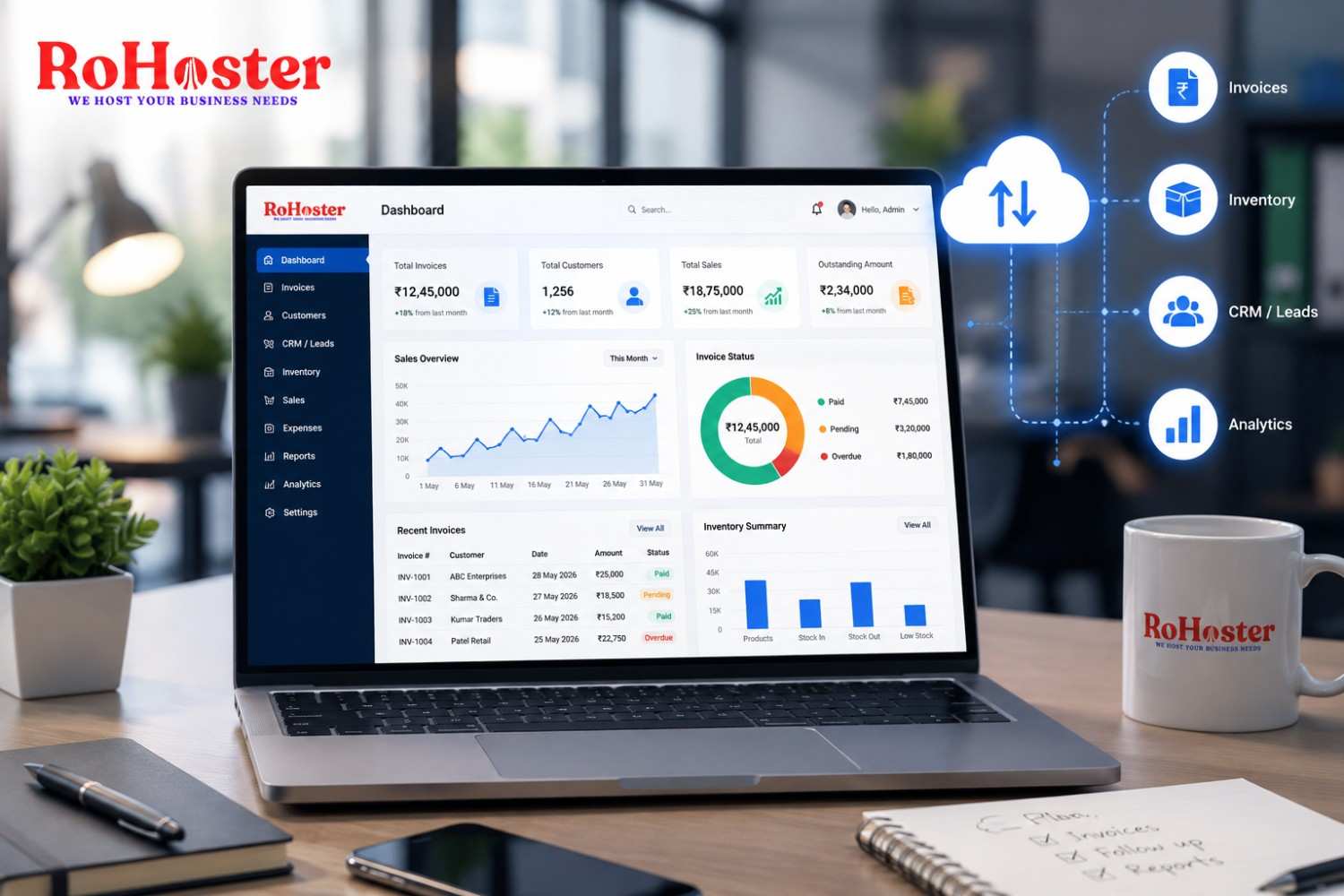
RoHoster is one option businesses can explore for managing areas such as leads, teams, billing, and business operations. Before selecting any solution, review its available features and confirm that they match your actual requirements.
Final Thoughts
Employee task management is an important part of running an organized and productive business. It helps employees understand their responsibilities, manage deadlines, coordinate with colleagues, and complete daily activities more consistently.
Small businesses do not need complicated systems to get started. They can begin by assigning clear task ownership, setting realistic deadlines, maintaining a shared task list, and reviewing progress regularly.
As the business grows, suitable task management software and workflow automation can make coordination easier and reduce unnecessary manual work.
The goal is simple: create a working environment where employees know what needs to be done, managers can track progress, and important business activities do not get overlooked.