Chartered Accountant (CA) firms handle many responsibilities every day. They manage client records, tax filings, compliance deadlines, billing, and financial reports.
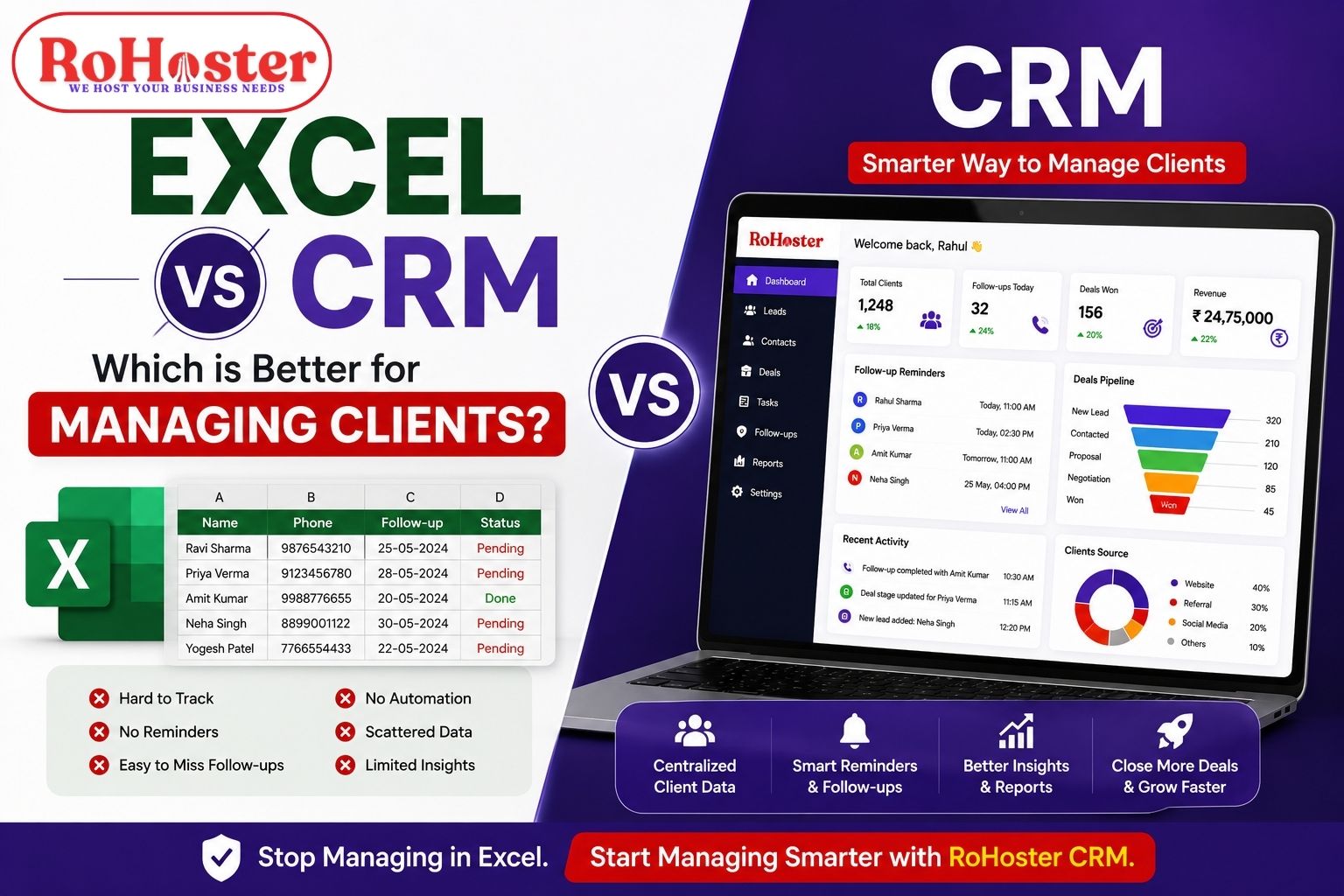
As the number of clients grows, managing everything manually becomes difficult. Many CA firms still use spreadsheets, notebooks, and multiple tools to track work.
This often leads to problems such as missed deadlines, scattered client data, and billing confusion.
That is why many professionals are now searching for software for CA firms or CA practice management software to organize their work and improve efficiency.
In this guide, we will explore how software can help CA firms manage clients, billing, and daily operations more efficiently.
Why CA Firms Need Practice Management Software
CA firms usually handle dozens or even hundreds of clients at the same time. Each client may have multiple tasks like tax filings, GST returns, compliance work, and financial reports.
Without proper systems, managing these tasks becomes stressful.
Using CA practice management software helps firms:
Organize client information
Track tasks and deadlines
Manage billing and invoices
Improve team coordination
Save time on manual work
It helps accountants focus more on advisory services instead of administrative tasks.
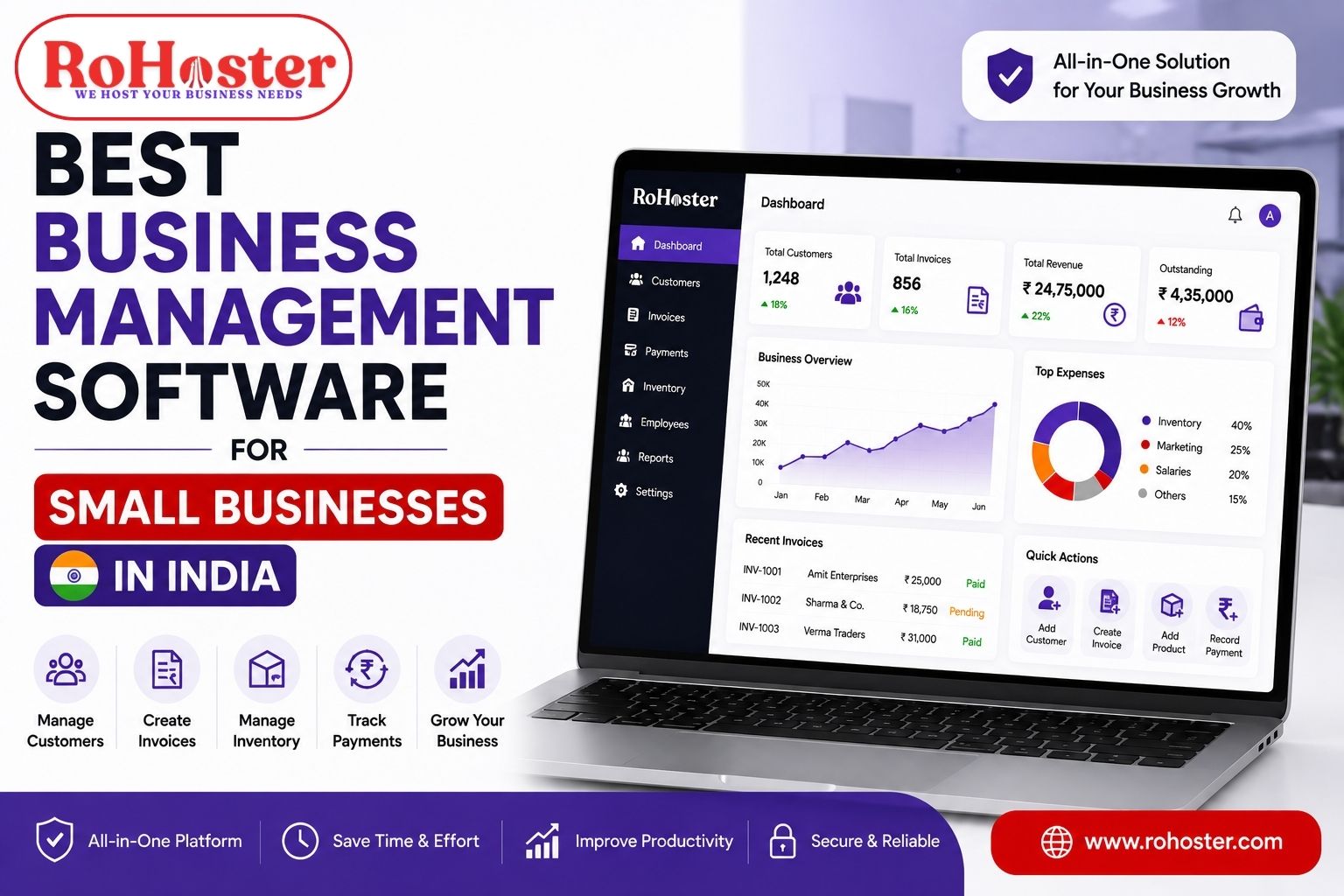
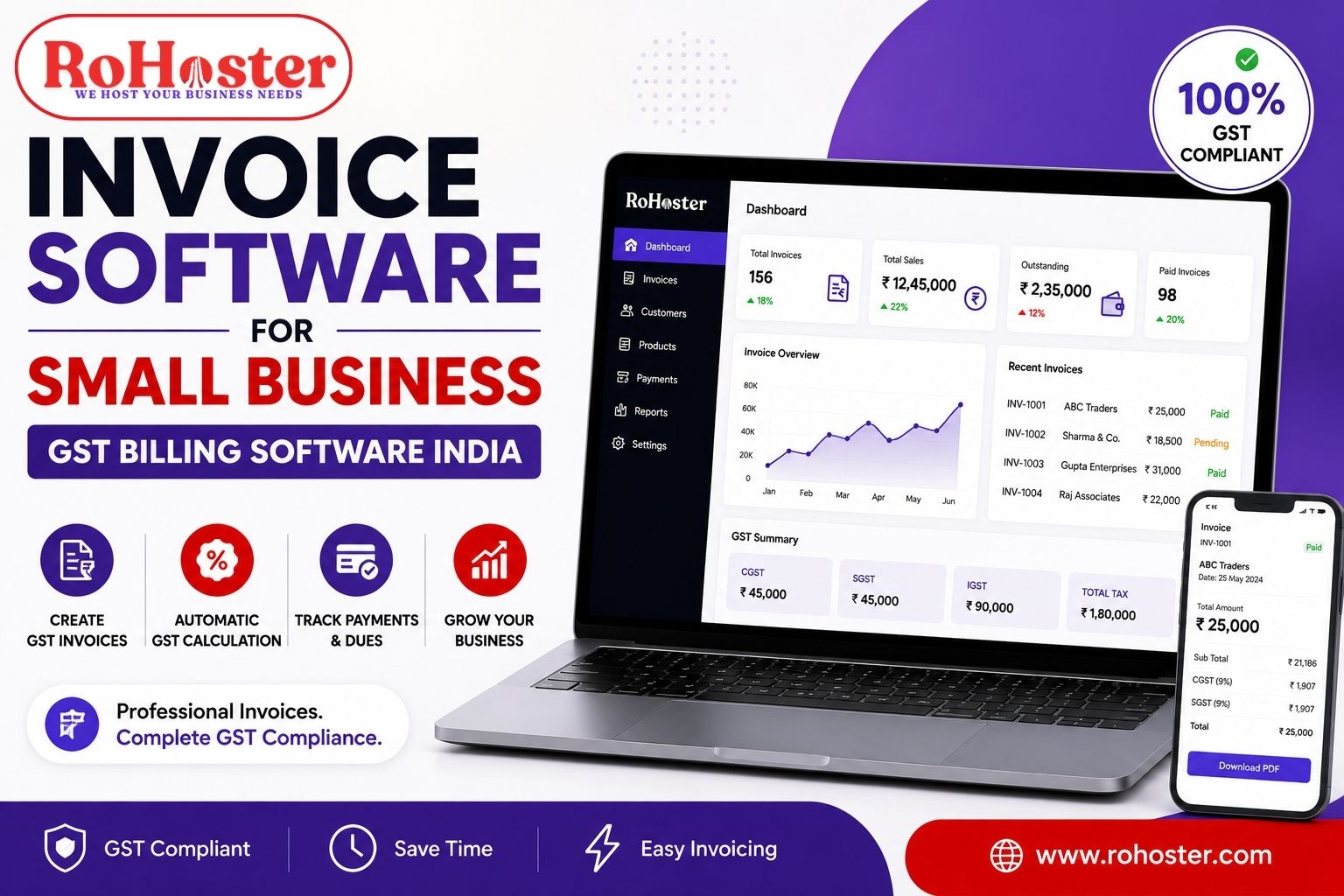
Also read: Invoice Software for Small Business (GST Billing Software India)
Common Problems Faced by CA Firms
Many CA firms face these common challenges:
Scattered Client Data
Client details are stored in spreadsheets, emails, or paper files.
Missed Deadlines
Without proper reminders, compliance deadlines may be missed.
Manual Billing
Creating invoices manually takes time and increases the chance of mistakes.
Lack of Task Tracking
It becomes difficult to track which team member is working on which task.
This is why many firms adopt client management for CA using dedicated software.
What is CA Practice Management Software?
CA practice management software is a digital system designed specifically for accounting firms.
It helps manage:
Client records
Task assignments
Compliance deadlines
Billing and invoices
Communication with clients
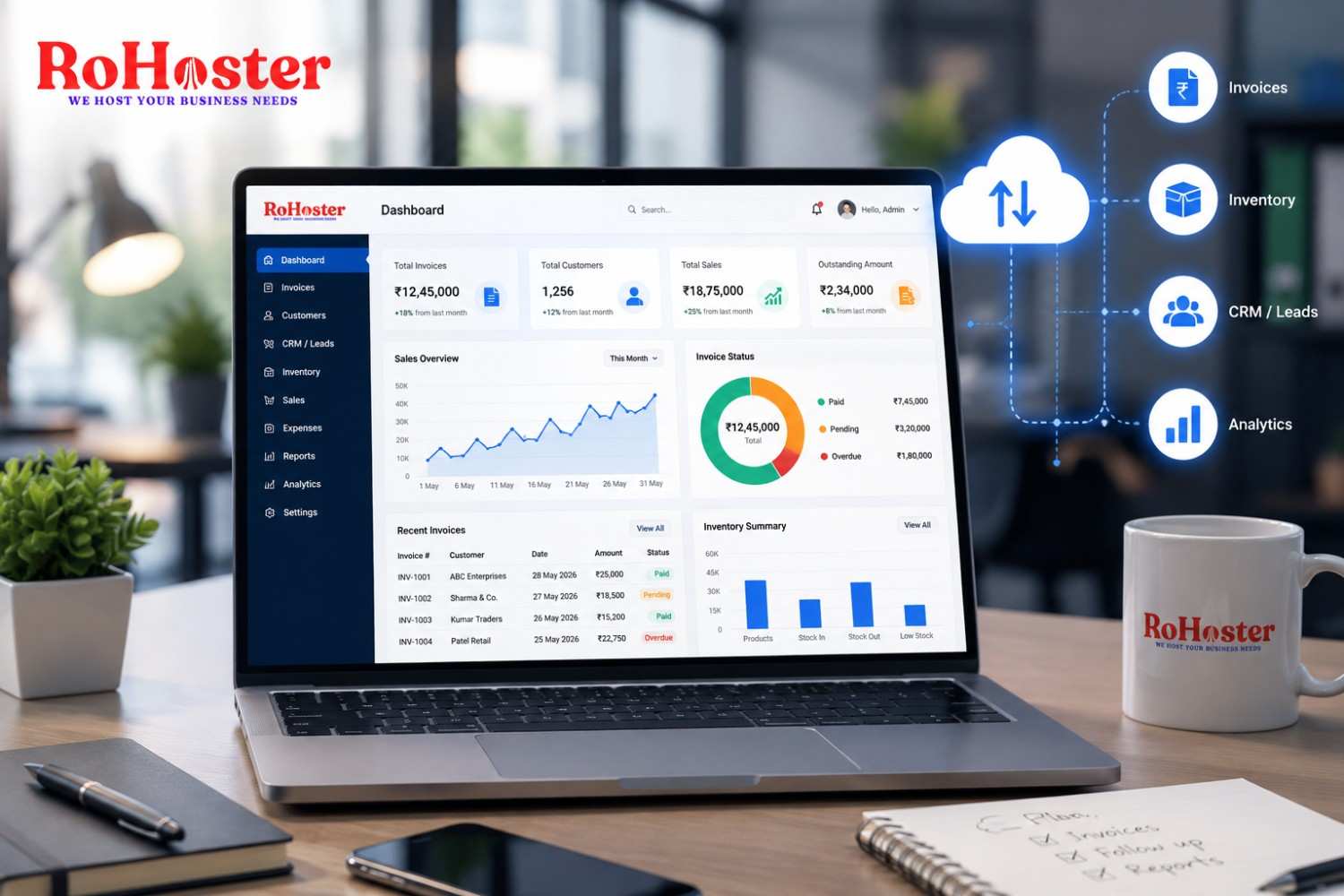
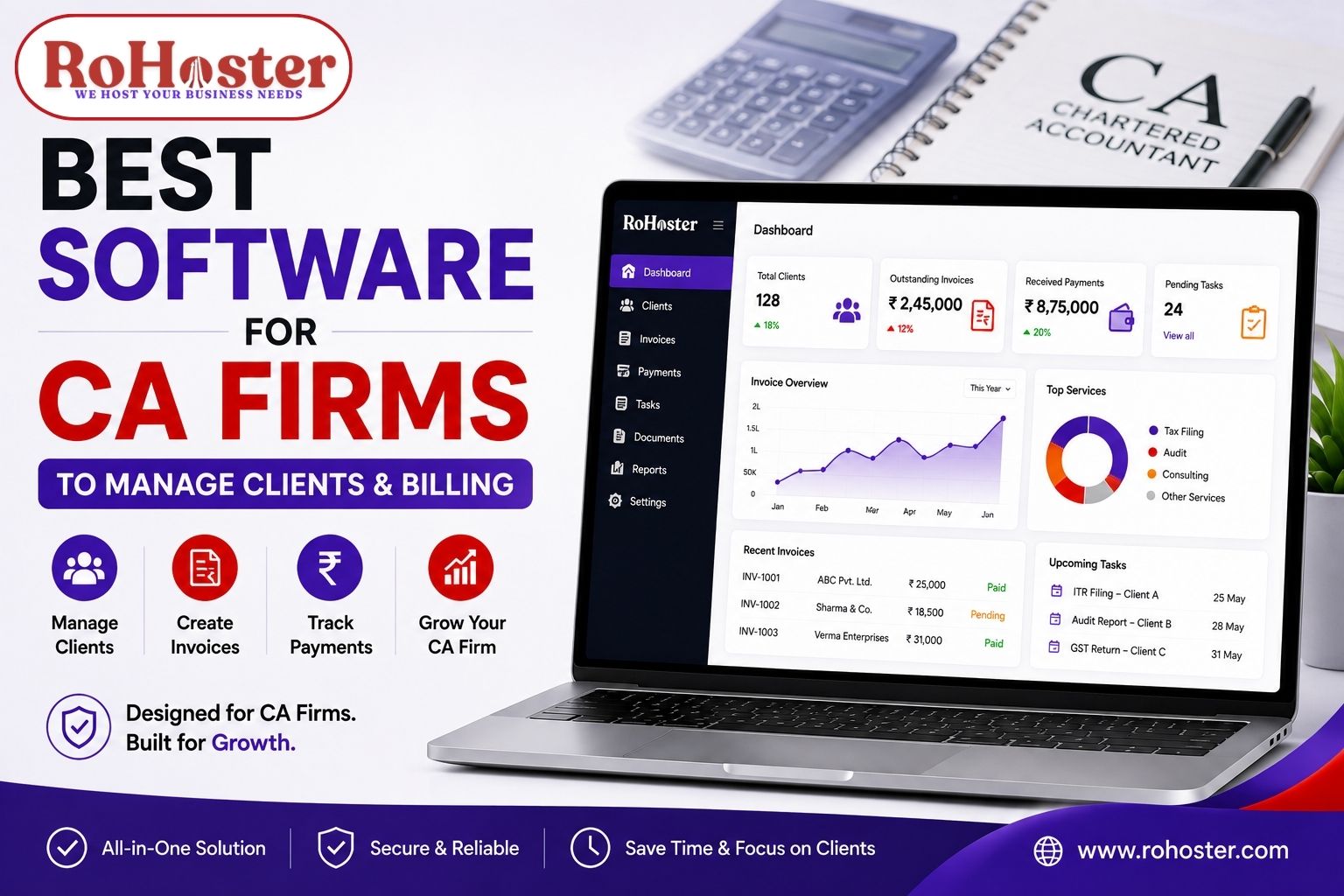
This software acts like a central dashboard where CA firms can manage all their operations in one place.
Features to Look for in Software for CA Firms
When choosing the right software, CA firms should look for these features.
Client Management
Store and manage all client information in one place.
Task & Deadline Tracking
Track tax filing deadlines, compliance tasks, and important reminders.
Billing & Invoicing
Generate invoices and manage payments easily.
Document Management
Store important documents related to clients and compliance work.
Multi-User Access
Allow team members to collaborate and track progress.
Popular Software for CA Firms
Several tools are commonly used by accounting professionals.
Zoho Practice / Zoho Books
Helps manage accounting, billing, and client data.
Tally
Widely used accounting software in India for GST and financial records.
QuickBooks
Popular accounting and billing software used globally.
FreshBooks
Useful for invoicing and financial management.
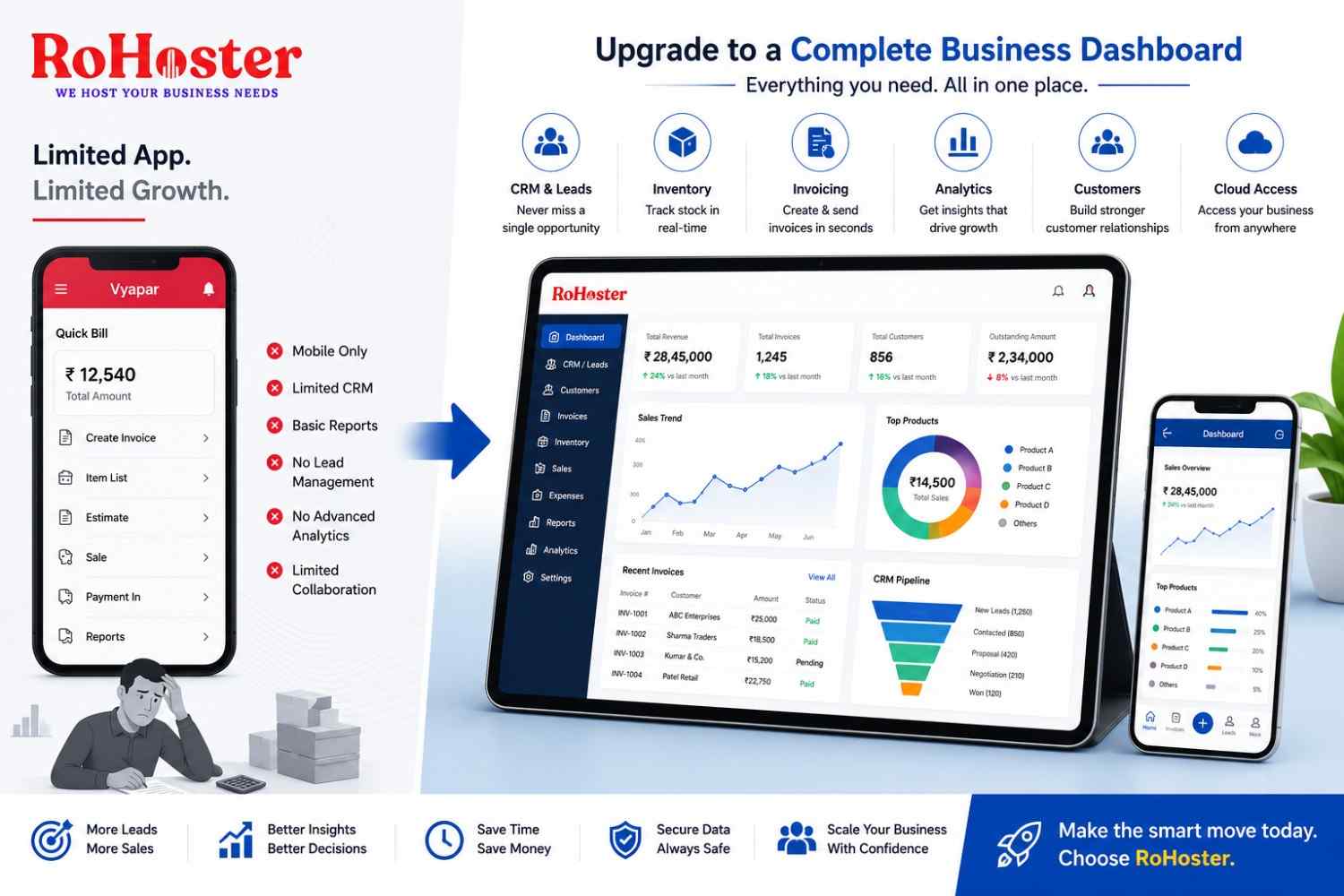
However, many of these tools focus mainly on accounting rather than complete client management.
A Simple Solution for CA Client Management
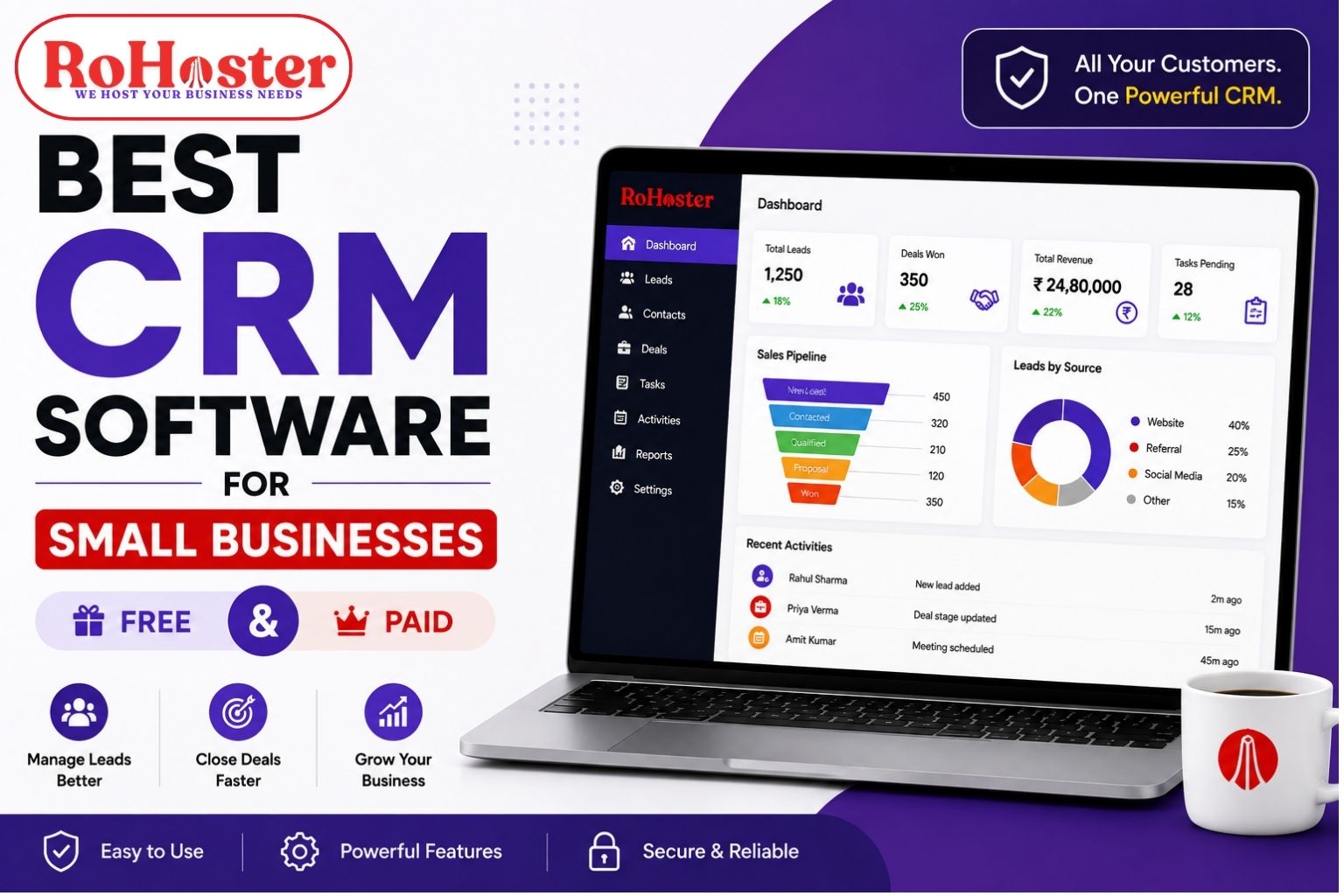
Some firms prefer tools that combine client management, billing, and follow-up tracking in one system.
Platforms like RoHoster help professionals manage:
Client records
Follow-ups and appointments
Billing and invoices
Business operations
Instead of using multiple tools, everything can be managed from one dashboard.
RoHoster also offers a free plan, which makes it useful for small CA firms or independent professionals who want to organize their work more efficiently.
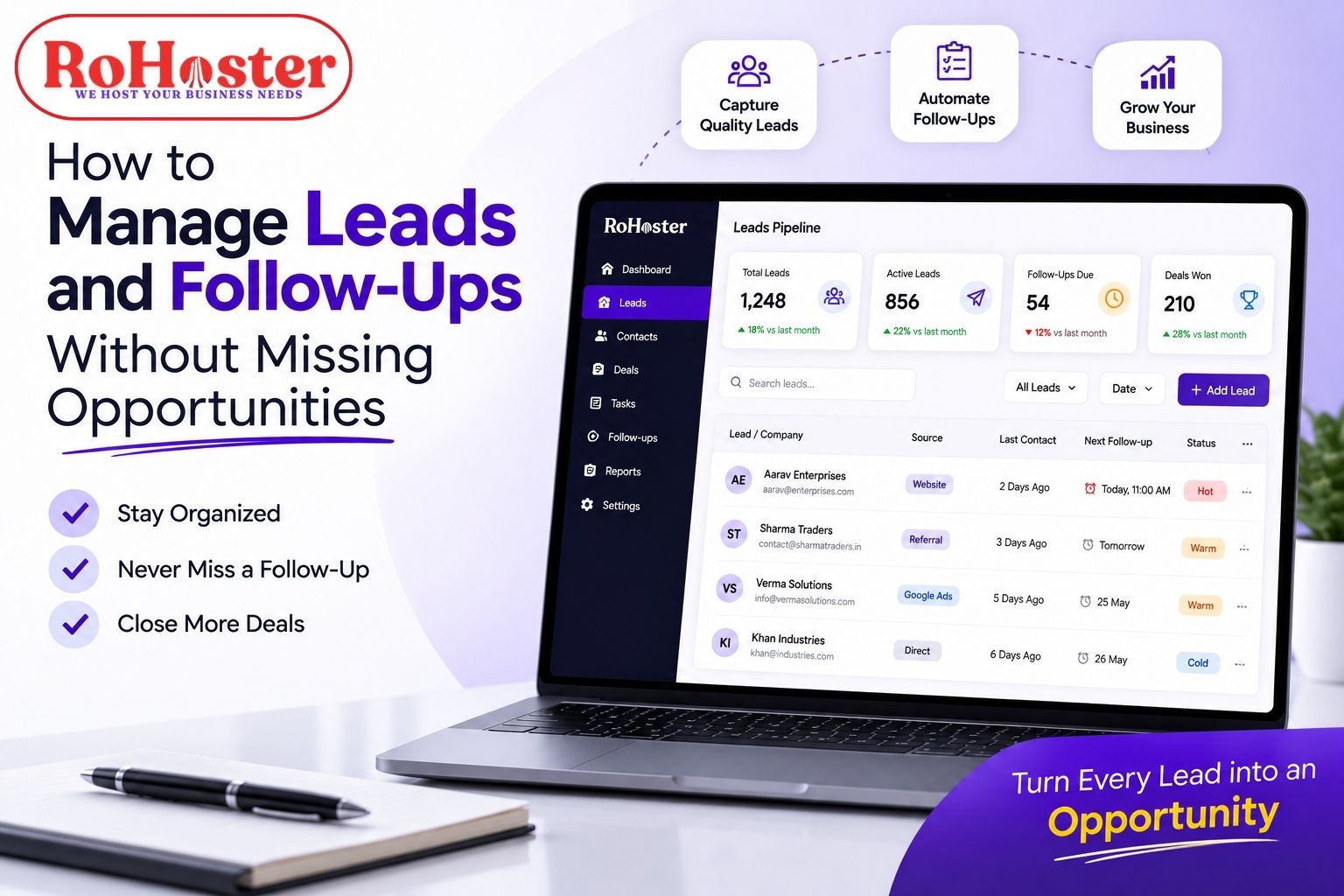
Also Read: How to Manage Leads and Follow-Ups Without Missing Opportunities
Benefits of Using Client Management Software for CA
Using client management for CA firms provides several advantages:
Better organization of client records
Easy billing and invoice tracking
Improved team collaboration
Reduced manual work
Better client communication
A good system helps CA firms manage their practice more professionally and efficiently.
Tips for Managing CA Clients Effectively
Here are some simple tips for better client management.
Keep All Client Data in One System
Avoid storing client information in multiple tools.
Track Compliance Deadlines
Use reminders for GST filings, tax returns, and audits.
Maintain Communication Records
Keep track of calls, emails, and meetings with clients.
Automate Billing
Use invoice software to manage billing and payment tracking.
Conclusion
Managing a CA firm requires handling multiple clients, deadlines, and financial records.
Using the right software for CA firms can simplify client management, improve billing processes, and increase productivity.
Instead of relying on spreadsheets and manual systems, adopting CA practice management software helps accounting professionals manage their practice more efficiently and grow their client base.