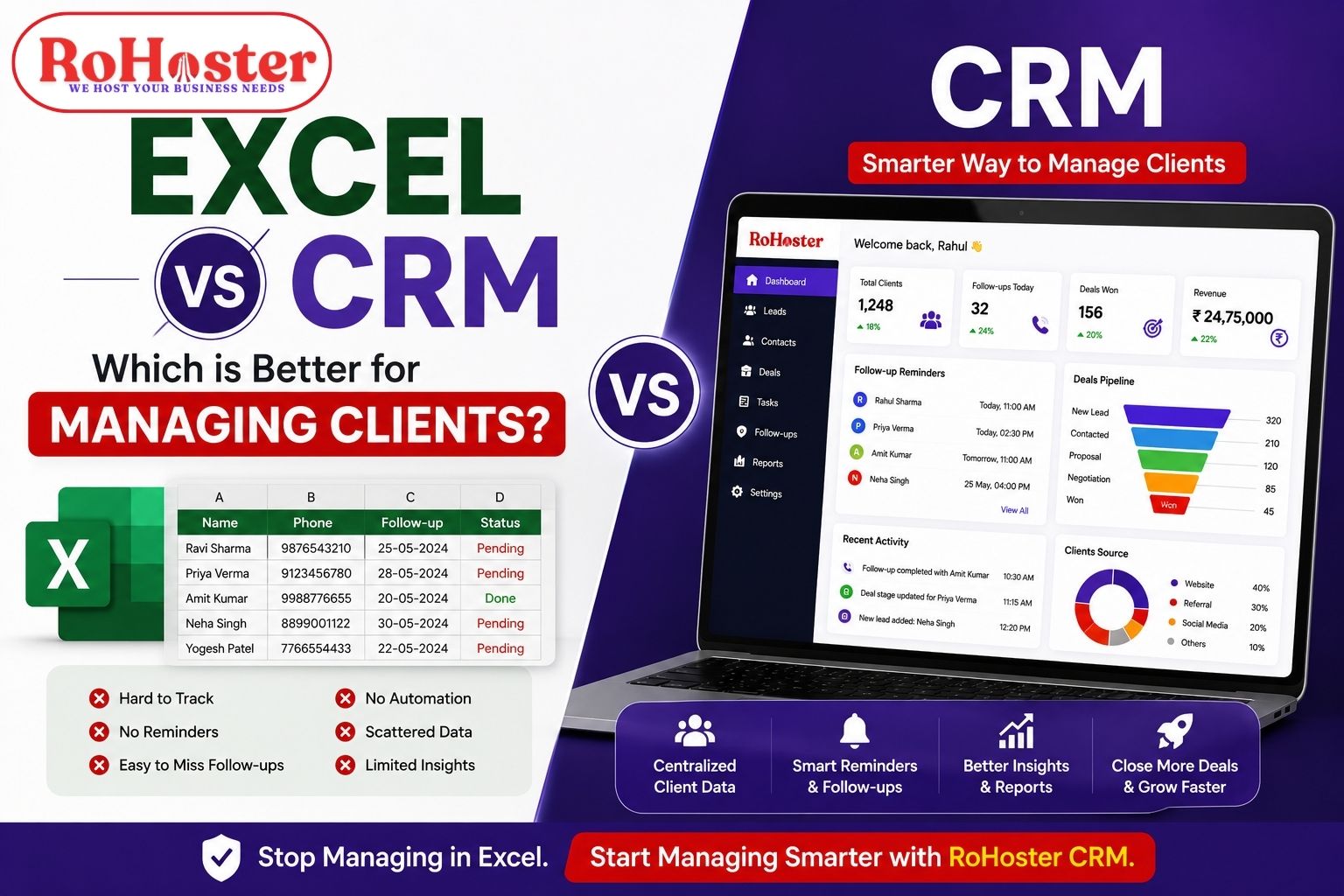
When it comes to managing clients, most small businesses and service professionals start with spreadsheets. Tools like Excel feel simple, accessible, and familiar.
But as your business grows, managing clients in spreadsheets becomes complicated, time-consuming, and error-prone.
This brings us to an important question:
Excel vs CRM – which is better for managing clients?
In this guide, we’ll break down the real difference between CRM vs spreadsheet, and help you decide what’s right for your business.
What is Excel (Spreadsheet) in Client Management?
Excel (or Google Sheets) is commonly used as a basic client management system where businesses store:
Client names and contact details
Follow-up dates
Payment status
Notes and comments
Because it’s easy to start, many businesses rely on spreadsheets for managing clients initially.
What is CRM Software?
A CRM (Customer Relationship Management) system is designed specifically to manage:
Leads and client data
Follow-ups and reminders
Communication history
Invoices and payments
Team collaboration
Unlike spreadsheets, CRM tools automate and organize your entire workflow.
Excel vs CRM: Key Differences
1. ? Ease of Use
Excel: Simple at first, but becomes messy as data grows
CRM: Structured system built for managing clients efficiently
? Winner: CRM
2. ? Follow-Up Management
Excel: No reminders → easy to miss follow-ups
CRM: Automated reminders and task tracking
? Winner: CRM
3. ? Client Organization
Spreadsheet: Data scattered across rows and sheets
CRM: Centralized client profiles with full history
? Winner: CRM
4. ? Automation
Excel: Manual updates required
CRM: Automates workflows, reminders, and updates
? Winner: CRM
5. ? Team Collaboration
Excel: Confusion with multiple users
CRM: Multi-user access with clear roles
? Winner: CRM
6. ? Billing & Invoicing
Excel: Manual billing tracking
CRM: Integrated invoicing and payment tracking
? Winner: CRM
Why CRM is Better Than Excel
Many businesses search for: “why CRM is better than Excel” — and the answer is simple:
As your business grows, spreadsheets cannot scale.
Here’s why CRM wins:
No missed follow-ups
Better client tracking
Time-saving automation
Professional workflow
Improved client experience
Using a CRM is not just about organization — it directly impacts your revenue.
Problems with Using Excel for Client Management
If you're still using spreadsheets, you might already be facing:
Missed leads and follow-ups
Duplicate or outdated data
Difficulty tracking conversations
No clear workflow
Manual effort increasing daily
This is exactly where businesses start looking for a CRM vs spreadsheet solution.
When Should You Switch from Excel to CRM?
You should move from Excel to CRM if:
You manage more than 20–30 clients
Follow-ups are getting missed
Your team is growing
You handle invoices regularly
You want to automate operations
? A Simple CRM Solution for Growing Businesses
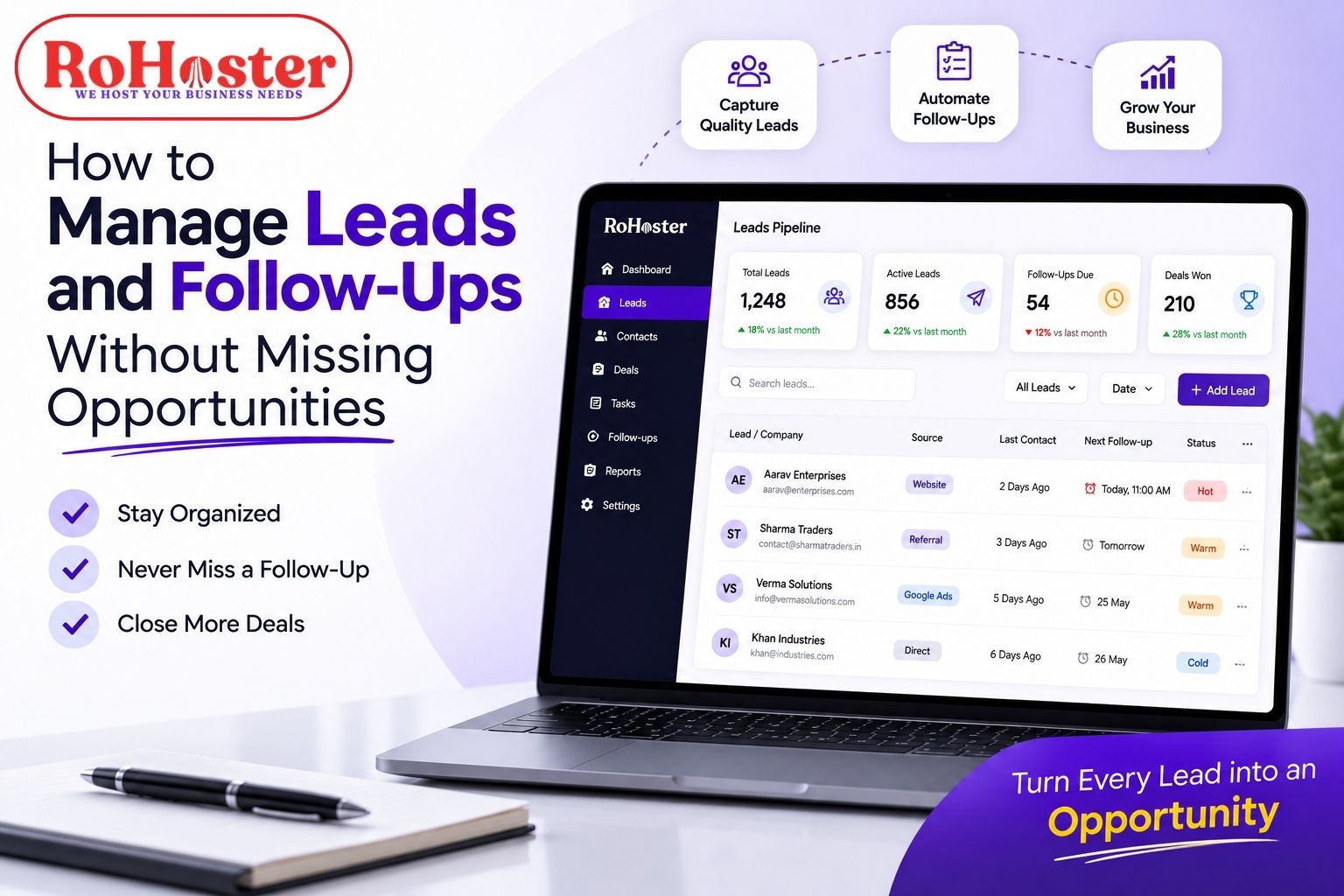
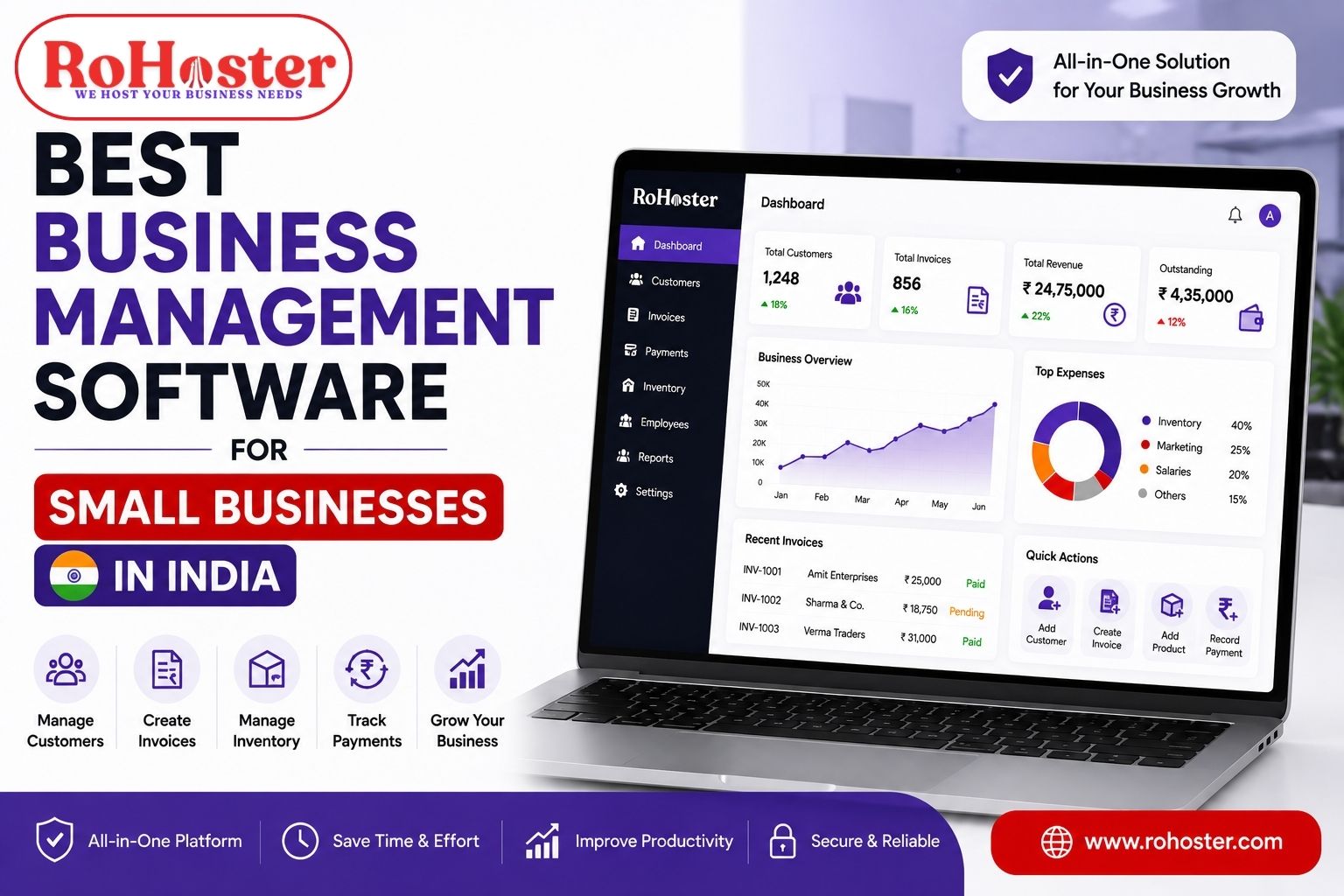
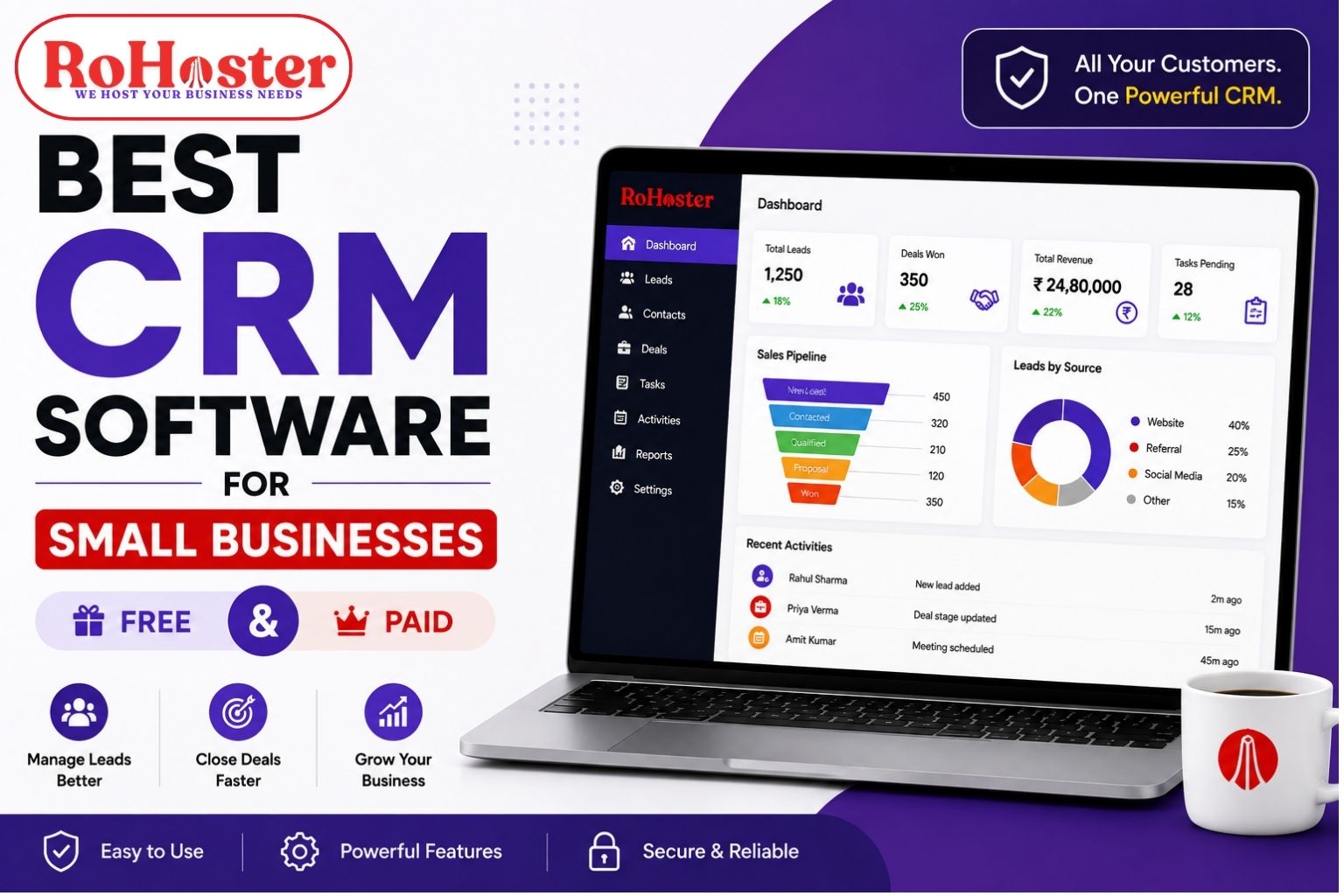
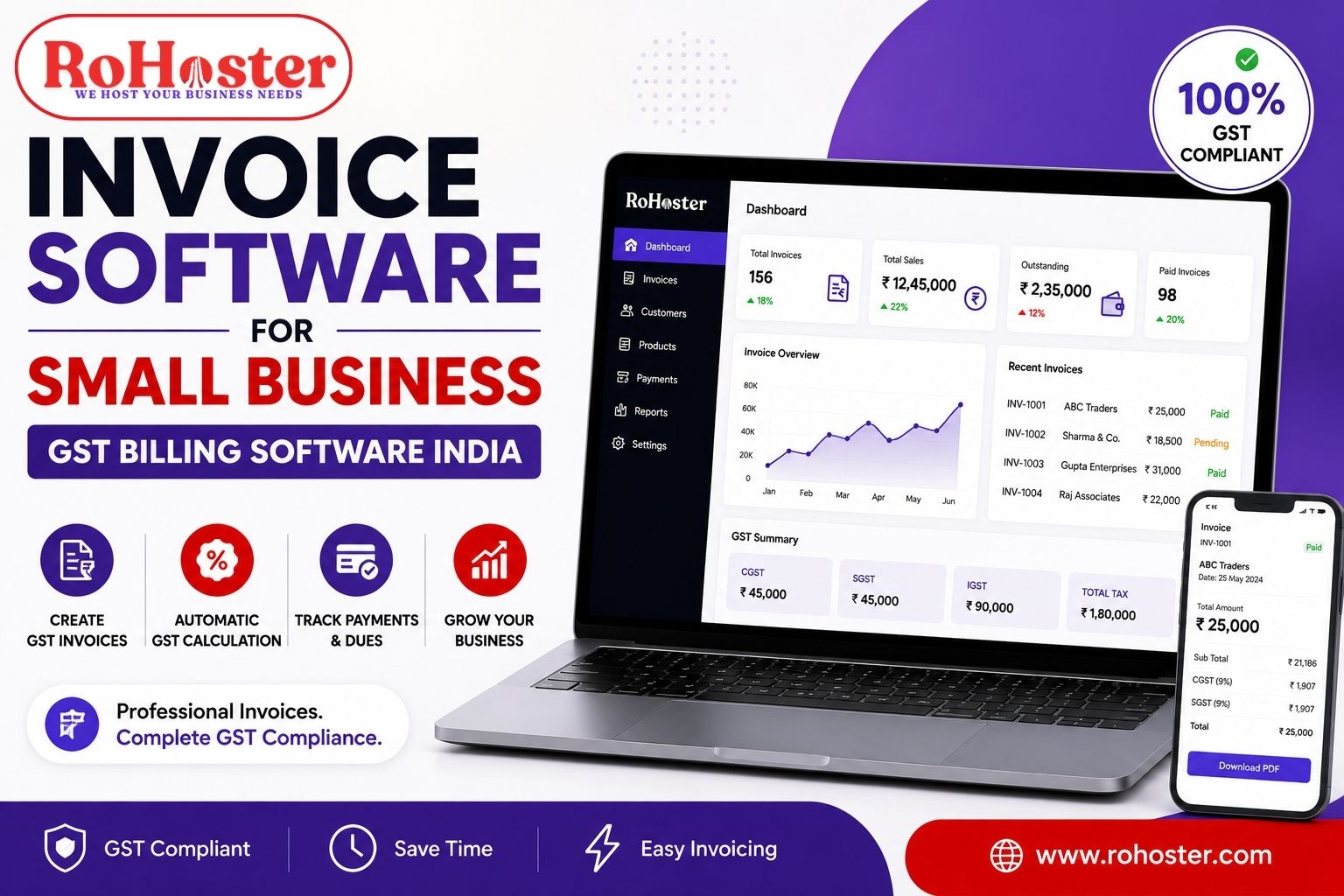
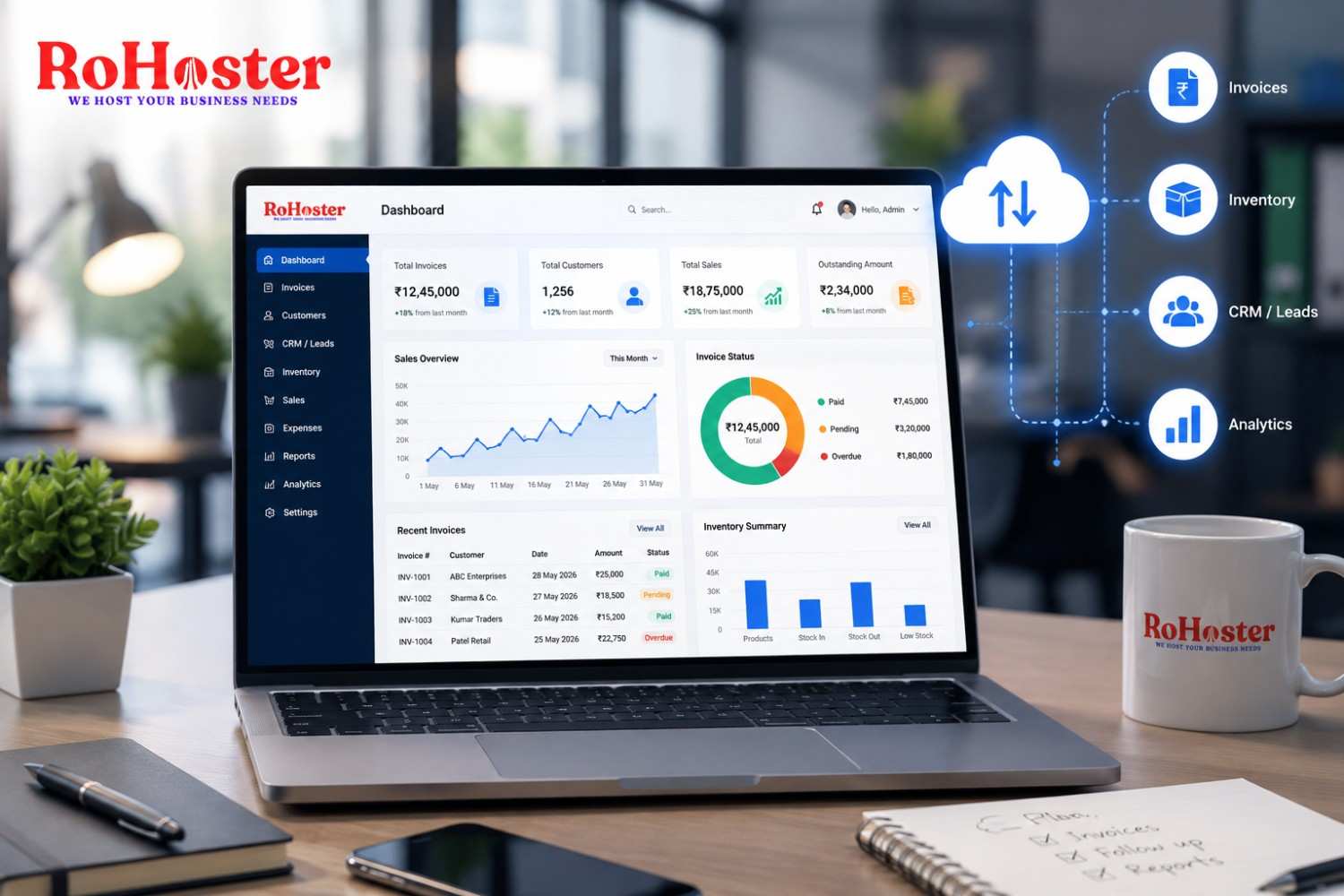
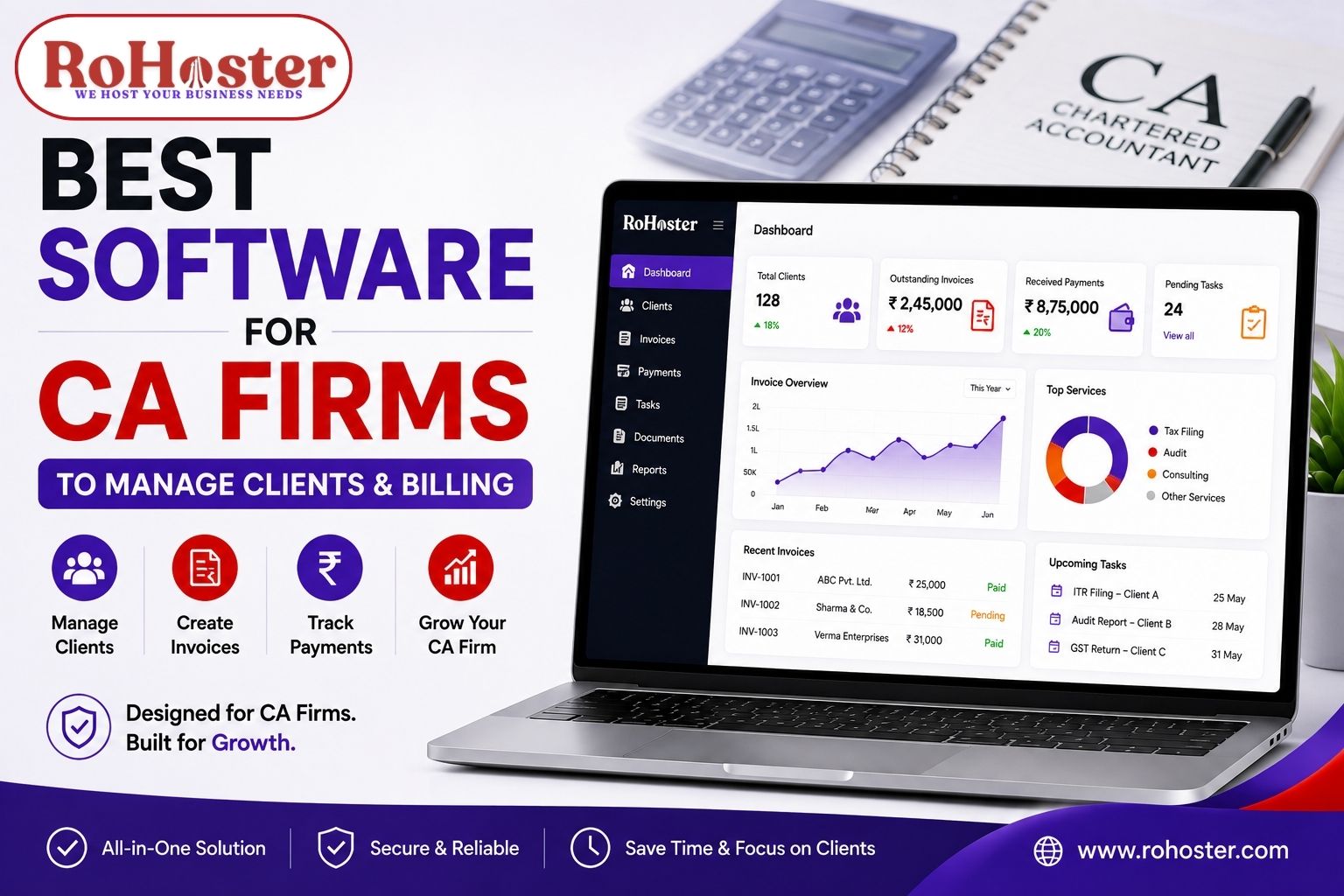
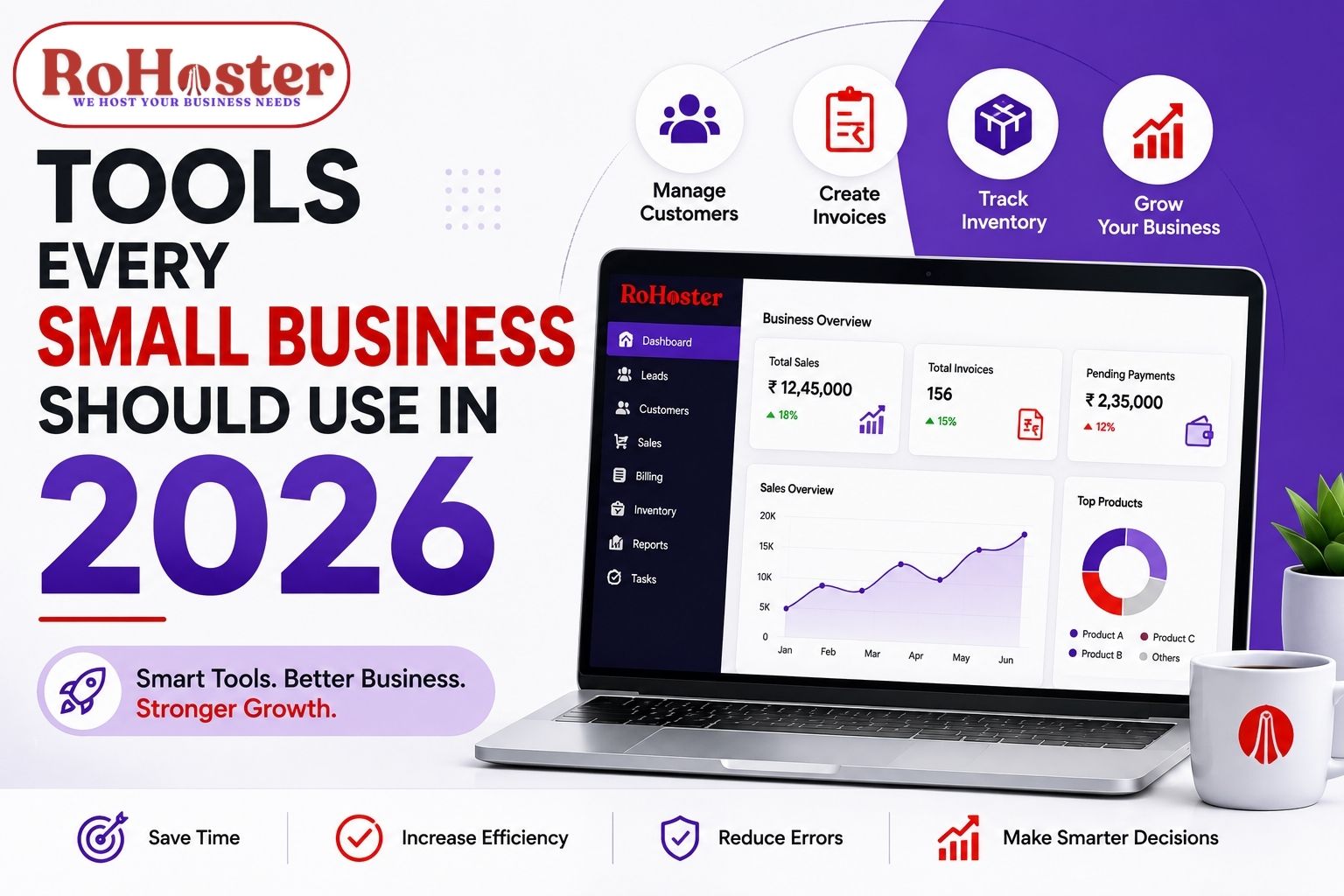
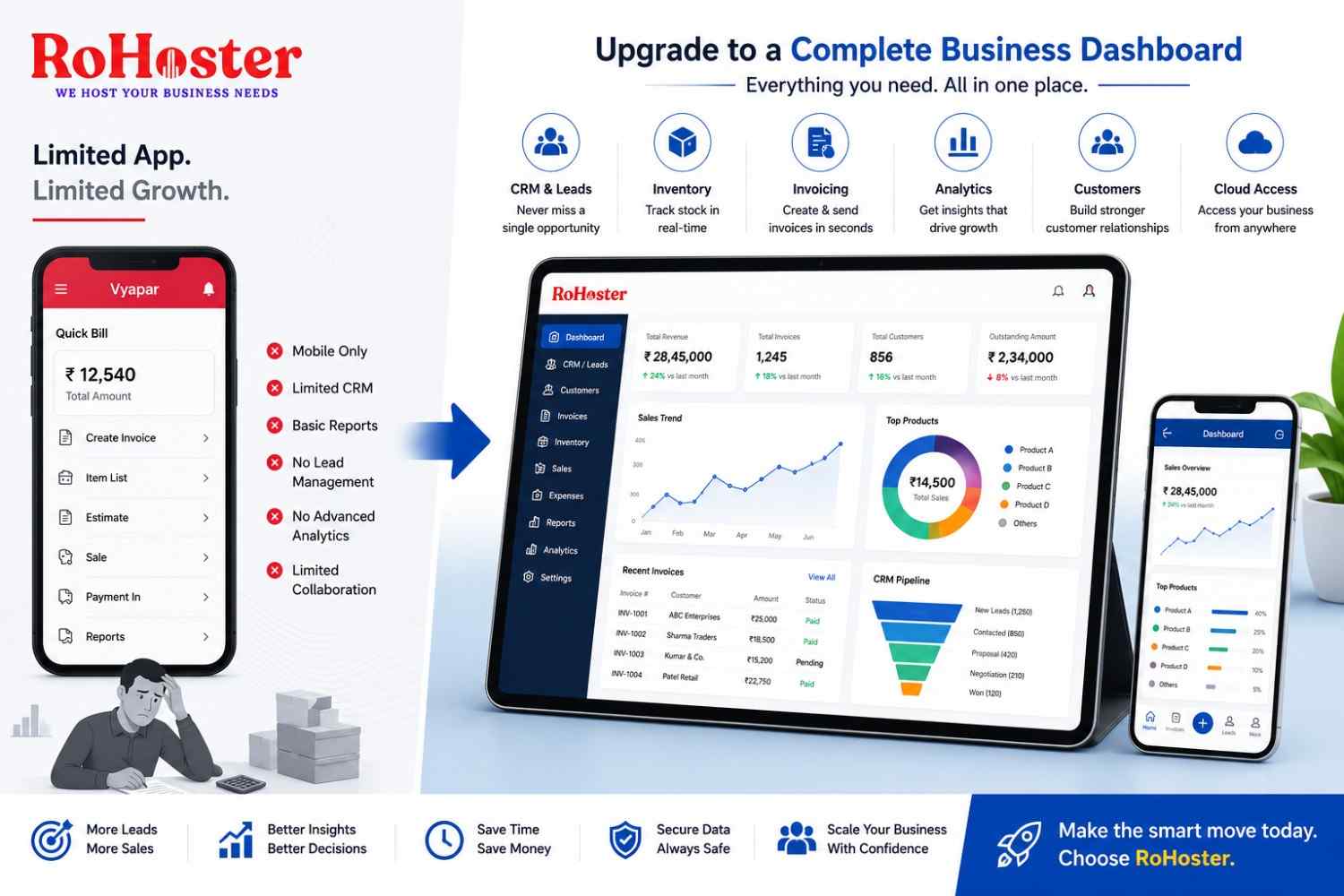
If you're looking for a simple and affordable CRM, tools like RoHoster are built specifically for service-based businesses.
Instead of using multiple tools, you can manage:
Leads & client records
Follow-ups & appointments
Invoices & billing
Daily operations
All in one place.
What makes it practical for small businesses is that you can start with a free plan, without changing your entire workflow overnight.
Final Verdict: Excel vs CRM
Excel is good for starting
CRM is necessary for scaling
If you're serious about growing your business and improving client management, switching to a CRM is the smarter choice.
Conclusion
The debate of Excel vs CRM ultimately comes down to one thing — growth.
Spreadsheets might work in the beginning, but they limit your efficiency as your business expands.
A CRM system helps you stay organized, save time, and never miss an opportunity.
If you're currently stuck managing clients in spreadsheets, this might be the right time to explore a better system.