What Is Business Workflow Automation?
Every business has recurring activities that keep its operations running. These may include recording customer enquiries, assigning tasks to employees, sending follow-up reminders, preparing invoices, updating inventory, and generating reports.
When employees perform these activities manually, work can become repetitive, time-consuming, and difficult to track as the business grows.
Business workflow automation means using software and predefined rules to perform specific steps in a business process automatically, with less manual intervention. For example, when a new customer enquiry is recorded, a system may automatically assign it to a salesperson and create a follow-up reminder.
Workflow automation is closely related to the broader concept of a business process, which describes the connected activities used to achieve a business outcome.
For small businesses, automation does not necessarily mean replacing employees or investing in expensive technology. It often starts with identifying repetitive tasks and using appropriate tools to make them simpler and more consistent.
Businesses can also benefit from understanding how to improve business efficiency without hiring more employees, especially when the existing team is handling multiple responsibilities.
Why Is Workflow Automation Important for Small Businesses?
Small businesses often operate with limited staff, time, and resources. As the number of customers and transactions increases, manual processes can create delays and unnecessary pressure on employees.
Workflow automation can help address several common operational challenges.
1. Reduce Repetitive Manual Work
Employees may spend hours entering the same information into different systems, sending routine reminders, or preparing repetitive reports. Automating suitable tasks can reduce this workload and allow employees to focus on activities that require human judgment.
2. Improve Follow-Up Consistency
A missed follow-up can result in a lost sales opportunity. Automated reminders and task assignments can help sales teams maintain a consistent follow-up process.
Businesses looking to improve their sales operations can also read why businesses lose leads and how to improve conversions.
3. Improve Team Accountability
When tasks have clear owners, deadlines, and status updates, managers can understand what is pending and who is responsible. Automation can support this visibility by creating tasks or sending notifications when predefined conditions are met.
4. Reduce Avoidable Errors
Manual data entry and repeated information transfer can introduce mistakes. Where reliable integrations and validation rules are available, automation can reduce some of these errors. Important financial or operational decisions should still have appropriate human checks.
5. Support Business Growth
A workflow that works for a team of three may become difficult to manage when the team grows to fifteen. Standardized and automated processes can help businesses handle higher workloads without relying entirely on informal communication.
For more guidance, explore how to build a scalable business system from day one.
Common Examples of Business Workflow Automation
Workflow automation can be applied across departments, depending on the needs of a business.
Sales: Assign new enquiries, create follow-up reminders, and update lead statuses.
Customer service: Route customer requests to the appropriate team and send status notifications.
Billing: Generate invoices from approved transaction data and send payment reminders.
Inventory: Trigger low-stock notifications when inventory reaches a defined threshold.
Human resources: Create onboarding checklists and remind employees about pending documentation.
Reporting: Compile available business data into regular performance reports.
The purpose is not to automate every activity. It is to identify repetitive, rule-based tasks where automation can improve speed, consistency, or visibility.
Types of Workflow Automation
Different workflows require different levels of automation. Understanding the available approaches can help small businesses choose a practical starting point.
1. Task Automation
Task automation handles a specific repetitive activity, such as sending a reminder, creating a task, or notifying an employee when a deadline approaches.
It is often the easiest starting point because it focuses on one clearly defined task rather than changing an entire business process.
2. Lead and Sales Automation
Sales automation helps businesses organize customer enquiries, assign leads, schedule follow-ups, and track sales progress.
For example, when a new enquiry arrives, the system can assign it to a salesperson and create a reminder for the next contact. This reduces dependence on memory and scattered notes.
Businesses can learn more about the customer journey from first enquiry to repeat purchase to understand where consistent follow-ups can improve the customer experience.
3. Approval Workflow Automation
Approval workflows route requests to the appropriate person according to predefined rules. Examples include purchase approvals, expense claims, discounts, and leave requests.
A well-designed approval workflow should specify who can approve a request, what happens if approval is delayed, and when manual intervention is required.
4. Billing and Payment Automation
Billing workflows can help businesses prepare invoices from approved information, send invoices to customers, and generate payment reminders.
Financial information should be checked carefully, particularly where taxes, discounts, or special payment terms are involved. Automation should support accuracy rather than remove necessary financial controls.
5. Reporting Automation
Reporting automation collects available information and presents it in a consistent format. Business owners may use automated reports to review sales, expenses, outstanding payments, or team performance.
The usefulness of a report depends on the quality and completeness of the underlying data.
How to Choose Workflow Automation Software
The right tool depends on the processes you want to improve, the systems you already use, and your budget.
Before choosing software, consider these factors:
Ease of use: Can your team learn the tool without extensive training?
Required features: Does it support the workflows you actually need?
Integration: Can it work with your existing business applications?
Reporting: Can you measure whether automation is improving results?
Access and security: Can you control who views or changes business information?
Cost: Do the subscription, implementation, and maintenance costs fit your budget?
Scalability: Will the tool continue to meet your needs as the business grows?
Avoid selecting a tool only because it offers many features. A simpler solution that your team consistently uses may be more effective than a complicated system that employees avoid.
You can also explore affordable business management software for Indian SMEs when comparing options for managing everyday operations.
Workflow Automation vs. Manual Processes
Manual processes can work well for occasional activities, unusual situations, and tasks that require judgment. Automation is generally more useful for repetitive activities with clear rules and predictable outcomes.
For example, a business may automate routine follow-up reminders while keeping customer negotiations and exceptional discount approvals under human control.
The best approach is often a combination of both. Standardize the process first, automate suitable steps, and keep people involved wherever judgment, accountability, or exception handling is important.
How to Implement Workflow Automation Step by Step
Small businesses do not need to automate every department at once. A gradual approach helps teams identify what works, control costs, and avoid unnecessary complexity.
Step 1: Identify Repetitive Tasks
Start by listing activities that happen frequently and consume a significant amount of employee time.
Examples include entering customer details, sending follow-up messages, updating task statuses, preparing recurring reports, and reminding customers about pending payments.
Prioritize tasks that are repetitive, rule-based, and prone to delays or mistakes.
Step 2: Map the Existing Workflow
Document how the selected process currently works, from the first action to the final outcome.
Identify who performs each task, what information is required, where approvals are needed, and which activities cause delays.
Understanding the existing workflow is important because automating an inefficient process may simply make the inefficiency happen faster.
Businesses can learn more about the hidden cost of poor business processes before deciding which improvements to make.
Step 3: Define the Desired Outcome
Decide what the automation should achieve. The objective should be specific enough to measure.
For example, you might want to reduce missed follow-ups, shorten invoice processing time, improve task completion rates, or reduce repeated data entry.
Record the current performance so you have a baseline for comparison.
Step 4: Select the Right Tool
Choose software that supports the selected workflow and fits your team's budget and technical requirements.
Check whether the tool offers the necessary automation rules, notifications, integrations, reporting, and access controls. Confirm that the features you need are included in the selected plan.
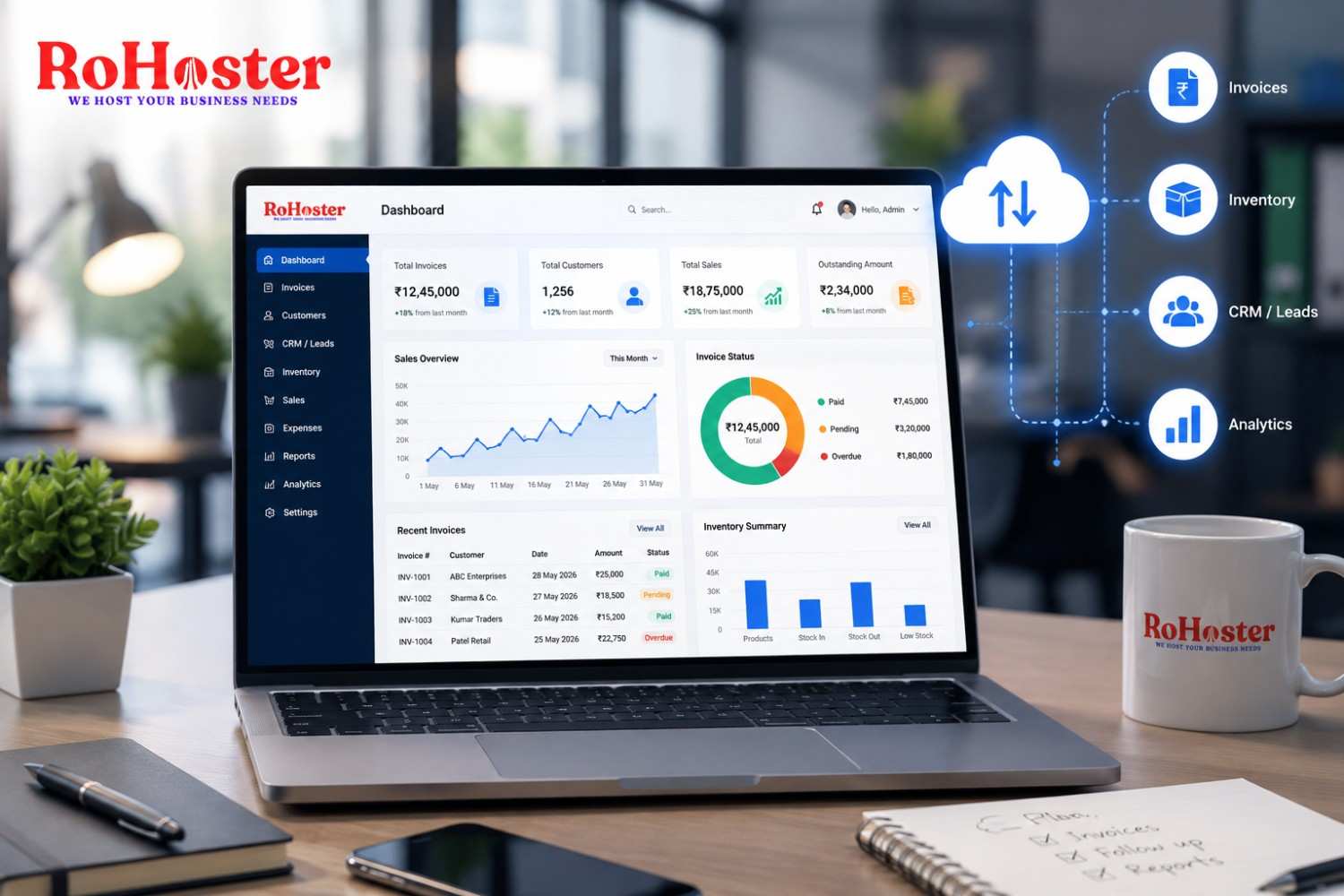
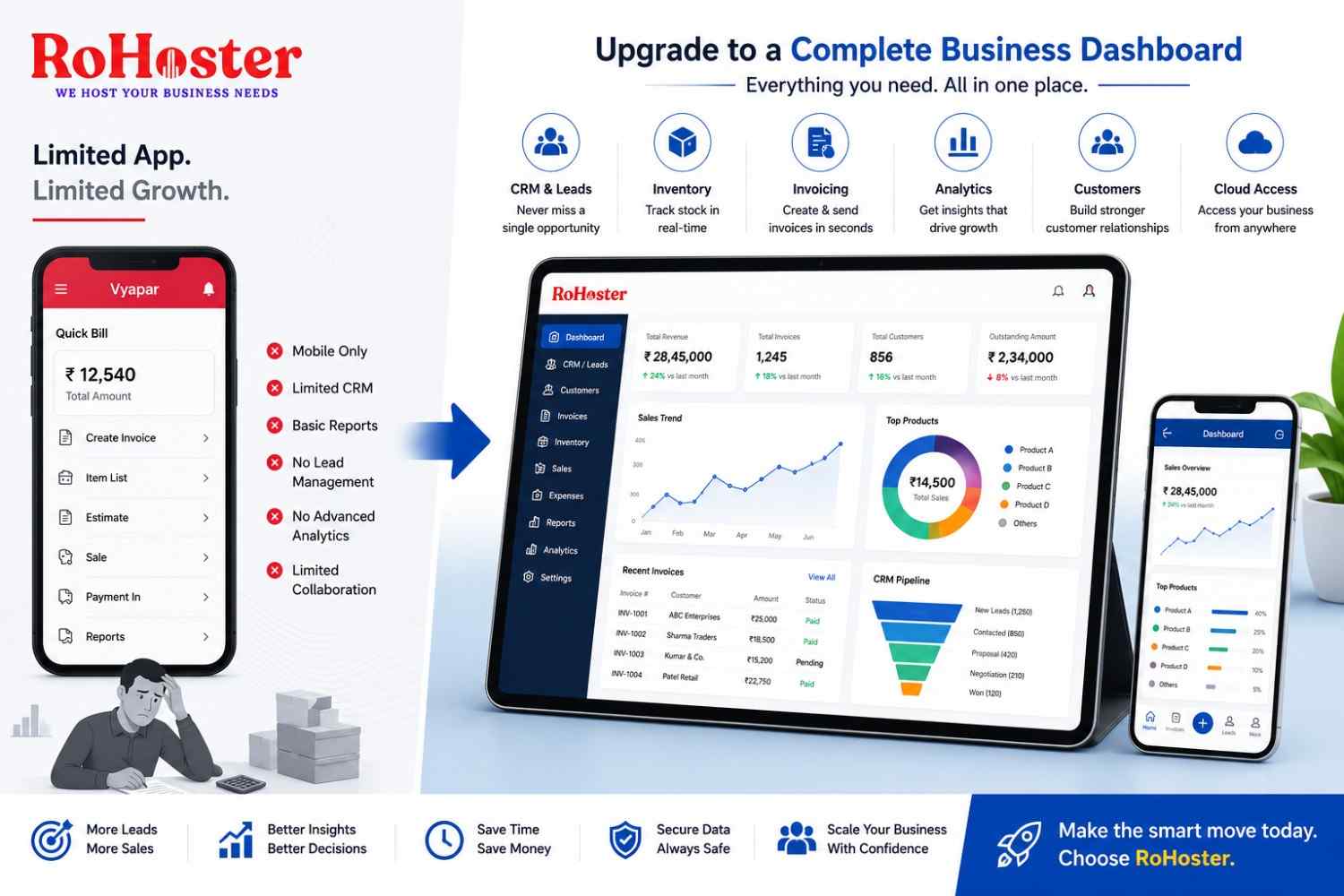
For businesses that want to bring multiple operational activities together, RoHoster business management software is one option to evaluate based on its available features and suitability for your workflows.
Step 5: Build and Test the Workflow
Configure the automation using clear triggers, conditions, and actions.
For example:
A customer enquiry is recorded.
The system assigns the enquiry to a salesperson.
A follow-up task is created.
A reminder is sent when the follow-up becomes due.
The salesperson updates the outcome.
Test the workflow using sample records before using it for all customers. Check what happens when information is missing, a task fails, or an exception requires human intervention.
Step 6: Train Your Team
Explain how the new workflow operates, what employees need to do, and which activities are now handled automatically.
Make sure team members understand how to update records, handle exceptions, and report problems. Automation is more effective when employees trust the process and know how to use it correctly.
Step 7: Measure and Improve
Review the workflow after implementation and compare its performance with the original baseline.
Useful metrics may include:
Average task completion time
Number of missed follow-ups
Manual errors or rework
Invoice processing time
Employee time spent on repetitive tasks
Cost of operating the workflow
Use these results to decide whether to adjust the automation, improve the underlying process, or expand it to other activities.
Common Workflow Automation Mistakes to Avoid
Automation can create problems when it is implemented without proper planning. Avoid these common mistakes:
Automating an unclear process: Document and improve the workflow before automating it.
Choosing too many tools: Multiple disconnected applications can create additional work instead of reducing it.
Ignoring employee feedback: Employees often understand practical workflow problems better than anyone else. Involve them during planning and testing.
Removing necessary checks: Financial transactions, sensitive data, and high-impact decisions may require human review.
Failing to monitor results: An automation should be reviewed periodically to confirm that it continues to work as intended.
Expecting instant results: Some workflows need testing, employee training, and multiple adjustments before delivering meaningful benefits.
Final Thoughts
Business workflow automation helps small businesses reduce repetitive work, improve consistency, and make better use of their existing resources. The greatest benefits often come from fixing a clear operational problem rather than automating everything at once.
Start with one repetitive process, document how it works, define a measurable goal, and select a suitable tool. Test the workflow, train your team, and review the results before expanding automation further.
With a thoughtful approach, workflow automation can help businesses build more organized operations and create a stronger foundation for sustainable growth.