Starting a business is often about doing everything yourself.
You find the first customers, handle sales, answer calls, send quotations, follow up with leads, prepare invoices, manage inventory, coordinate employees and keep track of payments. In the beginning, this may seem manageable because the business is small.
But as the business grows, something changes.
The number of customers increases. Leads start coming from different sources. Employees become responsible for different activities. Inventory gets larger. Billing becomes more frequent. Follow-ups become harder to remember. And suddenly, the business owner spends more time managing the business than growing the business.
This is where the importance of a scalable business system becomes clear.
A scalable business system is not necessarily a complicated enterprise solution. It is a structured way of managing your business so that operations can continue smoothly even as customers, employees, transactions and responsibilities increase.
And the best time to start building such a system is from day one.
Also Read: How Poor Lead Management Hurts Sales: 10 Hidden Ways It Can Cost Your Business
What Is a Scalable Business System?
A business system is a structured combination of processes, people, tools and information that helps a company operate consistently.
For example, instead of simply telling an employee:
“Follow up with this customer next week.”
A proper system defines:
- Who owns the lead
- What stage the lead is in
- When the follow-up should happen
- What was discussed previously
- What action is required next
- Whether the follow-up was completed
- What happens after the follow-up
That difference may appear small when you have 10 customers.
But when you have 500 or 5,000 customers, it becomes extremely important.
A scalable business system allows your processes to handle increasing business volume without increasing complexity at the same rate.
Why Should You Build Systems Before Your Business Gets Big?
One common mistake among small business owners is thinking:
“We will create proper systems once the business becomes bigger.”
The problem is that by the time the business becomes bigger, changing the way everything works can become much harder.
Imagine a business that has been operating for five years using:
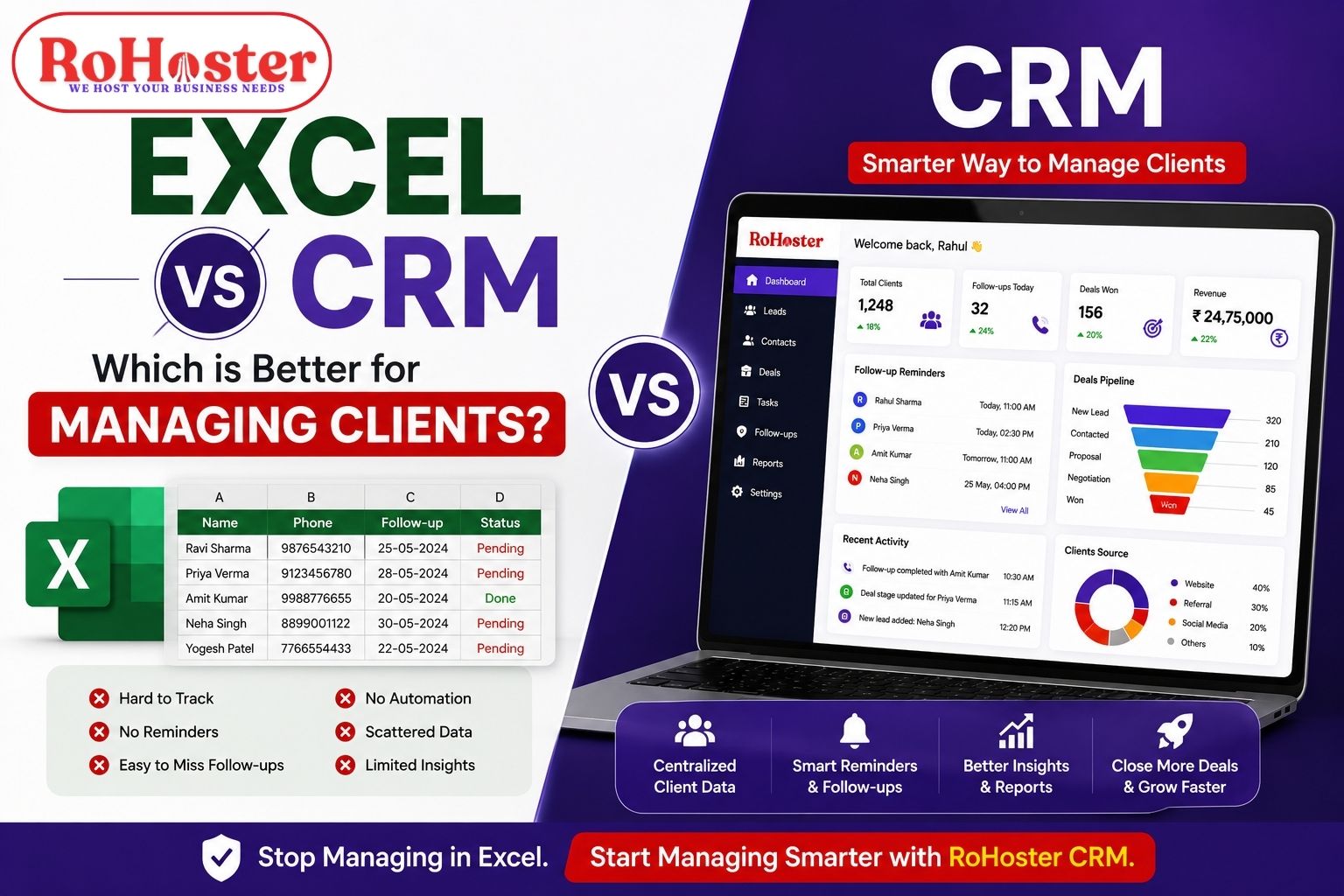
- Excel sheets
- WhatsApp conversations
- notebooks
- separate billing software
- manually maintained inventory
- individual employee records
Now imagine trying to bring all of that into one structured process.
The challenge isn't just software.
It is changing habits, organizing historical data, training employees and redesigning workflows.
Building systems early makes this transition much easier.
You don't have to build a huge system from the beginning. You simply need to create a repeatable and organized way of working.
1. Start by Documenting How Your Business Works
Before choosing software or automation, understand your existing business process.
Ask yourself:
How does a lead enter the business?
Does it come through:
- Website
- Phone calls
- Social media
- Referrals
- Online marketplaces
- Walk-ins
- Existing customers
What happens after receiving the lead?
Who contacts the customer?
How quickly?
Where is the information recorded?
What happens when the lead becomes a customer?
Where are customer details stored?
How are quotations created?
How is billing handled?
What happens after the sale?
Is there a follow-up?
Is payment tracked?
Is customer service recorded?
These questions help you understand the complete customer journey.
Once you understand the journey, you can start building a system around it.
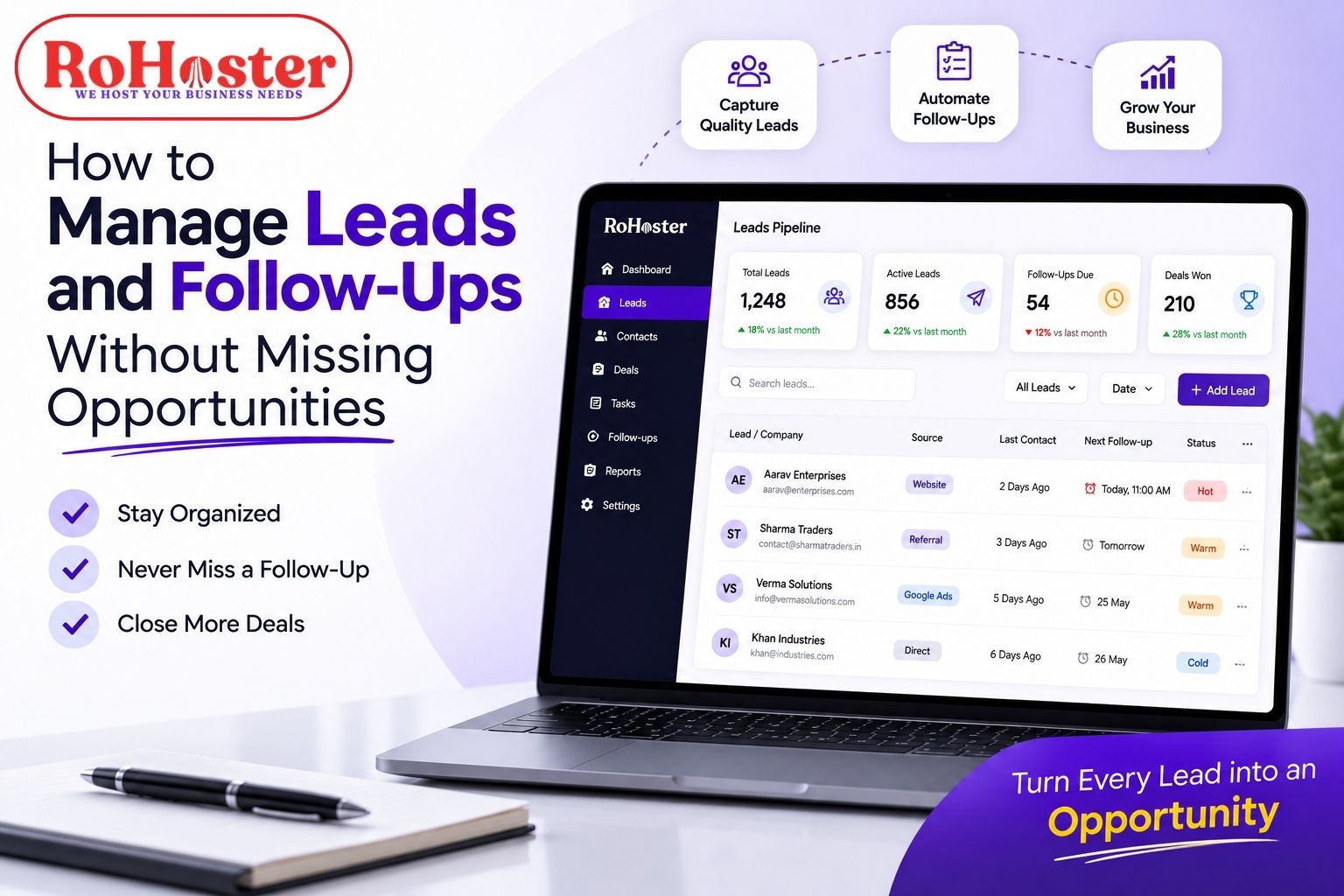
2. Create a Proper Lead Management Process
For many businesses, leads are the beginning of revenue.
Yet lead management is often handled casually.
Someone receives a WhatsApp message.
Another person gets a phone call.
A lead comes through Instagram.
Someone writes a customer's number in a notebook.
Another lead gets added to an Excel sheet.
Eventually, nobody knows exactly:
- How many leads are active
- Which leads need follow-up
- Who is responsible for them
- Which leads are interested
- Which leads have gone cold
- How many leads converted
A scalable business needs a structured lead management process.
A simple lead workflow could look like:
New Lead → Contacted → Interested → Quotation → Negotiation → Won/Lost
This gives the team a clear understanding of where every opportunity stands.
Why this matters
If you have 10 leads, remembering them may be possible.
If you have 100 leads, it becomes difficult.
If you have 1,000 leads, relying on memory is no longer a reliable business process.
A proper lead management system helps ensure that opportunities don't disappear simply because someone forgot to follow up.
3. Build a Reliable Follow-Up System
Getting a lead is only the beginning.
The real challenge is often what happens afterward.
Many potential customers don't make a purchase immediately.
They may say:
- “Call me next week.”
- “I'll discuss it with my partner.”
- “Send me the quotation.”
- “I'll confirm tomorrow.”
- “Let me think about it.”
Without a proper follow-up process, these conversations can easily be forgotten.
A scalable follow-up system should answer three simple questions:
Who needs to be contacted?
When should they be contacted?
What was discussed previously?
This is why follow-up reminders, activity history and lead ownership become increasingly important as a business grows.
The goal isn't to automate every conversation.
The goal is to make sure that important conversations don't depend entirely on someone's memory.
4. Centralize Customer Information
As a business grows, customer information becomes one of its most valuable assets.
But customer information is often scattered across different places.
For example:
Customer Name: Excel
Phone Number: WhatsApp
Previous Order: Billing Software
Payment Details: Notebook
Conversation History: Employee's Phone
Follow-Up: Someone's Personal Reminder
This creates a major operational problem.
What happens if the employee leaves?
What happens if the business owner needs information immediately?
What happens when another employee has to handle that customer?
A scalable business should aim to create a single source of truth for customer information.
Customer records should ideally contain relevant information such as:
- Contact details
- Business information
- Previous transactions
- Follow-up history
- Notes
- Sales information
- Outstanding payments
- Communication history
This makes customer management more consistent and reduces dependency on individuals.
5. Systemize Billing and Invoicing
As sales increase, billing becomes another area where manual processes can create unnecessary workload.
A small business may initially prepare invoices manually.
But increasing transactions can lead to:
- Duplicate entries
- Incorrect calculations
- Missing invoices
- Difficult payment tracking
- Delayed billing
- Difficulty finding old invoices
- Poor financial visibility
A systematic billing process makes transactions easier to manage.
Depending on the business, the system may include:
- Quotations
- Sales invoices
- GST invoices
- Payment records
- Outstanding amounts
- Customer transaction history
- Invoice reports
The objective is simple:
Sales should move smoothly from customer order to billing to payment tracking.
6. Bring Inventory Under Control
Inventory management becomes increasingly important as a business grows.
A company selling 20 products can perhaps manage stock manually.
But what happens when there are:
- Hundreds of products
- Multiple suppliers
- Multiple warehouses
- Multiple branches
- Regular purchases
- Frequent sales
- Returns
- Damaged stock
At that point, manually checking inventory becomes inefficient.
A scalable inventory process should help answer questions such as:
- What is currently in stock?
- Which products are selling quickly?
- Which products are running low?
- What was purchased recently?
- Which branch has available stock?
- How much stock was sold?
- What needs to be reordered?
Good inventory management isn't simply about knowing how much stock exists.
It is about having visibility before a stock problem affects the business.
7. Define Employee Responsibilities Clearly
A growing business cannot depend on the owner knowing everything.
As employees join, responsibilities need to become clear.
For example:
Sales Team
- Manage leads
- Contact prospects
- Update lead status
- Follow up with customers
Accounts
- Prepare invoices
- Track payments
- Manage billing records
Inventory Team
- Update stock
- Manage purchases
- Track movement
Management
- Review reports
- Monitor performance
- Make strategic decisions
When responsibilities are clearly defined, employees don't have to constantly ask:
“Who is supposed to handle this?”
A scalable system connects people with processes.
8. Make Business Information Accessible to the Right People
Another common problem in growing businesses is information dependency.
One employee knows the customer.
Another knows the inventory.
The owner knows the payments.
Someone else maintains the Excel sheet.
This may work temporarily, but it creates operational risk.
A better approach is to centralize business information and provide appropriate access to the people who need it.
For example:
- Sales employees can access leads
- Accounts employees can manage billing
- Inventory employees can manage stock
- Managers can view reports
- Owners can monitor overall operations
This creates a more organized environment while maintaining control over business data.
9. Use Reports to Make Decisions
A business system should not only store information.
It should help you understand that information.
Business owners should be able to answer questions like:
- How many new leads came this month?
- How many converted?
- Which salespeople are performing best?
- How much was sold this month?
- Which invoices are pending?
- Which products are moving fastest?
- Which customers are most valuable?
- Where are we losing opportunities?
This is where business reports become powerful.
Instead of making decisions based purely on assumptions, business owners can use actual operational data.
Data doesn't replace business experience. It makes that experience more informed.
Also Read: What is a Cloud ERP? Essential Features for Modern Trading and Distribution Units
10. Don't Build a System That Is More Complicated Than Your Business
There is another mistake businesses make.
They recognize the need for systems and immediately look for the most powerful software available.
But more features don't automatically mean better management.
A system that is difficult for employees to understand may actually reduce productivity.
For a growing business, the better question is not:
“Which software has the most features?”
Instead ask:
“Which system can our team actually use consistently?”
A good business system should be:
- Simple
- Practical
- Easy to learn
- Flexible
- Accessible
- Scalable
- Relevant to the business
The system should support the business—not become another problem to manage.
11. Connect Different Business Operations
One of the biggest advantages of building a centralized system is that different business activities can work together.
Consider a simple example:
A lead enters the business.
↓
The sales team contacts the lead.
↓
The lead becomes a customer.
↓
The customer places an order.
↓
The order generates a bill.
↓
Inventory gets updated.
↓
Payment is recorded.
↓
The customer can be followed up with again.
Instead of treating every step as a separate activity, a connected system can allow information to flow from one process to another.
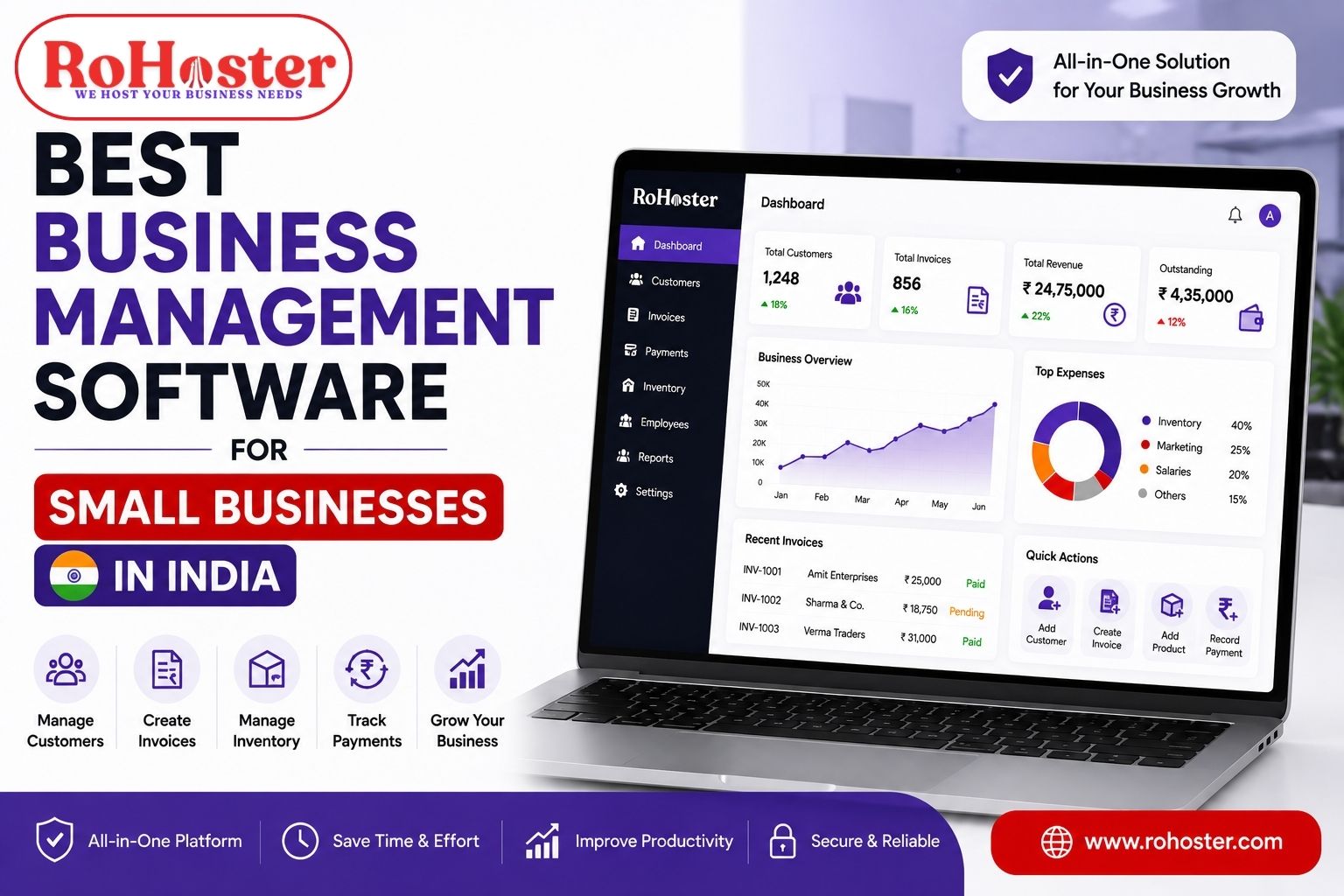
This is where all-in-one business management software can become particularly useful for small and growing businesses.
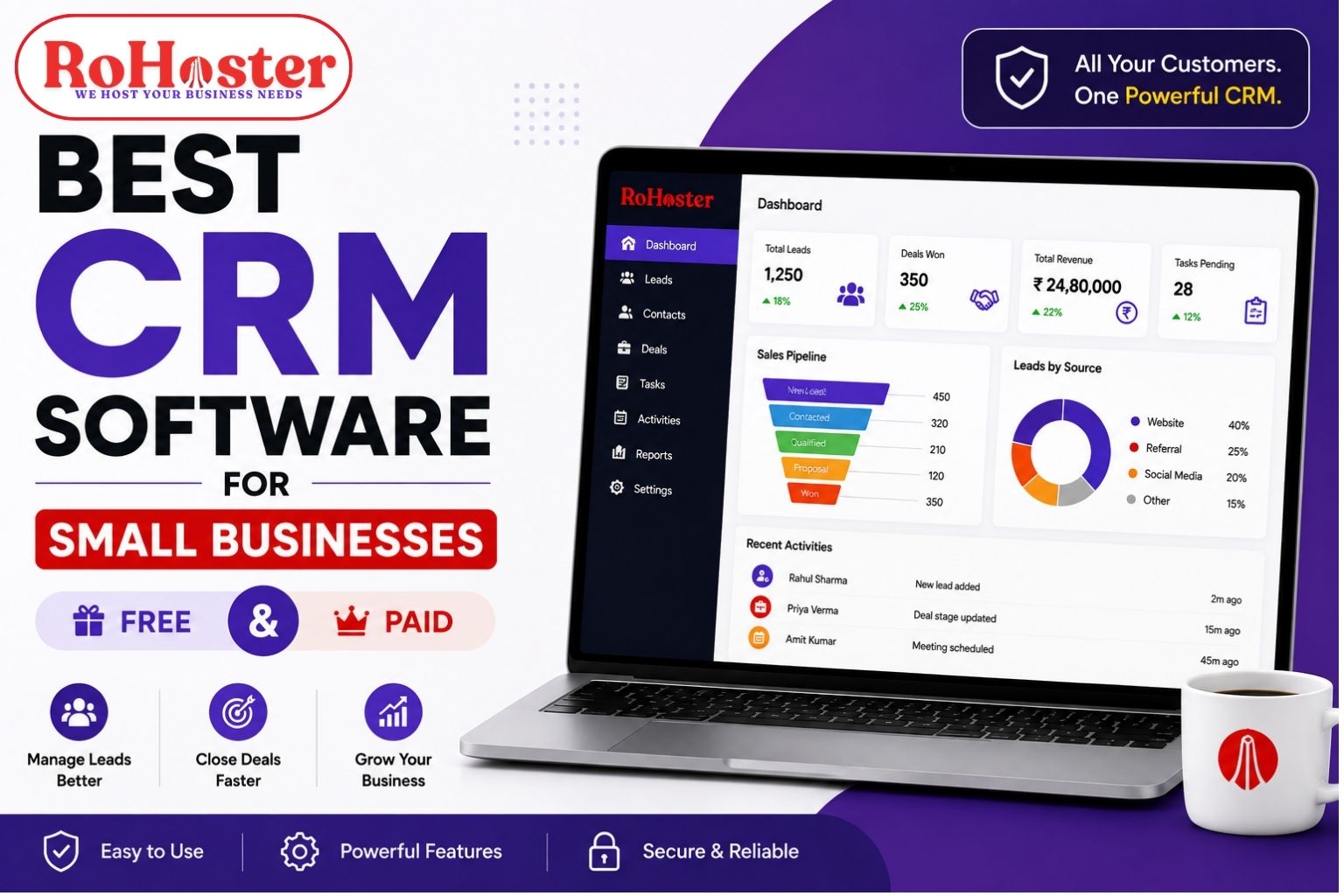
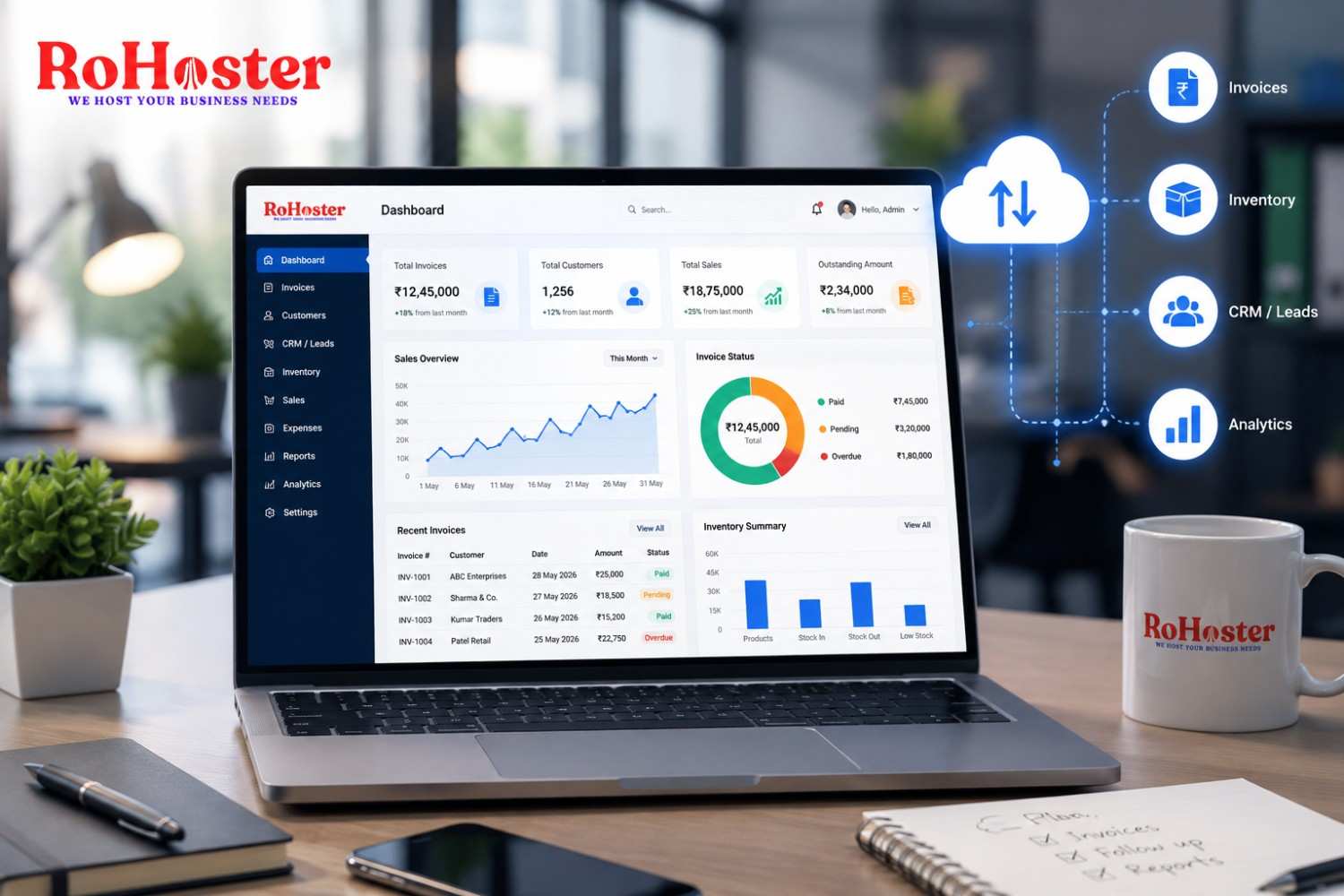
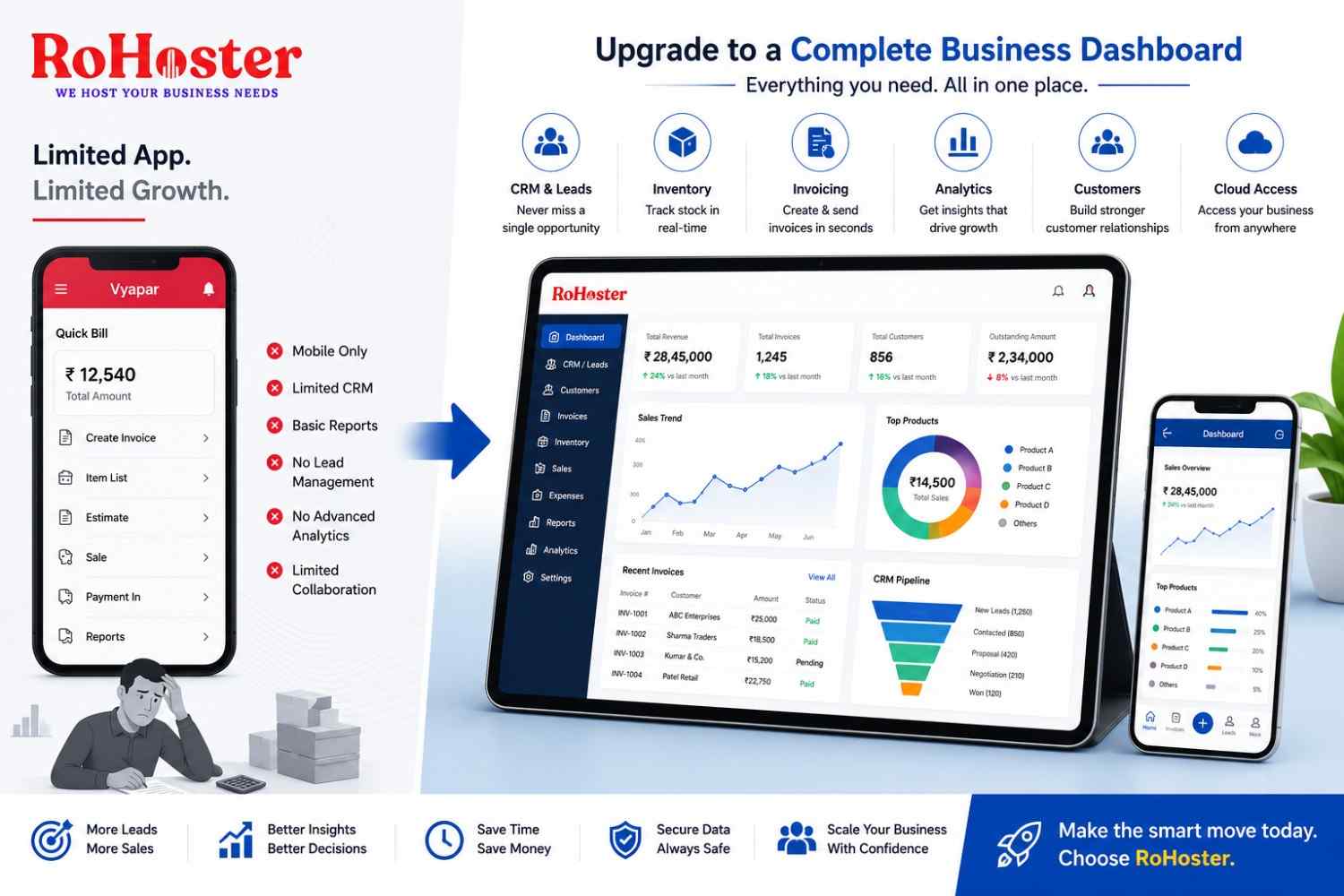
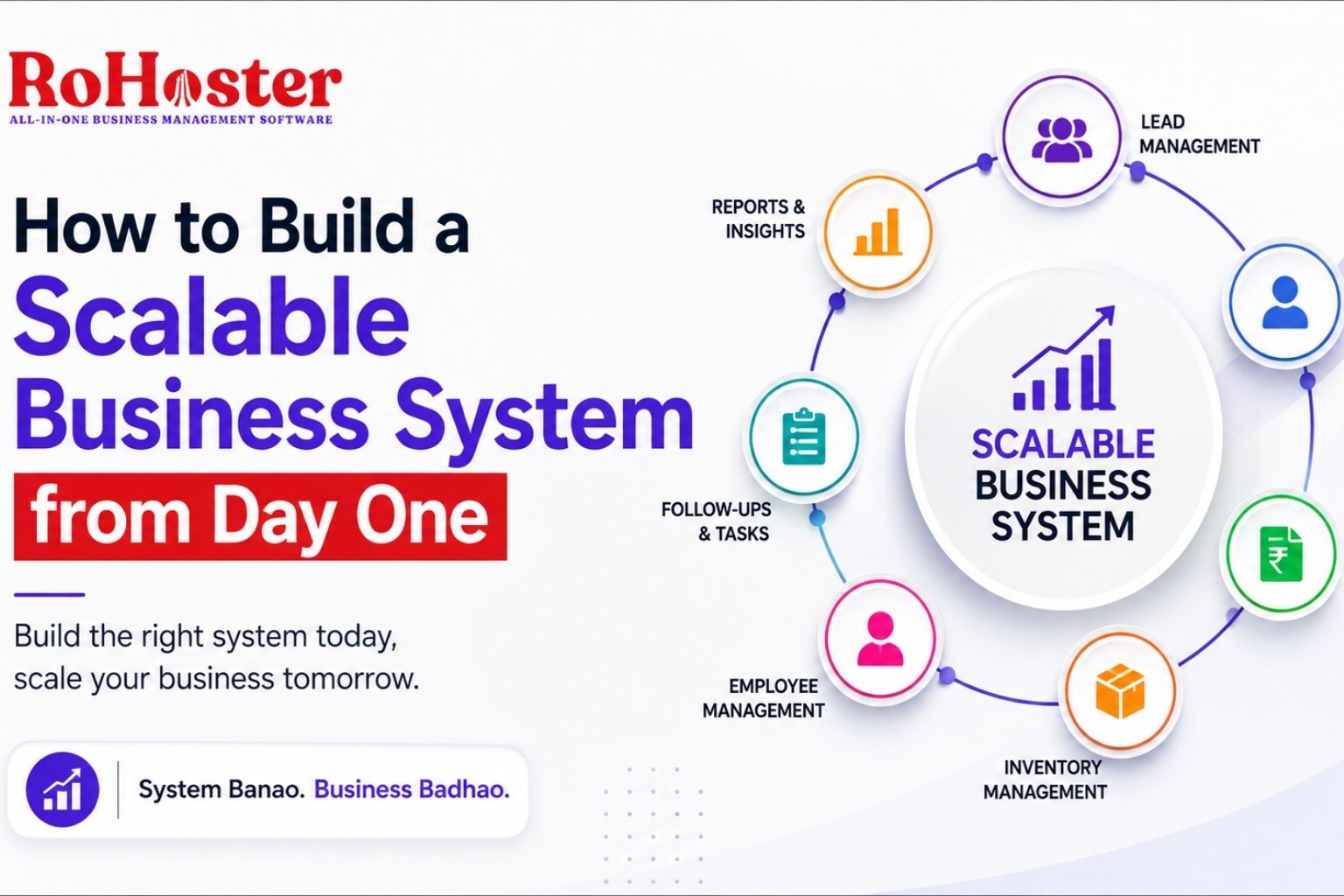
Platforms such as RoHoster are designed around this idea—bringing essential functions such as lead management, client management, follow-ups, billing, inventory, employee management, attendance and business reporting into one centralized platform.
The purpose isn't simply to replace multiple applications.
It is to create a more connected way of managing everyday business operations.
12. Start Small and Expand as You Grow
Building a scalable system doesn't mean implementing everything on day one.
Start with the areas creating the most problems.
For example:
Stage 1
Leads + Customers + Follow-Ups
Once sales increase:
Stage 2
Billing + Payments
As operations expand:
Stage 3
Inventory + Employees
And eventually:
Stage 4
Reports + Automation + Advanced Workflows
This approach makes adoption easier.
You don't need to transform your entire business overnight.
You can build the system alongside the growth of the business.
13. Review Your Processes Regularly
A system should not remain unchanged forever.
Your business will evolve.
You may:
- Add new products
- Hire new employees
- Open another branch
- Enter a new market
- Add new sales channels
- Change pricing
- Introduce new services
Your processes should evolve too.
Every few months, ask:
What is still working?
What is taking too much time?
Where are mistakes happening?
Where are leads being lost?
Which tasks are repetitive?
What information is difficult to find?
These questions help you continuously improve your business system.
The Real Goal of a Scalable Business System
Building systems isn't about making your business look sophisticated.
It is about making the business less dependent on chaos, memory and individual people.
A strong business system should help you:
Save Time
Reduce repetitive manual work and unnecessary searching.
Reduce Errors
Create consistent processes instead of relying on manual entries.
Improve Customer Management
Keep customer information and interactions organized.
Avoid Missed Opportunities
Track leads and follow-ups systematically.
Improve Team Accountability
Give employees clear responsibilities and visibility.
Make Better Decisions
Use business data and reports instead of assumptions.
Prepare for Growth
Allow operations to handle more customers and transactions without creating proportional complexity.
What Happens When You Don't Build Systems?
The opposite is also worth considering.
Without proper systems, business growth can create:
More customers → More WhatsApp messages
More sales → More Excel sheets
More employees → More coordination problems
More products → More inventory confusion
More transactions → More billing work
More leads → More missed follow-ups
Eventually, the owner becomes the central point through which almost everything has to pass.
That's not scalability.
That's dependency.
And a business that cannot operate smoothly without constant involvement from its owner will eventually find growth difficult to manage.
When Should You Start Building Your Business System?
The answer is simple:
Before you desperately need one.
You don't need 1,000 customers to start organizing customer information.
You don't need 50 employees to define responsibilities.
You don't need hundreds of leads to create a follow-up process.
And you don't need multiple branches to start thinking about scalable operations.
The earlier you establish good habits, the easier it becomes to maintain them when the business grows.
Final Thoughts
Business growth is exciting.
More customers, more revenue, more employees and more opportunities are signs that the business is moving forward.
But growth also brings complexity.
The businesses that handle this complexity well are not necessarily the ones with the biggest teams or the most expensive software.
They are often the businesses that build repeatable systems early.
Start by understanding your processes.
Document them.
Assign responsibilities.
Centralize information.
Track leads and follow-ups.
Systemize billing and inventory.
Use reports to understand performance.
And choose technology that makes these processes easier rather than more complicated.
For small and growing businesses, an all-in-one platform such as RoHoster can be one practical way to bring these essential operations together instead of managing them across disconnected tools.
Because ultimately, the objective isn't just to run a bigger business.
It's to build a business that can grow without becoming harder to manage.
Build the system early. Scale the business confidently.
RoHoster — All-in-One Business Management Software
System Banao. Business Badhao.