A trading business doesn't stop at billing.
Every customer order affects inventory.
Inventory affects purchasing.
Purchasing affects suppliers.
Dispatch affects deliveries.
Deliveries affect customer satisfaction.
Accounts affect profitability.
When each department works separately using spreadsheets or disconnected software, mistakes become inevitable.
Orders get delayed.
Stock numbers become inaccurate.
Invoices don't match dispatch records.
Managers spend more time searching for information than making decisions.
This is why many growing businesses move toward a cloud ERP.
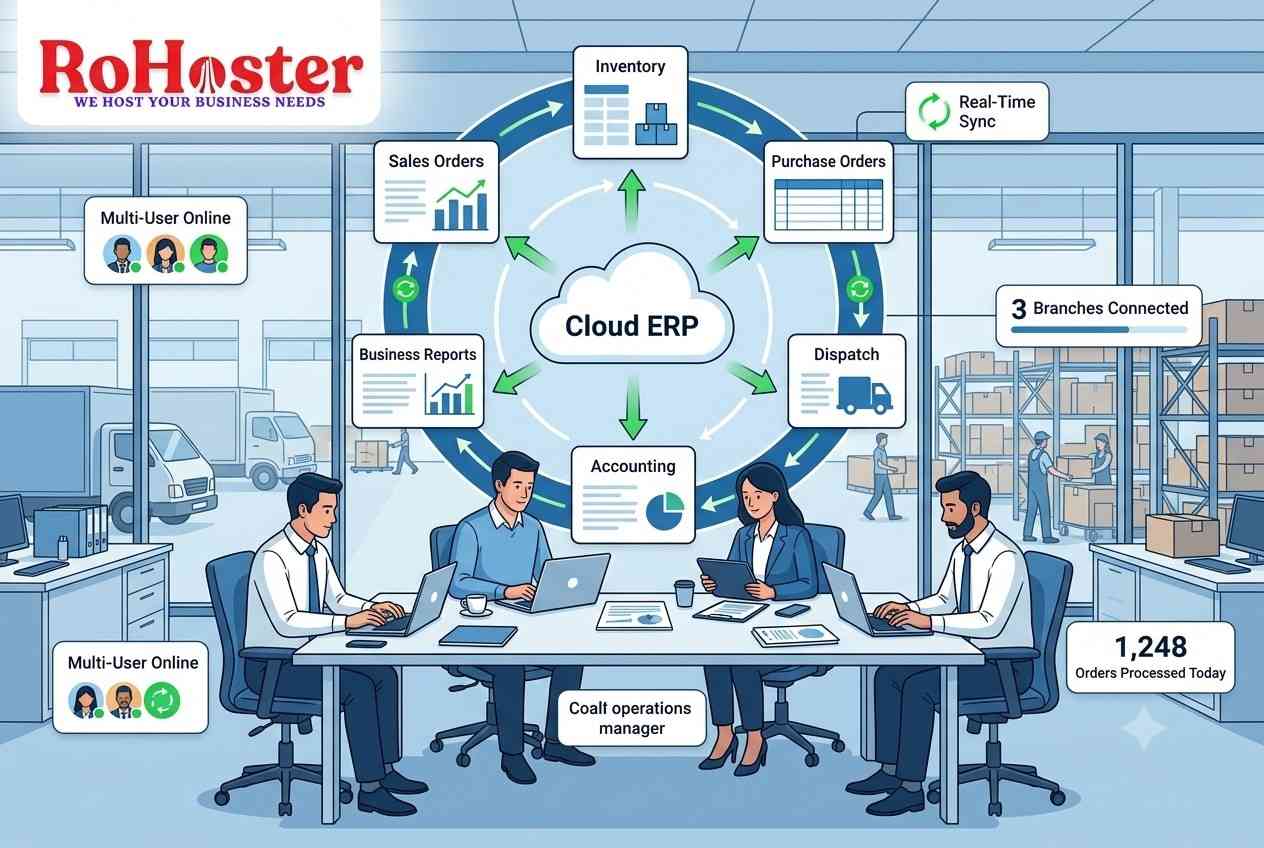
A cloud ERP brings different business functions into one connected system so departments work with the same information in real time.
What is a Cloud ERP?
ERP stands for Enterprise Resource Planning.
In simple terms, it is software that connects multiple business functions into one centralized platform.
Instead of using separate applications for:
- Sales
- Inventory
- Purchasing
- Accounting
- Dispatch
- Customer management
- Business reporting
a cloud ERP allows these processes to work together.
The result is fewer duplicate entries, better visibility, and faster decision-making.
Why Trading Companies Need More Than Billing Software
A billing application records sales.
But a trading company also needs answers to questions like:
- How much stock is available?
- Which purchase orders are pending?
- Which customer orders haven't been dispatched?
- Which suppliers require payment?
- Which products generate the highest margins?
- Which branches need inventory?
These questions require information from multiple departments.
A cloud ERP connects these operations instead of keeping them isolated.
Feature 1: Centralized Inventory Management
Inventory is one of the most important assets for distributors and trading businesses.
A cloud ERP should allow teams to monitor:
- Current stock
- Reserved stock
- Incoming inventory
- Outgoing inventory
- Warehouse location
- Batch information
- Reorder levels
Because inventory updates automatically after every purchase, sale, or dispatch, employees no longer need to update multiple spreadsheets manually.
Businesses still relying on Excel for inventory should also read Ditch the Spreadsheets: Why Managing Retail Stock in Excel Is Costing You Money.
Feature 2: Multi-User Access
As businesses grow, different employees perform different roles.
Sales executives create quotations.
Warehouse teams prepare dispatches.
Accounts verify payments.
Managers review reports.
A cloud ERP allows multiple authorized users to work simultaneously from different locations without maintaining separate copies of business data.
Instead of emailing spreadsheets between departments, everyone works from the same centralized information.
Feature 3: Sales Order Management
Customer orders often move through several stages.
For example:
Quotation
↓
Sales Order
↓
Inventory Allocation
↓
Invoice
↓
Dispatch
↓
Delivery
A cloud ERP helps businesses track each stage of the order lifecycle.
Employees can quickly identify pending orders, completed dispatches, and deliveries awaiting shipment.
Feature 4: Purchase Order Management
Inventory doesn't replenish automatically.
Businesses need structured procurement.
A cloud ERP allows companies to create purchase orders, monitor supplier deliveries, verify received goods, and manage outstanding supplier invoices.
Connecting purchasing with inventory helps businesses avoid unnecessary overstocking or stock shortages.
Our article Never Miss a Due Date: How to Manage Supplier Payables and Purchase Orders explains why linking procurement with inventory improves operational efficiency.
Feature 5: Dispatch and Logistics Tracking
For distributors, dispatch is just as important as sales.
Once an invoice is generated, warehouse teams need to prepare products for delivery.
A cloud ERP can organize information such as:
- Dispatch status
- Shipment date
- Delivery vehicle
- Transport details
- Delivery confirmation
- Pending dispatches
Instead of manually checking paperwork, businesses can monitor delivery progress more systematically.
Feature 6: Integrated Accounting Information
Trading businesses generate large volumes of financial transactions every day.
Sales.
Purchases.
Expenses.
Supplier payments.
Customer collections.
Rather than entering the same information repeatedly, integrated accounting allows financial records to stay connected with operational activities.
This reduces duplicate work while improving reporting accuracy.
Feature 7: Business Reporting
Good decisions depend on good information.
A cloud ERP can organize operational data into reports such as:
- Sales performance
- Product profitability
- Customer purchases
- Inventory movement
- Outstanding receivables
- Supplier payments
- Business expenses
Instead of manually compiling spreadsheets every week, managers can review structured business information.
Our article The 3 Critical Business Reports Every Wholesale Distributor Must Review Weekly explores the reports every distributor should monitor regularly.
Feature 8: Multi-Location Management
Many trading businesses eventually expand beyond a single warehouse.
Managing multiple branches introduces additional challenges.
Questions such as:
Which warehouse has available stock?
Can another branch fulfill this order?
Which location requires replenishment?
A cloud ERP can provide better visibility across multiple business locations while maintaining centralized information.
Feature 9: Real-Time Synchronization
Traditional desktop software often depends on local installations and periodic data transfers.
Cloud ERP allows authorized users to work with updated information.
For example:
A salesperson creates an order.
↓
Inventory updates.
↓
Warehouse receives notification.
↓
Accounts prepare billing.
↓
Management sees updated reports.
Everyone works from the same operational data rather than waiting for manual updates.
Feature 10: Customer and Lead Management
A trading business doesn't only manage products.
It also manages relationships.
Customer information, previous purchases, outstanding balances, quotations, and lead management become increasingly valuable as the customer base grows.
Instead of maintaining customer information across notebooks, spreadsheets, and messaging apps, businesses can organize these records in one location.
Feature 11: Role-Based User Permissions
Not every employee should access every piece of information.
A cloud ERP can assign permissions based on roles.
For example:
Sales Team
- Customer orders
- Quotations
Warehouse
- Inventory
- Dispatch
Accounts
- Billing
- Payments
Management
- Reports
- Business performance
This improves both security and operational control.
Feature 12: Cloud Accessibility
One of the biggest advantages of cloud ERP is flexibility.
Business owners no longer need to remain physically present in the office to review important information.
Authorized users can access operational information while travelling, visiting customers, or managing multiple branches.
Our article Cloud vs. Desktop Software: Which is Better for Managing a Growing SME? explains why cloud platforms provide greater flexibility than traditional desktop systems.
Why Integration Matters
The real value of ERP isn't any single feature.
It's how those features work together.
Imagine a customer places an order.
↓
Sales Order Created
↓
Inventory Reserved
↓
Invoice Generated
↓
Dispatch Scheduled
↓
Customer Receives Goods
↓
Payment Recorded
↓
Reports Updated
Instead of manually updating six different systems, information flows across departments automatically.
This reduces repetitive work while improving accuracy.
When Should a Business Consider Cloud ERP?
Businesses often begin with basic billing software.
As operations become more complex, they start managing:
- More customers
- More products
- More employees
- Multiple warehouses
- Multiple branches
- Larger inventories
- Higher transaction volumes
At this stage, disconnected systems become increasingly difficult to manage.
A cloud ERP helps bring these business functions together.
How RoHoster Can Help
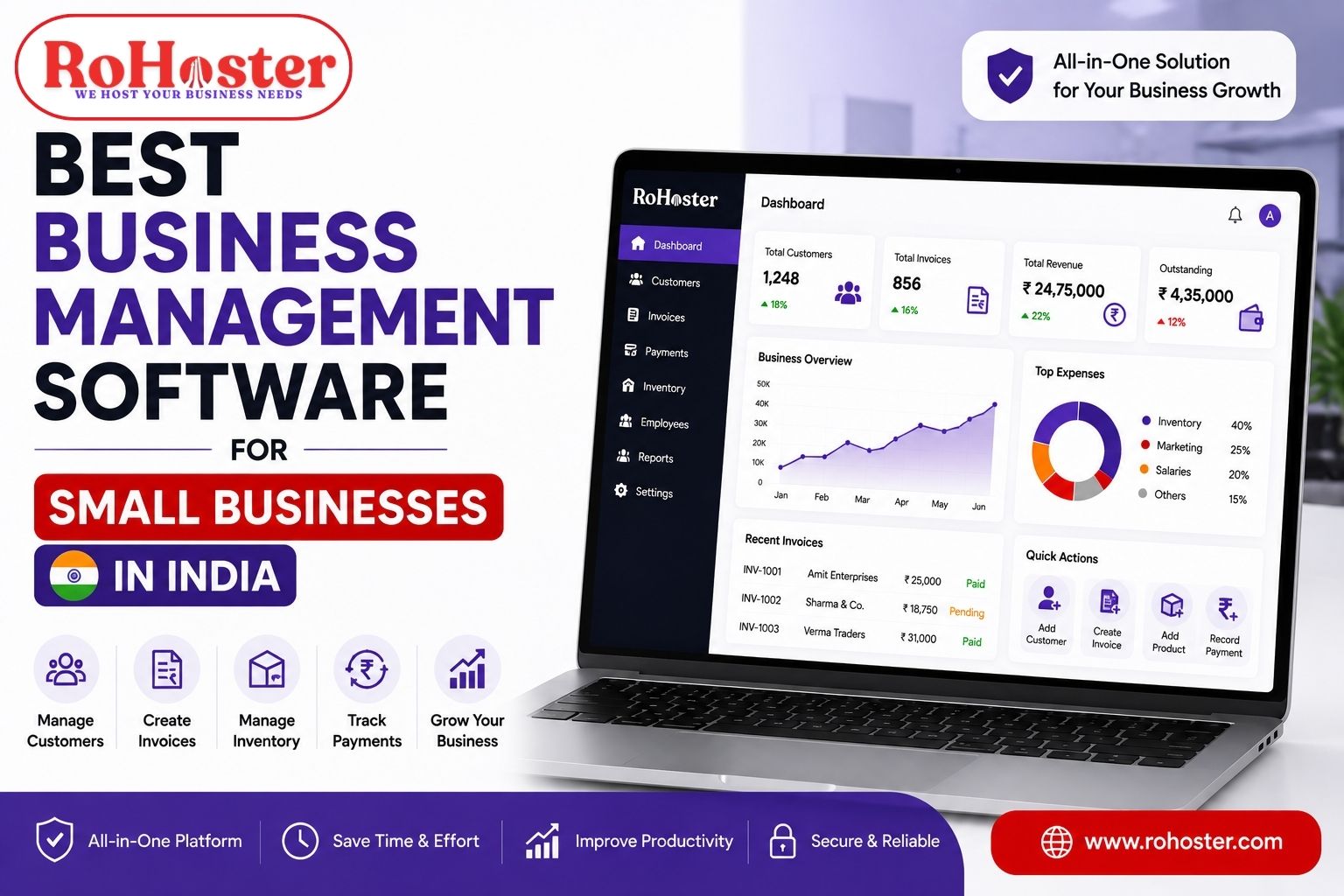
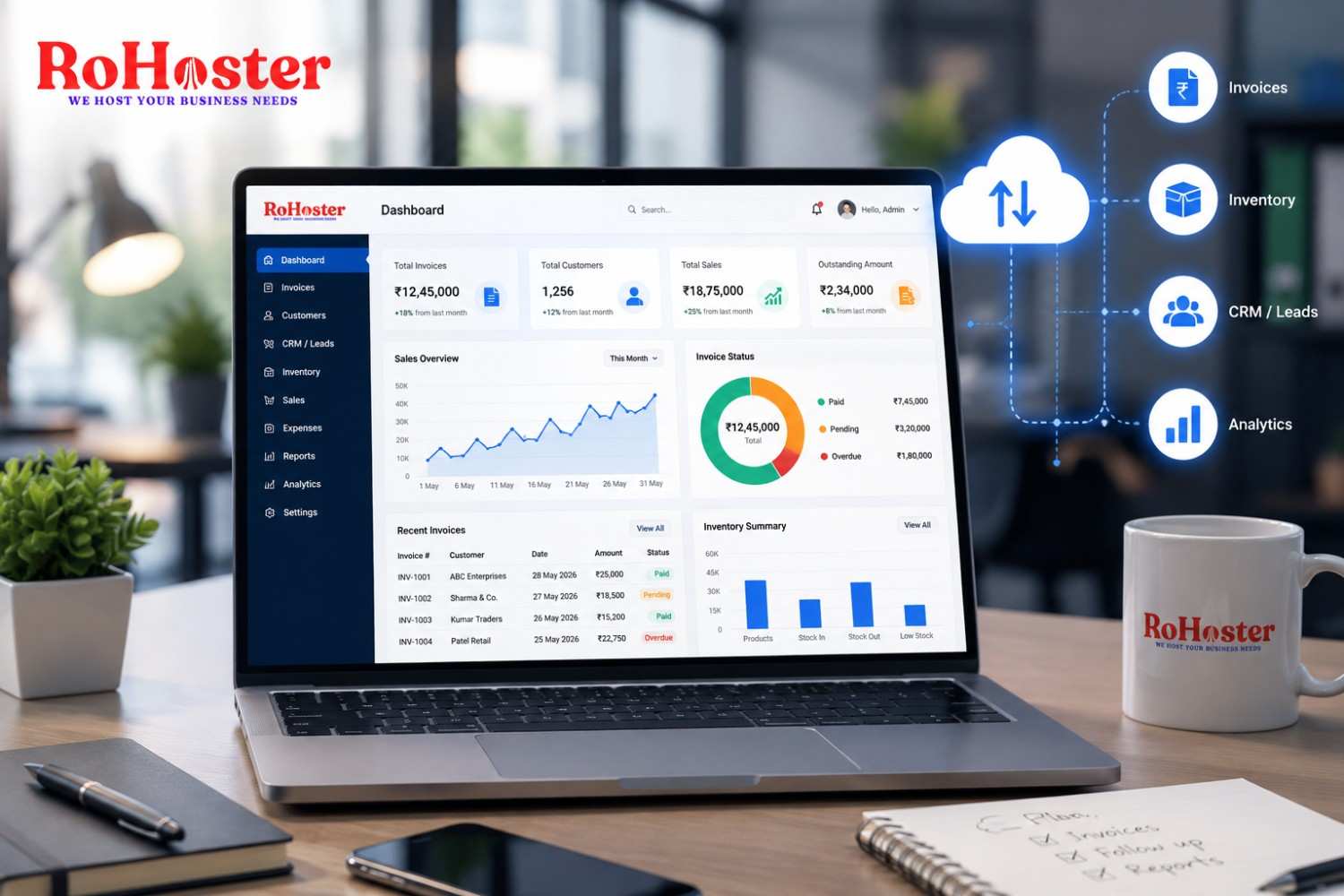
RoHoster helps businesses centralize operational information through a cloud-based business management platform.
For trading companies and distributors, organizing everyday operations into one environment can improve visibility, collaboration, and reporting.
Depending on the implemented features and business configuration, RoHoster can support areas such as:
- Sales
- Inventory
- Billing
- Purchase management
- Dispatch
- Customer management
- Lead management
- Business reports
- Cloud-based access
Rather than switching between multiple disconnected tools, businesses can manage operations from a more organized system.
Conclusion
Cloud ERP is more than accounting software.
It connects the people, departments, and processes that keep a trading business running.
From inventory and purchasing to dispatch, customer management, reporting, and accounting, the goal is simple:
One business. One source of information. Better decisions.
As trading companies continue to grow, centralized cloud-based systems help reduce manual work, improve collaboration, and provide greater visibility across every stage of the business.