At a busy retail counter, even a few extra seconds per customer can make a difference.
Manually searching for products, entering prices, calculating GST, updating stock, and printing invoices may seem manageable when a shop is small. But as the number of products and daily transactions grows, the same process can create long queues, billing mistakes, and inaccurate inventory records.
A barcode billing system for a retail shop solves this by connecting product scanning directly with invoicing and inventory.
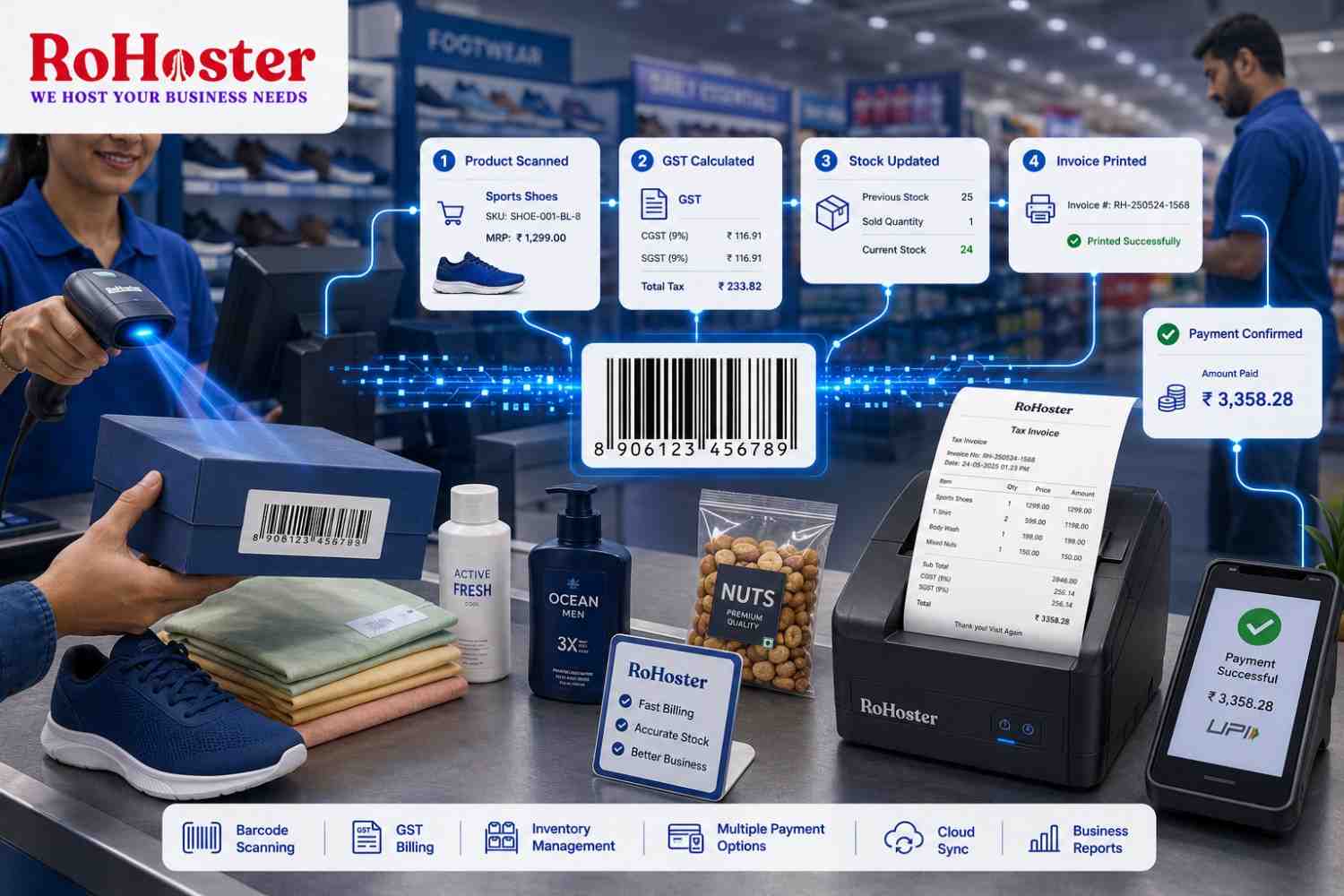
Scan the barcode, identify the product, calculate the bill, update stock, and generate the invoice—all within seconds.
And contrary to what many small retailers assume, setting up such a system doesn't necessarily require expensive POS infrastructure.
What Is a Barcode Billing System?
A barcode billing system connects the unique barcode assigned to a product with its digital product record.
When the cashier scans an item, the billing software can automatically retrieve information such as:
- Product name
- Selling price
- GST rate
- SKU or item code
- Available quantity
- Applicable discounts
The item is immediately added to the invoice.
Once the transaction is completed, the corresponding quantity can also be deducted from inventory.
This makes barcode billing much more than a faster way to prepare invoices. It connects the billing counter directly with your inventory management software.
Why Manual Product Entry Becomes a Problem
Imagine a footwear store with hundreds of products across different brands, sizes, colours, and price ranges.
Finding and entering every product manually creates unnecessary work.
It also increases the possibility of:
- Selecting the wrong product
- Entering an incorrect price
- Applying the wrong GST rate
- Billing the wrong variant
- Forgetting to update inventory
- Creating longer checkout queues
Barcode scanning removes much of this manual intervention.
The cashier simply scans the item and lets the software retrieve the correct information.
What Do You Need to Get Started?
A basic barcode invoicing setup doesn't need to be complicated.
For most local retailers, the essential components are a computer or compatible billing device, barcode scanner, thermal or regular invoice printer, and suitable retail billing software.
The important part isn't buying the most expensive hardware. It's ensuring that your hardware and software work together reliably.
Before purchasing a scanner or printer, check the compatibility requirements of your chosen billing platform.
Choosing the Right Barcode Scanner
Barcode scanners are available at many different price points.
For a local supermarket, kirana store, footwear outlet, or similar retail business, the priority should be reliability and compatibility rather than unnecessary advanced features.
Your scanner should be able to quickly read the barcode formats commonly found on your products and communicate smoothly with your billing system.
When a product is scanned, its record should appear instantly without requiring additional manual searches.
That simple experience is what makes a barcode billing system valuable during peak retail hours.
Don't Forget the Thermal Printer
The printer is another important part of the billing counter.
Thermal printers are commonly used in retail because they can produce receipts quickly and require relatively little maintenance.
When evaluating a printer, consider factors such as:
- Supported receipt width
- Printing speed
- Connectivity
- Driver compatibility
- Paper availability
Your billing software should communicate smoothly with the printer so that the invoice can be printed immediately after payment.
Map Every Barcode to the Correct Product
Hardware alone won't create an efficient billing system.
Your product database needs to be clean.
Every barcode should correspond to the correct product, price, tax rate, and inventory record.
For example, if a footwear retailer sells the same shoe in five different sizes, each variant may need to be correctly mapped so the system knows exactly which item was sold.
Poor product mapping can lead to inaccurate stock even if the barcode scanner itself works perfectly.
This is why your inventory management software and billing system should operate from the same product database.
Connect Barcode Scanning with GST Billing
The biggest advantage comes when barcode scanning is connected directly with GST billing software.
Instead of scanning a product and then manually preparing an invoice, the software can automatically use the stored product information to calculate the transaction.
This makes it possible to move from:
Scan → Product Identified → GST Calculated → Payment → Invoice Generated
with minimal manual work.
If faster checkout is your priority, our article Generate GST Invoices in 20 Seconds: A Guide to Fast Retail Counter Billing explains how barcode scanning and automated invoicing can work together to improve counter efficiency.
Make Inventory Update Automatically
A barcode invoicing system becomes much more powerful when every completed sale automatically changes your stock records.
Suppose your system shows 25 units of a product.
A customer purchases three.
Once the invoice is completed, your available stock should automatically become 22.
There should be no need to open a separate spreadsheet and manually subtract the quantity.
Automatic stock updates give retailers much more reliable information about what is actually available.
Businesses that still depend heavily on spreadsheets can also read Ditch the Spreadsheets: Why Managing Retail Stock in Excel Is Costing You Money to understand where manual stock tracking begins to create problems.
Use Low-Stock Information to Reorder Smarter
Once billing and inventory are connected, every transaction generates useful stock information.
Your business management software can help identify products approaching their minimum stock level so you know what needs to be reordered.
This reduces two common retail problems:
Stockouts: A popular item sells out before you notice.
Overstocking: Too much money gets invested in products that aren't selling.
The same data can also reveal slow-moving products. Our guide 5 Proven Strategies to Reduce Dead Stock and Free Up Business Cash Flow explains how inventory analytics can help retailers identify products that are tying up working capital.
What If You Have More Than One Counter?
A growing shop may eventually need multiple billing counters.
Your software should be capable of keeping transactions synchronized so that inventory remains accurate regardless of which counter completes the sale.
This is where cloud business management software becomes particularly useful.
Instead of maintaining isolated records on individual computers, authorized users work with centralized business information.
The result is better coordination between billing, inventory, purchasing, and management.
What If You Open Another Store?
The same principle becomes even more important when a retailer expands to multiple outlets.
A good system should allow each store to maintain its own transactions while giving management centralized visibility.
Businesses can then monitor stock across locations, compare sales, and transfer inventory when required.
If expansion is part of your plans, read Managing Multiple Outlets? How to Centralize Multi-Store Inventory Control for a deeper look at centralized stock management.
Don't Build a Billing System That Only Does Billing
A common mistake is choosing standalone billing software that solves today's problem but creates another limitation as the business grows.
Retailers eventually need more than invoices.
They may need:
- Inventory management
- Customer records
- GST reporting
- Purchase tracking
- Sales analytics
- Multi-user access
- Multi-store management
Choosing scalable software for small business means you don't have to replace your entire system every time operations become more complex.
How RoHoster Can Simplify Retail Billing
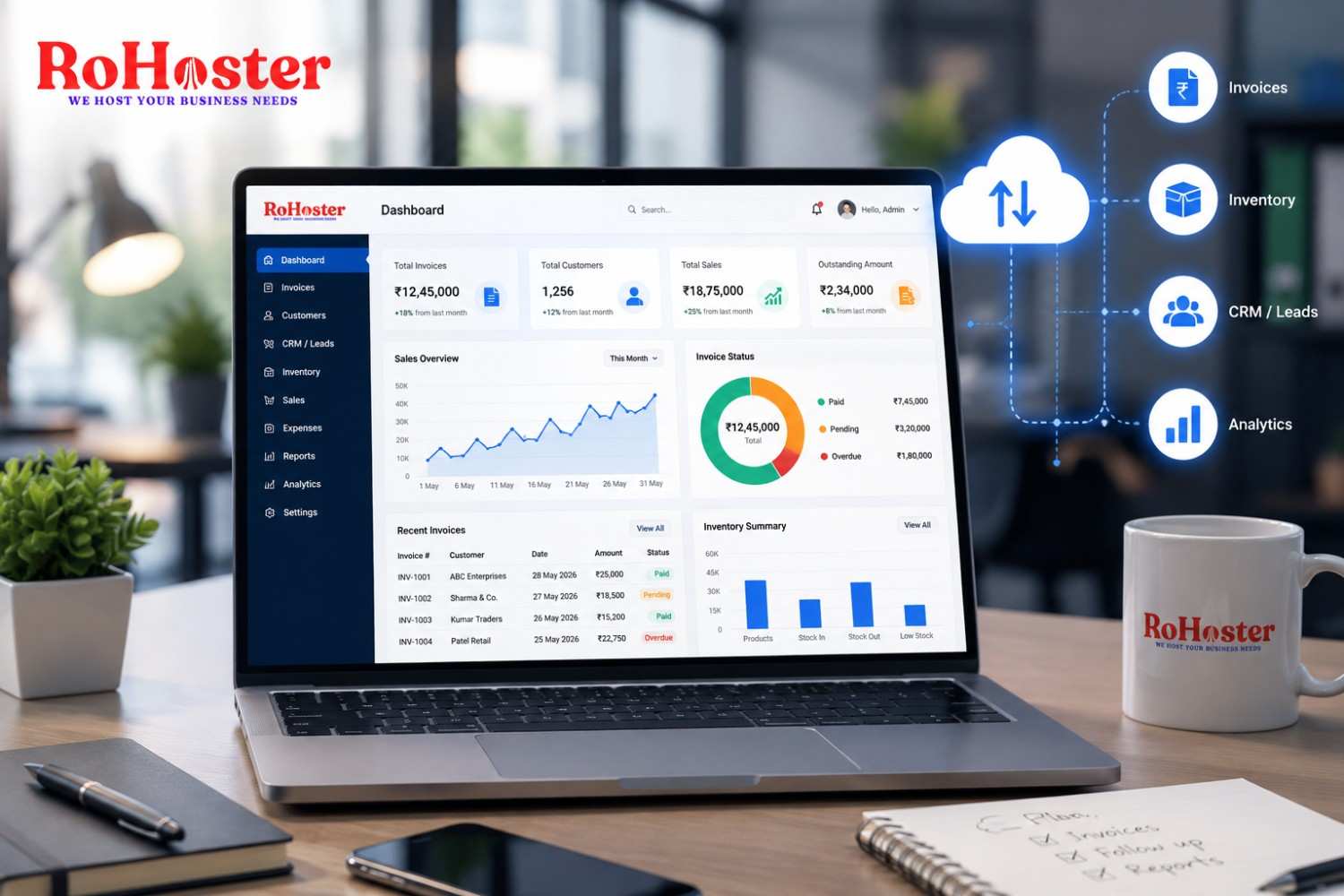
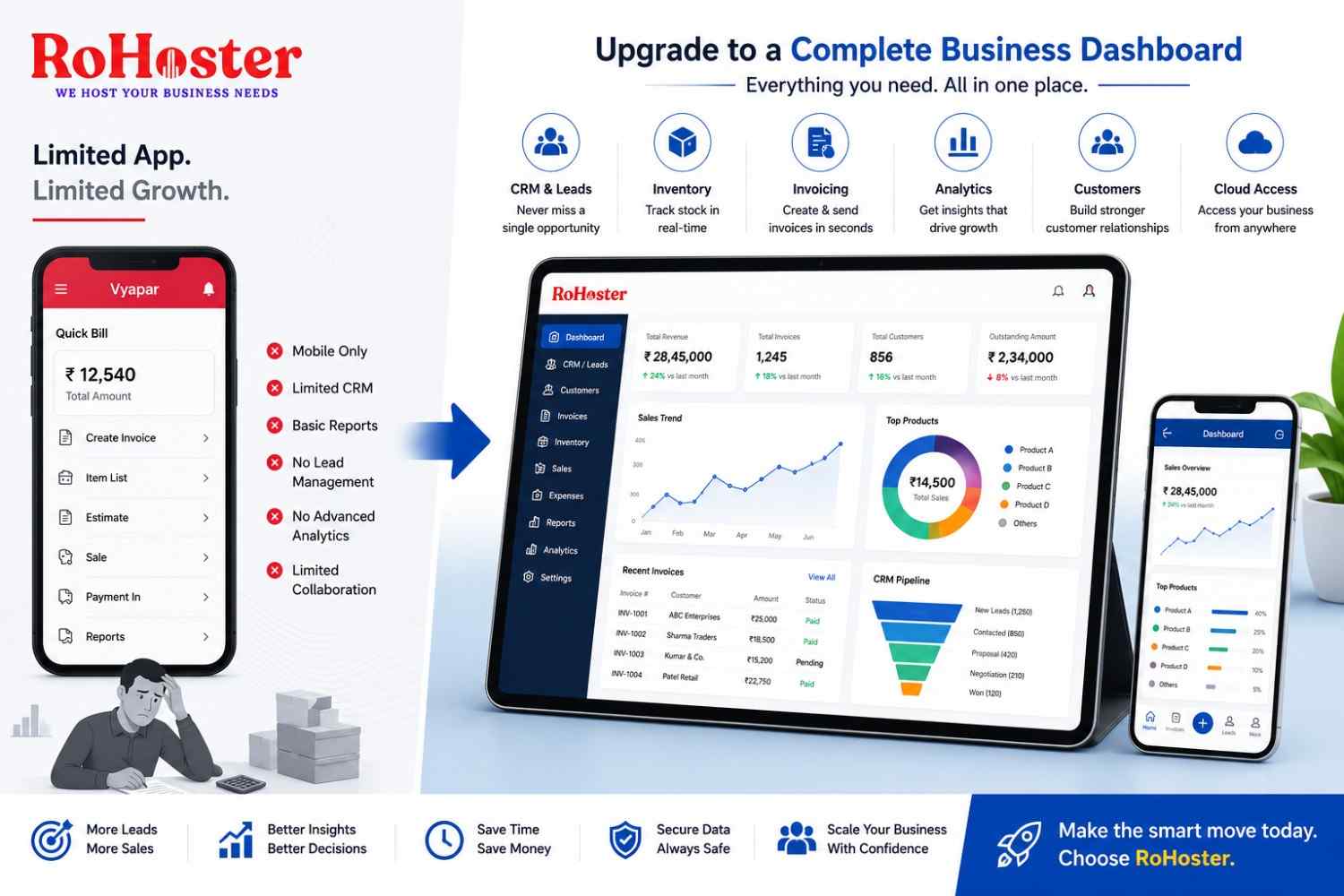
RoHoster brings billing and business operations together in one cloud-based platform.
Rather than maintaining disconnected billing and inventory records, retailers can build a more centralized workflow around their day-to-day transactions.
Depending on the enabled setup and features, businesses can use RoHoster to manage areas such as:
- GST billing
- Product and inventory records
- Customer information
- Business reporting
- Sales information
- Cloud-based access
For retailers introducing barcode-based invoicing, the goal is simple: every transaction should generate useful business data instead of creating more administrative work.
Conclusion
Setting up a barcode billing system for your retail shop doesn't have to mean investing in an expensive enterprise POS setup.
Start with the essentials: compatible hardware, properly mapped products, reliable billing software, and an inventory system that updates alongside every sale.
Once these pieces work together, barcode invoicing can reduce manual entry, improve billing accuracy, shorten checkout times, and provide better visibility into stock.
For supermarkets, kirana stores, footwear outlets, and other growing retailers, it's a practical step toward building faster and more organized operations.
Further Reading
Want more practical insights on retail automation, inventory management, GST billing, and growing your business digitally?
Read the latest business insights from LarchSoft on LinkedIn