Getting leads is only the beginning of the sales process.
A business may invest heavily in advertising, social media, Google Ads, referrals, websites, and other marketing channels to generate enquiries. But if those leads are not managed properly after they arrive, a significant portion of the potential business can be lost.
This is why lead management is just as important as lead generation.
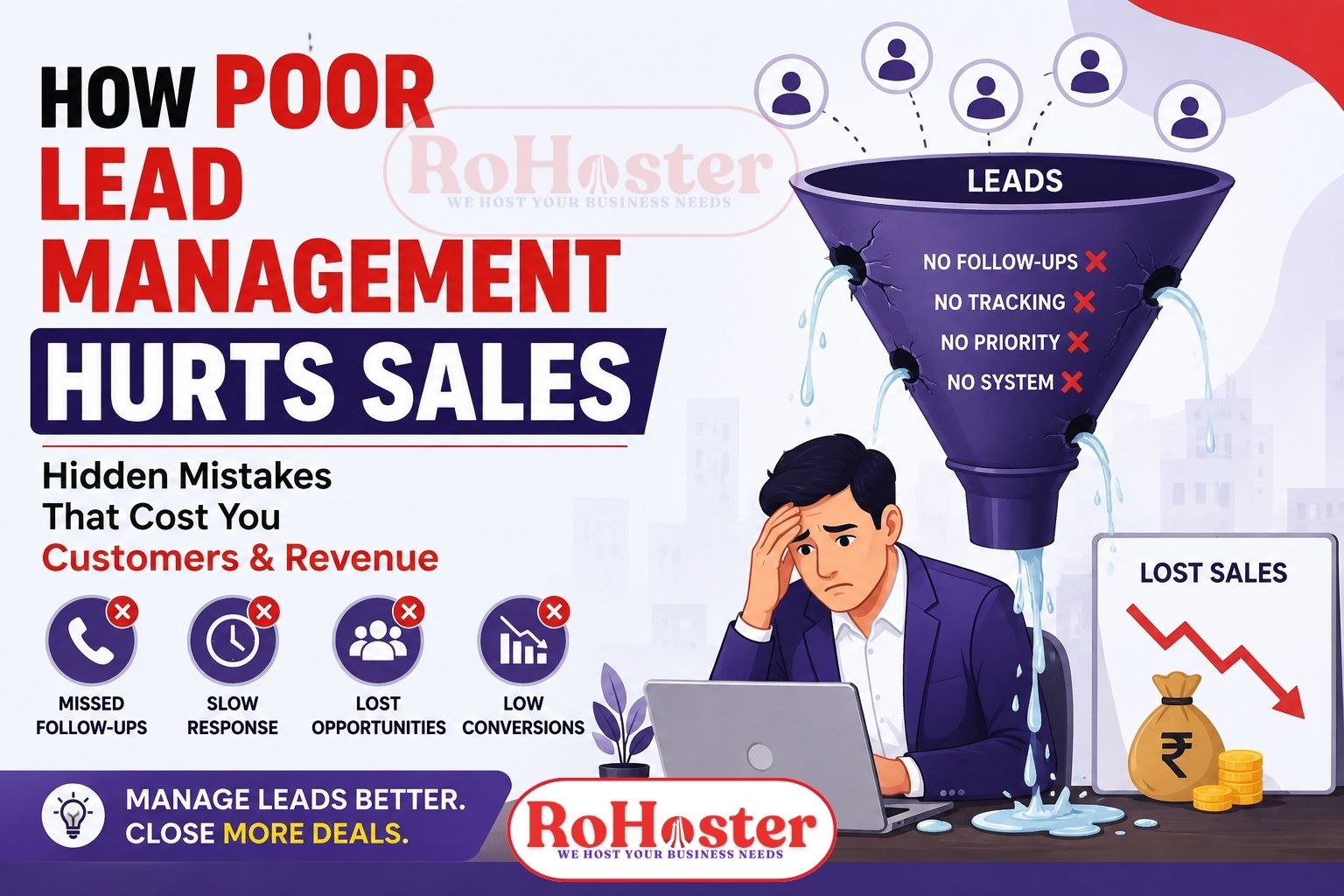
Poor lead management can result in missed follow-ups, slow responses, lost customer information, duplicate records, unqualified leads receiving too much attention, and sales opportunities disappearing without anyone noticing.
For growing businesses, these problems can directly affect revenue.
In this article, we will discuss how poor lead management hurts sales, the most common lead management mistakes, and how businesses can build a better system for managing leads and follow-ups.
Also Read: Why Are You Losing Leads? 9 Reasons Your Business Enquiries Aren't Converting
What Is Lead Management?
Lead management is the process of capturing, organizing, qualifying, assigning, following up with, and converting potential customers.
A typical lead management process looks like:
Lead Generated → Lead Captured → Lead Assigned → Contacted → Follow-Up → Qualified → Converted
A proper lead management system ensures that every potential customer has a clear status and next action.
Without a structured process, businesses can generate hundreds of leads but still struggle to convert them into customers.
How Poor Lead Management Hurts Sales
1. Leads Get Lost
One of the biggest problems with poor lead management is simply losing track of potential customers.
Leads can come from:
- Website forms
- Google Ads
- Facebook Ads
- Phone calls
- Referrals
- Walk-ins
- Email enquiries
- Offline campaigns
When these leads are maintained across different spreadsheets, WhatsApp conversations, notebooks, and phone contacts, it becomes difficult to maintain a complete record.
A salesperson may remember a lead today but forget about it after handling dozens of other enquiries.
The result?
A potential customer who could have generated revenue may never receive another call.
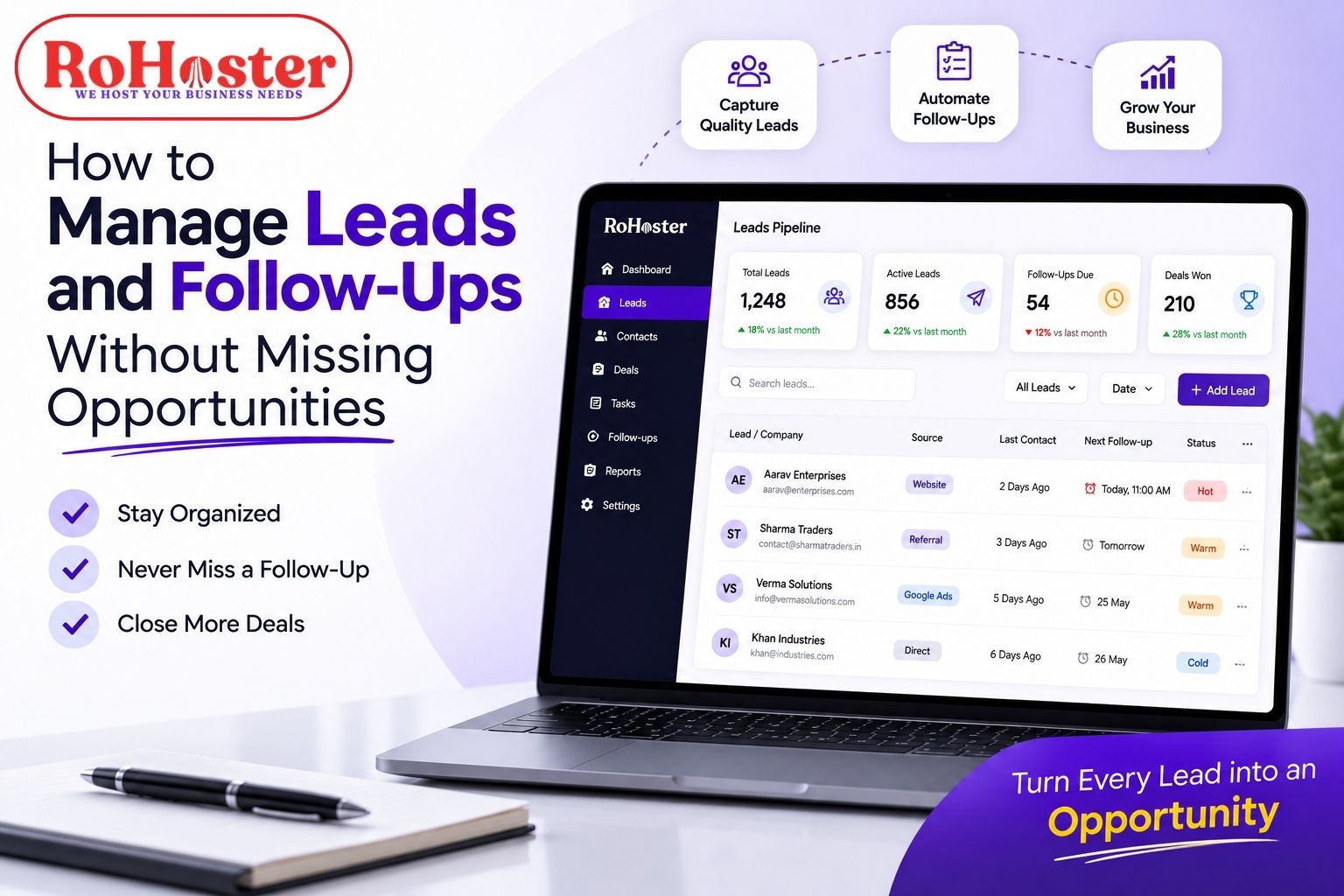
A lead management software can help businesses maintain a centralized record of prospects so that opportunities are less likely to disappear.
2. Missed Follow-Ups Reduce Conversions
Not every customer is ready to purchase immediately.
A prospect may say:
"Call me next week."
Another may need time to compare prices.
Someone else may be waiting for approval from a business partner.
This is why follow-ups are an essential part of sales.
When businesses rely on memory or manual spreadsheets, follow-ups can easily be missed.
For example:
100 leads → 30 interested → 15 require follow-up → 5 follow-ups missed
Those missed follow-ups can represent real lost revenue.
A CRM with follow-up reminders can help sales teams know when to contact prospects again.
3. Slow Response Times Can Cost Customers
When someone submits an enquiry, they are often evaluating multiple businesses at the same time.
If your company takes hours or days to respond while a competitor responds within minutes, the prospect may move forward with the competitor.
Poor lead management can cause delays because employees may not know:
- Who received the lead
- Who is responsible for it
- When it arrived
- What the customer requested
- Whether someone has already contacted them
A structured lead tracking system helps create clear ownership and improves response management.
4. Sales Teams Don't Know Which Leads to Prioritize
Not every lead has the same value.
Consider these examples:
Lead A: Just browsing.
Lead B: Asked for pricing.
Lead C: Requested a quotation and wants to purchase this week.
If all three are treated exactly the same, salespeople may waste time on low-intent prospects while high-intent leads wait.
Effective lead management helps businesses categorize leads based on factors such as:
- Interest level
- Requirement
- Budget
- Industry
- Location
- Lead source
- Purchase timeline
- Previous interactions
This allows sales teams to prioritize their efforts.
5. Duplicate Leads Create Confusion
Poor data management can result in the same customer being entered multiple times.
For example:
A customer submits an enquiry through your website and later contacts your sales team through WhatsApp.
If the information is not centralized, two different employees may treat the same person as two separate leads.
This can cause:
- Duplicate calls
- Confusing communication
- Poor customer experience
- Incorrect sales reports
- Wasted sales effort
A centralized customer management software can help maintain cleaner records and reduce unnecessary duplication.
6. Leads May Be Assigned to the Wrong Person
When multiple salespeople handle enquiries, lead assignment becomes important.
Without a structured system, businesses may face situations such as:
"I thought Rahul was handling this lead."
or
"Nobody followed up because we didn't know who was responsible."
Every lead should ideally have clear ownership.
A lead management system can help businesses assign prospects to specific employees and track their activities.
This improves accountability.
Instead of asking:
"Who is handling this customer?"
the manager can simply check the system.
7. Salespeople Lose Customer History
Imagine a salesperson talks to a prospect three times.
The first conversation is about pricing.
The second is about product specifications.
The third is about delivery.
If none of this information is recorded properly, the next employee who speaks to the customer may have no idea what was discussed earlier.
This creates a poor customer experience.
A CRM software for small businesses can maintain important customer information and interaction history in one place.
This allows salespeople to understand the context before contacting a prospect.
8. Businesses Cannot Identify Their Best Lead Sources
Poor lead management doesn't only affect individual sales.
It can also affect marketing decisions.
Suppose a business generates:
- 500 leads from Facebook
- 200 leads from Google
- 100 leads from referrals
At first glance, Facebook appears to be the best source.
But after tracking conversions, the business discovers:
- Facebook → 10 customers
- Google → 25 customers
- Referrals → 30 customers
Without proper lead tracking, the business may continue spending heavily on a channel that generates volume but not quality customers.
Good lead management allows businesses to track:
Lead Source → Leads → Qualified Leads → Conversions → Revenue
This creates better marketing and sales decisions.
9. Sales Managers Have Poor Visibility
A sales manager needs to know what is happening with the pipeline.
Questions such as these should have clear answers:
- How many new leads came this week?
- How many were contacted?
- How many follow-ups are pending?
- How many leads are qualified?
- How many deals are close to conversion?
- Which salesperson is handling the most leads?
- What is the current pipeline value?
If the answers require checking multiple Excel files and asking employees individually, management becomes inefficient.
A CRM and sales management system can provide centralized visibility into the sales pipeline.
10. Poor Lead Management Makes Growth Difficult
When a business has 20 leads per month, manual management may seem manageable.
But what happens when the business starts receiving:
200 leads?
Then:
500 leads?
Then:
1,000+ leads?
The problem is no longer lead generation.
The problem becomes lead management at scale.
Without a structured system, increasing lead volume can actually create more operational problems.
A scalable lead management software helps businesses handle increasing numbers of prospects without relying entirely on spreadsheets or individual employee memory.
Poor Lead Management vs Effective Lead Management
| Poor Lead Management | Effective Lead Management |
|---|---|
| Leads stored in different places | Centralized lead database |
| Manual follow-ups | Scheduled follow-ups |
| Unclear lead ownership | Assigned salespeople |
| Duplicate customer records | Organized customer data |
| Slow response | Faster lead handling |
| No clear sales pipeline | Structured sales stages |
| Manual reporting | Centralized reports |
| Difficult to prioritize leads | Lead qualification |
| Limited visibility | Real-time pipeline visibility |
| Opportunities get missed | Better conversion control |
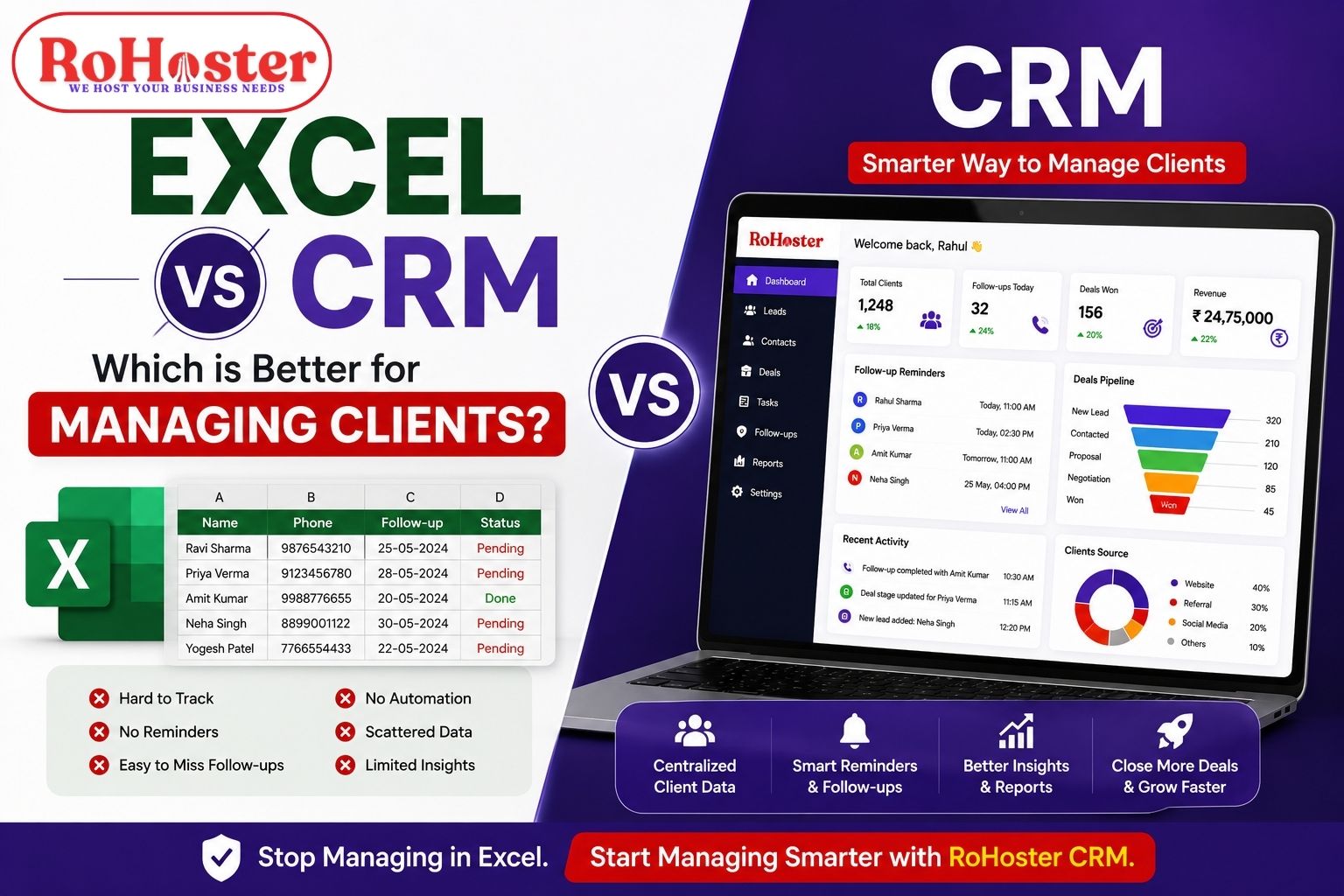
Why Excel Alone May Not Be Enough
Excel can be a useful tool for maintaining simple business records.
But using Excel as the primary lead management system can become challenging as the business grows.
Some common limitations include:
- Manual updates
- No built-in follow-up workflow
- Multiple versions of files
- Duplicate records
- Limited accountability
- Difficult team collaboration
- Manual reporting
- No centralized activity history
The problem isn't Excel itself.
The problem is using a general-purpose spreadsheet to manage a process that requires continuous tracking, reminders, ownership, and collaboration.
For businesses with a growing sales pipeline, dedicated CRM software can provide a more structured approach.
Also Read: 10 Signs Your Business Has Outgrown Excel | When to Upgrade Your Business Software
How CRM Software Improves Lead Management
A CRM can bring multiple sales activities into one system.
For example:
1. Capture
Record new leads from different sources.
↓
2. Assign
Assign the lead to the right salesperson.
↓
3. Qualify
Understand the customer's requirement and purchase intent.
↓
4. Follow Up
Schedule calls, meetings, and reminders.
↓
5. Convert
Move qualified leads through the sales pipeline.
↓
6. Retain
Continue managing the customer after conversion.
This creates a repeatable sales process rather than relying on individual employees to remember every task.
RoHoster for Better Lead Management
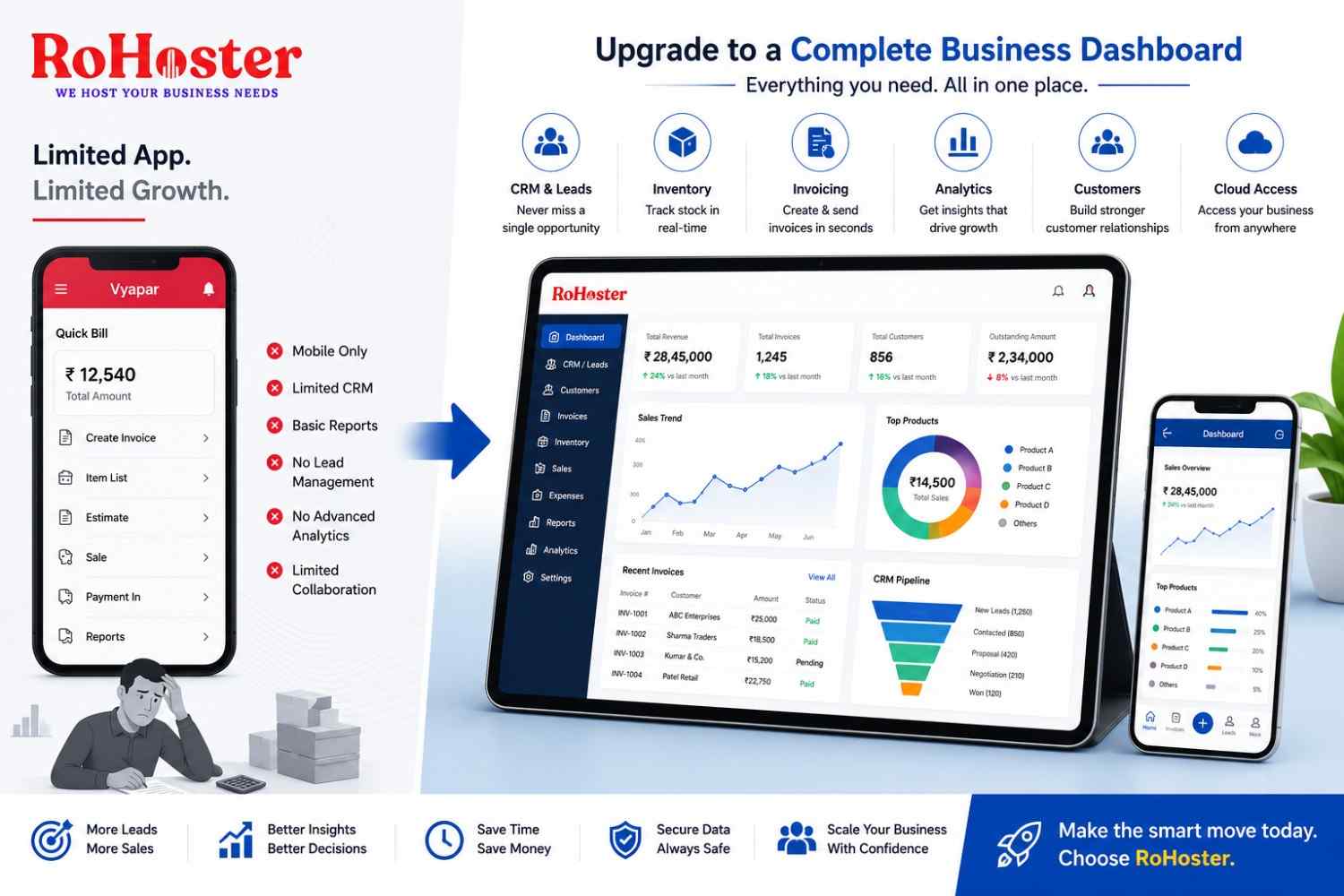
RoHoster is an all-in-one business management software designed to help growing businesses manage leads, customers, and other important business operations from one platform.
Its lead and client management capabilities can help businesses organize:
- Leads
- Customers
- Follow-ups
- Sales activities
- Business records
RoHoster also extends beyond traditional CRM functionality by bringing business operations such as:
- Billing
- Inventory
- Employee Management
- Attendance
- Business Reporting
into the same broader platform.
This can be particularly useful for Indian SMEs and MSMEs that currently manage different parts of their business using multiple disconnected tools.
Instead of:
Excel + WhatsApp + Separate Billing Software + Separate Employee Records
businesses can work toward a more centralized system.
Also Read: Best Business Management Software for Small Businesses in India
5 Signs Your Business Has a Lead Management Problem
You may need to improve your lead management process if:
1. You frequently forget to call prospects back.
2. Your sales team maintains multiple Excel files.
3. Nobody knows exactly who is handling a lead.
4. Managers cannot quickly see the current sales pipeline.
5. You generate many enquiries but conversions remain low.
If several of these situations sound familiar, your problem may not be a lack of leads.
It may be the way those leads are being managed.
How to Improve Lead Management
Businesses don't necessarily need a complicated system to improve lead management.
Start with these steps:
Create a Centralized Lead Database
Keep important lead information in one place.
Define Lead Stages
For example:
New → Contacted → Interested → Proposal → Negotiation → Won/Lost
Assign Every Lead
Make one employee responsible for every active lead.
Schedule Follow-Ups
Never depend completely on memory.
Record Important Interactions
Keep notes about conversations and requirements.
Track Lead Sources
Understand which marketing channels generate actual customers.
Review the Pipeline Regularly
Managers should regularly check pending follow-ups and active opportunities.
Use Software as You Scale
When lead volume increases, consider moving from spreadsheets to dedicated CRM or lead management software.
Final Thoughts
Lead generation brings potential customers into your business.
Lead management turns those opportunities into sales.
A company can spend thousands of rupees on advertising and generate hundreds of enquiries, but poor follow-up, scattered customer information, slow responses, and weak sales processes can still result in lost revenue.
The solution isn't always to generate more leads.
Sometimes the better approach is to manage the leads you already have more effectively.
A structured lead management software or CRM can help businesses organize prospects, improve follow-ups, assign responsibilities, track sales pipelines, and make better decisions.
For growing businesses that need more than traditional CRM, an all-in-one business management platform such as RoHoster can help connect lead and customer management with billing, inventory, employee management, and other daily operations.
The goal is simple: