Excel is one of the most commonly used tools in business.
From maintaining customer lists and tracking leads to managing invoices, sales records, inventory, and employee data, Excel can be incredibly useful—especially when a business is just starting.
It is simple, familiar, and affordable.
But as your business grows, the same Excel sheets that once helped you stay organized can slowly start creating problems.
You may begin noticing things like:
- Multiple versions of the same file
- Confusion about which data is correct
- Missed customer follow-ups
- Difficulty tracking employee activities
- Manual updates taking too much time
- Important information getting lost
- Different teams maintaining separate sheets
At this stage, the problem is not Excel itself.
The problem is that your business operations have become more complex than a spreadsheet can efficiently handle.
So, how do you know when it is time to move beyond Excel?
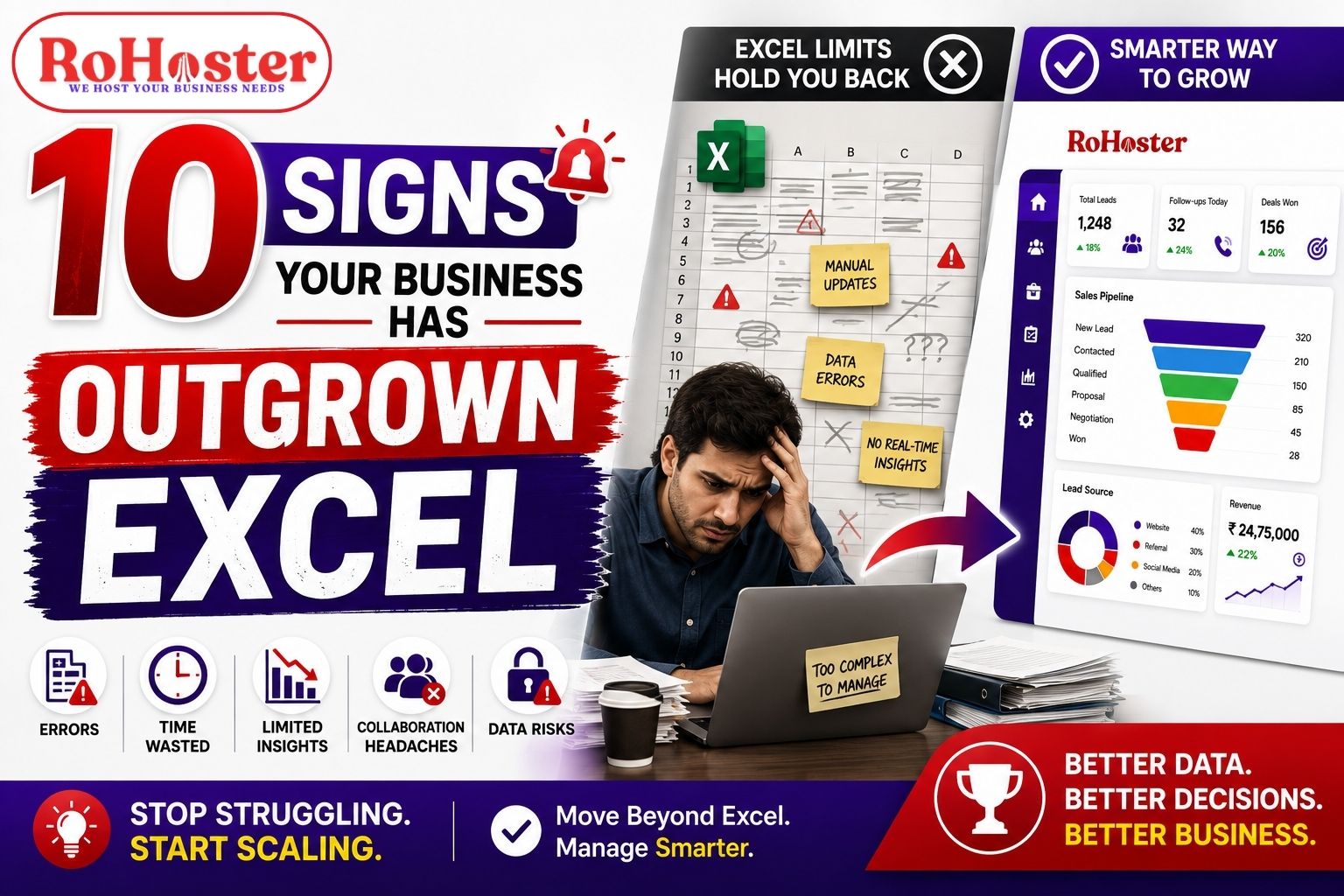
Here are 10 clear signs your business has outgrown Excel and may need a more structured business management software.
1. You Have Too Many Excel Sheets
When your business was small, perhaps one or two Excel files were enough.
But now, you may have separate sheets for:
- Leads
- Customers
- Sales
- Follow-ups
- Billing
- Payments
- Inventory
- Employees
- Tasks
Soon, managing the spreadsheets themselves becomes another full-time task.
You may find yourself asking:
Which file contains the latest data?
Has this sheet been updated?
Who made this change?
Is there another version of this file?
When important business information is spread across multiple spreadsheets, it becomes difficult to get a complete picture of your operations.
This is one of the first signs that your business may need a centralized business management system.
2. Your Team Is Working on Different Versions of the Same File
One of the biggest challenges with spreadsheet-based management is version confusion.
For example:
- One employee has an older version.
- Another employee has made changes locally.
- Someone has created a duplicate copy.
- Important data has been updated in one file but not another.
As your team grows, maintaining accurate information becomes more difficult.
Even a small mistake can create problems.
A salesperson may contact the wrong customer. A follow-up may be duplicated. An invoice status may be incorrect.
When multiple people regularly need access to the same business data, a centralized system can provide better visibility and coordination.
Instead of asking:
“Which Excel file is the latest?”
Your team should be able to access the required information from one organized platform.
3. You Are Missing Important Follow-Ups
A missed follow-up can mean a missed business opportunity.
Imagine a potential customer says:
"Please call me next Tuesday."
The information is entered into an Excel sheet.
But over the next few days, dozens of new leads arrive. The team gets busy, and that follow-up is forgotten.
This is a common problem when businesses rely on spreadsheets and manual reminders.
As the number of leads increases, remembering every:
- Follow-up
- Meeting
- Call
- Renewal
- Payment reminder
becomes increasingly difficult.
If your team is regularly missing important customer interactions, it may be time to consider a lead management and follow-up management software.
A structured system can help make upcoming activities more visible instead of depending completely on someone's memory.
4. Updating Data Is Taking Too Much Time
Data entry is necessary, but it should not consume a major part of your team's day.
In many businesses, the same information is entered repeatedly.
For example, a customer's details may be entered into:
- A lead sheet
- A client sheet
- A billing sheet
- A sales report
This creates unnecessary duplication.
As your business grows, manual data management can become time-consuming and increase the risk of errors.
If employees are spending more time updating spreadsheets than actually talking to customers, closing sales, or completing important work, your business may have outgrown the manual process.
A business management software can help centralize information and reduce unnecessary duplication between different business activities.
5. You Cannot Easily See What Is Happening in Your Business
As a business owner, you should be able to answer important questions quickly.
For example:
- How many new leads did we receive?
- How many follow-ups are pending?
- Which clients require attention?
- How much has been billed?
- What payments are pending?
- Which products are running low?
- How is the team performing?
But if the answer requires opening multiple Excel files and manually preparing reports, you have a visibility problem.
The data may exist—but it is not easily accessible.
A proper business dashboard can help bring important information together so that business owners and managers can understand what is happening without spending hours compiling data.
6. You Have Multiple People Managing the Same Data
Excel works well when one person is managing a simple set of information.
The challenge begins when multiple employees need to work with the same customer, sales, or operational data.
For example:
- Sales receives the lead.
- Another employee follows up.
- The operations team handles the customer.
- Accounts creates the invoice.
If every department maintains separate records, information can quickly become disconnected.
This can lead to:
- Duplicate work
- Communication gaps
- Incorrect information
- Delayed updates
- Confusion about responsibility
As your team expands, you need better coordination.
This is where a centralized CRM and business management system can help different team members work with more organized information.
7. Important Tasks Depend on Someone Remembering Them
If your business operations depend on statements like:
"Please remember to call this client."
"Don't forget to renew this service."
"Someone needs to follow up next week."
then your process may not be scalable.
People can forget.
Employees can go on leave.
Team members can change.
Important business information should not exist only in someone's memory.
A structured system allows businesses to create clearer processes around:
- Tasks
- Deadlines
- Follow-ups
- Client activities
- Responsibilities
Every important activity should ideally have:
A responsible person + a deadline + a clear status.
This reduces dependency on individual memory and creates a more reliable workflow.
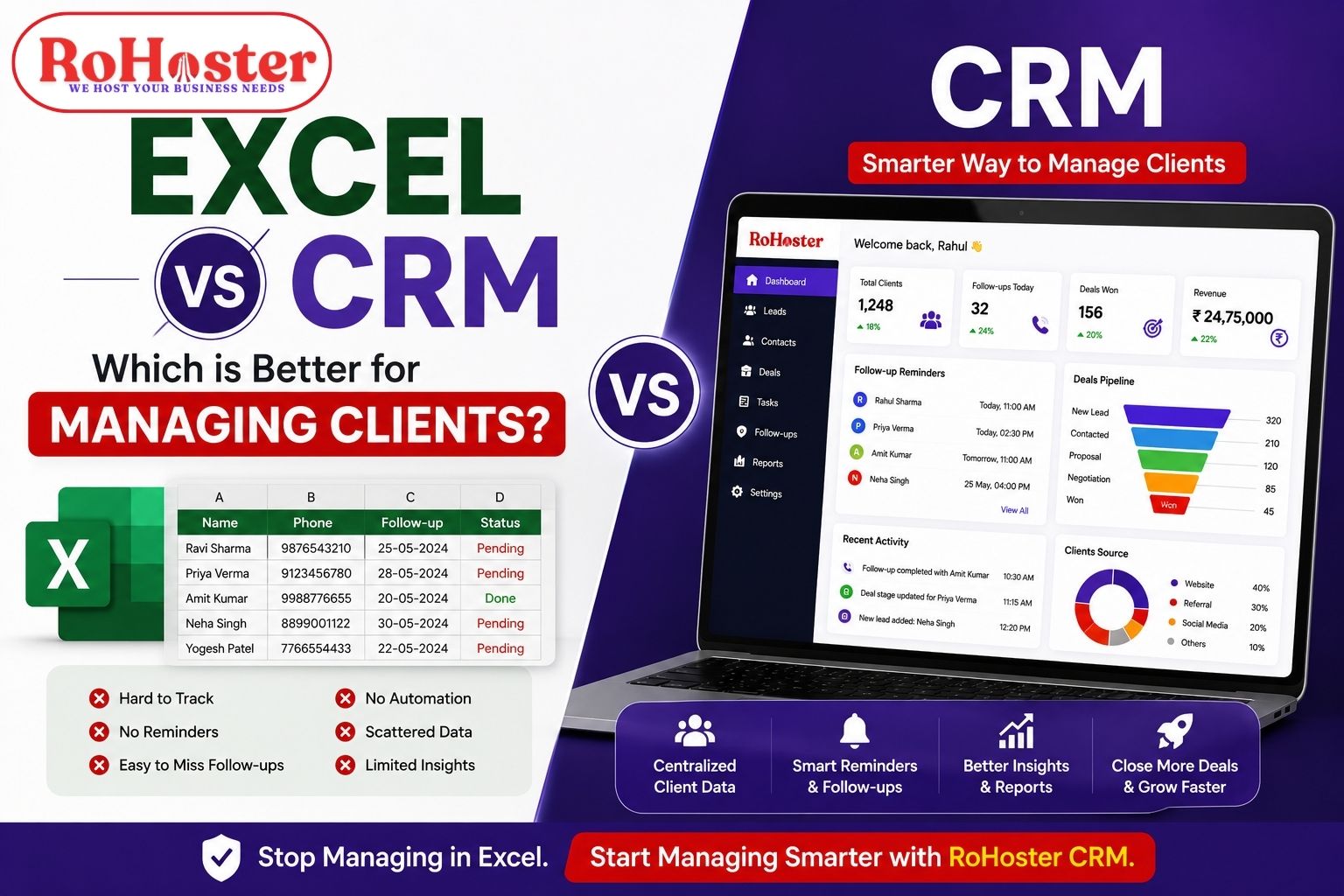
Also Read: Excel vs CRM – Which is Better for Managing Clients?
8. Creating Reports Has Become a Manual Job
At the end of every week or month, someone may spend hours preparing reports from multiple spreadsheets.
For example:
- Collect data from different files.
- Remove duplicate information.
- Check for errors.
- Create calculations.
- Prepare charts.
- Share the final report.
By the time the report is ready, the data may already be outdated.
If reporting requires significant manual effort, it is a strong sign that your business needs a more integrated system.
A centralized business management software can help make important operational information easier to track and review.
The goal is to spend less time preparing reports and more time using the information to make better decisions.
9. Your Excel Files Are Becoming Difficult to Manage
Large spreadsheets can become complicated.
You may have:
- Thousands of rows
- Multiple columns
- Complex formulas
- Different tabs
- Filters
- Conditional formatting
Over time, even finding simple information can become difficult.
There is also a higher risk of:
- Accidental deletion
- Formula errors
- Incorrect entries
- Duplicate records
- Broken calculations
The larger your business becomes, the more important data accuracy becomes.
If your Excel files have become so complicated that only one or two people understand how they work, your business may be relying too heavily on spreadsheets.
10. Your Business Is Growing, but Your Systems Are Not
This is perhaps the biggest sign of all.
Your business may be growing in terms of:
- Customers
- Employees
- Leads
- Products
- Transactions
- Locations
- Daily operations
But if you are still using the same spreadsheets and manual processes that you used when your business was much smaller, operational problems are likely to increase.
Growth creates complexity.
And complexity requires better systems.
The tools and processes that work for 20 customers may not work for 500 customers.
Similarly, a process designed for a team of two may not work efficiently for a team of 20.
Moving beyond Excel does not mean that spreadsheets are no longer useful.
It simply means that Excel should not be responsible for managing your entire business.
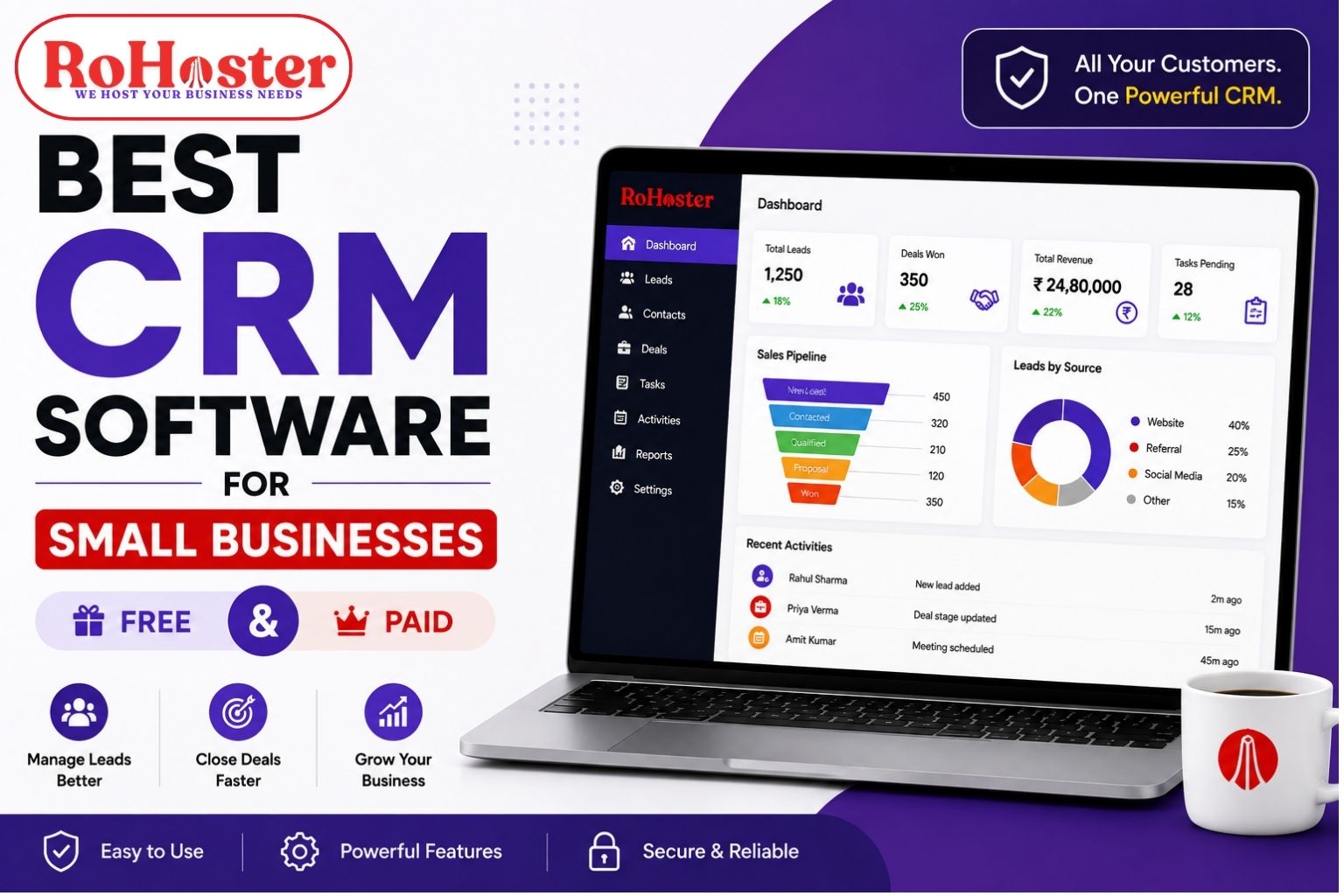
Also Read: Best CRM Software for Small Businesses (Free & Paid)
Excel vs Business Management Software
Here is a simple comparison:
| Excel | Business Management Software |
|---|---|
| Manual data updates | Centralized business records |
| Multiple separate files | Information managed in one system |
| Follow-ups depend on manual tracking | Better activity and follow-up tracking |
| Limited team coordination | Shared access based on business needs |
| Manual reporting | Easier access to business insights |
| Difficult to manage growing operations | Designed for structured workflows |
| Higher dependency on individual files | Centralized business information |
Excel remains useful for calculations, analysis, and many other tasks.
However, when your business starts managing large numbers of leads, clients, employees, invoices, and inventory, a dedicated system can provide a more organized approach.
What Should You Use Instead of Excel?
The answer depends on what your business needs to manage.
If your main problem is customer and lead management, you may need a CRM software.
If billing is your biggest challenge, dedicated billing and invoicing software may be useful.
If inventory management is becoming difficult, you may need an inventory management system.
However, businesses managing multiple operations may benefit from an all-in-one business management software.
The advantage of an integrated system is that important business activities can be managed through a more connected workflow.
For example:
Lead Management → Client Management → Sales → Billing → Inventory → Business Operations
Instead of constantly switching between different Excel files and multiple applications, businesses can work toward creating one organized system.
How RoHoster Helps Businesses Move Beyond Excel
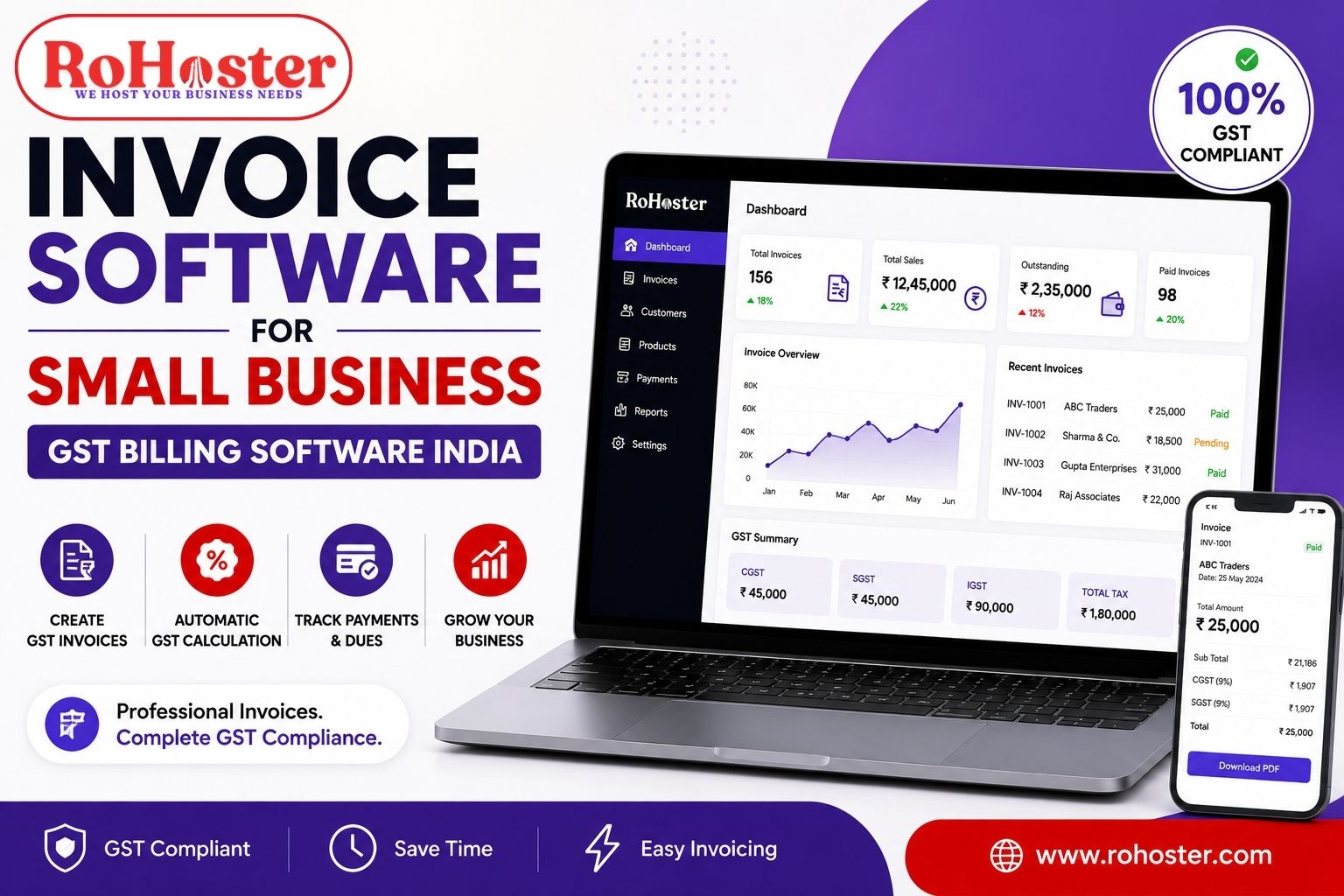
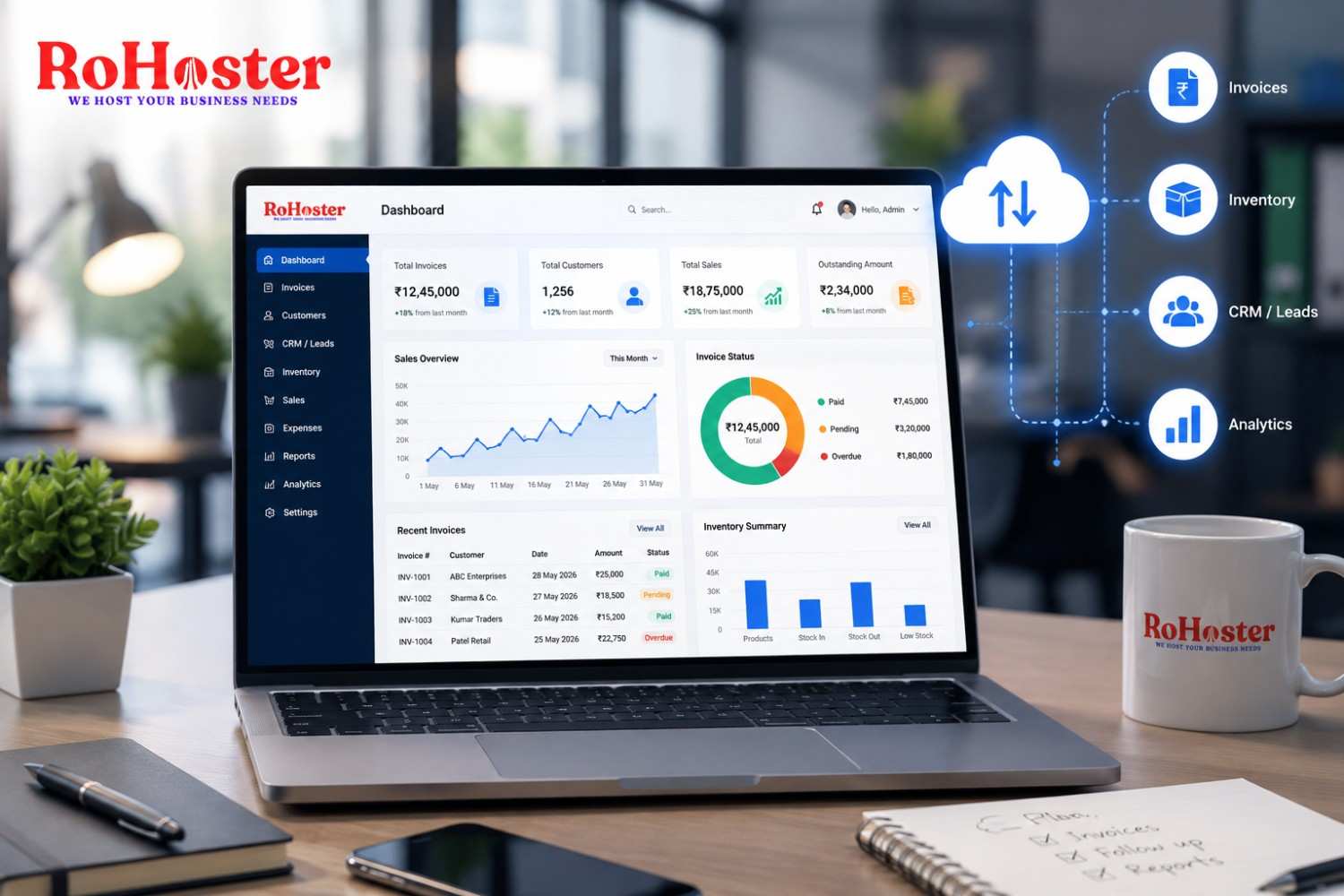
RoHoster is designed to help businesses move away from scattered files and disconnected business processes.
It provides a centralized approach for managing important areas of business operations, including:
- Lead Management
- Client Management
- Follow-Up Management
- Billing Management
- Inventory Management
- Employee Management
- Multiple Business or Branch Management
Instead of maintaining separate Excel sheets for every department, businesses can work toward organizing important information in one system.
For growing MSMEs and businesses, the objective is simple:
Less time managing spreadsheets. More time managing your business.
RoHoster can be particularly useful for businesses that have reached the stage where managing operations manually is becoming difficult.
How to Transition From Excel to Business Management Software
Moving away from Excel does not mean deleting all your existing data immediately.
A smooth transition can happen step by step.
Step 1: Identify Your Biggest Problems
Start by identifying what is becoming difficult.
Is it:
- Lead tracking?
- Client management?
- Follow-ups?
- Billing?
- Inventory?
- Team coordination?
Step 2: Organize Your Existing Data
Clean up duplicate or outdated records before moving important information into a new system.
Step 3: Start With Important Processes
You do not need to change everything overnight.
Start with the processes causing the biggest problems.
Step 4: Train Your Team
The success of any software depends on whether your team actually uses it.
Make sure employees understand how the new workflow works.
Step 5: Build a Consistent Process
Technology works best when supported by a proper process.
Make sure your team consistently updates customer records, tasks, follow-ups, and other important information.
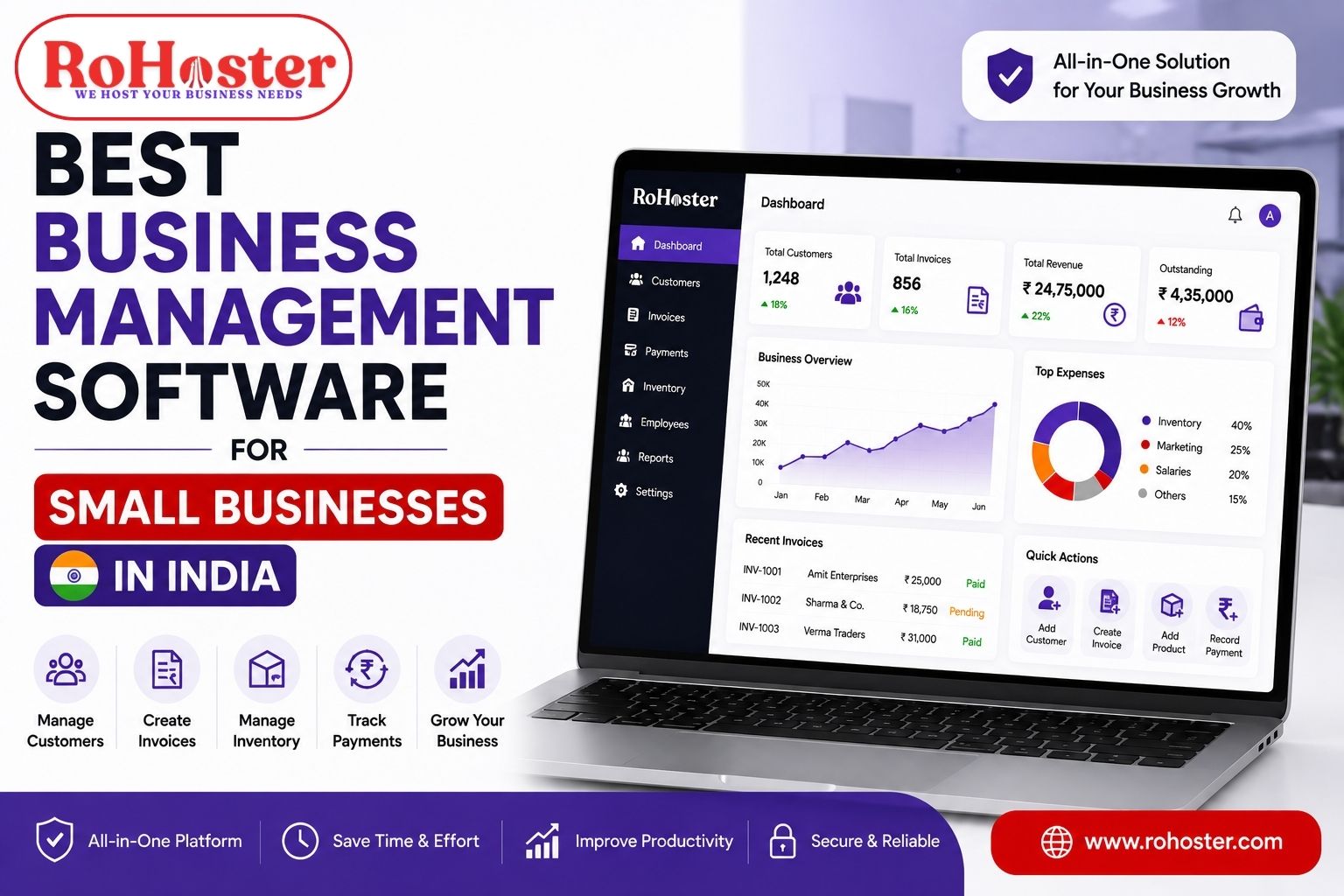
Also Read: How Small Businesses Can Manage Sales, Billing & Inventory in One Software
Final Thoughts
Excel is an excellent tool.
But it is not designed to become the entire operating system of a growing business.
If you are managing a few customers and simple records, Excel may still be enough.
But if your business is dealing with:
- Hundreds of leads
- Multiple clients
- Frequent follow-ups
- Several employees
- Billing and payments
- Inventory
- Multiple business processes
then relying entirely on spreadsheets can eventually create operational challenges.
The right time to upgrade is not necessarily when Excel completely stops working.
The right time is when your team starts spending too much time managing information instead of using that information to grow the business.