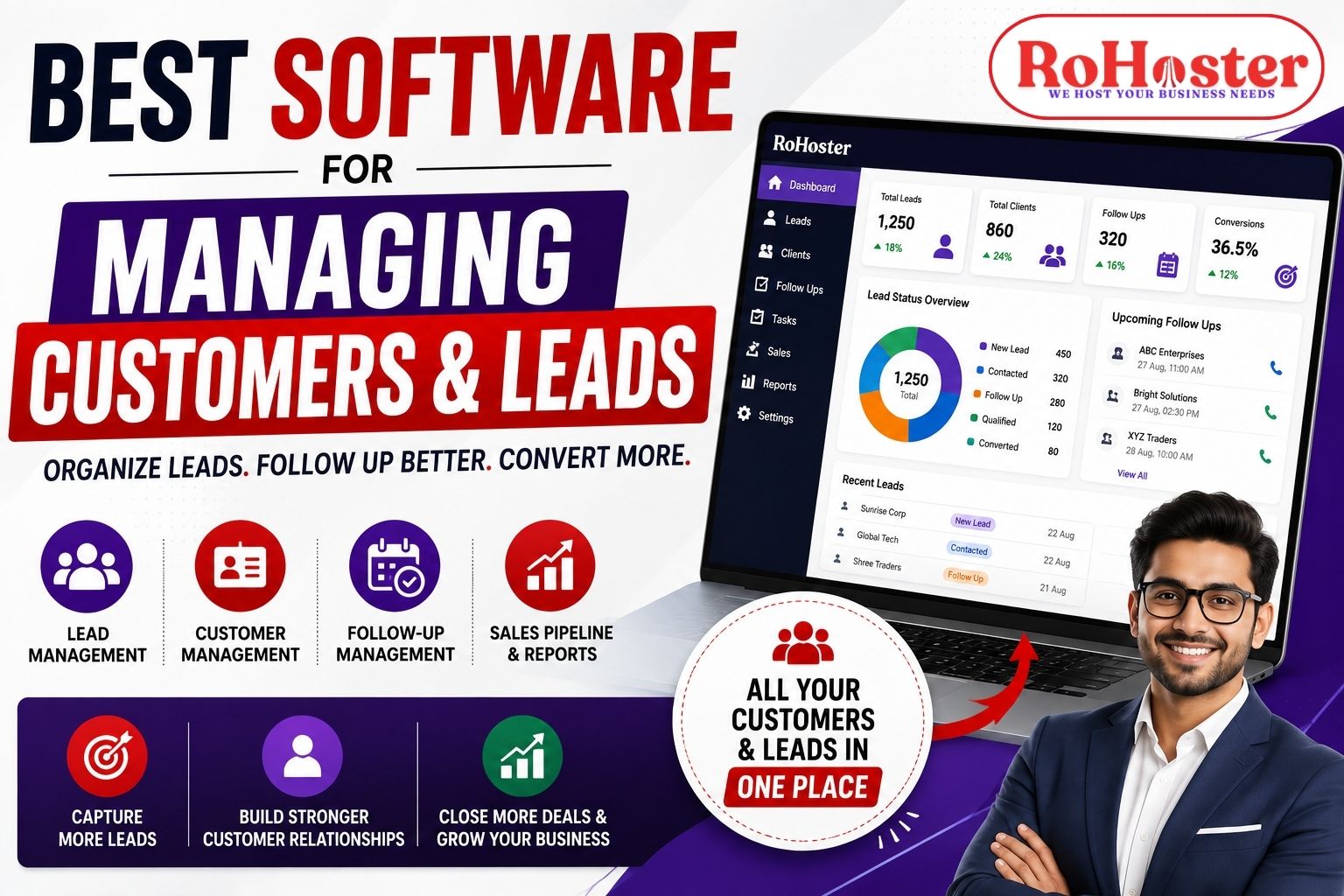
Managing customers and leads is one of the most important parts of running a growing business.
Every business receives enquiries, communicates with prospects, follows up with potential customers, converts some of them into clients, and continues managing those relationships after the sale.
When the number of leads is small, businesses can manage this process using Excel, WhatsApp, phone contacts, or notebooks. But as the business grows, this approach becomes difficult to maintain.
Leads can get missed. Follow-ups can be forgotten. Customer information can become scattered. Sales teams may not know who is handling which prospect.
This is why businesses are increasingly looking for the best software for managing customers and leads.
A good customer and lead management software can help businesses organize prospects, track customer information, schedule follow-ups, manage sales activities, and improve team coordination from one centralized system.
In this guide, we will explore what to look for in customer and lead management software, its key benefits, and how the right solution can help your business manage customer relationships more efficiently.
What Is Customer and Lead Management Software?
Customer and lead management software is a system that helps businesses organize information about potential and existing customers.
A lead is a person or business that has shown interest in your product or service but has not necessarily become a customer yet.
A customer, on the other hand, has already purchased your product or service or established a business relationship with you.
A good system helps manage both stages.
A typical process may look like:
New Lead → Contacted → Follow-Up → Qualified → Proposal → Converted Customer → Repeat Customer
Instead of managing every stage manually, businesses can use software to organize and track the entire customer journey.
Why Businesses Need Software to Manage Customers and Leads
Many businesses still use multiple disconnected tools.
For example:
- Excel for lead records
- WhatsApp for communication
- Phone contacts for customer information
- Notebook for follow-ups
- Separate software for billing
- Email for customer communication
This creates a fragmented workflow.
As the number of leads and customers increases, it becomes difficult to keep everything updated.
Some common problems include:
- Missed follow-ups
- Duplicate customer records
- Lost lead information
- Poor team coordination
- Difficulty tracking sales opportunities
- Lack of customer history
- Manual reporting
- Time wasted searching for information
A centralized customer and lead management software can help bring this information together.
1. Centralized Lead Management
One of the most important features of lead management software is the ability to keep all leads organized.
Leads can come from different sources, including:
- Website
- Google Ads
- Phone calls
- Referrals
- Offline campaigns
Instead of maintaining separate lists for every source, businesses can organize them in one system.
For every lead, you may want to track:
- Name
- Contact details
- Lead source
- Requirement
- Assigned employee
- Current status
- Follow-up date
- Notes
- Conversion status
This makes it easier for sales teams to know exactly what needs to be done next.
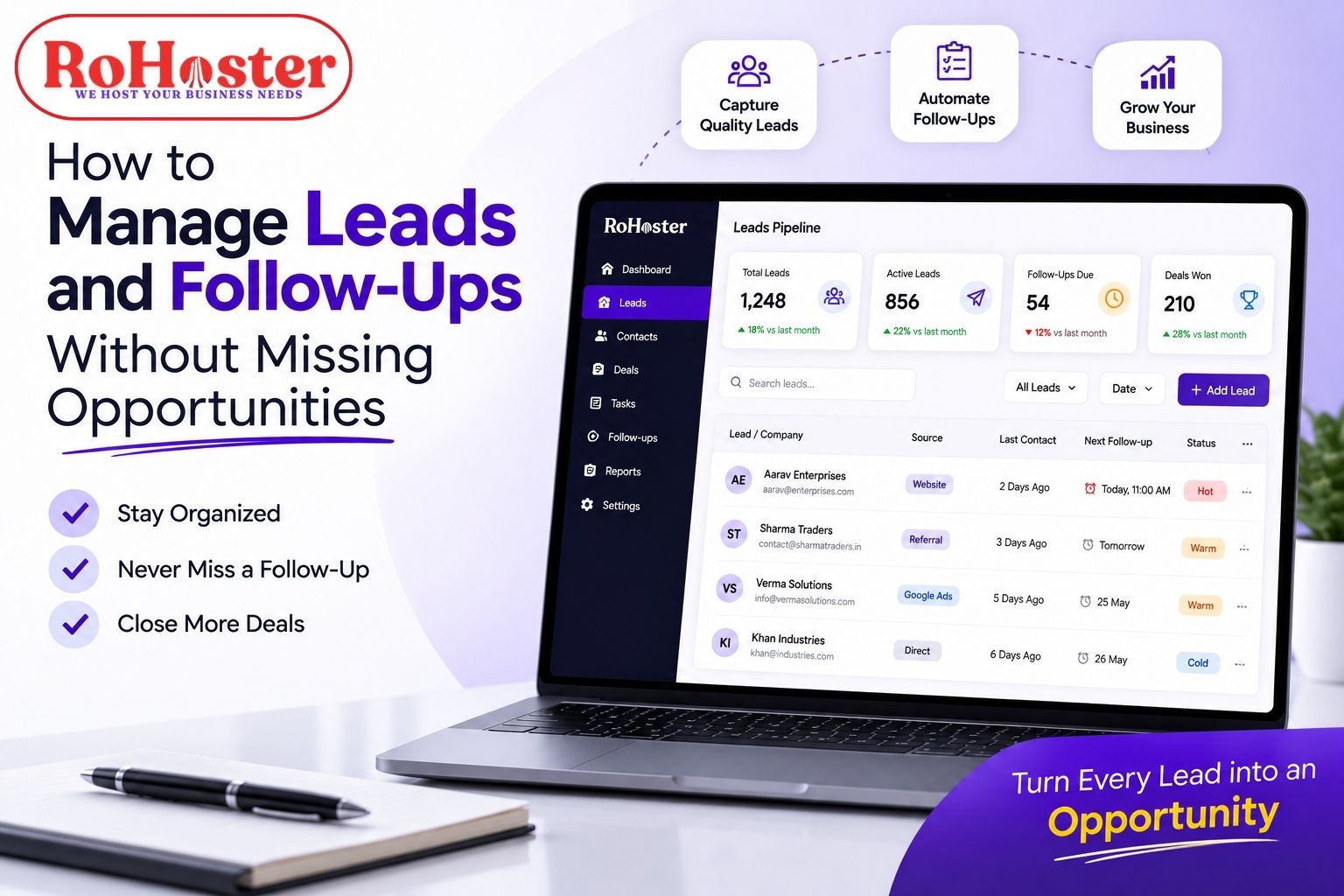
2. Never Lose Track of Follow-Ups
A lead is valuable only when your team follows up properly.
A potential customer may say:
"Call me next week."
If that information is simply written in an Excel sheet, there is always a possibility that the follow-up will be forgotten.
A proper lead management system with follow-up reminders can help businesses schedule future activities.
For example:
Lead received → Contacted → Follow-up scheduled → Reminder → Follow-up completed
This creates a structured sales process.
Instead of relying on memory, your team has a clear record of the next action.
3. Manage Customer Information in One Place
Once a lead becomes a customer, the relationship continues.
Your team may need access to:
- Customer contact details
- Previous conversations
- Purchase history
- Services purchased
- Pending tasks
- Payment information
- Follow-up history
- Important notes
A centralized client management software helps keep this information organized.
This is especially useful when multiple employees interact with the same customer.
A new employee should not have to ask:
"What did we discuss with this client last time?"
The information should already be available in the customer's record.
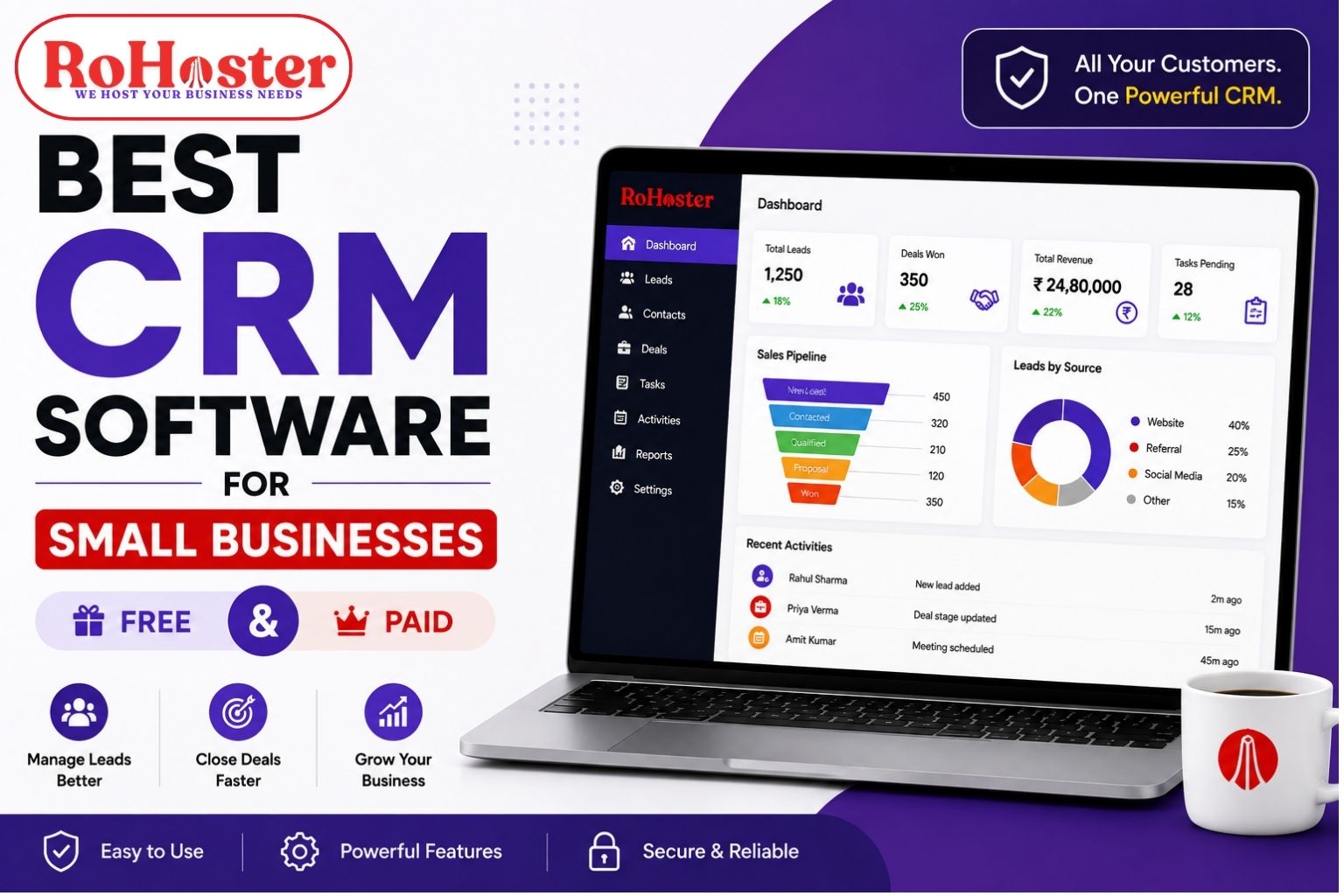
4. Track Your Sales Pipeline
Not every lead is ready to buy immediately.
Some may just be making an enquiry. Others may be interested, negotiating, or waiting for a proposal.
A sales pipeline helps businesses understand where each opportunity stands.
For example:
New Lead
↓
Contacted
↓
Qualified
↓
Proposal Sent
↓
Negotiation
↓
Won / Lost
A CRM with sales pipeline management provides better visibility into the sales process.
Managers can quickly understand:
- How many leads are active
- Which leads need follow-up
- Which deals are close to conversion
- Which sales opportunities are stuck
- Where prospects are dropping out
5. Assign Leads to the Right Team Member
When multiple employees handle leads, ownership becomes important.
Every lead should have a clear person responsible for it.
For example:
| Lead | Assigned To | Status | Next Follow-Up |
|---|---|---|---|
| ABC Enterprises | Rahul | Interested | 27 Aug |
| XYZ Traders | Priya | Proposal Sent | 29 Aug |
| Bright Solutions | Amit | New | 26 Aug |
This prevents situations where:
"I thought someone else was handling it."
A proper lead tracking software can help businesses assign leads and monitor activities.
This improves accountability and team coordination.
Also Read: How to Manage Leads and Follow-Ups Without Missing Opportunities
6. Maintain Customer Interaction History
Customers may interact with your business through:
- Phone calls
- Emails
- Meetings
- Website enquiries
- In-person conversations
When these interactions are not recorded properly, important information can be lost.
Maintaining a customer interaction history helps your team understand the relationship better.
For example, before contacting a customer, an employee can check:
- Previous discussion
- Last follow-up
- Current requirement
- Previous purchase
- Pending issue
This can lead to a more professional customer experience.
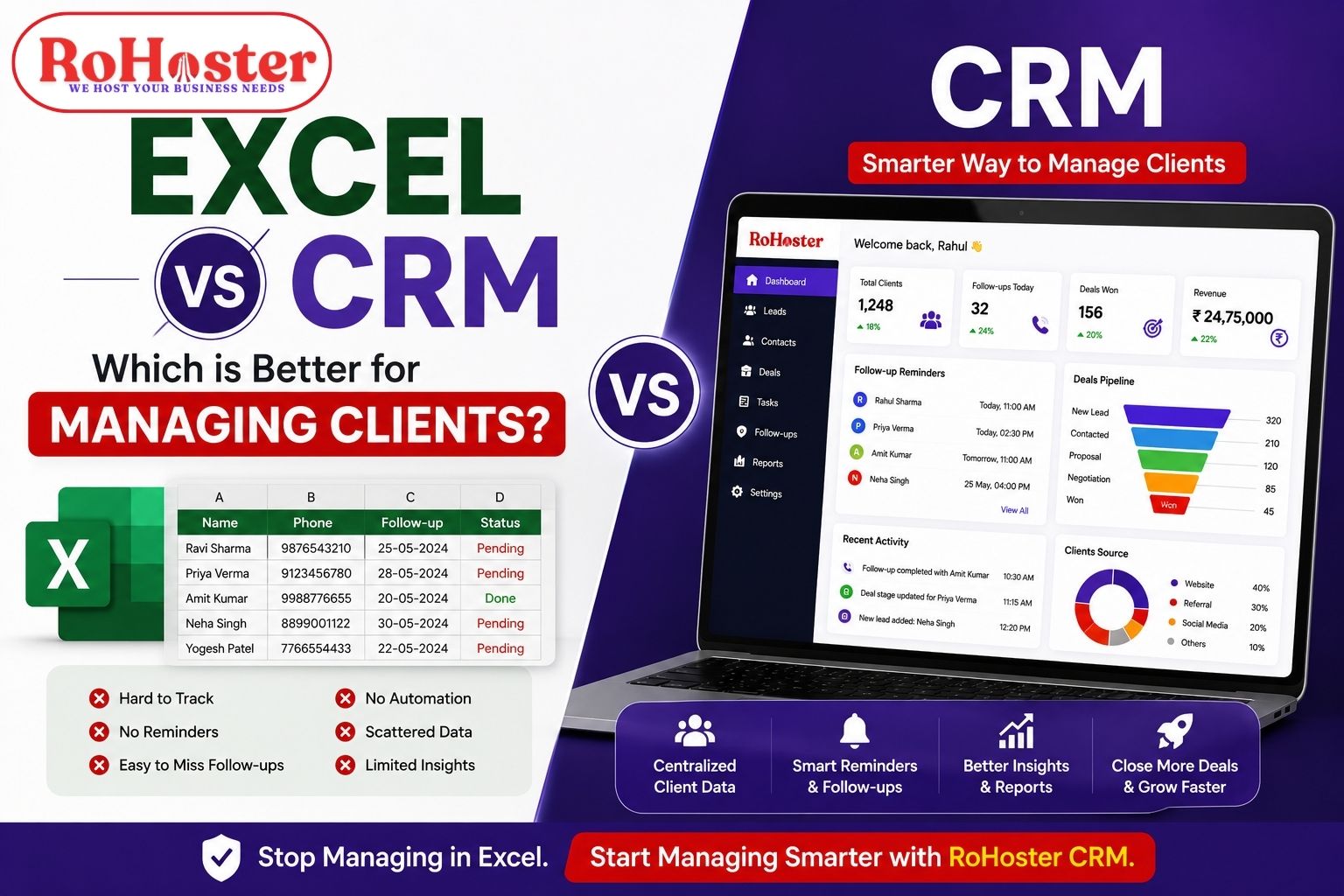
7. Reduce Dependence on Excel
Excel is useful and will continue to have a place in business.
But it is not always the best tool for managing hundreds or thousands of leads and customers.
As your business grows, spreadsheets can become:
- Difficult to maintain
- Difficult to update
- Difficult to share
- Prone to duplicate data
- Difficult to track for follow-ups
A dedicated CRM software for small businesses is designed specifically around customer and sales management.
Instead of manually creating columns for every process, businesses get structured features for:
- Leads
- Customers
- Activities
- Follow-ups
- Sales
- Reports
The goal is not to completely eliminate Excel.
It is to avoid making Excel responsible for managing your entire customer relationship process.
Also Read: 10 Signs Your Business Has Outgrown Excel | When to Upgrade Your Business Software
8. Get Better Sales Insights
Customer and lead management software can also help businesses understand their sales performance.
You may want to know:
- How many leads came this month?
- Which source generates the most leads?
- How many leads were converted?
- How many follow-ups are pending?
- Which salesperson has the highest conversion rate?
- How much revenue came from new customers?
A centralized dashboard can make this information easier to access.
These insights can help businesses make better decisions about their marketing and sales activities.
9. Improve Customer Retention
Customer management does not end after the sale.
Existing customers can become:
- Repeat customers
- Renewal customers
- Referral sources
- Long-term clients
A customer management system can help businesses keep track of important activities after conversion.
For example:
- Renewal reminders
- Follow-ups
- Service updates
- Customer requests
- Payment reminders
- Future opportunities
This can help businesses build stronger long-term relationships.
10. Connect Customer Management With Other Business Operations
For many businesses, CRM is only one part of the overall operation.
After acquiring a customer, you may also need to:
- Generate an invoice
- Track payments
- Manage products
- Update inventory
- Assign employees
- Manage tasks
- Generate reports
Using separate software for every process can create additional complexity.
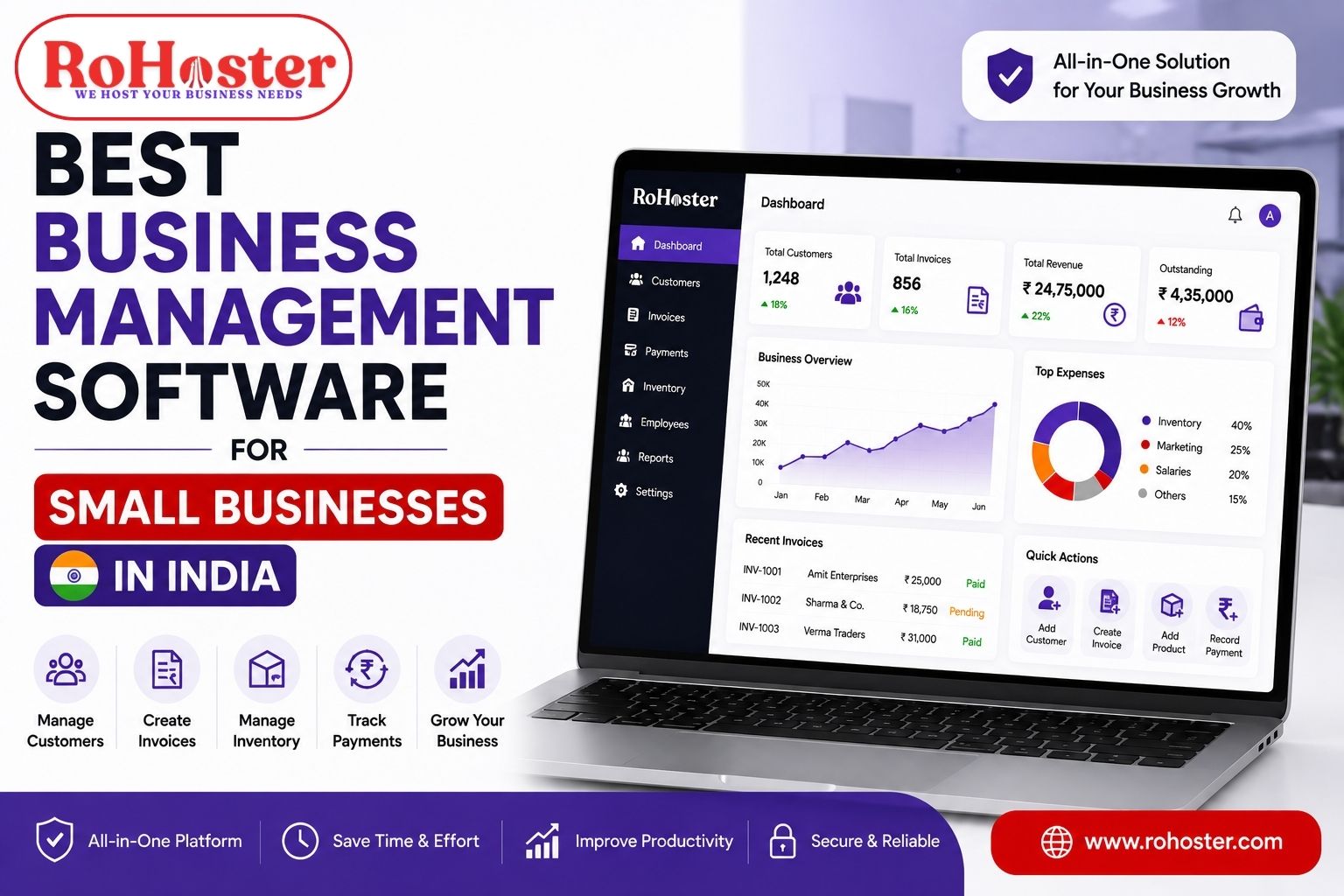
This is why some businesses prefer all-in-one business management software that connects customer management with other business operations.
For growing SMEs, this can reduce the number of disconnected tools they need to manage.
What Features Should the Best Customer and Lead Management Software Have?
Before choosing software, businesses should look for features that solve their actual problems.
Lead Management
Capture, organize, assign, and track leads.
Customer Management
Maintain centralized customer records.
Follow-Up Management
Schedule and track follow-ups.
Sales Pipeline
Monitor the progress of every sales opportunity.
Task Management
Assign activities and deadlines to team members.
Interaction History
Maintain records of customer communication.
Reports and Analytics
Understand lead sources, conversions, sales activities, and business performance.
Team Management
Assign responsibilities and track activities.
Scalability
The software should continue to support the business as the customer base grows.
Integration With Other Business Functions
Where needed, the system should connect customer management with billing, inventory, employees, and other operations.
How to Choose the Best Software for Managing Customers and Leads
There is no single software that is perfect for every business.
The right choice depends on your business size, team, industry, sales process, and budget.
Before choosing a solution, ask these questions:
How many leads do we receive every month?
If your lead volume is increasing, manual tracking may become difficult.
How are we currently managing follow-ups?
If follow-ups depend on memory or scattered Excel sheets, automation and reminders may be valuable.
Can every team member access customer information?
If not, centralized client management may improve collaboration.
Do we need billing and inventory along with CRM?
If yes, consider an integrated business management platform.
Is the software easy for employees to use?
A system is useful only when your team actually adopts it.
Can it grow with our business?
Your CRM should not become a limitation when your business expands.
Also Read: Best CRM for Small Businesses in India | Top CRM Features & Guide
RoHoster for Customer and Lead Management
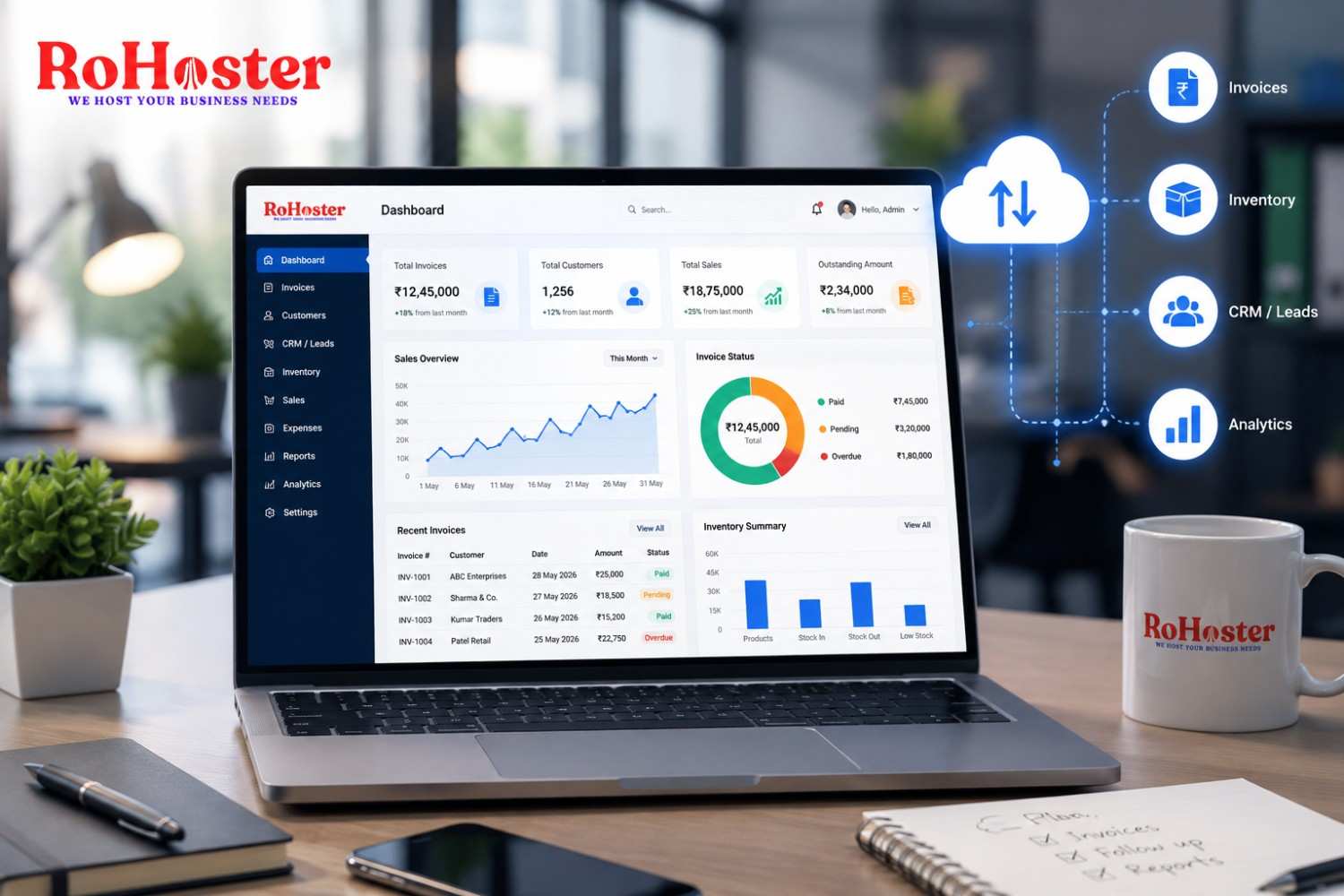
RoHoster is an all-in-one business management software designed to help growing businesses organize leads, customers, and other business operations from one platform.
RoHoster provides tools for areas such as:
- Lead Management
- Client Management
- Follow-Up Management
- Sales Activities
- Billing Management
- Inventory Management
- Employee Management
- Attendance
- Multi-Company Management
- Business Reports
Instead of managing customer information in Excel, follow-ups in WhatsApp, and billing in separate systems, businesses can work toward managing important processes through one centralized platform.
The idea is simple:
One system to organize your business.
For small businesses and growing SMEs, this can help reduce operational complexity while giving teams better visibility into leads and customers.
Who Can Benefit From Customer and Lead Management Software?
Almost any business that regularly receives enquiries or manages customers can benefit from a structured system.
Real Estate Businesses
Manage property enquiries, prospects, follow-ups, and conversions.
Also Read: Best Tools for Real Estate Agents to Manage Leads
Service Businesses
Track leads, clients, tasks, and ongoing relationships.
CA and Professional Firms
Manage client information, follow-ups, services, and billing.
Also Read: Best Software for CA Firms to Manage Clients & Billing
Agencies
Track prospects, clients, projects, and business opportunities.
Retailers and Traders
Manage customers, sales, payments, and inventory.
Manufacturers and Distributors
Organize leads, customers, sales, and operational information.
Startups and MSMEs
Build a structured sales and customer management process from the beginning.
CRM vs Excel for Managing Customers and Leads
| Excel | CRM / Lead Management Software |
|---|---|
| Manual data entry | Structured customer records |
| Follow-ups can be forgotten | Follow-up reminders |
| Multiple files | Centralized database |
| Limited sales visibility | Sales pipeline |
| Manual reporting | Automated business insights |
| Difficult team coordination | Assigned leads and activities |
| Harder to scale | Designed for growing businesses |
Excel can still be useful for data analysis and specific business tasks.
However, if your primary challenge is managing a growing number of leads and customers, a dedicated CRM software can provide a more structured workflow.
Final Thoughts
Managing customers and leads effectively is not just about storing contact numbers.
It is about knowing:
Who is the customer?
What do they need?
Who is handling them?
When should we follow up?
Where are they in the sales process?
What should happen next?
As a business grows, answering these questions manually becomes increasingly difficult.
The right customer and lead management software can help businesses organize their sales process, improve follow-ups, coordinate teams, and maintain better customer relationships.
For businesses looking for more than a traditional CRM, an all-in-one business management software such as RoHoster can help connect customer management with billing, inventory, employee management, and other business operations.
Ultimately, the best software is not necessarily the one with the most features.
It is the one that helps your team work better, follow up consistently, and never lose track of valuable business opportunities.