Managing a small business becomes more challenging as the number of customers, enquiries, sales opportunities, and follow-ups increases.
In the beginning, many businesses manage customer information through:
- Excel sheets
- WhatsApp chats
- Phone contacts
- Diaries or notebooks
- Separate billing and sales tools
This may work when you have a limited number of customers. However, as the business grows, managing everything manually can lead to missed follow-ups, scattered customer data, delayed responses, and lost sales opportunities.
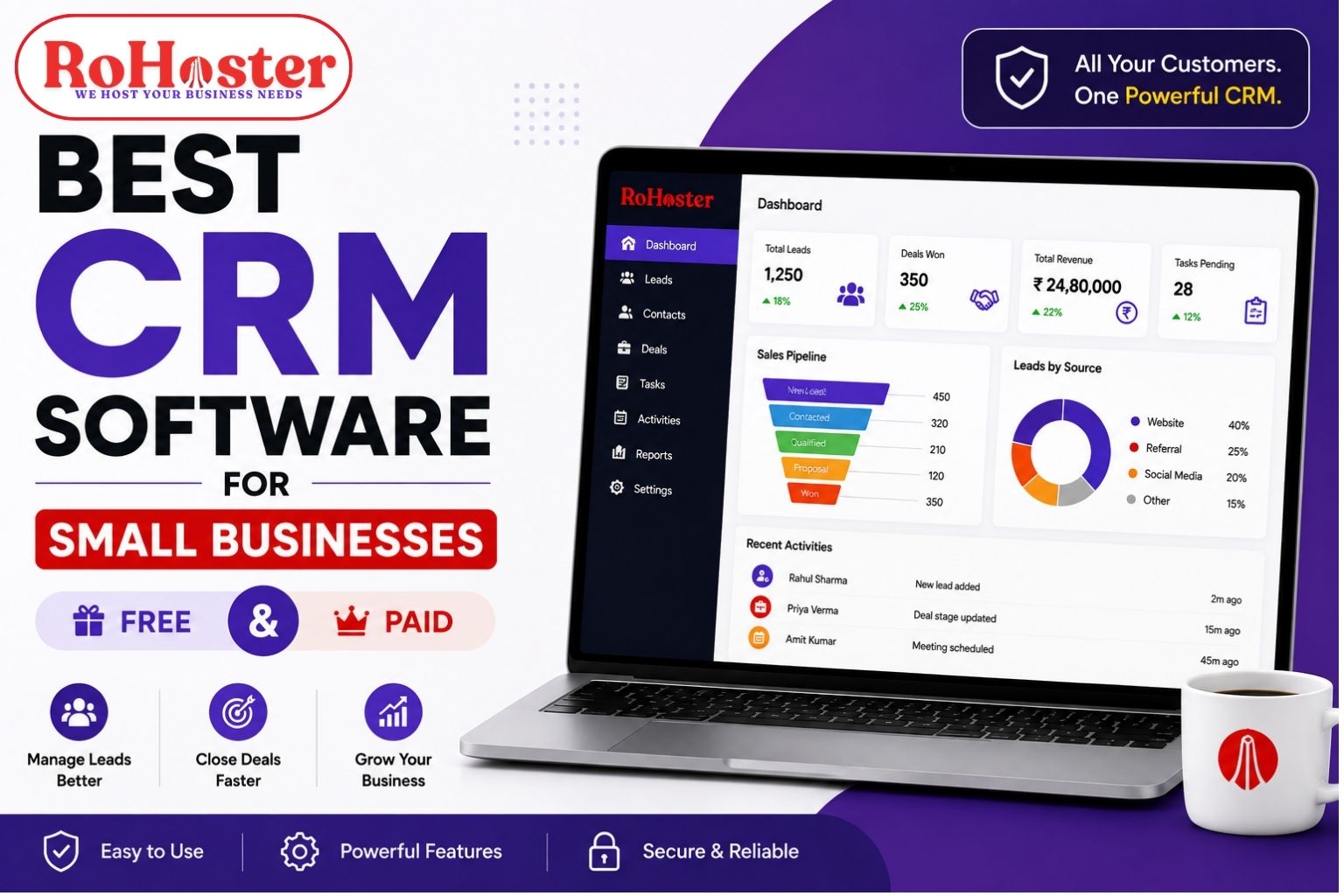
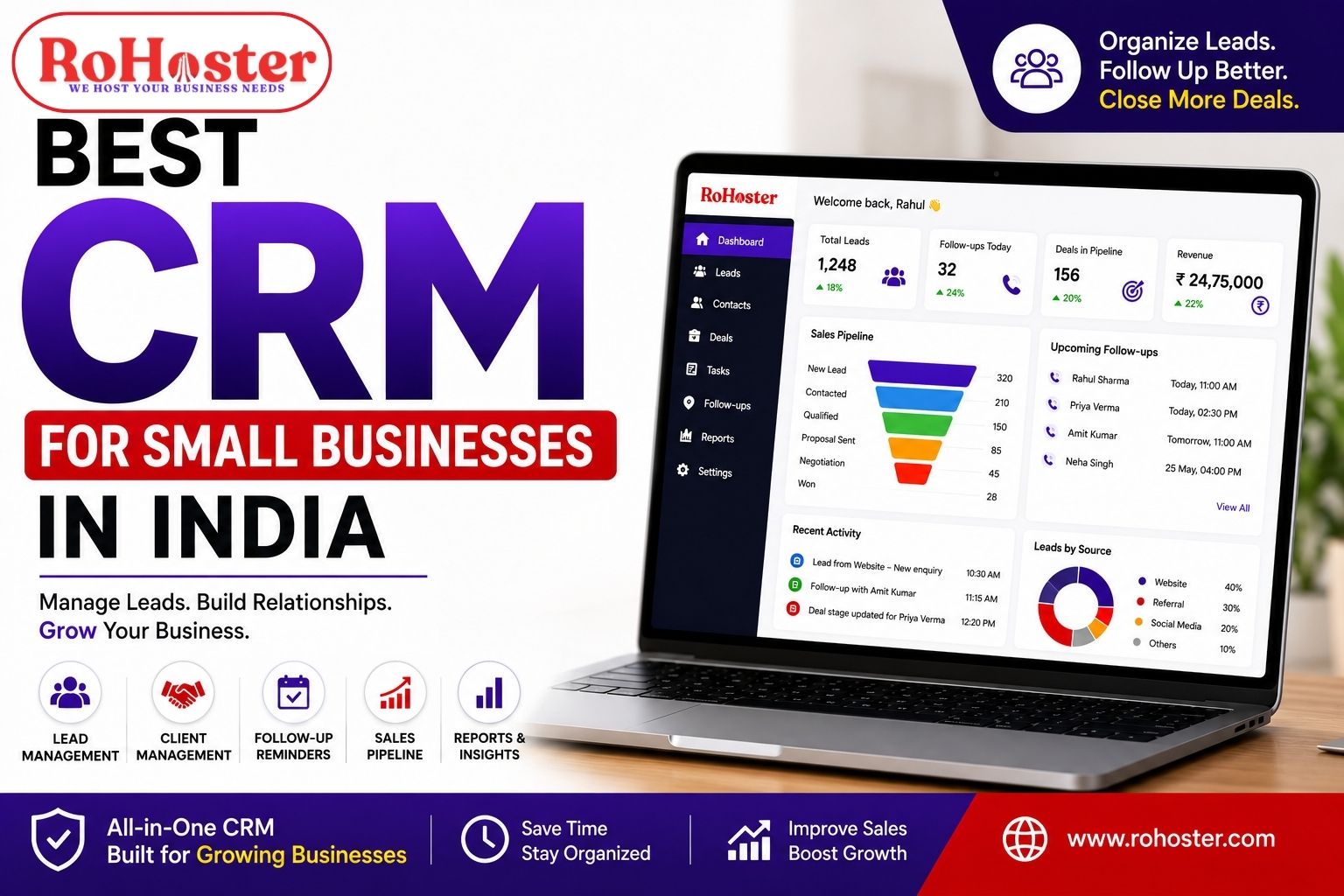
This is why more businesses are looking for the best CRM for small businesses in India.
A CRM, or Customer Relationship Management software, helps businesses organize customer information, track leads, manage follow-ups, monitor sales opportunities, and maintain better relationships with customers.
But with so many CRM software options available in India, the real question is:
Which CRM is right for your small business?
The answer depends on your business requirements, team size, budget, and the processes you want to manage.
In this guide, we will explore what small businesses should look for in a CRM, the key benefits of CRM software, and how to choose the right solution.
What Is CRM Software?
CRM stands for Customer Relationship Management.
A CRM system helps businesses store, organize, and manage information related to:
- Leads
- Customers
- Follow-ups
- Sales opportunities
- Calls and meetings
- Tasks
- Team activities
- Customer communication history
Instead of searching through multiple Excel files or WhatsApp conversations, businesses can maintain important customer information in one centralized system.
A typical customer journey can be managed like this:
New Lead → Contacted → Follow-Up → Interested → Proposal → Converted Customer
This gives businesses better visibility into their sales process.
Why Do Small Businesses in India Need a CRM?
Many small businesses believe that CRM software is only useful for large companies.
That is no longer true.
Even a small business can lose valuable opportunities if customer information is not properly organized.
For example, imagine receiving leads from:
- Your website
- Facebook or Instagram
- Google Ads
- Referrals
- Phone calls
If these leads are managed manually, some of them may never receive a proper follow-up.
This is where a CRM for small businesses can make a significant difference.
A centralized CRM can help businesses:
- Organize customer data
- Track every lead
- Schedule follow-ups
- Assign leads to team members
- Monitor sales progress
- Reduce missed opportunities
- Improve team coordination
The objective is simple:
No lead should be forgotten just because your business is growing.
Key Features to Look for in the Best CRM for Small Businesses
Not every small business needs a complicated enterprise CRM.
In fact, overly complex software can create another problem—your team may struggle to use it.
The best CRM software for small businesses should provide the right balance between functionality and simplicity.
Here are some important features to consider.
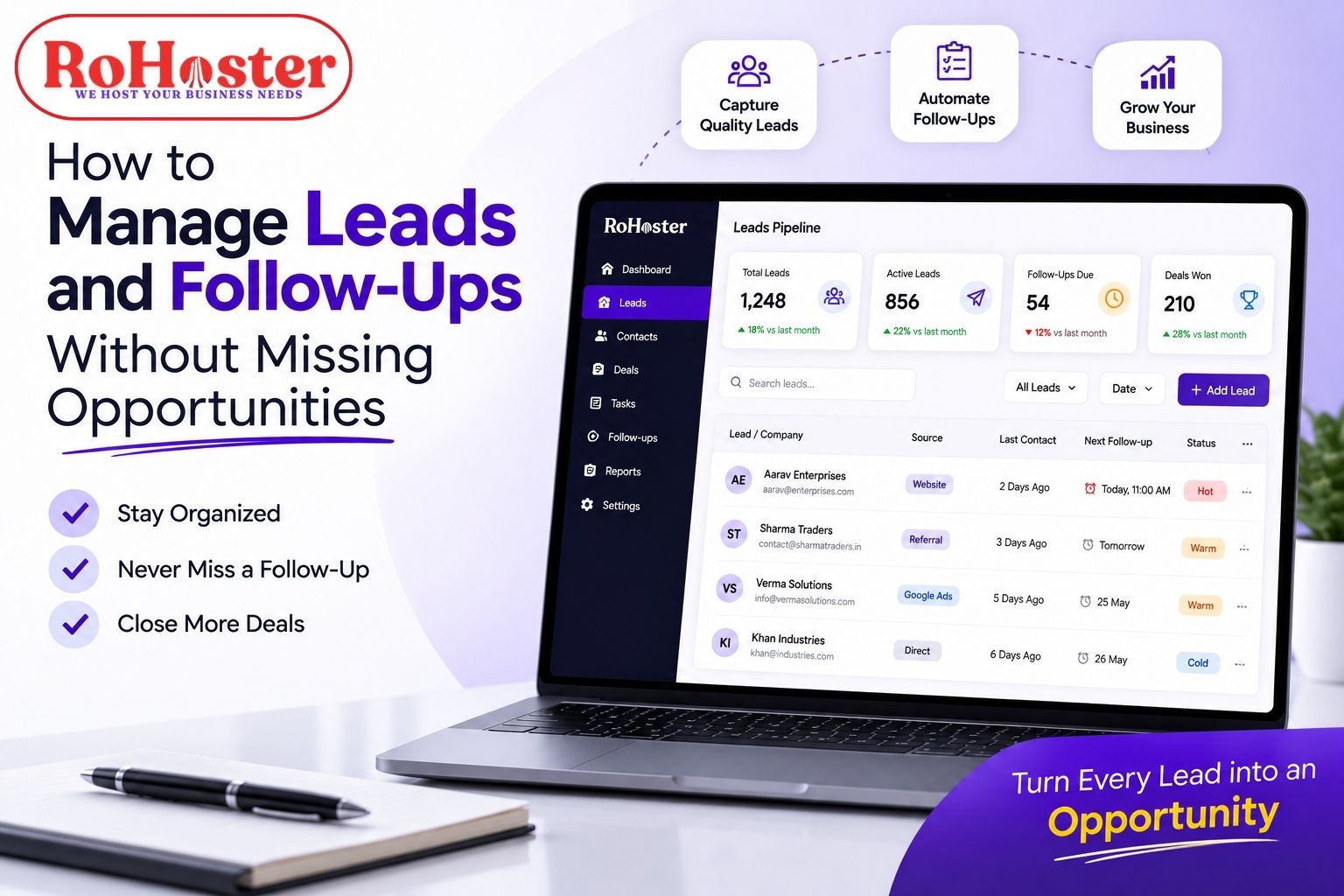
1. Lead Management
Lead management is one of the most important CRM features.
Your CRM should help you record and organize leads coming from different sources.
For every lead, you should be able to track:
- Name
- Contact details
- Lead source
- Current status
- Assigned employee
- Follow-up date
- Notes and interaction history
This helps ensure that potential customers do not disappear into an Excel sheet and get forgotten.
A good lead management CRM should make it easy to understand:
Who contacted you?
Where did the lead come from?
Who is handling it?
What is the next action?
2. Client and Customer Management
Once a lead becomes a customer, the relationship does not end.
Businesses still need to manage:
- Customer information
- Previous communication
- Services or products
- Pending tasks
- Payments
- Renewal dates
- Important documents
A good client management software should maintain a complete customer record.
This makes it easier for different team members to understand the customer's history without repeatedly asking for the same information.
3. Follow-Up Reminders
One of the biggest reasons businesses lose potential customers is missed follow-ups.
A customer may say:
"Call me next week."
But after handling dozens of other tasks, that follow-up can easily be forgotten.
A CRM with follow-up reminders can help businesses schedule the next action.
This is especially useful for businesses with:
- Long sales cycles
- Multiple customer interactions
- Sales teams
- High lead volumes
Instead of relying on memory, the system can help keep important follow-ups visible.
4. Sales Pipeline Management
A sales pipeline helps businesses understand where every opportunity currently stands.
For example:
New Lead → Contacted → Qualified → Proposal Sent → Negotiation → Won/Lost
This gives managers a clear picture of the sales process.
A CRM with sales pipeline management can help answer questions such as:
- How many new leads do we have?
- How many are currently being followed up?
- How many opportunities are close to conversion?
- Where are we losing potential customers?
This information can help businesses improve their sales process over time.
5. Task and Activity Management
A CRM should not simply store customer information.
It should also help your team take action.
For example:
- Call a client
- Send a quotation
- Schedule a meeting
- Complete documentation
- Follow up on payment
- Contact a customer for renewal
When tasks are connected with customer records, it becomes easier to manage daily activities.
This is particularly important for small businesses where one employee may handle multiple responsibilities.
6. Team and Employee Management
As your team grows, you need visibility into customer-related activities.
A CRM should allow business owners or managers to understand:
- Who is handling which leads
- Pending follow-ups
- Completed activities
- Team workload
- Sales progress
This does not mean micromanaging employees.
It means creating better accountability and ensuring that important opportunities are not missed.
7. Reporting and Business Insights
Data is useful only when it helps you make better decisions.
A good CRM should provide useful information about:
- Lead sources
- Conversion performance
- Sales activity
- Pending follow-ups
- Customer growth
- Team performance
For a small business owner, having this information available in one dashboard can save significant time.
How CRM Software Helps Small Businesses Grow
A CRM is not just a database.
When used properly, it can improve the way a business operates.
Better Customer Organization
All important customer information is maintained in a structured system.
Fewer Missed Opportunities
Scheduled follow-ups and reminders help reduce the chances of forgetting potential customers.
Improved Team Coordination
Employees can access relevant customer information and understand their responsibilities.
Better Sales Visibility
Business owners can see where leads are in the sales journey.
More Professional Customer Experience
When customer history is available, businesses can provide more informed and consistent communication.
Easier Scalability
A structured CRM process can support a growing number of customers and sales opportunities.
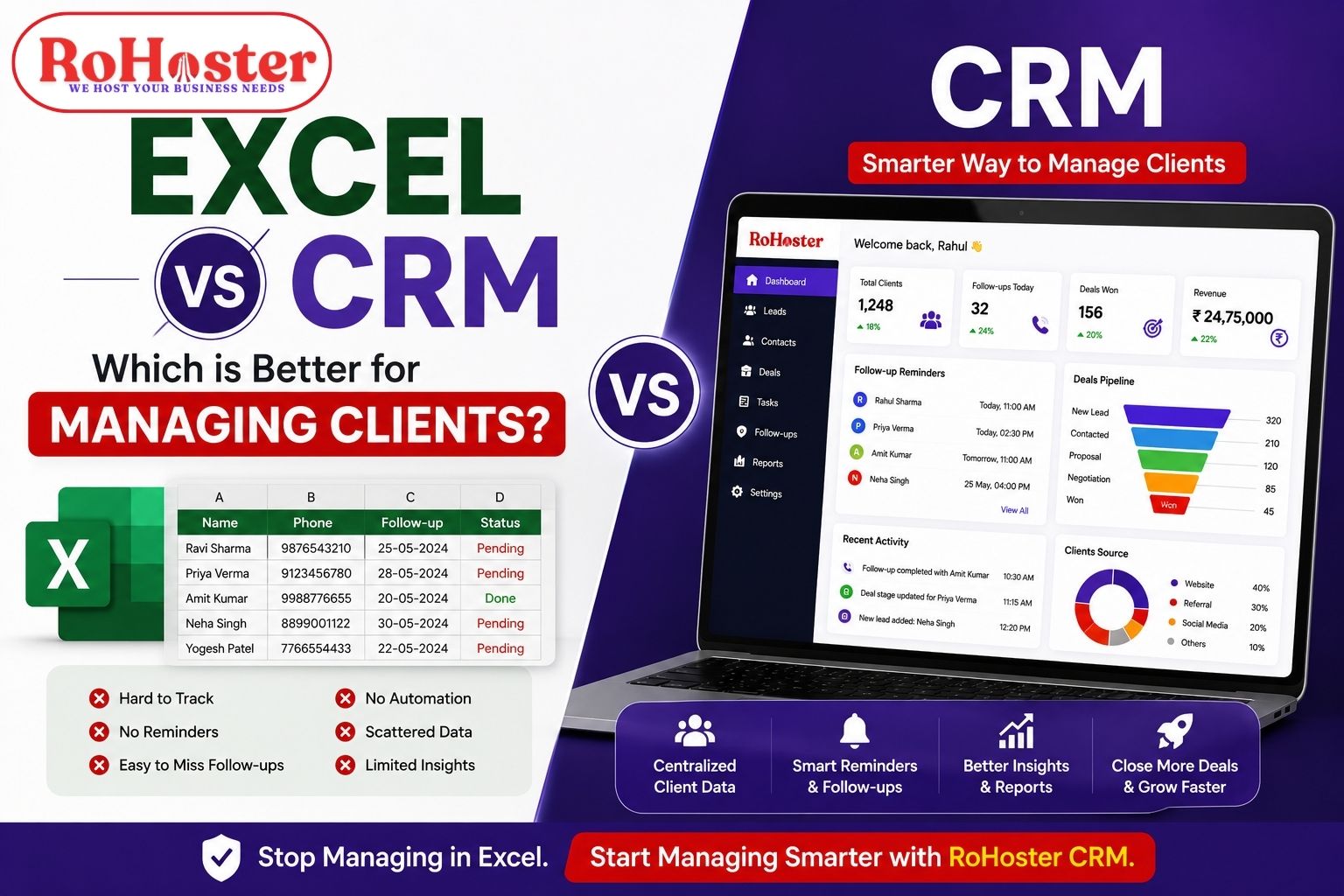
CRM vs Excel: Which Is Better for Small Businesses?
Excel is a useful tool, and many small businesses start with it.
However, as customer data grows, Excel can become difficult to manage.
| Excel | CRM Software |
|---|---|
| Manual updates | Structured customer records |
| Easy to forget follow-ups | Follow-up scheduling |
| Data can become scattered | Centralized information |
| Limited team visibility | Better collaboration |
| Difficult to track activities | Activity and task tracking |
| Basic reporting | Sales and business insights |
The biggest difference is not that Excel is bad.
The issue is scalability.
When you manage 20 customers, Excel may be enough.
When you manage hundreds of leads, multiple employees, regular follow-ups, and ongoing customer relationships, a dedicated CRM software for small businesses in India can provide a more structured approach.
How to Choose the Best CRM for Your Small Business
Before selecting CRM software, do not simply choose the platform with the longest feature list.
Instead, start with your business problems.
Ask yourself:
Where do we currently lose leads?
How do we manage follow-ups?
Where is customer information stored?
Can different team members access the required information?
How do we track our sales pipeline?
What tasks are repeatedly forgotten?
Once you understand these problems, you can choose a CRM that actually supports your workflow.
Consider Ease of Use
Your CRM should be easy enough for your team to use regularly.
A powerful system is not useful if employees avoid using it because it is too complicated.
Look for a clean interface and workflows that match your business operations.
Check Scalability
The software should support your business as it grows.
You may currently have:
- 2 employees
- 100 customers
- A few monthly leads
But your requirements may change significantly over the next few years.
Choose a CRM that can grow with your business.
Look for Customization
Every business has a different sales process.
A real estate company does not work like a CA firm. A manufacturer does not follow the same process as a digital agency.
A good CRM should provide enough flexibility to adapt to your workflow.
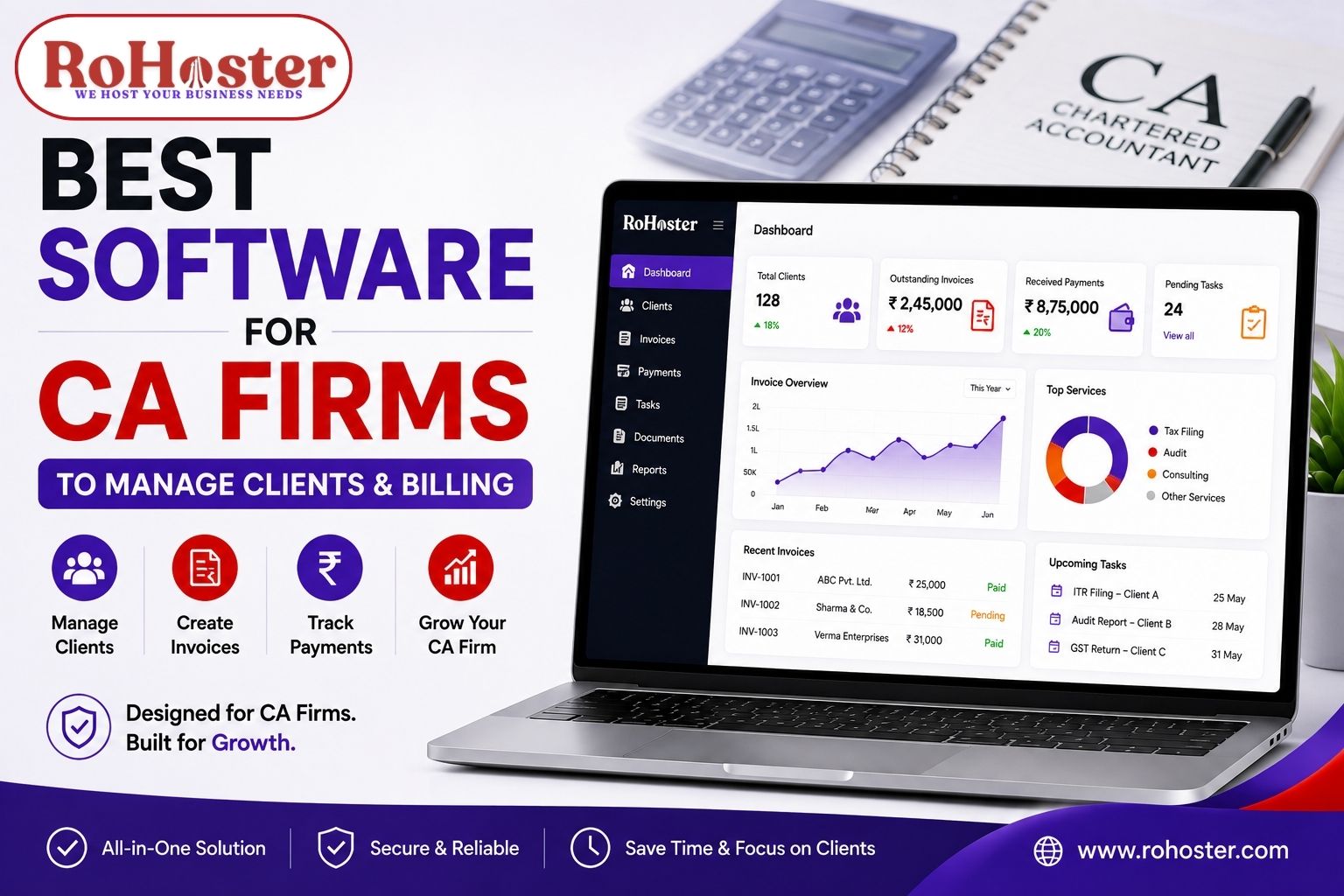
Also Read: Best Software for CA Firms to Manage Clients & Billing
Also Read: Best Tools for Real Estate Agents to Manage Leads
Consider Integration With Other Business Processes
Customer management is only one part of running a business.
As your operations grow, you may also need:
- Billing
- Inventory management
- Employee management
- Task management
- Multiple branches or companies
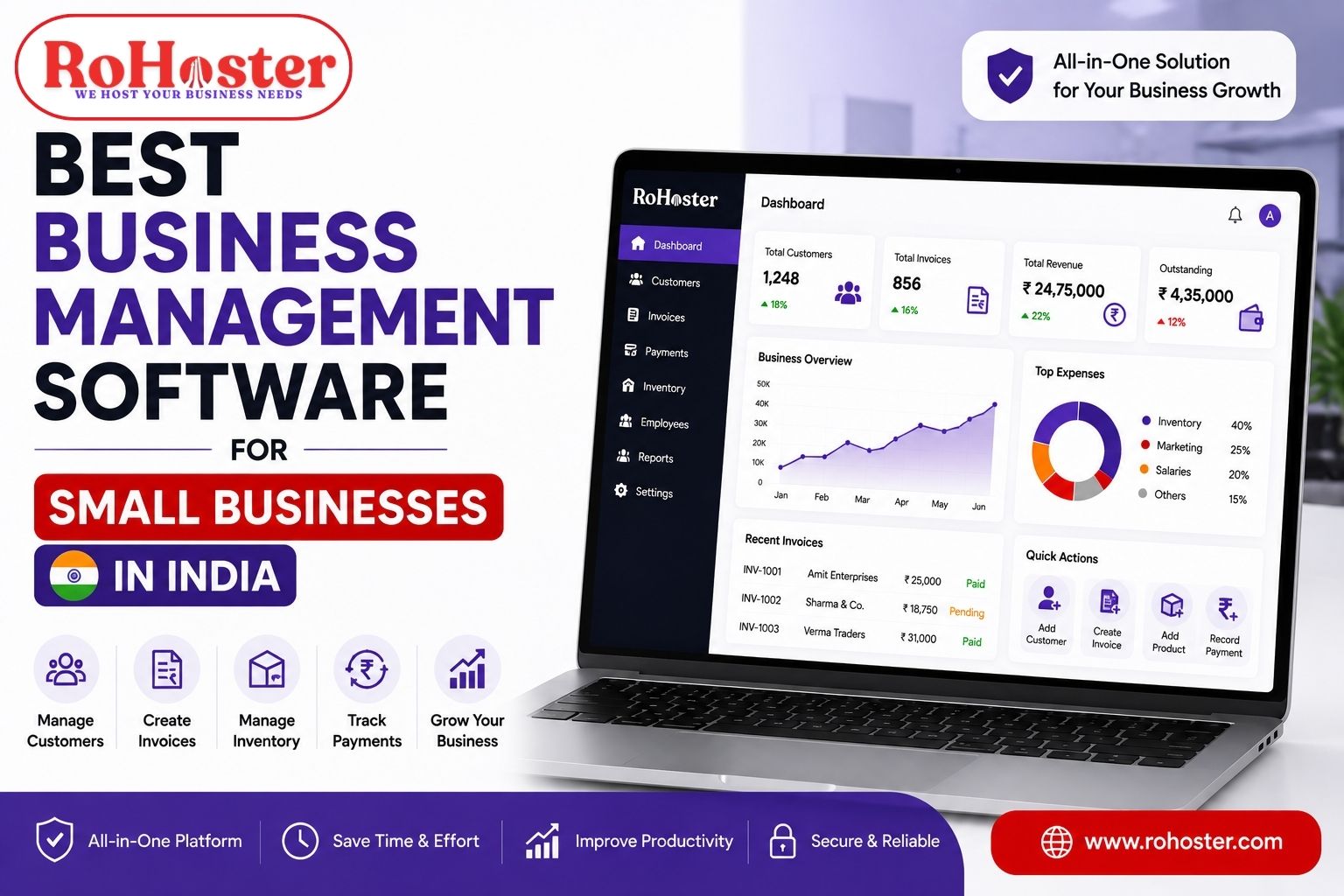
Instead of continuously adding separate tools, some businesses may benefit from an all-in-one business management software that connects multiple operations.
RoHoster: A CRM and Business Management Solution for Growing Businesses
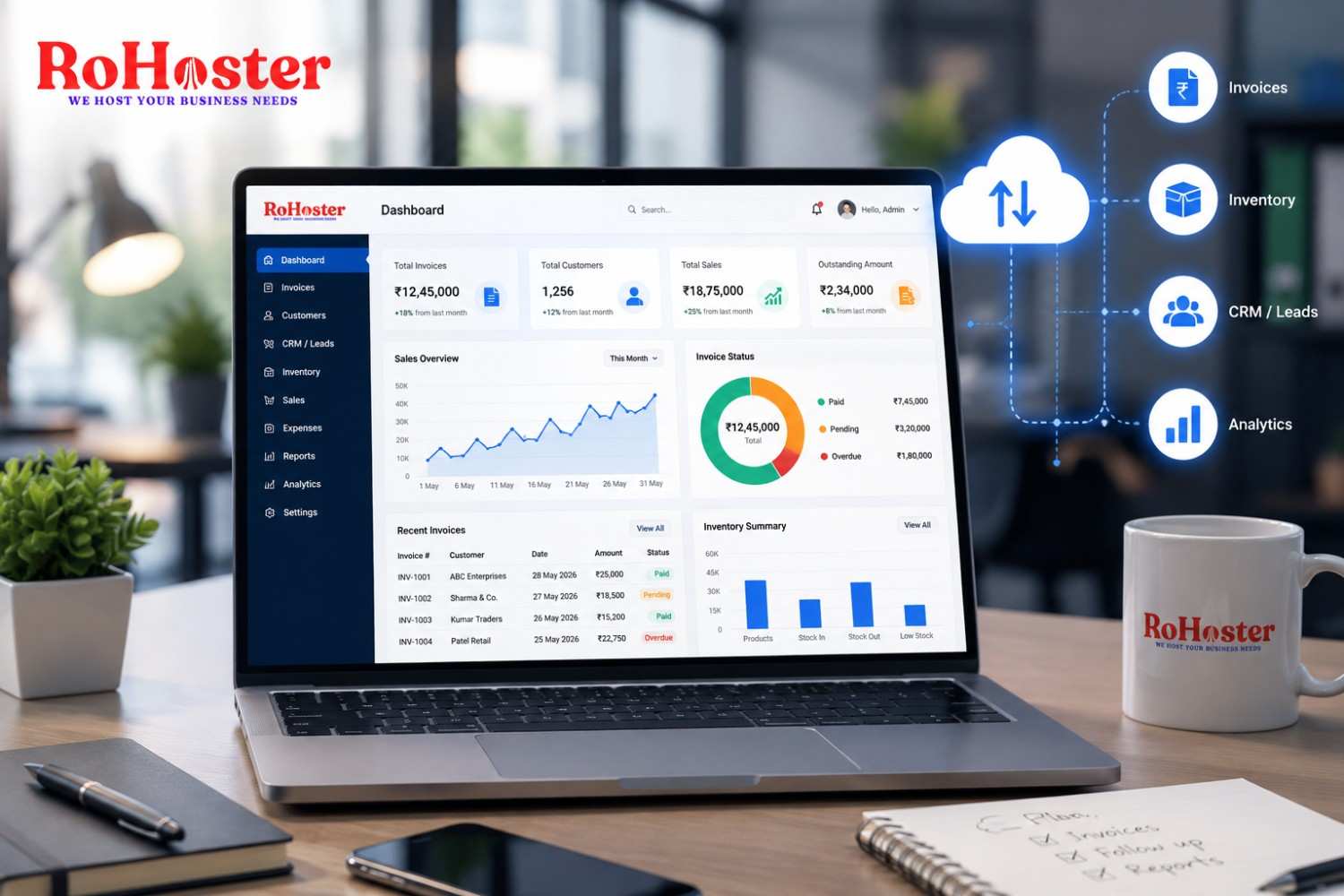
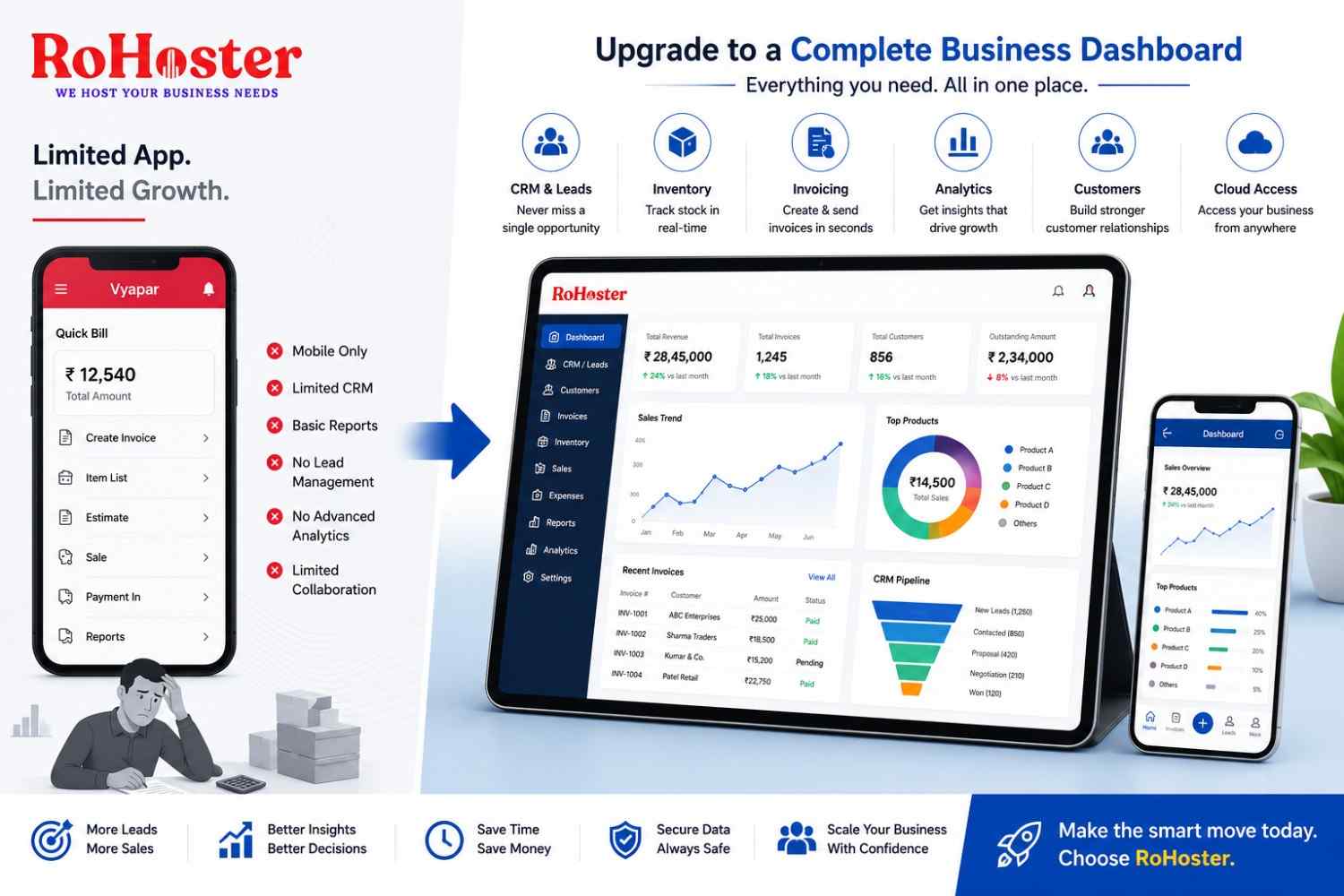
RoHoster is designed to help businesses organize important business activities through a centralized system.
The platform can help businesses manage areas such as:
- Lead management
- Client management
- Follow-ups
- Sales activities
- Billing management
- Inventory management
- Employee and business operations
The focus is on helping businesses move away from scattered spreadsheets and disconnected tools.
For a growing business, the goal is not simply to collect more software.
The goal is to create a connected system where important information is organized and accessible.
For businesses looking beyond basic customer management, an integrated business management approach can help connect sales, clients, billing, and other operational activities.
Who Can Use CRM Software?
CRM software can be useful for a wide range of businesses.
Service Businesses
Manage enquiries, clients, follow-ups, projects, and renewals.
Real Estate Businesses
Track property enquiries, prospects, follow-ups, and sales opportunities.
CA and Professional Firms
Maintain client information, service details, tasks, billing, and payment records.
Agencies
Manage leads, clients, campaigns, and ongoing business relationships.
Distributors and Traders
Track customers, sales activities, payments, and business operations.
Startups and MSMEs
Create structured customer and sales processes from the beginning.
Common Mistakes to Avoid When Choosing a CRM
Before finalizing a CRM, avoid these common mistakes.
Choosing Software Only Because It Is Popular
The most popular CRM may not always match your business workflow.
Paying for Features You Will Never Use
Small businesses should focus on their actual requirements.
Ignoring Ease of Use
If your team does not adopt the software, the investment will not deliver results.
Not Planning for Growth
Switching systems repeatedly can create operational challenges.
Continuing to Manage Important Processes Outside the CRM
The real value of a CRM comes when your team actually uses it consistently.
Final Thoughts: Which Is the Best CRM for Small Businesses in India?
There is no single CRM that is perfect for every business.
The best CRM for small businesses in India is one that matches your workflow, is easy for your team to adopt, fits your budget, and can support your growth.
When choosing CRM software, focus on the fundamentals:
Lead Management
Client Management
Follow-Up Tracking
Sales Pipeline
Task Management
Team Collaboration
Reporting
Scalability
For businesses that want to manage more than just customer relationships, an integrated platform such as RoHoster can provide a broader approach by bringing multiple business operations into a more connected system.
The goal should always be simple: