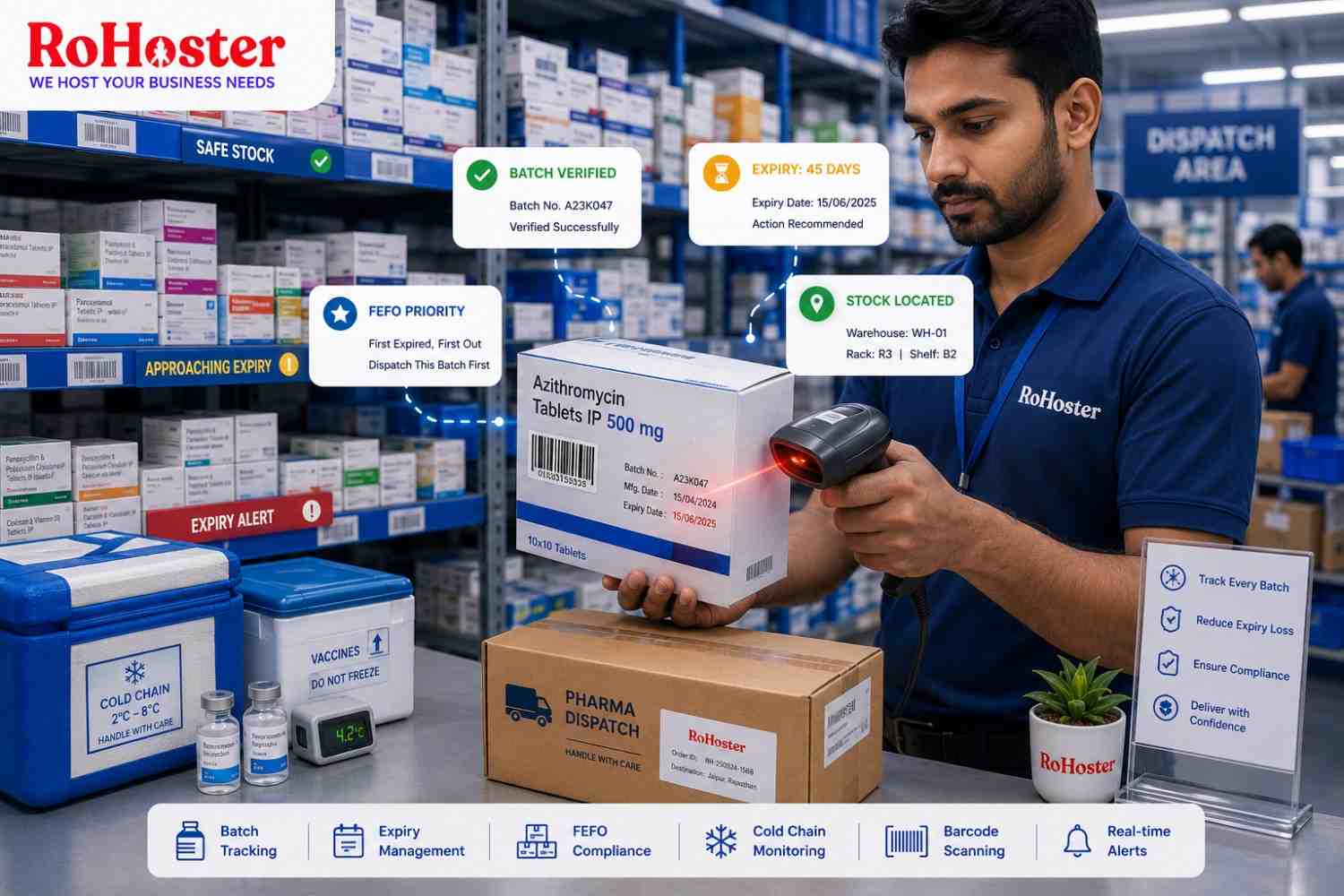
For most businesses, unsold inventory is a financial problem. For pharmaceutical and food distributors, it can become something much more serious.
Products often have strict shelf lives, batch numbers, manufacturing dates, and storage requirements. When hundreds or thousands of products move through a warehouse, manually tracking this information becomes increasingly difficult.
One missed expiry date can mean wasted inventory. Poor batch records can make product tracing difficult. And dispatching stock in the wrong sequence can leave older inventory sitting in the warehouse while newer batches are sold first.
This is why batch tracking software for pharma distributors and FMCG businesses is becoming an essential part of modern inventory management.
What Is Batch Tracking?
Batch tracking allows businesses to identify and monitor groups of products that were manufactured or received together.
Each batch can contain information such as:
- Batch number
- Manufacturing date
- Expiry date
- Purchase date
- Supplier
- Quantity
- Warehouse location
Instead of knowing only that you have 2,000 units of a product, you know exactly which batches those 2,000 units belong to and when each batch expires.
That additional visibility can completely change the way distributors manage inventory.
Why Expiry Tracking Matters
Consider a pharmaceutical distributor receiving three batches of the same medicine.
Batch A expires in two months.
Batch B expires in six months.
Batch C expires next year.
If warehouse staff only see the total available quantity, they may accidentally dispatch Batch C first.
Batch A remains in storage and eventually expires.
With expiry date tracking software, employees can immediately identify which stock needs to move first and prioritize it during order fulfilment.
Use FEFO Instead of Guesswork
For expiry-sensitive inventory, businesses often benefit from the First Expired, First Out (FEFO) approach.
The principle is simple: products with the nearest expiry dates should generally be prioritized for dispatch where appropriate.
Modern inventory management software can help warehouse teams identify these products automatically.
Instead of employees manually checking every carton, the system can highlight batches based on remaining shelf life.
This reduces dependence on memory and makes warehouse operations more systematic.
Get Alerts Before Products Expire
Discovering expired inventory after it has already become unsellable is too late.
A better system warns your team beforehand.
Businesses can use expiry tracking to identify products approaching their expiry window and take action while there is still time.
Depending on business rules, this may allow distributors to:
- Prioritize certain stock for eligible orders
- Coordinate with suppliers
- Review purchasing requirements
- Avoid ordering excess quantities
- Plan appropriate stock movement
The objective is simple: identify risk before inventory loses its value.
Reduce the Financial Impact of Expired Stock
Every expired carton represents capital that can no longer generate revenue.
And the cost isn't limited to the purchase price.
Expired stock can also create:
- Storage costs
- Handling costs
- Disposal requirements
- Administrative work
- Reduced warehouse capacity
This makes expiry management an important part of working-capital management.
Our article 5 Proven Strategies to Reduce Dead Stock and Free Up Business Cash Flow explores how inventory analytics can help businesses identify slow-moving products before they become a larger financial problem.
Know Exactly Where Every Batch Is Located
Large distributors may store the same product across multiple racks, warehouses, or branches.
A centralized business management software can associate batches with their respective stock locations.
When an order arrives, employees can identify where the appropriate batch is stored rather than searching through the warehouse manually.
This becomes increasingly valuable as the number of SKUs and storage locations grows.
Batch Tracking Improves Traceability
Expiry management is only one benefit of batch tracking.
Traceability is equally important.
If a particular batch needs to be identified or investigated, businesses should be able to determine where that stock came from and where relevant units moved.
Accurate batch records provide a clearer inventory trail than spreadsheets or handwritten registers.
For pharmaceutical distributors in particular, maintaining accurate product and batch records can support stronger operational controls and make internal reviews significantly easier.
Barcode Scanning Can Make Batch Management Faster
Manually typing batch numbers introduces another opportunity for human error.
Barcode-based workflows can reduce repetitive entry by allowing employees to scan products during receiving, storage, billing, or dispatch.
The system can then associate scanned items with the relevant inventory records.
If you're considering barcode-based operations, read Setting Up an Affordable Barcode Invoicing System in Your Local Retail Shop for a practical explanation of how barcode hardware can connect with billing and inventory software.
Connect Batch Tracking with Billing and Dispatch
Batch tracking becomes much more useful when it isn't isolated from the rest of your operations.
Imagine an order being prepared for dispatch.
The system identifies the product, checks available batches, highlights the appropriate stock based on expiry rules, records the selected batch, updates inventory, and maintains the transaction record.
This creates a connected flow from warehouse to customer.
When inventory management software, billing, and stock records work together, employees spend less time updating multiple systems manually.
Improve Purchasing Decisions
Expiry problems often begin long before a product reaches its expiry date.
They can begin when too much inventory is purchased.
Historical sales and inventory information can help distributors understand:
- How quickly products sell
- Which items frequently approach expiry
- Which batches move slowly
- How much inventory is currently available
- Which products may be overstocked
These insights can support better purchasing decisions and reduce unnecessary stock accumulation.
Manage Multiple Warehouses More Effectively
A distributor may have excess stock approaching expiry in one warehouse while another location requires the same product.
Without centralized visibility, teams may not recognize this opportunity.
Modern inventory management software allows businesses to view stock across locations and make better transfer decisions.
Our guide Managing Multiple Outlets? How to Centralize Multi-Store Inventory Control explains how centralized inventory visibility can improve stock movement across different business locations.
Why Spreadsheets Become Risky at Scale
Excel can be useful when operations are small.
But imagine manually maintaining thousands of rows containing:
product name, batch number, manufacturing date, expiry date, warehouse location, quantity, supplier, and transaction history.
One incorrect entry can make records unreliable.
As transaction volumes increase, automated business management software provides a more scalable way to organize inventory information and reduce repetitive manual work.
How RoHoster Can Support Smarter Inventory Management
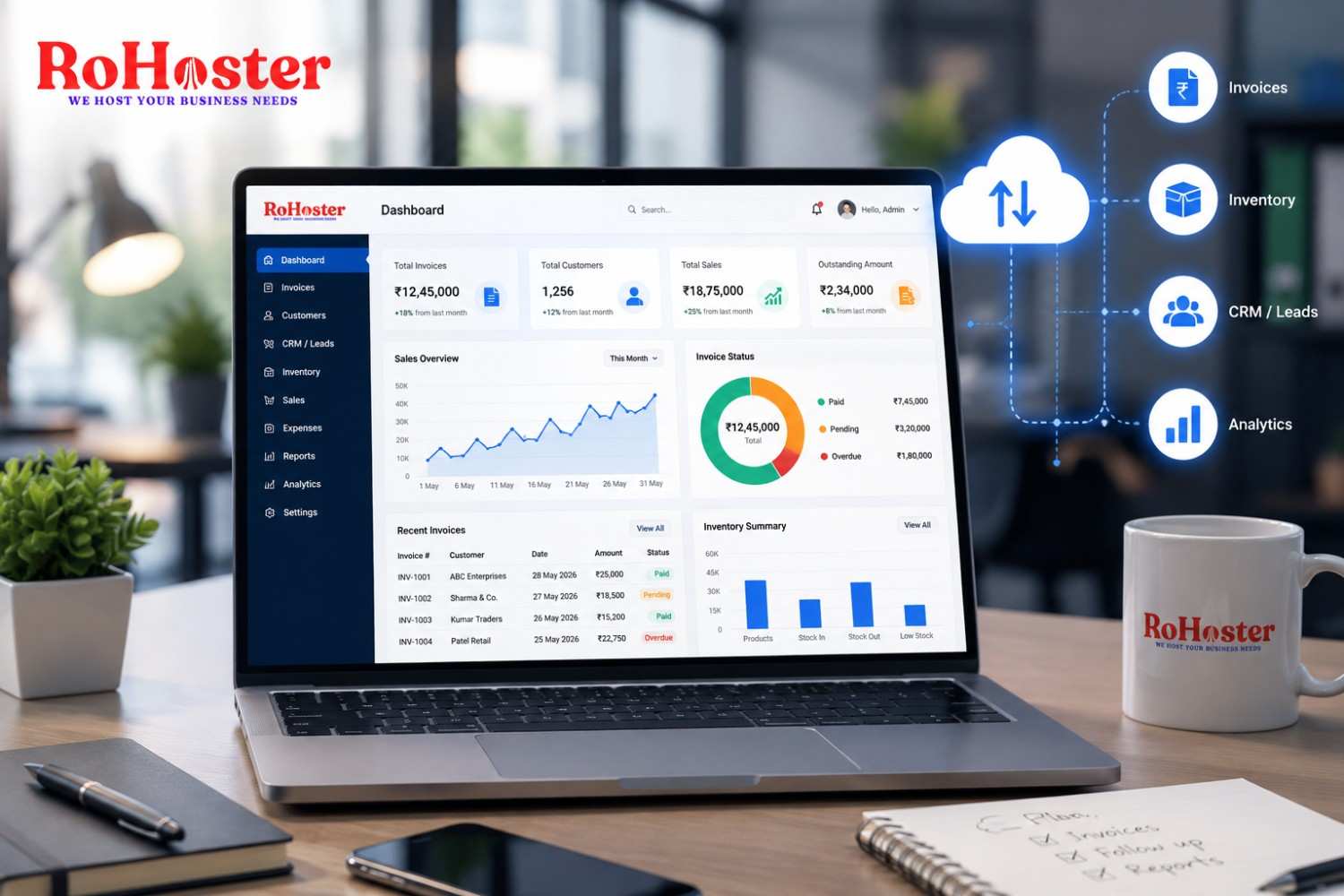
RoHoster helps businesses bring important operational information into a more centralized digital environment.
For distributors managing large product catalogs, structured inventory records can make it easier to monitor stock, analyze product movement, and maintain visibility across operations.
Depending on the implemented configuration and available features, businesses can use RoHoster to support areas such as:
- Inventory records
- Product management
- Batch-related stock information
- Business reporting
- Billing
- Warehouse visibility
- Cloud-based access
The goal is to give distributors better information before inventory problems turn into financial losses.
Conclusion
For pharmaceutical and FMCG distributors, knowing how much inventory is available isn't enough.
You also need to know which batch it belongs to, where it is located, and when it expires.
Effective batch tracking software gives businesses that visibility.
By combining expiry monitoring, batch records, barcode workflows, inventory analytics, and centralized stock management, distributors can reduce wastage, improve traceability, and make better inventory decisions.
The earlier your team knows that stock is approaching expiry, the more options you have to act.
Further Reading
Want more practical insights on inventory management, distribution, and business automation?
Read the latest business insights from LarchSoft on LinkedIn