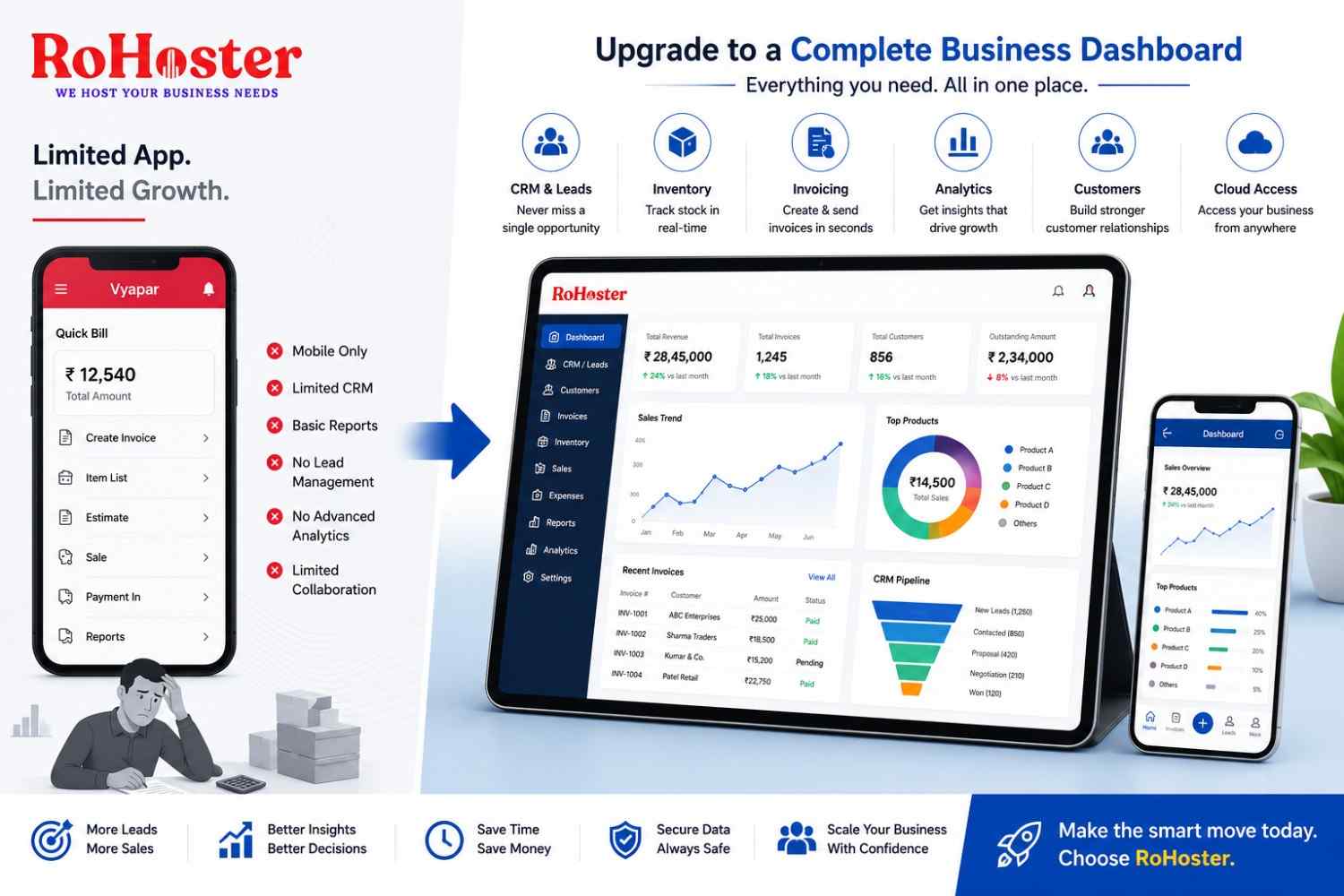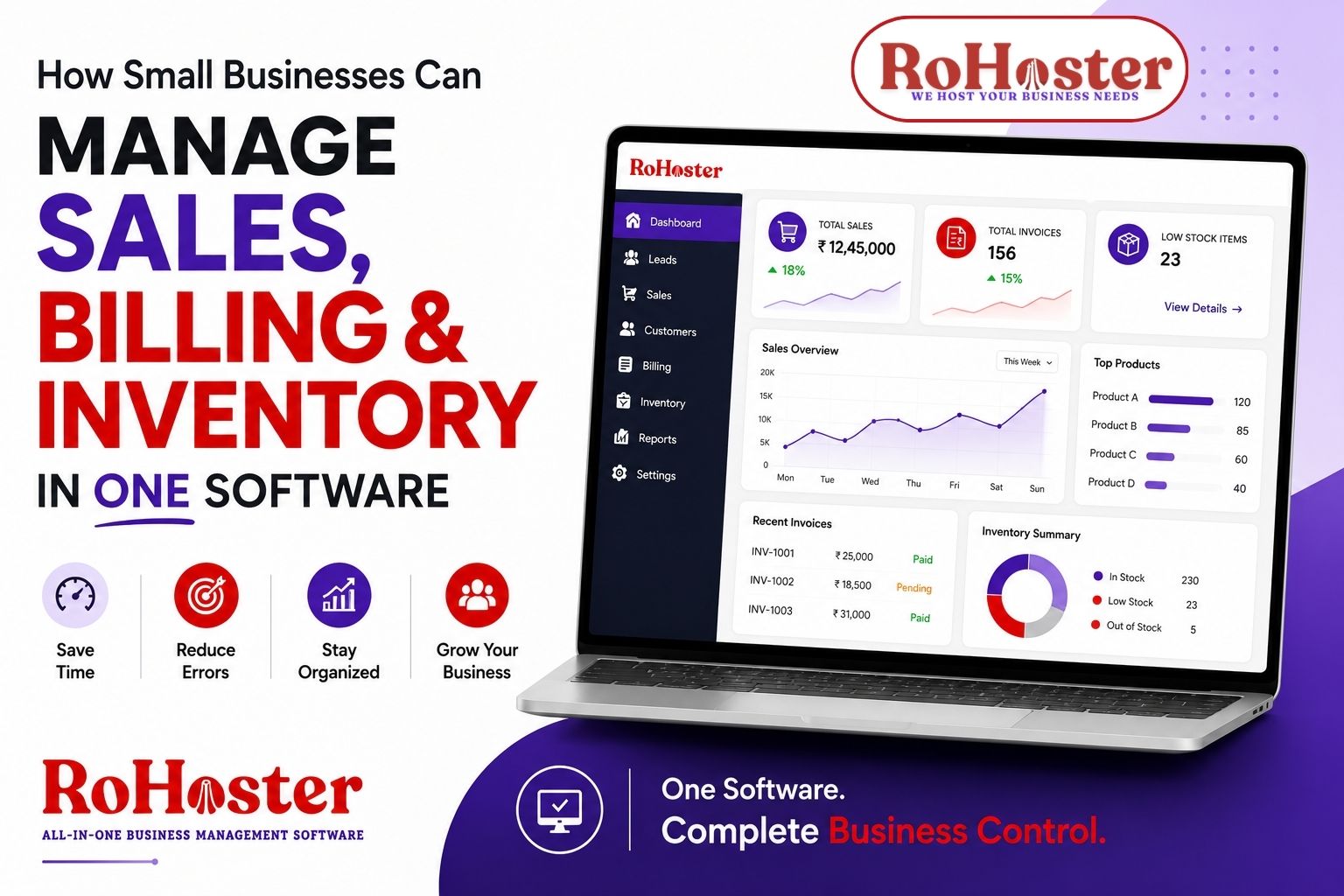
Running a small business often means managing multiple responsibilities at the same time. You need to track sales, follow up with customers, create invoices, monitor payments, and keep an eye on inventory.
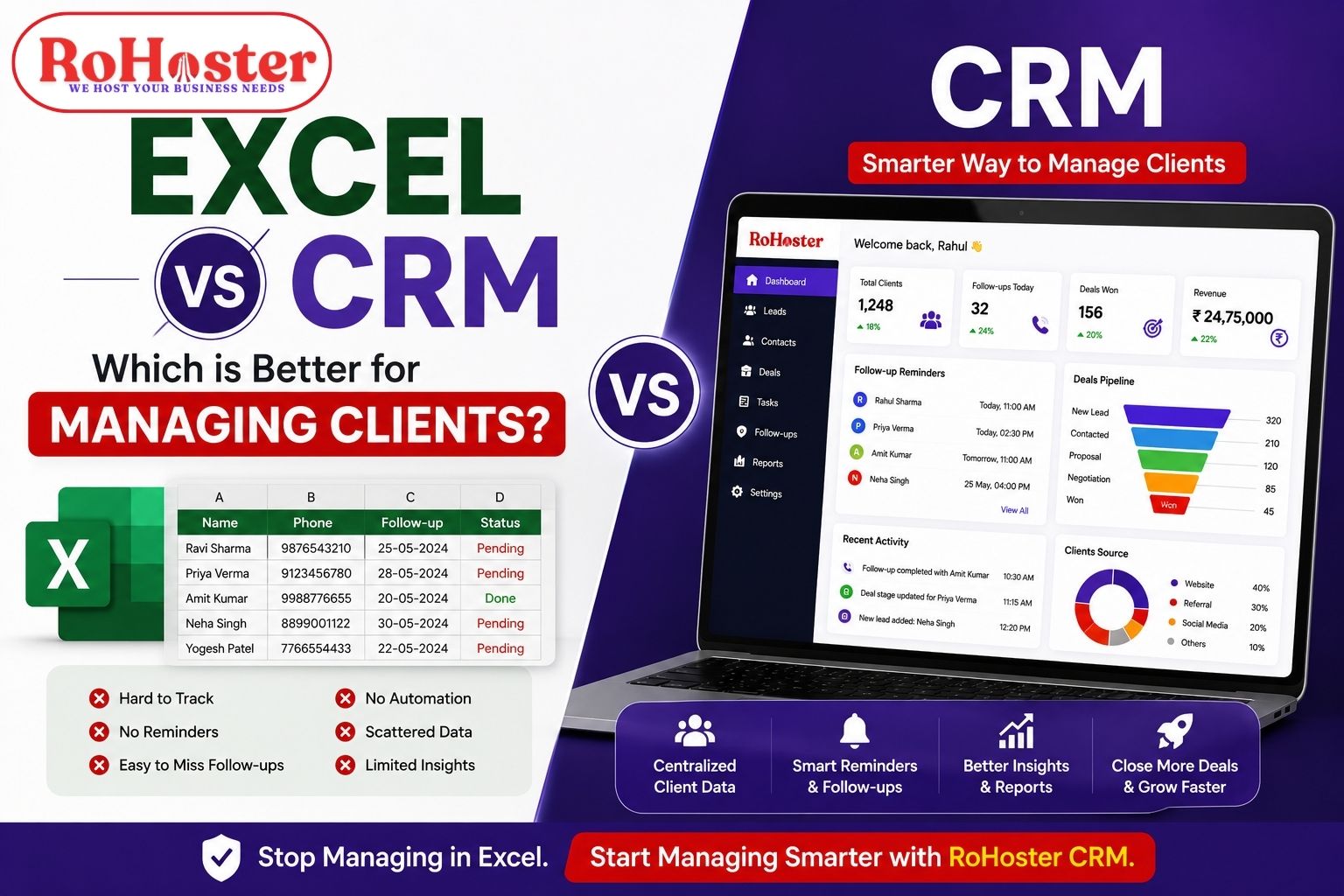
In the beginning, many businesses manage these activities using a combination of Excel sheets, WhatsApp, billing software, notebooks, and separate applications.
But as the business grows, managing everything through different tools can become complicated.
Sales data may be stored in one place. Invoices may be created through another software. Inventory may be tracked manually. As a result, business owners often spend more time managing information than actually growing their business.
This is where an all-in-one business management software can make a significant difference.
Let's understand how small businesses can manage sales, billing, and inventory in one software and create a more organized business workflow.
The Problem With Using Multiple Tools
Imagine a typical small business workflow.
A customer contacts your business.
The sales team records the lead somewhere.
Once the order is confirmed, someone creates an invoice using different billing software.
Then the inventory team manually updates the stock.
Later, the business owner needs to check:
- How many sales were completed?
- Which payments are pending?
- What products are running low?
- Which customers need follow-up?
- What is the current business performance?
When information is scattered across multiple systems, getting a complete picture of the business becomes difficult.
Common problems include:
- Duplicate data entry
- Manual errors
- Outdated inventory records
- Missed follow-ups
- Delayed invoices
- Difficulty tracking pending payments
- Lack of coordination between teams
The bigger problem is that employees have to constantly switch between different applications.
For a growing business, this can create unnecessary operational complexity.
Why Small Businesses Need One Centralized System
A centralized small business management software brings important business activities together in one place.
Instead of managing separate systems for sales, billing, and inventory, businesses can use one platform to organize their operations.
The basic workflow can look like this:
Lead or Customer
↓
Sales
↓
Invoice & Billing
↓
Inventory Update
↓
Payment Tracking
This creates a more connected workflow.
The goal is simple:
Enter information once and use it across your business operations.
1. Manage Sales From One Place
Sales management is more than just recording completed orders.
A proper sales management software for small businesses should help track the complete customer journey.
This may include:
- New leads
- Customer details
- Sales opportunities
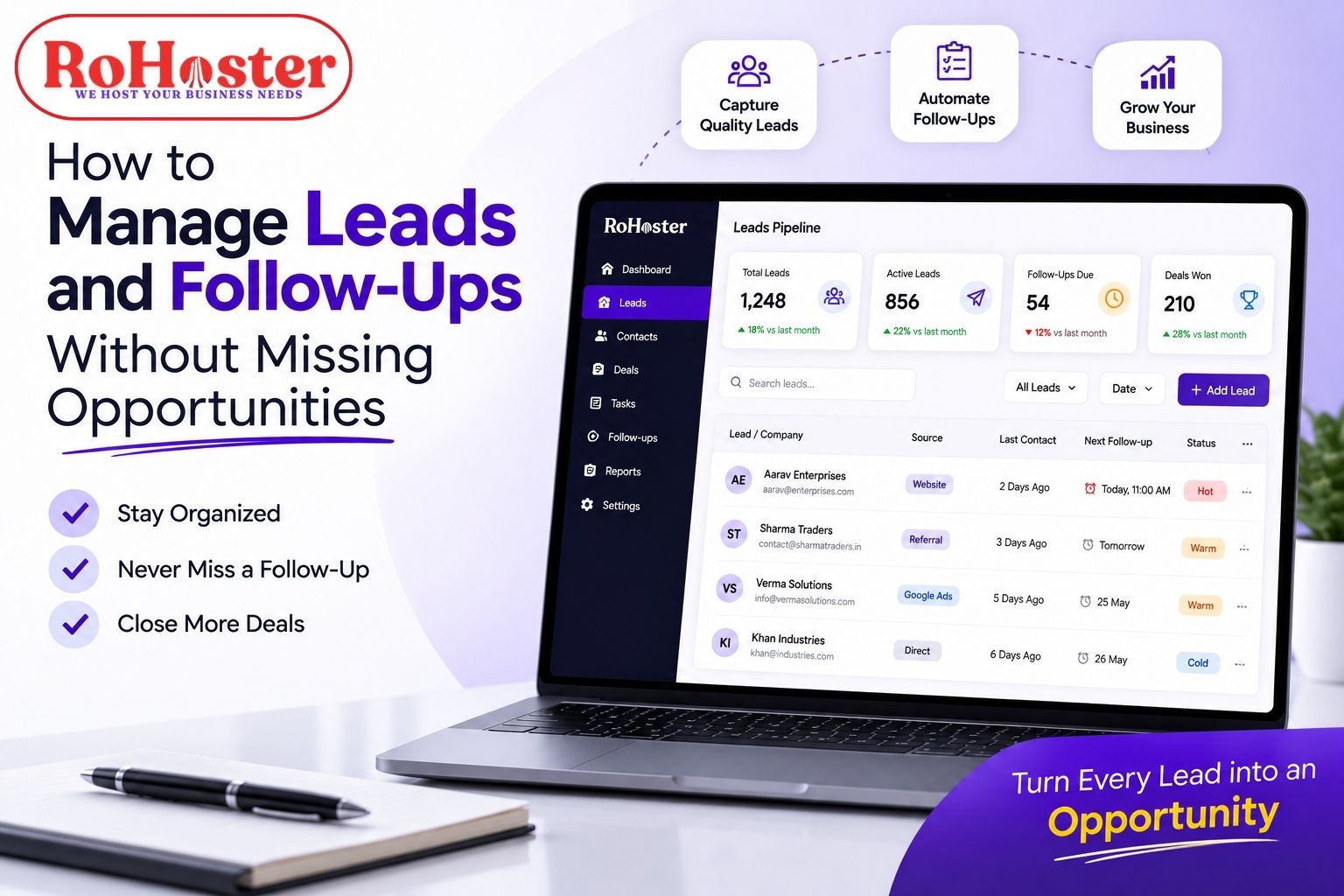
- Follow-ups
- Sales status
- Assigned team members
- Completed deals
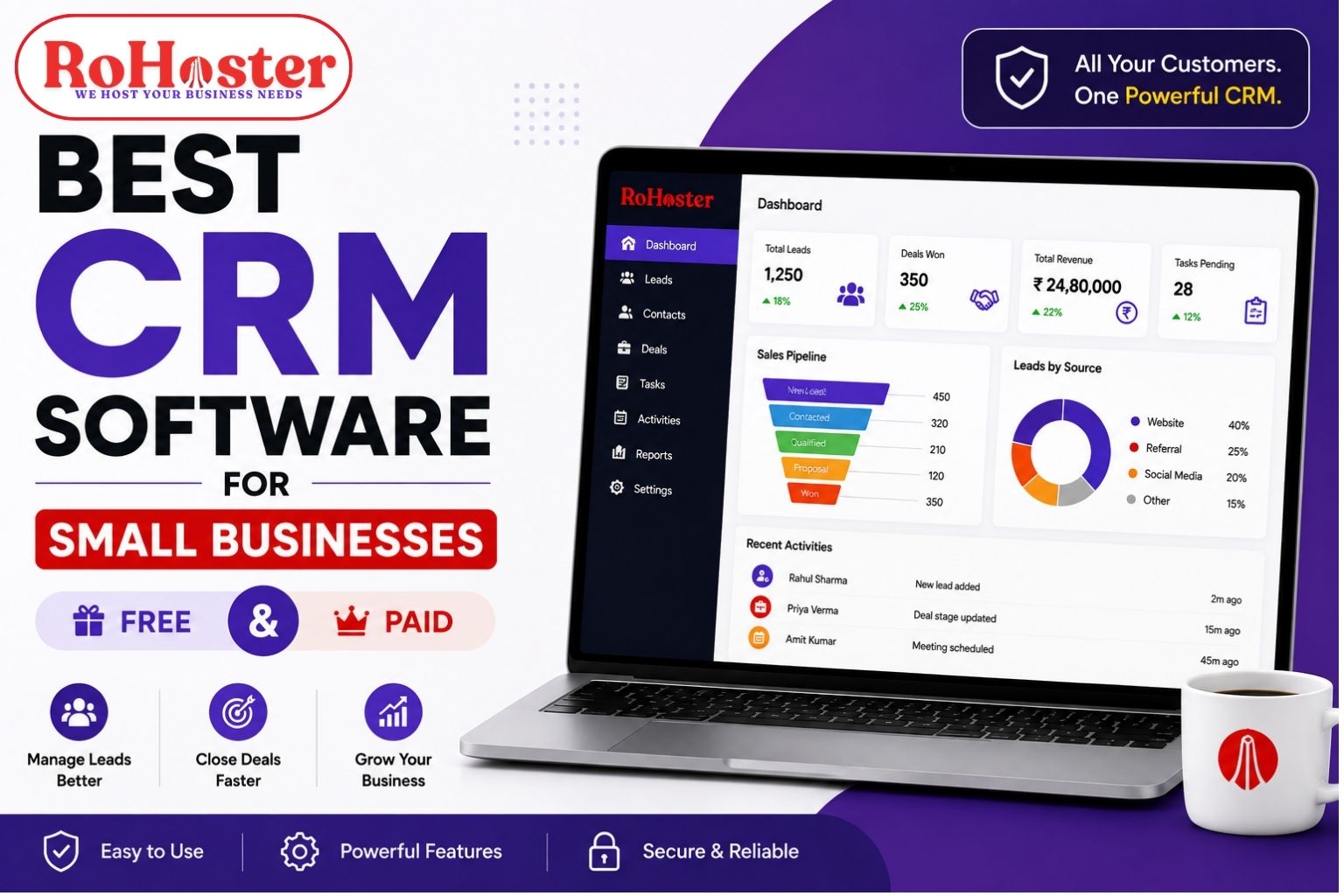
Instead of keeping customer information across WhatsApp chats and Excel sheets, businesses can maintain a centralized record.
For example:
New Lead → Contacted → Follow-Up → Interested → Converted Customer
This makes it easier to understand where every potential customer stands.
Managers can also track sales activities and identify opportunities that need attention.
A structured sales process helps ensure that potential customers are not forgotten simply because a follow-up was missed.
Also Read: How to Manage Hundreds of Clients Without Missing Deadlines
2. Simplify Billing and Invoicing
Billing is another critical part of business operations.
Creating invoices manually can be time-consuming, especially when a business handles multiple customers and transactions every day.
With billing and invoicing software, businesses can organize financial transactions more efficiently.
A centralized system can help manage:
- Customer invoices
- Billing records
- Payment status
- Pending payments
- Transaction history
The biggest advantage comes when billing is connected with customer and sales information.
Instead of entering the same customer details repeatedly into different software, the information can already be available within the system.
This can reduce repetitive work and help maintain more consistent records.
For a small business, better billing management also means better visibility into pending payments and completed transactions.
Also Read: How to Choose the Best GST Billing Software for Your Small Business in India
Also Read: Generate GST Invoices in 20 Seconds: A Guide to Fast Retail Counter Billing
3. Keep Inventory Under Control
Inventory management becomes challenging when stock is tracked manually.
A business may sell products every day, but if inventory records are not updated properly, problems can occur.
For example:
- A product may be sold even though it is out of stock.
- Stock levels may not be updated on time.
- Businesses may over-purchase certain products.
- Important inventory information may be difficult to find.
An effective inventory management software for small businesses helps organize product and stock information.
Businesses can maintain records of:
- Available stock
- Products
- Inventory movement
- Stock levels
- Business-wise or branch-wise inventory
When sales and inventory are connected, businesses can create a more organized process for monitoring stock movement.
This helps business owners make better purchasing and operational decisions.
4. Connect Sales, Billing, and Inventory
The real benefit of an all-in-one business software is not simply having multiple features.
The real benefit is creating a connected workflow.
For example:
Step 1: A customer makes a purchase.
The sales activity is recorded.
Step 2: An invoice is generated.
Customer and transaction details are maintained within the billing process.
Step 3: Inventory is updated.
The business has better visibility into stock movement.
Step 4: Payment is tracked.
The team can monitor completed and pending payments.
Instead of managing each activity independently, the business can work through a connected system.
This reduces unnecessary switching between applications and makes business data easier to manage.
5. Get a Better View of Your Business
One of the biggest challenges for small business owners is visibility.
When information is spread across multiple tools, answering a simple question can take time.
For example:
How much did we sell this month?
Which customers have pending payments?
Which products are running low?
How is the sales team performing?
A centralized business management system can make important information easier to access.
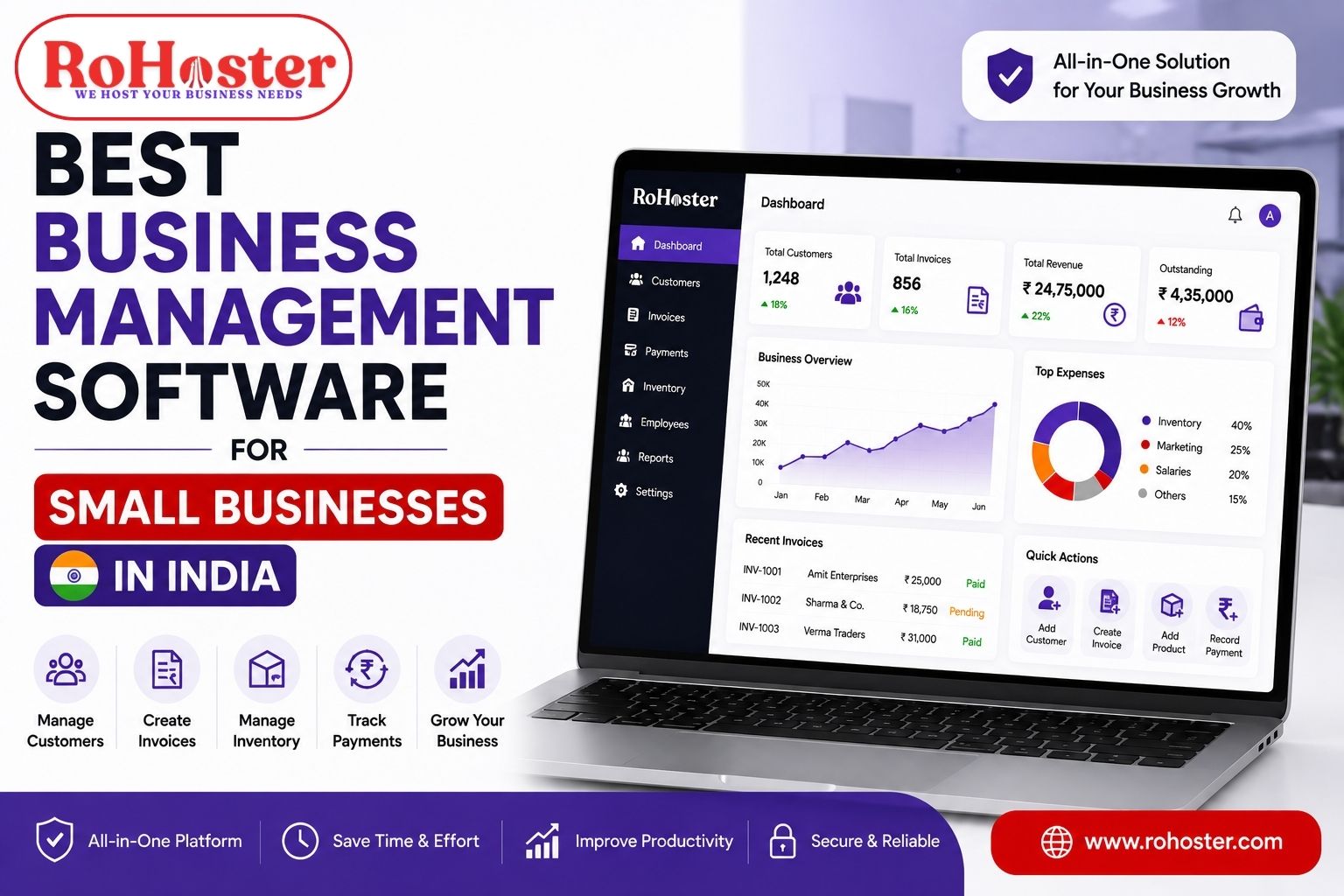
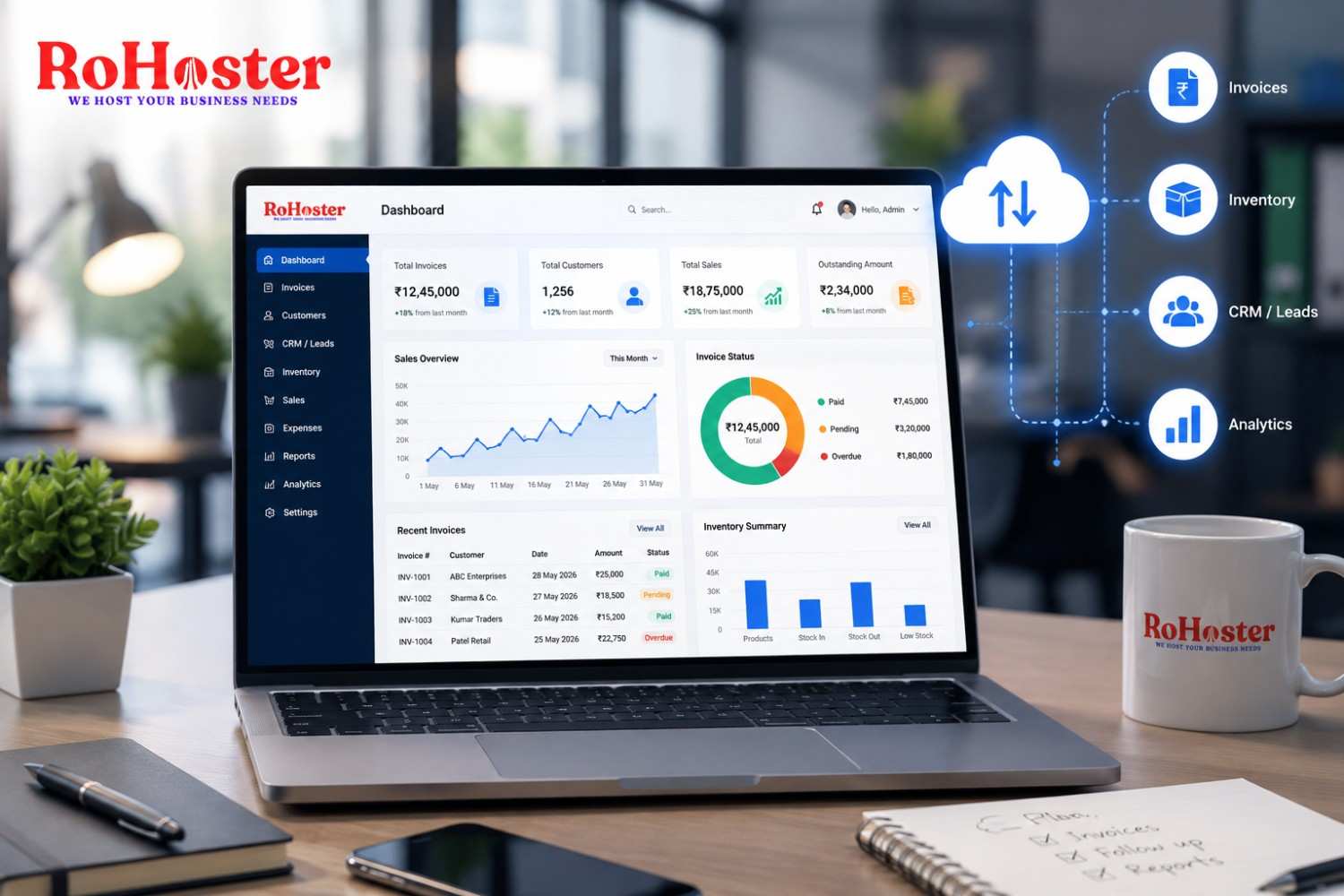
A dashboard can help business owners monitor key activities without manually checking multiple spreadsheets and software platforms.
This allows management to focus more on decision-making rather than collecting information.
Also Read: Best Small Business Management Software in India | Complete Buyer's Guide
Benefits of Managing Everything in One Software
Using a single system for sales, billing, and inventory can offer several advantages.
Less Manual Work
Teams do not need to repeatedly enter and search for information across multiple platforms.
Better Team Coordination
Sales, billing, and operations teams can work with more organized information.
Improved Business Visibility
Business owners can get a clearer overview of important activities.
Reduced Risk of Errors
Centralized records can reduce duplication and confusion caused by multiple disconnected systems.
Easier Scalability
As the number of customers, products, and transactions increases, businesses can continue using a structured process.
Who Can Benefit From an All-in-One Business Management Software?
An integrated system can be useful for many types of businesses, including:
Retail Businesses
Manage customers, billing, products, and inventory.
Service Businesses
Track leads, clients, follow-ups, invoices, and payments.
Distributors and Traders
Maintain better control over products, inventory, and transactions.
Startups
Build organized business processes from the beginning.
Growing MSMEs
Bring multiple business operations into a centralized system.
The exact requirements may differ from one business to another, which is why flexibility and customization are important when choosing business management software.
What Should You Look for in Business Management Software?
Before choosing a system, small businesses should consider their actual requirements.
Here are some important features to look for:
Sales and Lead Management
The ability to track potential customers and sales activities.
Client Management
A centralized database for customer information and history.
Billing Management
Tools to manage invoices, transactions, and payment-related records.
Inventory Management
Better visibility and organization of products and stock.
Follow-Up and Task Management
A way to ensure important activities are not forgotten.
Multiple Users and Teams
Different team members should be able to manage their responsibilities.
Scalability
The software should support the business as operations grow.
Customization
Every business works differently, so the ability to adapt workflows can be valuable.
How RoHoster Helps Bring Business Operations Together
Rohoster is an all-in-one business management software designed to help businesses organize multiple business activities from one platform.
Instead of relying on separate tools for different operations, businesses can manage key processes through a centralized system.
RoHoster helps businesses organize areas such as:
- Lead management
- Client management
- Sales activities
- Billing management
- Inventory management
- Employee and business operations
The objective is to help businesses reduce operational complexity and create a more connected workflow.
Whether a business is managing customer inquiries, existing clients, invoices, or inventory, having information organized in one system can improve visibility and coordination.
RoHoster is built for businesses that want to move beyond scattered spreadsheets and disconnected tools toward a more structured way of managing their operations.
Moving From Multiple Tools to One Connected System
Small businesses do not necessarily need dozens of software applications to run efficiently.
In many cases, the real requirement is better organization and better integration between important business activities.
The ideal workflow should be simple:
Manage Sales → Generate Bills → Track Inventory → Monitor Business
When these processes are connected, business owners and teams can spend less time searching for information and more time serving customers and growing the business.
Final Thoughts
Managing sales, billing, and inventory separately may work during the early stages of a business. But as customers, transactions, and products increase, disconnected systems can create confusion.
An all-in-one business management software can help bring important operations together and create a more organized workflow.
The goal is not just to use more technology.
It is to create a business system where:
Sales are organized.
Billing is easier to manage.
Inventory is visible.
Business information is available in one place.
For growing businesses, the right software can become more than just a tool—it can become the foundation for a more efficient and scalable operation.