Managing a growing number of clients is exciting for any business. More clients usually mean more projects, more revenue, and more opportunities. But growth also brings a major challenge: how do you manage hundreds of clients, tasks, follow-ups, documents, payments, and deadlines without letting something slip through the cracks?
Many businesses start by managing clients through Excel sheets, WhatsApp chats, emails, notebooks, and different software tools. This may work when you have 10 or 20 clients. But when that number grows to hundreds, manual client management can quickly become chaotic.
A missed deadline can lead to an unhappy client. A forgotten follow-up can result in lost business. Poorly organized client data can waste hours of your team's time.
The solution is not simply hiring more people.
The real solution is building a proper client management system.
In this article, we'll explore how businesses can manage hundreds of clients efficiently, avoid missed deadlines, improve follow-ups, and create a more organized workflow.
Why Managing Hundreds of Clients Becomes Difficult
As your client base grows, the amount of information your business needs to handle also increases.
For every client, you may need to track:
- Contact details
- Services or products purchased
- Project status
- Important documents
- Pending tasks
- Payment information
- Follow-up dates
- Renewal dates
- Team members responsible
- Upcoming deadlines
Now imagine managing all of this information for 100, 200, or even 500 clients.
Without a centralized client management software, information often gets scattered across multiple platforms.
For example:
- Client details are stored in Excel.
- Conversations happen on WhatsApp.
- Tasks are assigned verbally.
- Deadlines are written in notebooks.
- Payments are tracked separately.
- Follow-ups depend on someone's memory.
This creates a dangerous situation where your business becomes dependent on individuals rather than systems.
1. Create a Centralized Client Database
The first step toward managing hundreds of clients efficiently is to stop storing information in multiple places.
Every client should have a centralized profile containing all important information.
A proper client management system should allow you to store:
- Client name
- Company name
- Contact information
- Assigned team member
- Services taken
- Current status
- Important notes
- Follow-up history
- Pending tasks
- Upcoming deadlines
Instead of searching through Excel files, WhatsApp chats, and emails, your team should be able to access the required information from one centralized platform.
Why is this important?
When client data is centralized:
- Information is easier to find.
- Team members can collaborate better.
- There is less dependency on individual employees.
- Client history remains available even when team members change.
- Important details are less likely to be missed.
A centralized database is the foundation of effective client relationship management.
2. Stop Relying on Memory for Deadlines
One of the biggest mistakes businesses make is relying on employees to remember important dates.
For example:
"Please remember to follow up with this client next Friday."
"The project deadline is next month. Keep it in mind."
"The client's renewal is due in 15 days."
This approach may work occasionally, but it is not scalable.
When your business manages hundreds of clients, there may be dozens of important activities happening every day.
You need a system that automatically keeps track of them.
A good deadline management system should help you organize:
- Project deadlines
- Client follow-ups
- Payment due dates
- Subscription renewals
- Service renewals
- Document submission dates
- Internal tasks
- Meetings
Instead of depending on memory, create a process where every important activity has a date, responsible person, and status.
3. Use Automated Reminders and Follow-Ups
Missing a deadline often does not happen because a business does not care.
It happens because there are simply too many things to remember.
This is where automated reminders can make a significant difference.
For every important client activity, set reminders in advance.
For example:
Project Deadline
Deadline: 30 August
Reminders:
- 7 days before
- 3 days before
- 1 day before
Client Renewal
Renewal Date: 15 September
Reminders:
- 30 days before
- 15 days before
- 7 days before
This ensures that your team gets enough time to take action.
An effective client management software with reminders helps businesses move from a reactive approach to a proactive one.
Instead of realizing:
"Oh, we missed the deadline!"
Your team knows:
"This deadline is coming. Let's complete it before the due date."
4. Assign Clear Ownership for Every Client and Task
Another common reason for missed deadlines is unclear responsibility.
When everyone thinks someone else is handling a task, nobody takes ownership.
For every client and activity, there should be a clear answer to:
Who is responsible?
For example:
| Client | Task | Assigned To | Deadline | Status |
|---|---|---|---|---|
| ABC Enterprises | Submit report | Rahul | 25 Aug | In Progress |
| XYZ Solutions | Client follow-up | Priya | 26 Aug | Pending |
| Bright Traders | Renewal discussion | Amit | 28 Aug | Scheduled |
This creates accountability.
A good client management system for businesses should allow managers to see:
- Which employee is handling which client
- Pending tasks
- Overdue activities
- Upcoming deadlines
- Completed work
When responsibilities are clearly assigned, the chances of tasks being forgotten are significantly reduced.
5. Build a Standard Workflow for Every Client
Managing clients becomes difficult when every team member follows a different process.
For example, one employee may update Excel after speaking with a client, while another employee keeps notes on WhatsApp.
This creates inconsistency.
Instead, create a standardized workflow.
For example:
New Client Workflow
New Client
↓
Client Details Added
↓
Service Assigned
↓
Team Member Assigned
↓
Tasks Created
↓
Deadline Scheduled
↓
Follow-Up Reminder Set
↓
Work Completed
↓
Client Updated
When the process is standardized, your business can manage a larger number of clients without increasing operational confusion.
This is especially useful for service businesses, agencies, consultants, accountants, and other organizations that handle multiple clients simultaneously.
6. Use a Client Management Dashboard
When managing hundreds of clients, managers should not have to manually check every individual record.
A dashboard can provide a quick overview of the entire business.
An effective dashboard can show:
- Total active clients
- New clients
- Pending tasks
- Overdue tasks
- Upcoming deadlines
- Pending follow-ups
- Completed activities
- Team performance
Instead of asking every employee:
"What is happening with this client?"
A manager should be able to see the overall situation in one place.
This improves decision-making and saves valuable time.
7. Separate Urgent Tasks From Routine Activities
Not every task requires the same level of attention.
If your team treats everything as equally important, urgent tasks can easily get buried under routine work.
Create different categories such as:
🔴 Urgent
Requires immediate attention.
🟠 High Priority
Important and time-sensitive.
🔵 Normal
Regular tasks and activities.
This helps employees focus on what needs to be completed first.
A proper task and client management software should make it easy to filter activities based on priority, deadline, client, or assigned employee.
8. Track Every Client Interaction
When multiple team members communicate with clients, information can easily get lost.
For example, a salesperson may speak with a client today, while the operations team contacts them tomorrow without knowing what was discussed.
This creates a poor customer experience.
Maintain a complete history of client interactions.
Track:
- Calls
- Meetings
- Follow-ups
- Notes
- Requests
- Complaints
- Service updates
A centralized interaction history ensures that anyone handling the client can understand the previous communication.
This helps create a more professional and organized client experience.
9. Conduct Regular Deadline and Pending Task Reviews
Even the best system needs regular monitoring.
Create a simple review process.
Daily Review
Check:
- Today's deadlines
- Pending follow-ups
- Overdue tasks
Weekly Review
Check:
- Upcoming deadlines
- High-priority clients
- Pending projects
- Team workload
Monthly Review
Analyze:
- Client retention
- Missed deadlines
- Delayed projects
- Team performance
- Process bottlenecks
This helps identify problems before they become serious.
The goal is not just to manage deadlines.
The goal is to continuously improve your business workflow and client management process.
10. Avoid Managing Clients Through Too Many Tools
One of the biggest operational challenges for growing businesses is tool overload.
A typical business may use:
- Excel for client data
- WhatsApp for communication
- Another tool for tasks
- Another tool for billing
- Google Calendar for reminders
- Email for follow-ups
Individually, these tools may work well.
But constantly switching between them can create inefficiency.
Important information gets scattered, and employees spend more time searching for information.
This is why many growing businesses are moving towards all-in-one business management software.
A centralized system can help businesses manage multiple processes from one place, including:
- Leads
- Clients
- Follow-ups
- Tasks
- Team activities
- Billing
- Business records
The objective is simple:
Less switching between tools. More focus on growing the business.
How RoHoster Helps Businesses Manage Clients More Efficiently
RoHoster is designed to help businesses bring important business activities together in one system.
Instead of managing leads, clients, follow-ups, and other business processes across multiple platforms, businesses can create a more organized workflow.
With a centralized business management approach, teams can:
- Maintain organized client records
- Track leads and customers
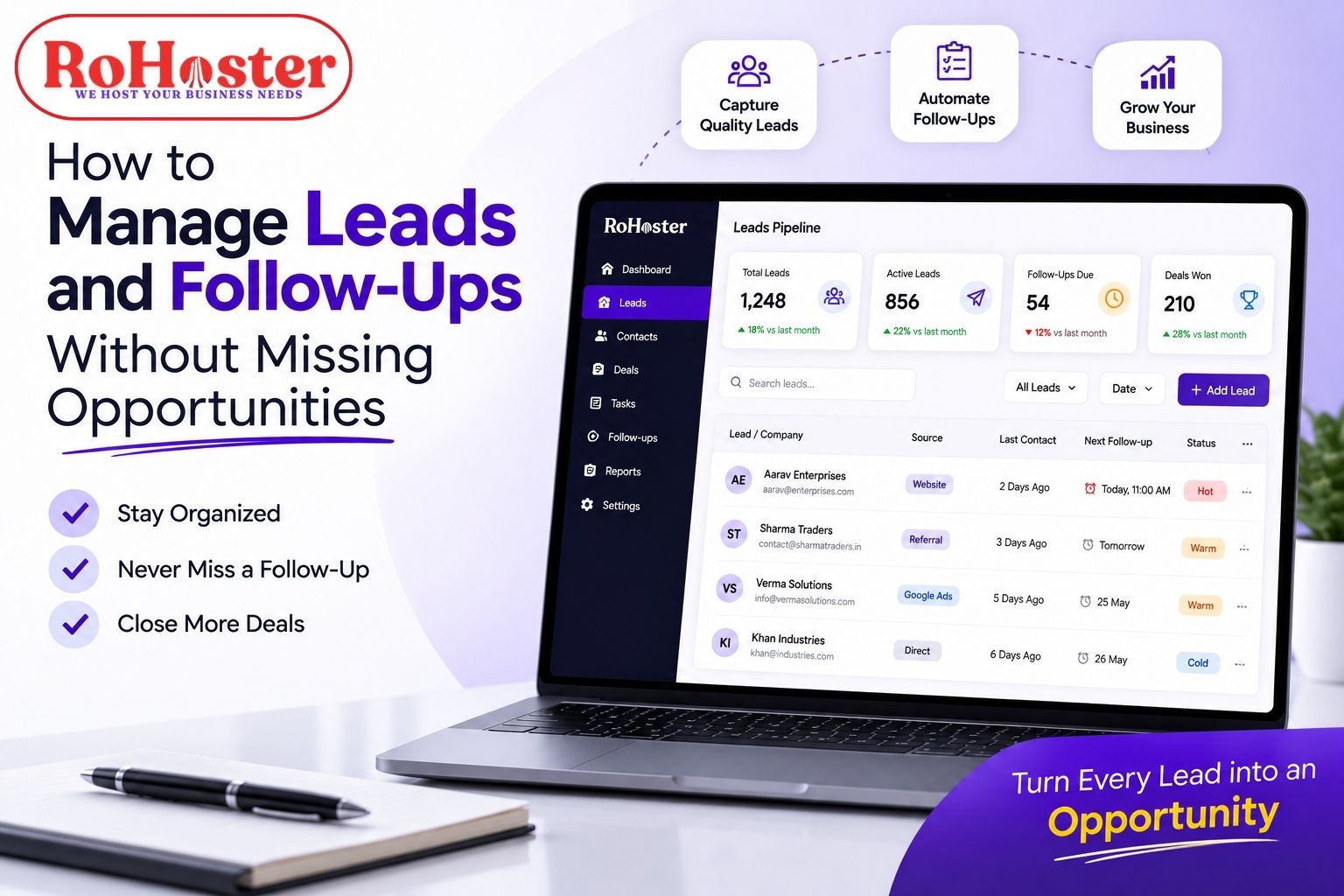
- Schedule and manage follow-ups
- Assign responsibilities
- Monitor important activities
- Maintain better business records
- Improve visibility across operations
The biggest advantage of using a structured system is not simply having more software.
It is about creating a process where important information is accessible, responsibilities are clear, and deadlines are less likely to be missed.
Whether you are managing 50 clients or 500, the right client management software can help your business scale without creating unnecessary operational chaos.
Best Practices for Managing Hundreds of Clients
Before we conclude, here is a simple checklist.
✔ Keep all client information centralized
✔ Assign a clear owner to every client
✔ Set deadlines for every important activity
✔ Use reminders for follow-ups and renewals
✔ Track pending and overdue tasks
✔ Maintain a complete client interaction history
✔ Review upcoming deadlines regularly
✔ Create standardized workflows
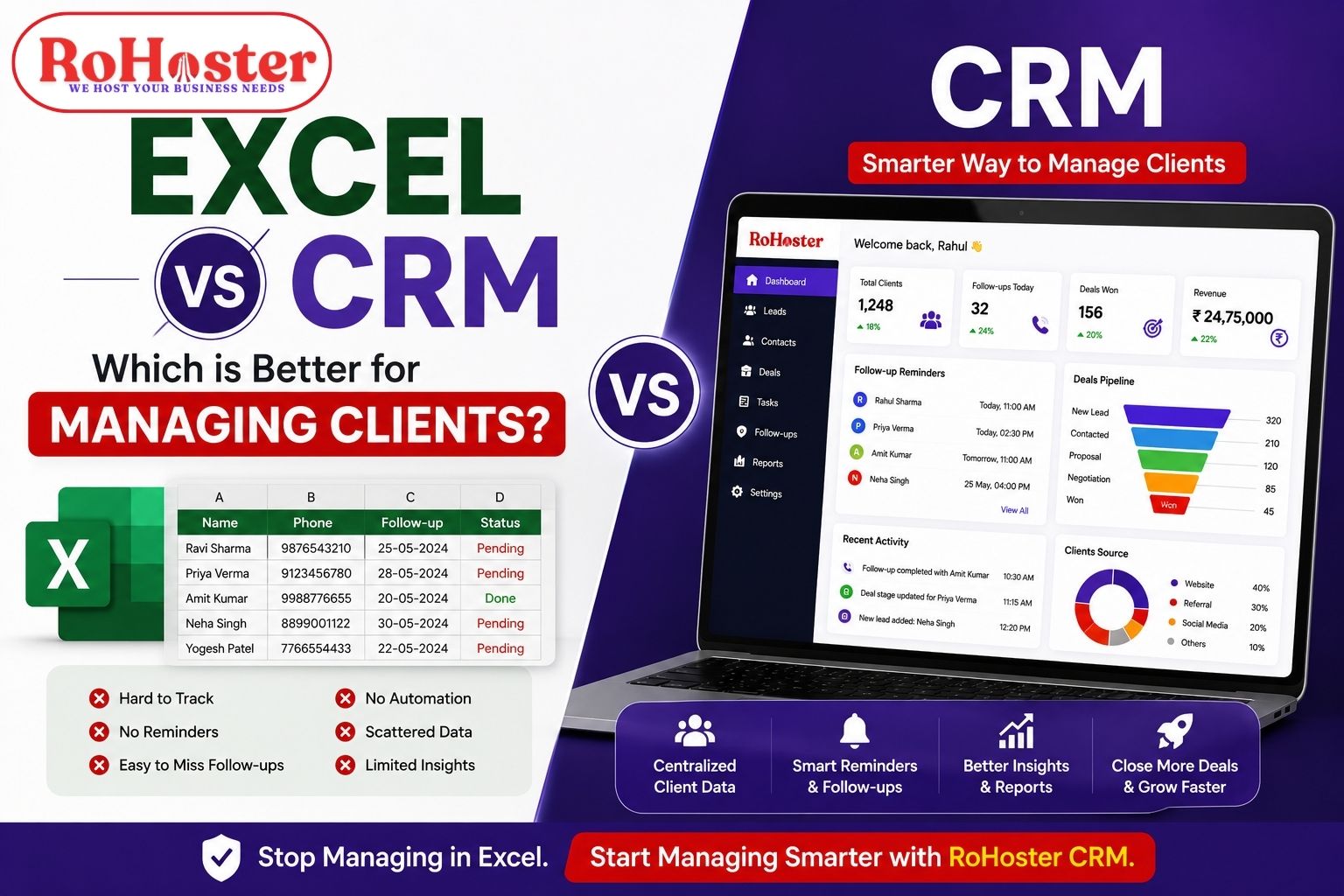
✔ Avoid relying completely on Excel and manual processes
✔ Use a scalable client management system
Final Thoughts
Managing hundreds of clients does not necessarily mean working hundreds of times harder.
The problem usually starts when a growing business continues to use processes designed for a much smaller operation.
Excel sheets, WhatsApp messages, manual reminders, and scattered records may work in the beginning. But as the number of clients grows, businesses need a more structured approach.
The key is to create a system where:
Every client is organized.
Every task has an owner.
Every deadline is visible.
Every follow-up is tracked.
With the right client management software and business management system, businesses can reduce missed deadlines, improve team coordination, and spend more time focusing on growth.