Every business works hard to generate leads through websites, social media, advertisements, referrals, and marketing campaigns. However, generating leads is only half the battle. What truly determines success is how effectively those leads are followed up.
Studies consistently show that businesses that respond quickly and follow up consistently are far more likely to convert prospects into customers. Yet many small and medium businesses still rely on spreadsheets, diaries, sticky notes, or memory to manage follow-ups—leading to missed opportunities and lost revenue.
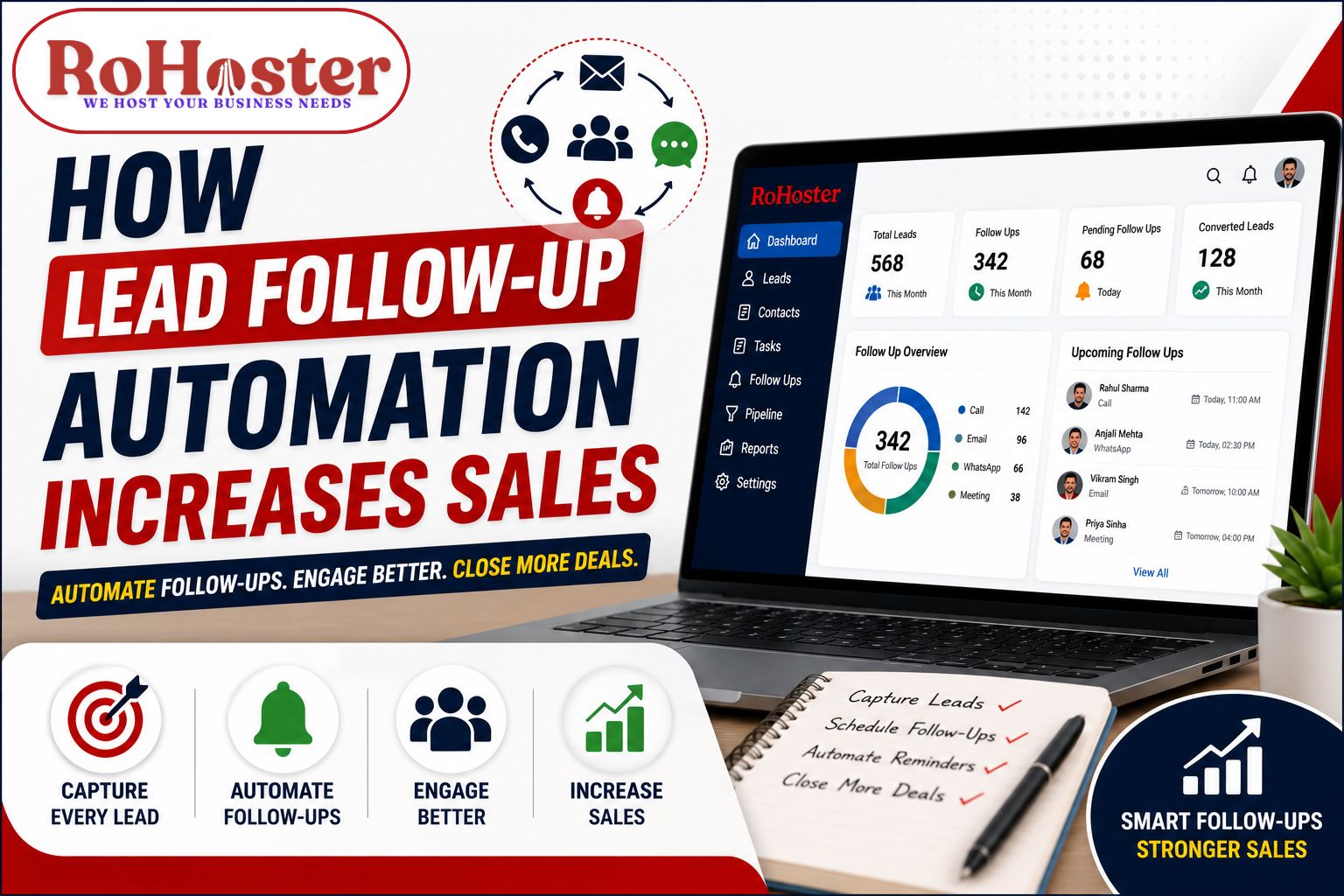
Lead follow-up automation solves this problem by ensuring every inquiry is tracked, every reminder is scheduled, and every prospect receives timely communication.
In this article, we'll explore how automated follow-ups can significantly improve sales performance.
Why Businesses Lose Potential Customers
Many businesses unknowingly lose customers because of inconsistent follow-up.
Some common reasons include:
- Forgetting to call back
- Delayed responses
- No reminder system
- Multiple sales executives contacting the same customer
- Poor tracking of previous conversations
- No visibility into pending follow-ups
Even highly interested customers may choose a competitor simply because they received a faster response.
What is Lead Follow-Up Automation?
Lead follow-up automation is the process of using software to automatically organize, schedule, and remind sales teams about customer interactions.
Instead of manually remembering every call or meeting, the system ensures that every lead receives timely attention.
Automation doesn't replace your sales team—it empowers them to work more efficiently and focus on building relationships instead of managing reminders.
Benefits of Lead Follow-Up Automation
1. Never Miss a Follow-Up
Every lead receives scheduled reminders for calls, meetings, WhatsApp messages, or emails.
This reduces the chances of losing potential customers because of human error.
2. Faster Response Time
Customers expect quick responses.
Automation immediately notifies sales representatives whenever a new inquiry arrives, allowing businesses to respond faster and build trust.
3. Higher Lead Conversion
Consistent follow-ups increase the likelihood of converting prospects into paying customers.
Rather than contacting a lead only once, automation helps maintain regular communication until the customer is ready to make a decision.
4. Better Customer Experience
Customers appreciate businesses that communicate professionally and consistently.
Keeping track of previous conversations allows sales representatives to provide personalized interactions instead of asking the same questions repeatedly.
5. Improved Sales Productivity
Sales teams spend less time managing spreadsheets and reminders and more time engaging with customers.
Automation eliminates repetitive administrative tasks.
6. Complete Visibility of Every Lead
Managers can instantly view:
- Pending follow-ups
- Completed activities
- Sales pipeline
- Lead status
- Team performance
This improves accountability and helps identify opportunities that need attention.
7. Reduced Manual Errors
Manual tracking often results in duplicate entries, forgotten tasks, or incorrect information.
Automation maintains accurate records and ensures every customer interaction is documented.
How Lead Follow-Up Automation Works
A typical automated lead management process looks like this:
- A new lead is received from the website, WhatsApp, phone call, or marketing campaign.
- The lead is automatically added to the system.
- A sales representative is assigned.
- A follow-up reminder is scheduled.
- Every interaction is recorded.
- The lead progresses through the sales pipeline.
- Managers monitor performance through reports and dashboards.
This creates a structured and transparent sales process.
Signs Your Business Needs Follow-Up Automation
You should consider lead follow-up automation if your business experiences any of the following:
- Missed customer inquiries
- Delayed responses
- Missed follow-up calls
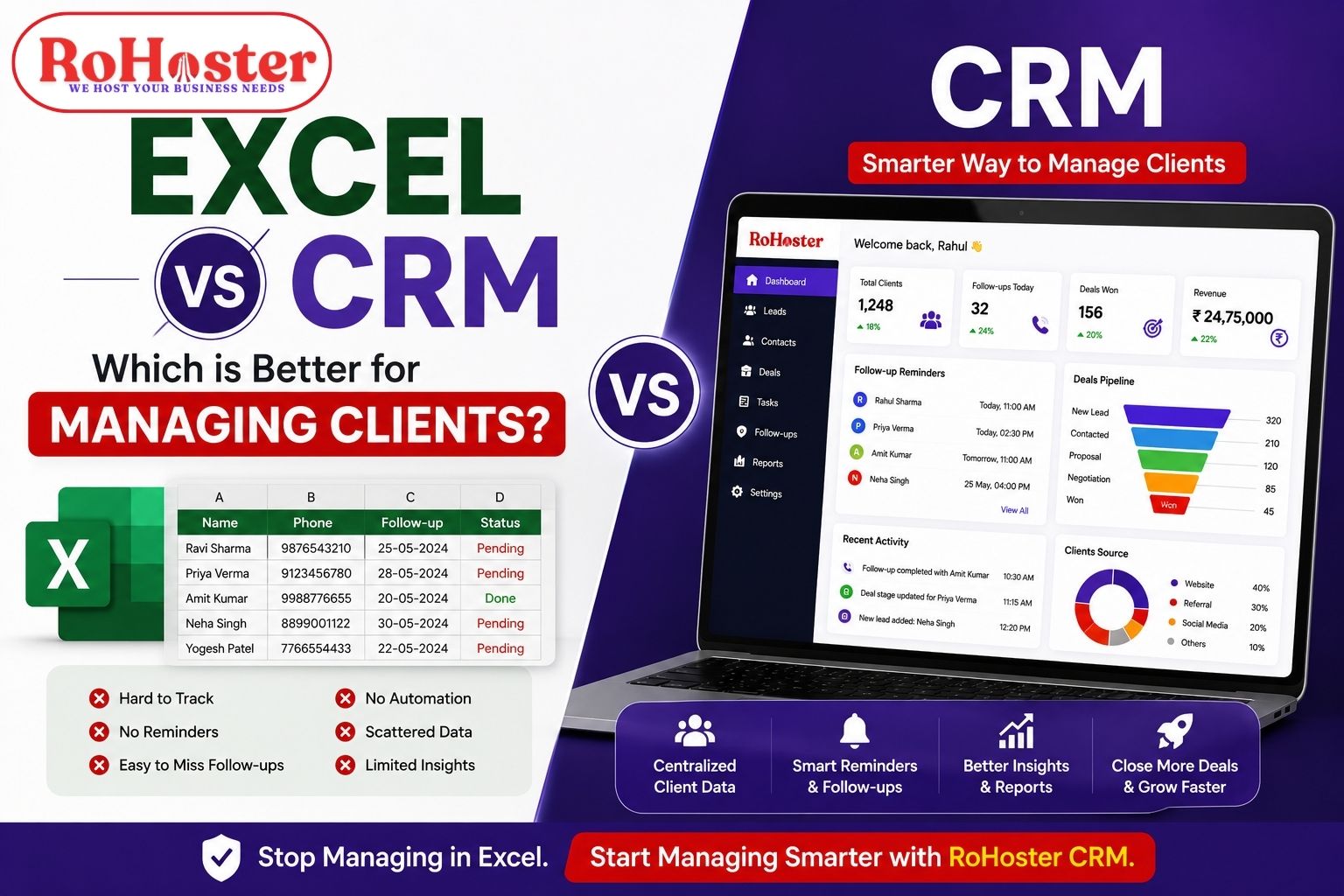
- Leads stored in Excel sheets
- No centralized customer database
- Poor visibility into the sales pipeline
- Difficulty managing multiple sales executives
These are clear indicators that manual processes are limiting your business growth.
Also Read: Lead Management Best Practices to Increase Sales in 2026
Manual Follow-Up vs Automated Follow-Up
| Manual Follow-Up | Automated Follow-Up |
|---|---|
| Relies on memory | Automated reminders |
| Higher chance of missed follow-ups | Every follow-up is scheduled |
| Scattered customer records | Centralized lead database |
| Difficult to monitor team performance | Real-time dashboards |
| Manual reporting | Automated analytics |
| Limited scalability | Suitable for growing businesses |
Best Practices for Follow-Up Automation
To maximize results:
- Respond to new inquiries quickly.
- Assign clear ownership for every lead.
- Schedule the next follow-up immediately after every interaction.
- Record notes after each conversation.
- Prioritize high-value leads.
- Review pending follow-ups daily.
- Analyze conversion reports regularly.
Automation works best when combined with a disciplined sales process.
How RoHoster Helps Automate Lead Follow-Ups
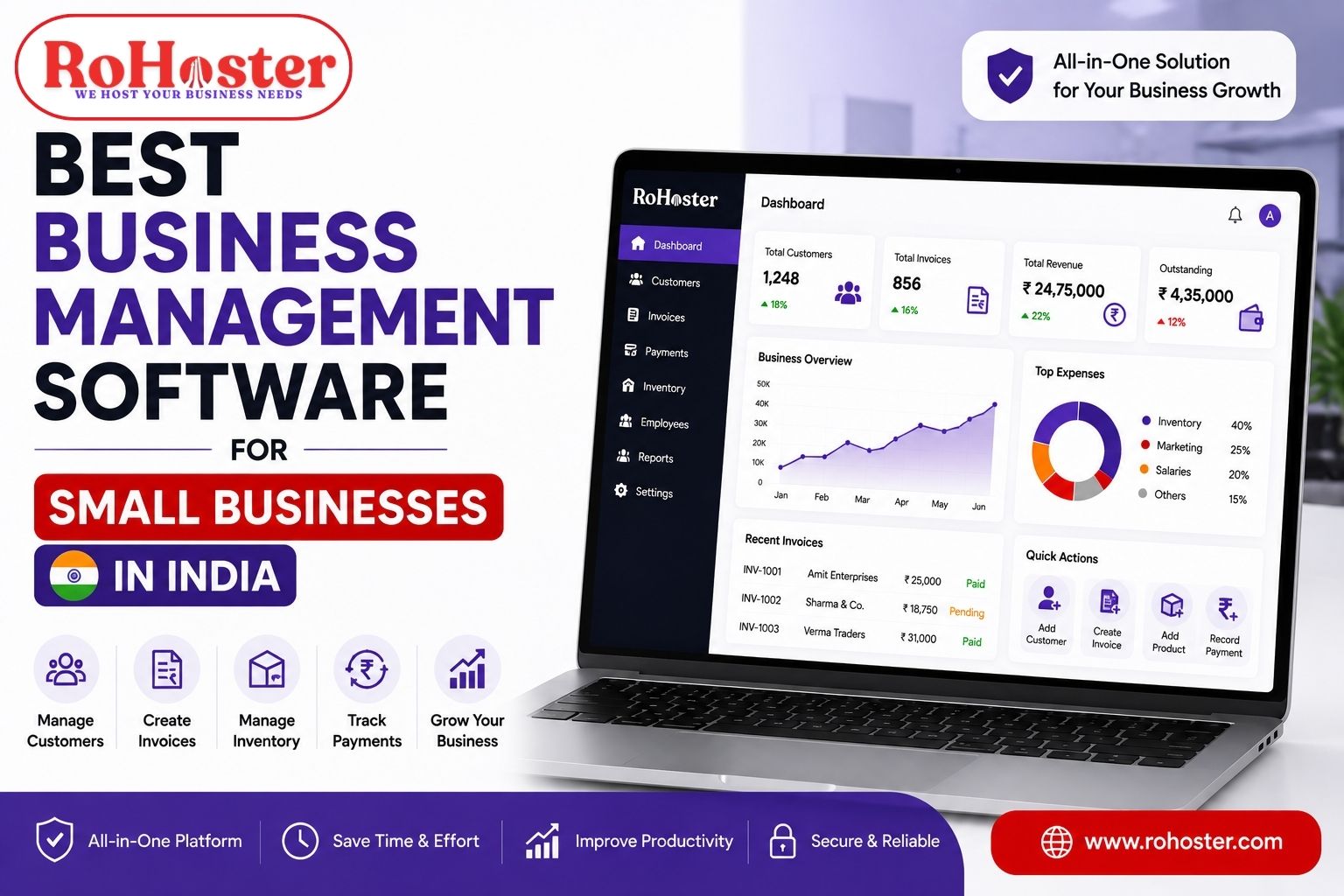
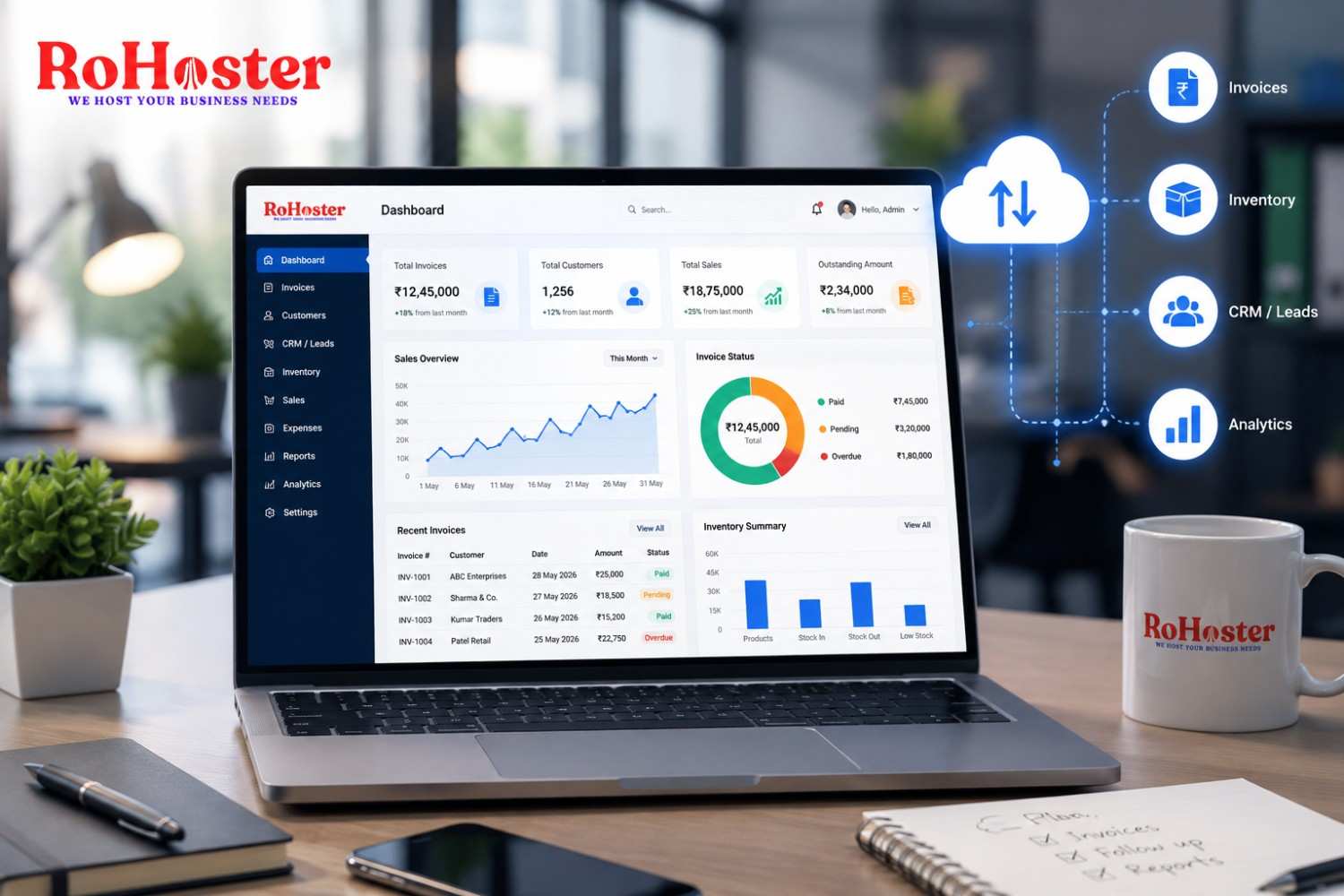
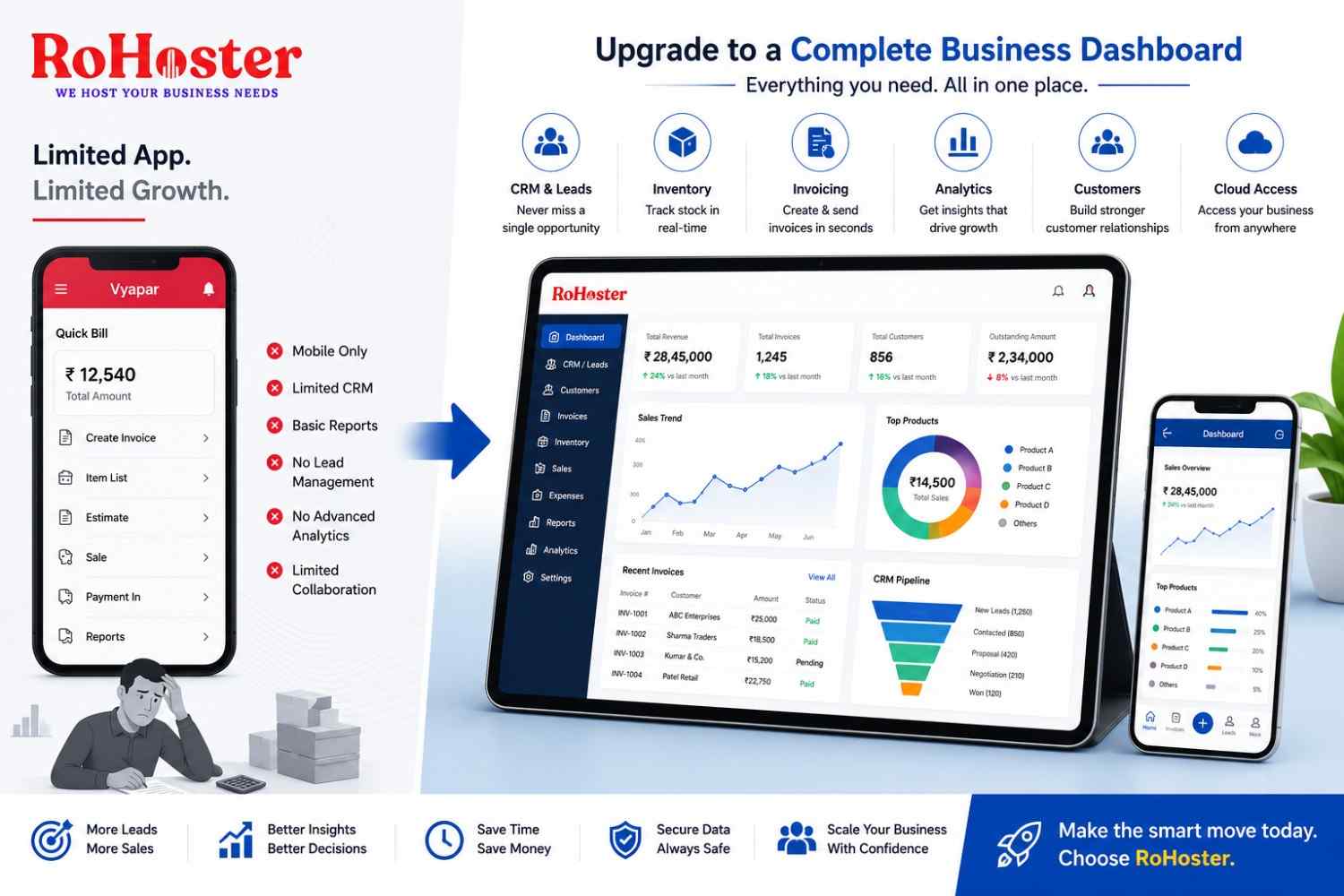
RoHoster is an All-in-One Business Management Software that helps businesses streamline their entire lead management process.
With RoHostter, businesses can:
- Capture leads from multiple sources
- Assign leads automatically to team members
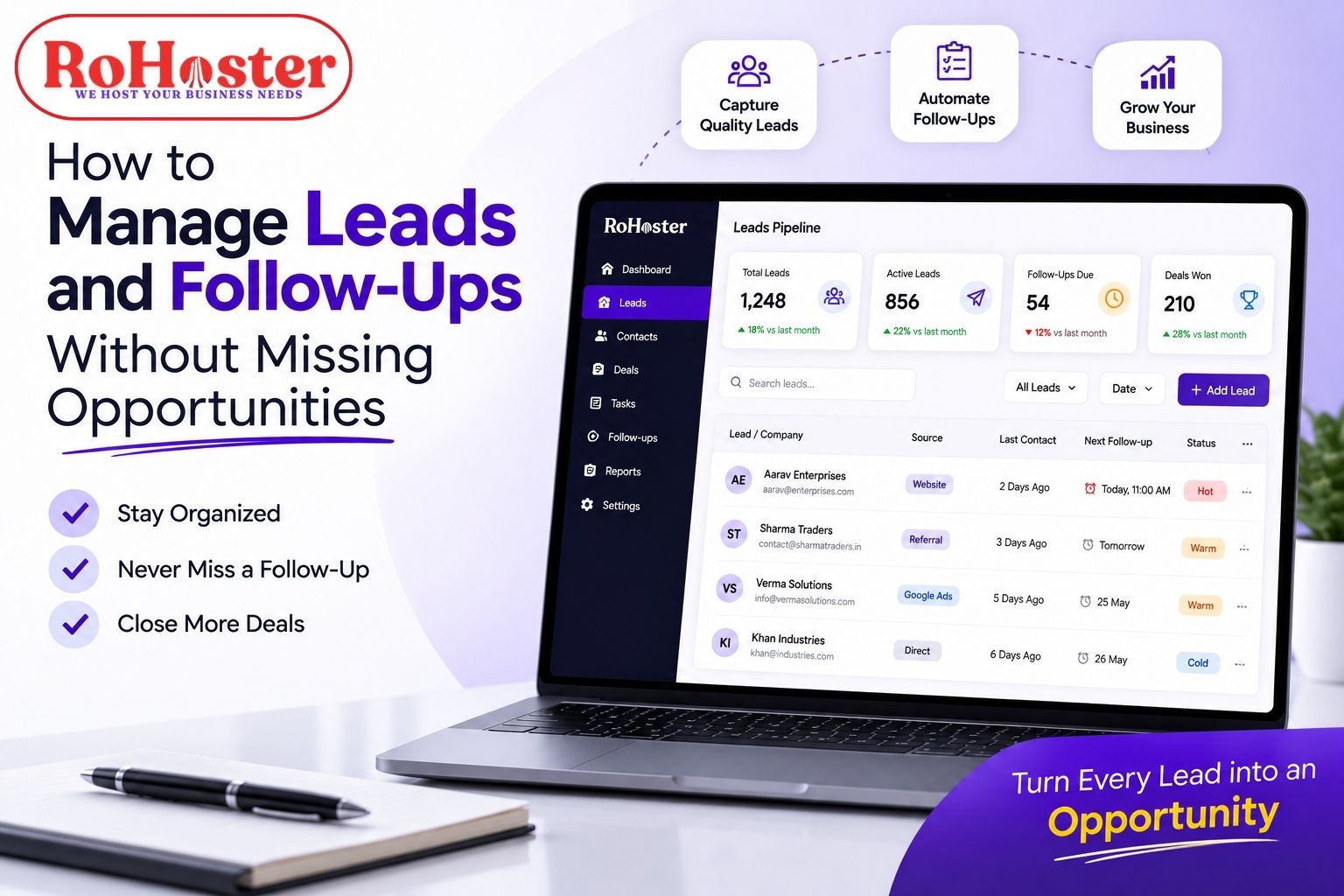
- Schedule follow-up reminders
- Track every customer interaction
- Monitor the complete sales pipeline
- Generate performance reports
- Manage clients after conversion
- Integrate lead management with billing, CRM, and task management
Instead of juggling multiple tools, RoHostter provides everything businesses need in one centralized platform.
Final Thoughts
Lead follow-up automation is no longer a luxury—it's a necessity for businesses that want to grow consistently.
By automating reminders, organizing customer information, and improving response times, businesses can increase conversions, improve customer satisfaction, and build a more efficient sales process.
Whether you're a startup, a growing SME, or an established organization, investing in follow-up automation can directly impact your sales performance.
RoHostter simplifies this journey by bringing lead management, CRM, billing, and business operations together in one powerful platform.
Ready to Stop Losing Leads?
Every missed follow-up is a missed opportunity.
With RoHoster, you can:
✔ Never miss a follow-up
✔ Respond faster to new inquiries
✔ Track every customer interaction
✔ Improve lead conversion
✔ Grow your sales with confidence
Start with RoHoster's FREE Forever Plan or book a personalized demo today.