Every business starts with one thing—a lead.
Whether it's someone filling out your website contact form, sending a WhatsApp message, calling your office, or responding to a social media advertisement, every potential customer begins as a lead.
But generating leads is only half the battle.
The real challenge is managing them effectively.
Many businesses lose potential customers simply because they forget to follow up, misplace customer information, or rely on Excel sheets and notebooks that become difficult to manage as the business grows.
This is where Lead Management Software becomes essential.
In this guide, we'll explain what lead management software is, how it works, its key features, and how it can help businesses increase conversions and grow faster.
What is Lead Management Software?
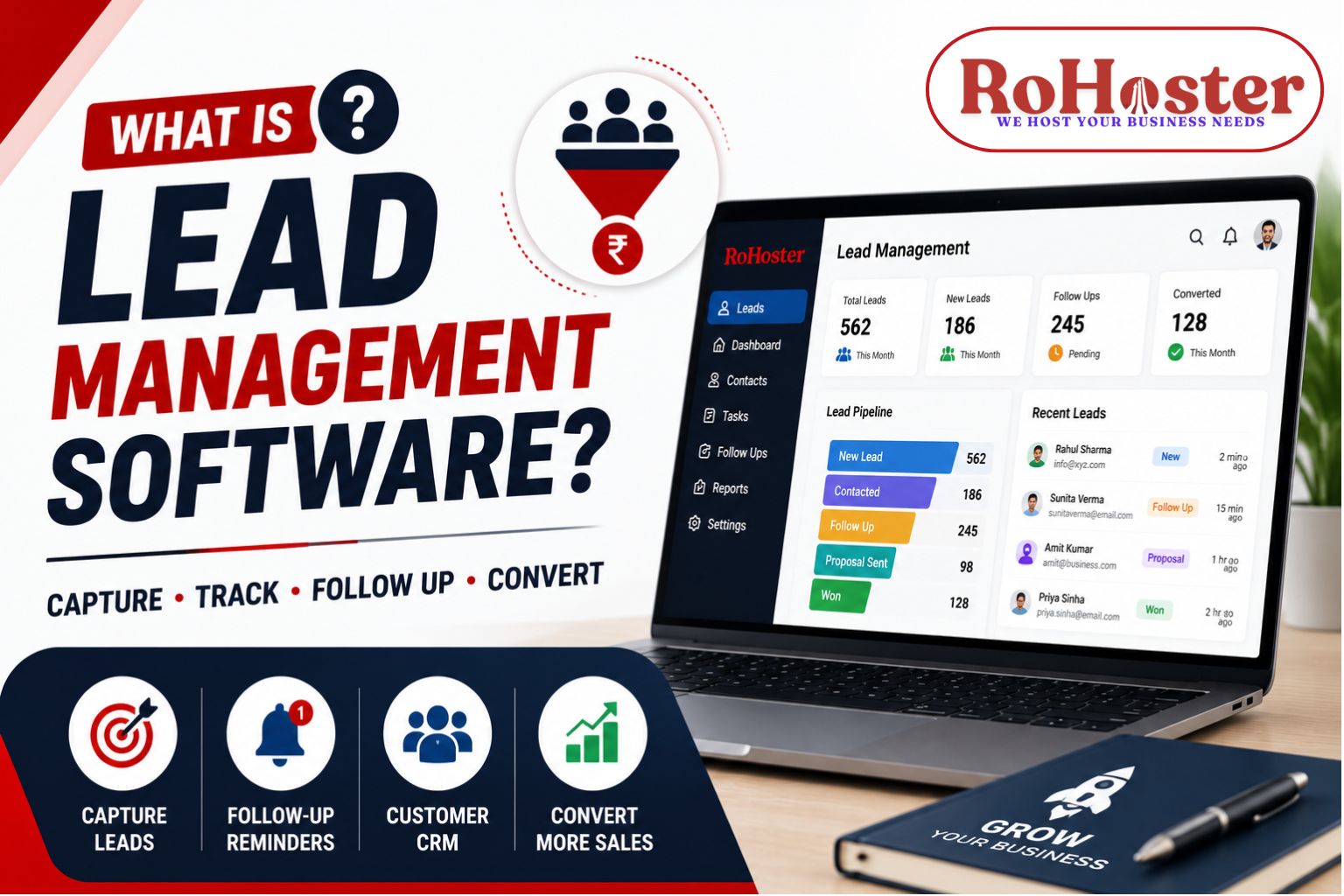
Lead Management Software is a digital system that helps businesses capture, organize, track, nurture, and convert potential customers into paying clients.
Instead of storing leads in spreadsheets, notebooks, or WhatsApp chats, businesses can manage every lead from one centralized dashboard.
A good lead management system keeps track of every interaction, schedules follow-ups, assigns leads to sales representatives, and ensures that no potential customer is forgotten.
Why Do Businesses Need Lead Management Software?
As businesses grow, managing leads manually becomes difficult.
Without a proper system, common problems include:
- Missed follow-ups
- Duplicate customer records
- Lost sales opportunities
- No visibility into the sales pipeline
- Poor team coordination
- Difficulty tracking conversions
- Inaccurate sales reporting
A lead management CRM solves these problems by keeping every lead organized and accessible.
How Does Lead Management Software Work?
A typical lead journey looks like this:
Step 1 – Lead Capture
Leads are collected from:
- Website forms
- Facebook & Instagram Ads
- Google Ads
- Phone Calls
- Referrals
- Walk-in Customers
Step 2 – Lead Assignment
The software automatically assigns leads to the appropriate salesperson or team.
This prevents confusion and speeds up response times.
Step 3 – Follow-Up Scheduling
Every lead receives reminders for:
- Phone calls
- Meetings
- Emails
- WhatsApp messages
- Product demonstrations
This ensures no lead is forgotten.
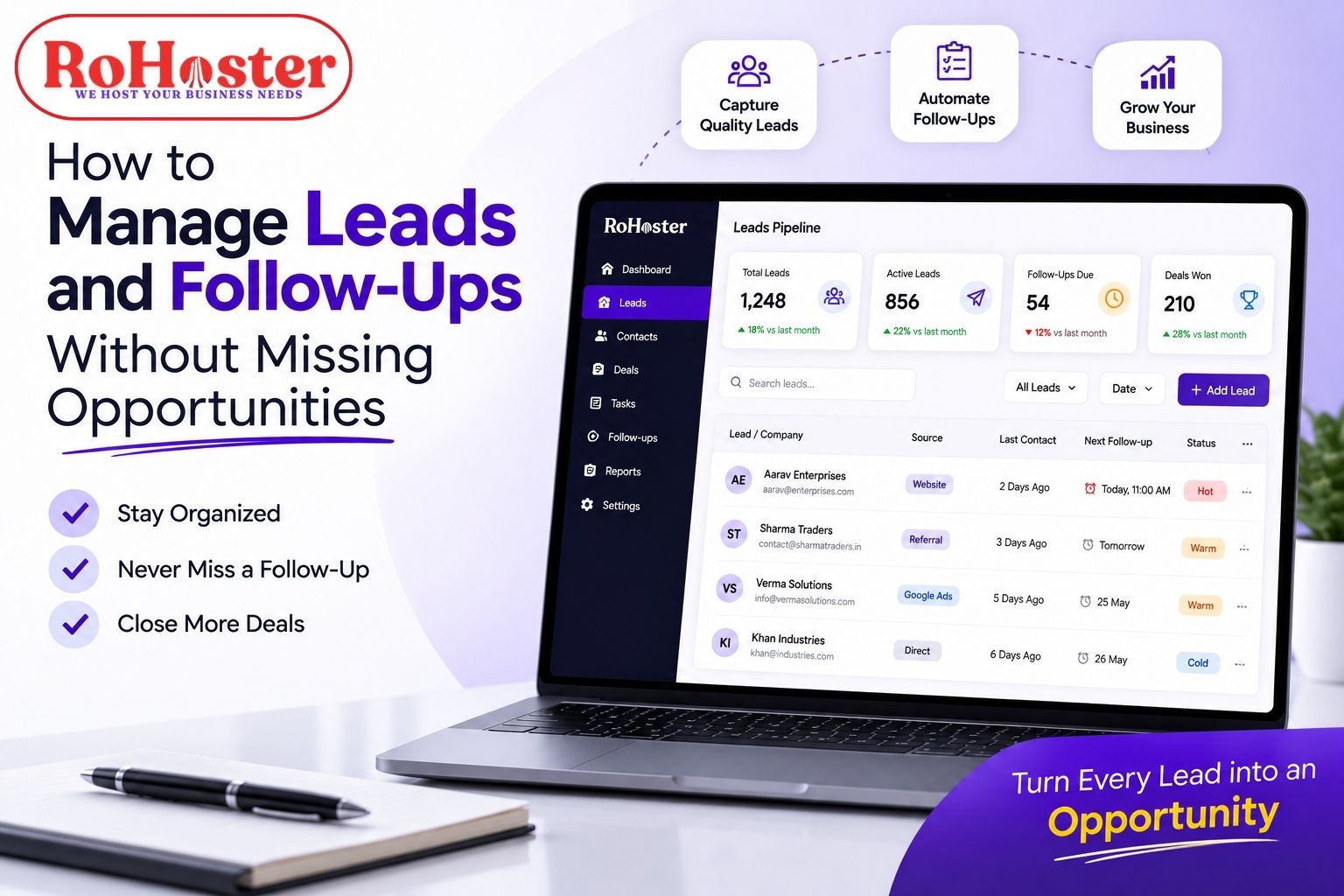
Step 4 – Lead Tracking
Sales teams can instantly see:
- New Leads
- Contacted Leads
- Follow-up Pending
- Proposal Sent
- Won Deals
- Lost Deals
This creates a clear sales pipeline.
Step 5 – Conversion
Once the customer makes a purchase, the lead is converted into a client, and all records remain stored for future reference.
Key Features of Lead Management Software
Lead Capture
Collect leads from multiple sources in one place.
Contact Management
Store complete customer details, communication history, notes, and documents.
Follow-Up Reminders
Automatically remind your sales team about pending calls, meetings, and tasks.
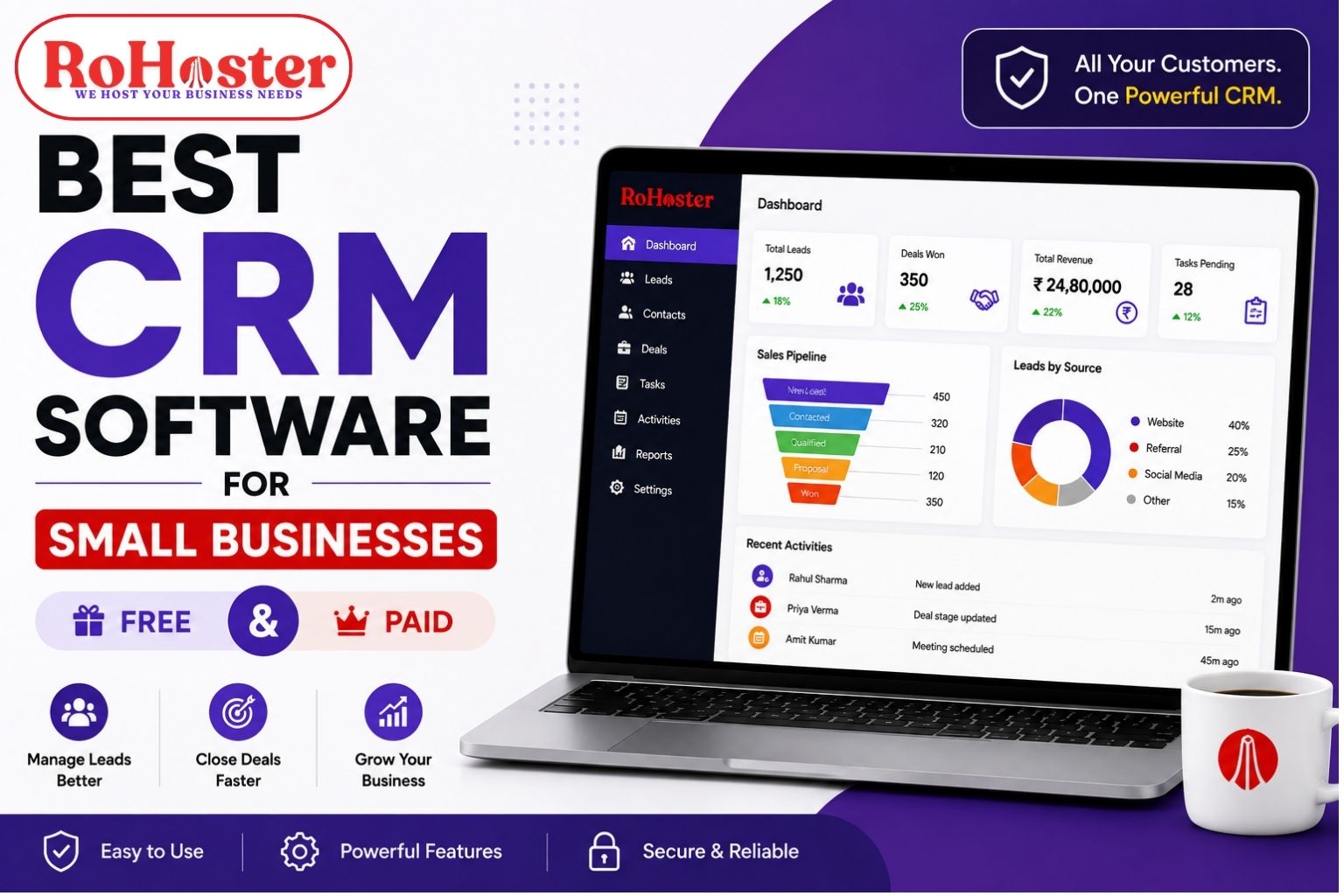
Sales Pipeline
Track where every lead is in the buying journey.
Lead Assignment
Distribute leads among team members based on predefined rules.
Reports & Analytics
Measure:
- Lead Sources
- Conversion Rates
- Sales Performance
- Pending Follow-ups
- Revenue
Mobile Access
Access lead information anytime, anywhere.
Benefits of Using Lead Management Software
Businesses using lead management software often experience:
Better Lead Organization
All customer information is stored securely in one place.
Faster Response Time
Responding quickly increases the chances of converting leads.
Higher Conversion Rates
Timely follow-ups improve sales performance.
Improved Team Collaboration
Sales teams can work together using shared information.
Better Business Decisions
Real-time reports help management understand sales performance and identify growth opportunities.
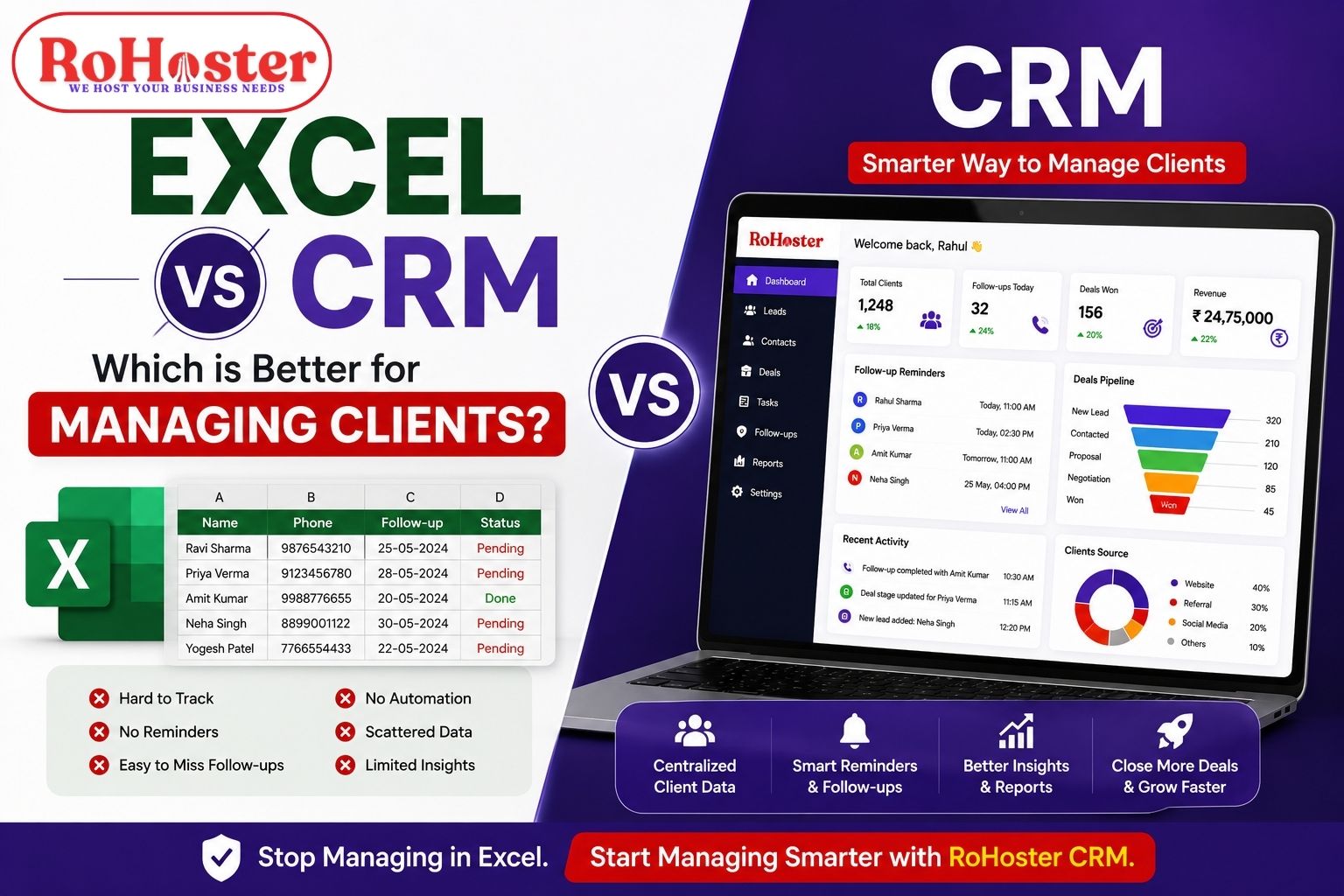
Lead Management Software vs Excel
| Excel | Lead Management Software |
|---|---|
| Manual Data Entry | Automated Lead Tracking |
| No Follow-Up Reminders | Smart Notifications |
| Difficult Collaboration | Multi-user Access |
| Limited Reporting | Real-Time Analytics |
| High Risk of Errors | Centralized Database |
| Hard to Scale | Built for Growth |
If you're still managing leads in spreadsheets, it's probably costing your business valuable opportunities.
Also Read: Excel vs CRM – Which is Better for Managing Clients?
Who Should Use Lead Management Software?
Lead Management Software is suitable for almost every industry, including:
- Real Estate
- Manufacturing
- Chartered Accountants
- Accounting Firms
- Educational Institutions
- Healthcare Clinics
- Marketing Agencies
- Consultants
- Retail Businesses
- Distributors
- Service Providers
- Startups
- SMEs
Any business that receives customer inquiries can benefit from a structured lead management process.
Why Businesses Choose RoHoster
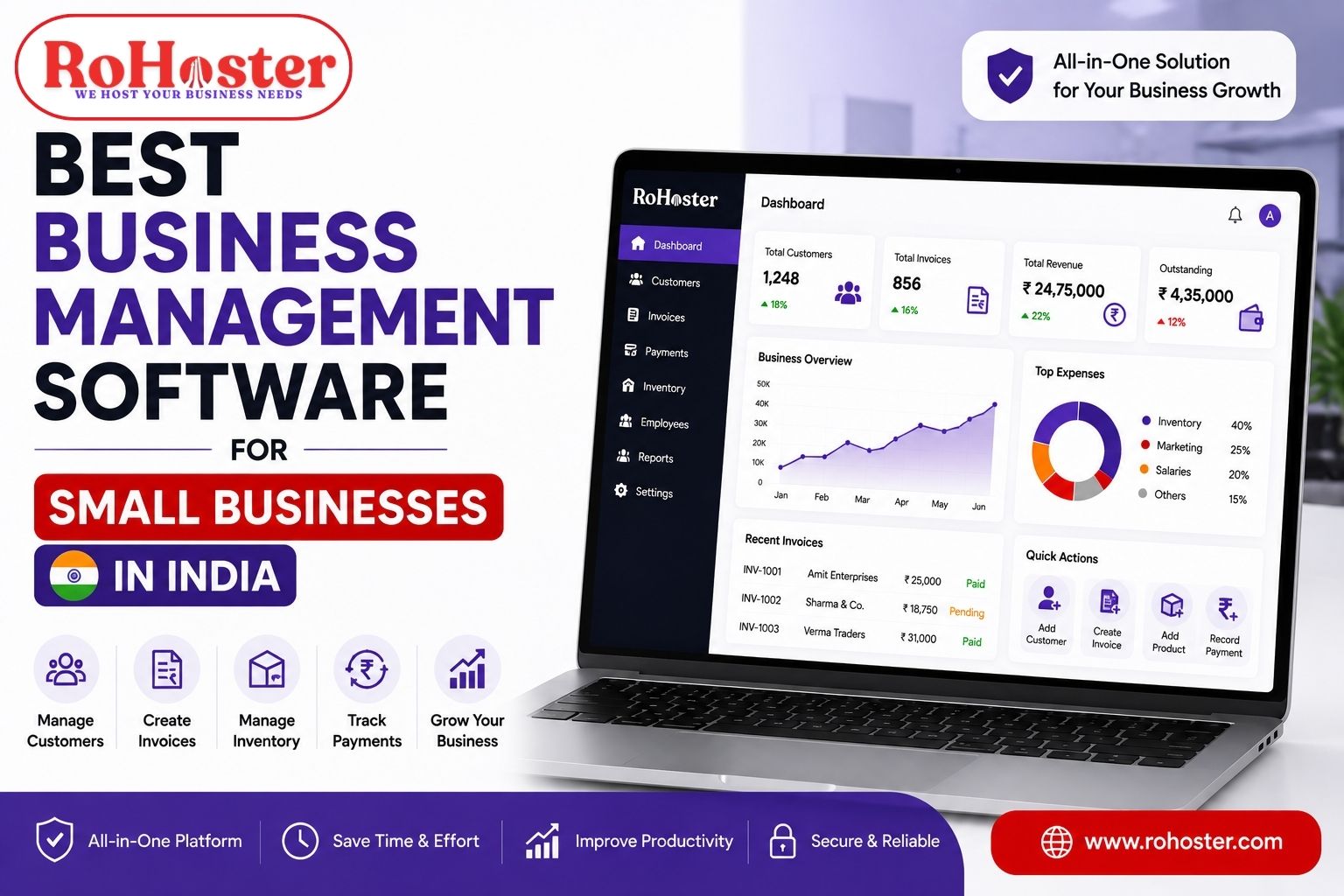
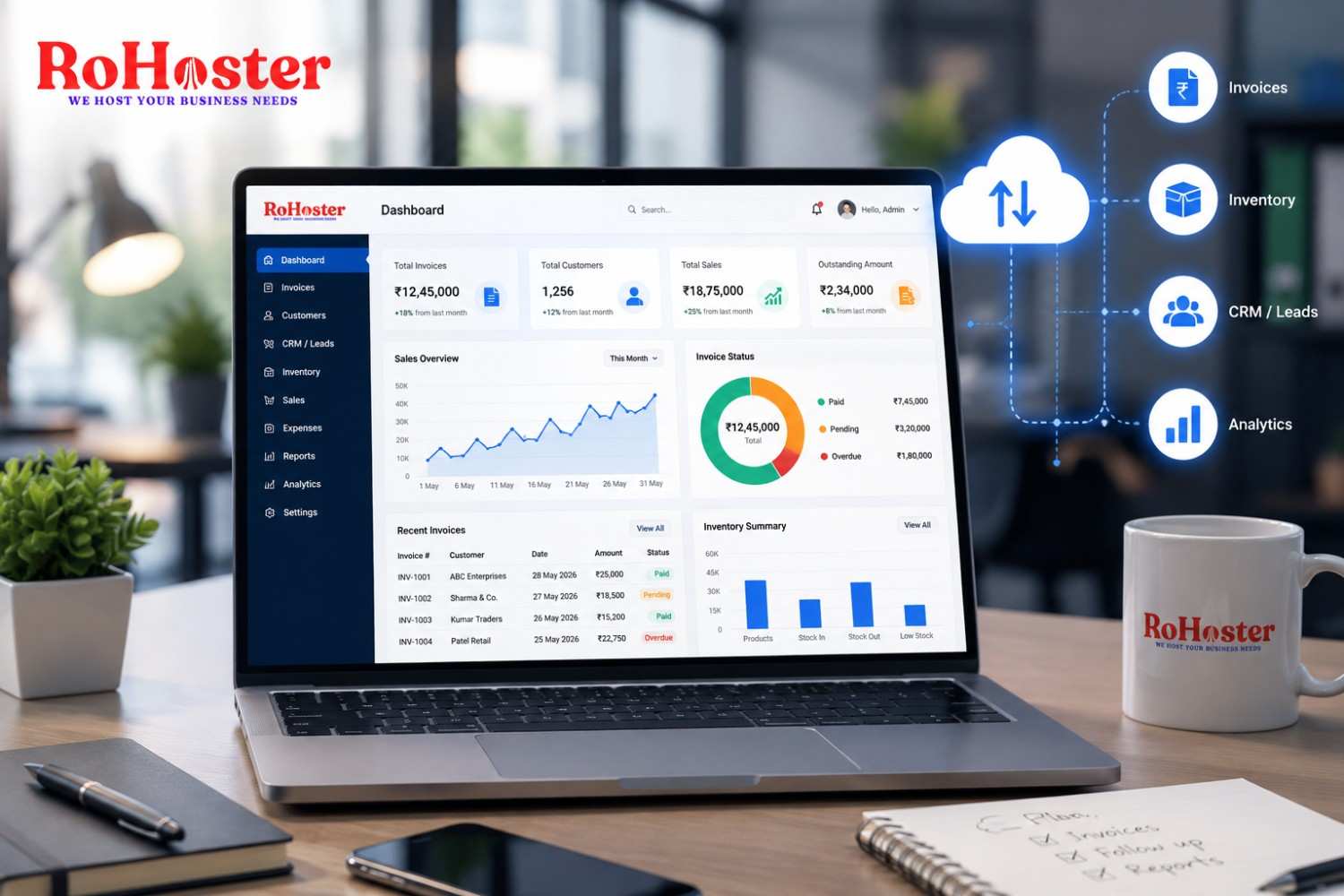
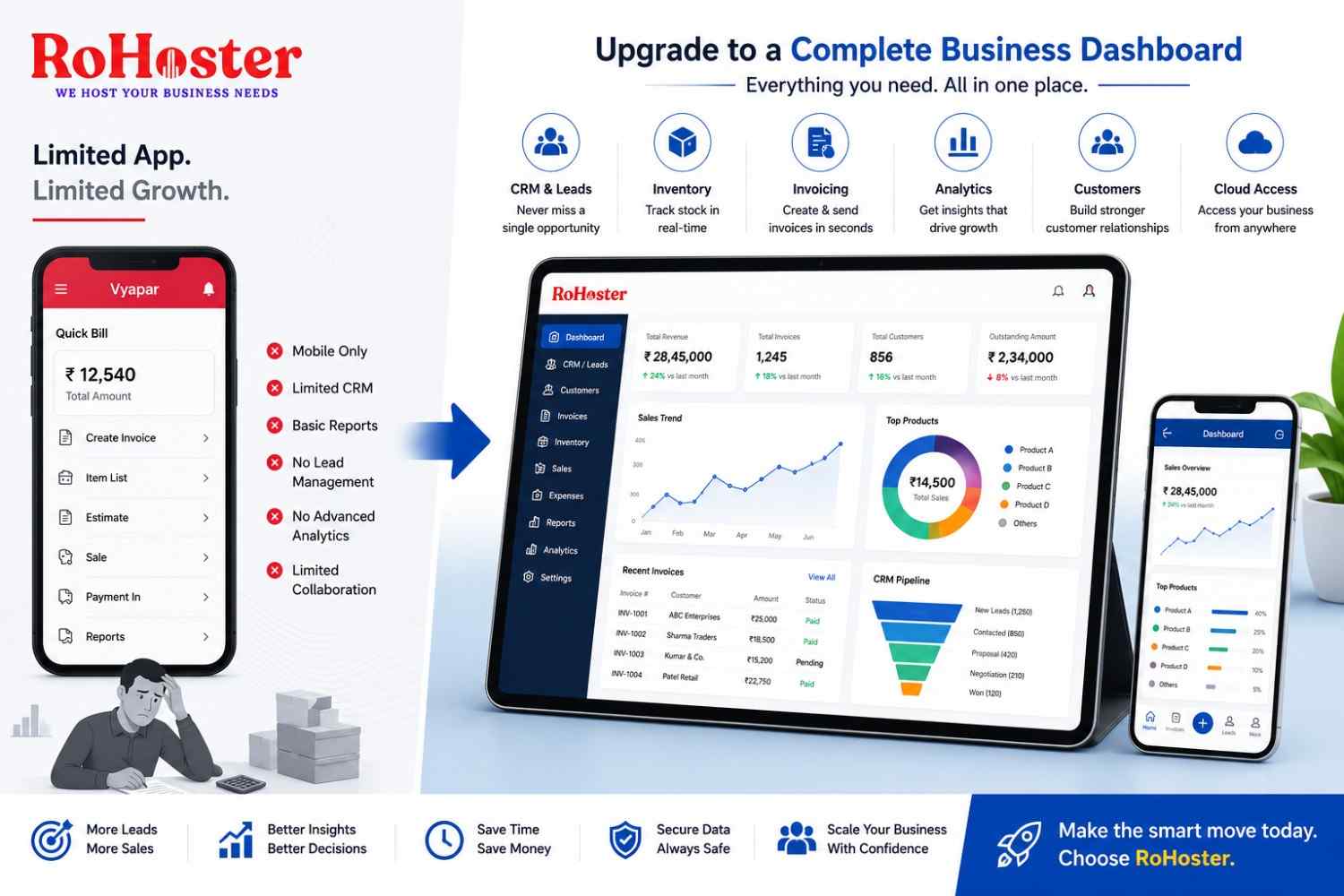
RoHoster is an all-in-one Business Management Software designed to help businesses manage leads, customers, billing, employees, inventory, and operations from one platform.
With RoHoster, businesses can:
- Capture leads from multiple channels
- Track every follow-up
- Assign leads to team members
- Monitor sales performance
- Generate business reports
- Convert leads into customers
- Manage invoices and clients from the same dashboard
Unlike standalone CRM solutions, RoHoster combines Lead Management Software, CRM, billing, inventory, and employee management into one integrated platform.
Signs Your Business Needs Lead Management Software
You should consider implementing lead management software if:
- You manage leads in Excel.
- Your sales team forgets follow-ups.
- You don't know which marketing channel generates the most leads.
- Customer information is scattered.
- Sales reports take hours to prepare.
- Your business is growing rapidly.
- You're losing potential customers due to delayed responses.
Final Thoughts
Generating leads is only the first step in growing a business. Without a structured process to manage, track, and follow up with those leads, businesses often lose valuable sales opportunities.
A modern Lead Management Software helps organize customer information, automate follow-ups, improve team collaboration, and increase conversion rates.
RoHoster takes this a step further by combining lead management with CRM, billing, inventory, employee management, and business analytics—all in one affordable platform designed for Indian businesses.
If you're serious about improving sales and never missing another opportunity, investing in the right lead management system can make all the difference.
Ready to Convert More Leads?
Stop managing leads with spreadsheets and scattered notes.
✔ Capture every lead
✔ Never miss a follow-up
✔ Track your sales pipeline
✔ Convert more customers
✔ Grow your business with confidence
Book your FREE demo today and discover how RoHoster helps businesses turn leads into loyal customers.
👉 Start with the FREE Forever Plan or schedule your personalized demo today.