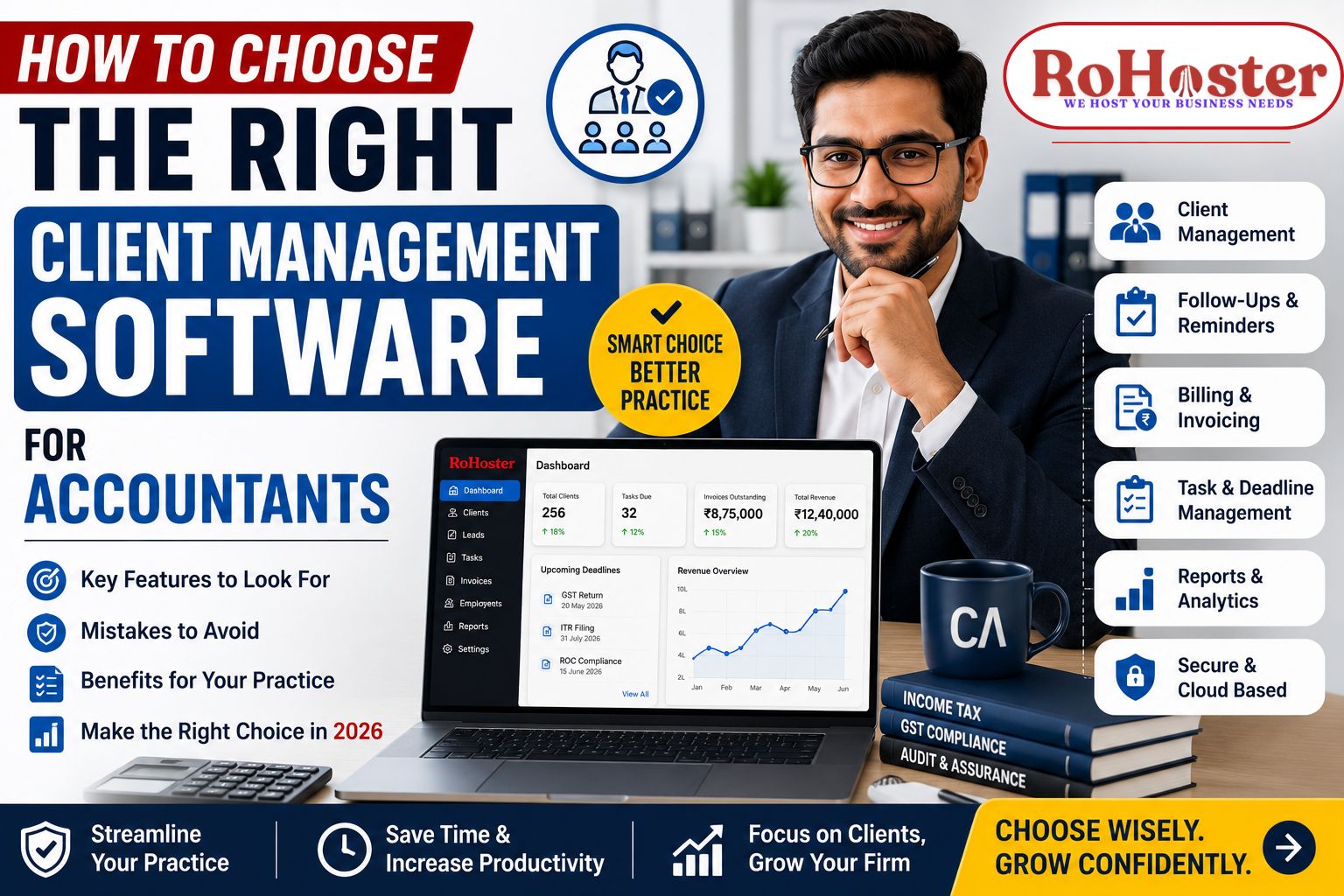
How to Choose the Right Client Management Software for Accountants
Managing an accounting practice today involves much more than preparing financial statements and filing tax returns.
Accountants are expected to manage client relationships, track deadlines, generate invoices, coordinate teams, and ensure timely follow-ups—all while maintaining accuracy and compliance.
Unfortunately, many accounting firms still depend on Excel spreadsheets, WhatsApp conversations, paper files, and disconnected software to manage their operations. As the business grows, these methods become inefficient and increase the risk of missed deadlines, delayed payments, and poor client experiences.
That's why investing in the right client management software for accountants has become essential rather than optional.
This guide will help you understand what to look for before choosing software that supports your firm's long-term growth.
Why Accountants Need Client Management Software
Accounting firms handle dozens—or even hundreds—of clients simultaneously.
Without a centralized system, firms often struggle with:
- Managing client information
- Tracking follow-ups
- Monitoring GST and Income Tax deadlines
- Billing clients
- Managing employee responsibilities
- Organizing important documents
- Tracking pending payments
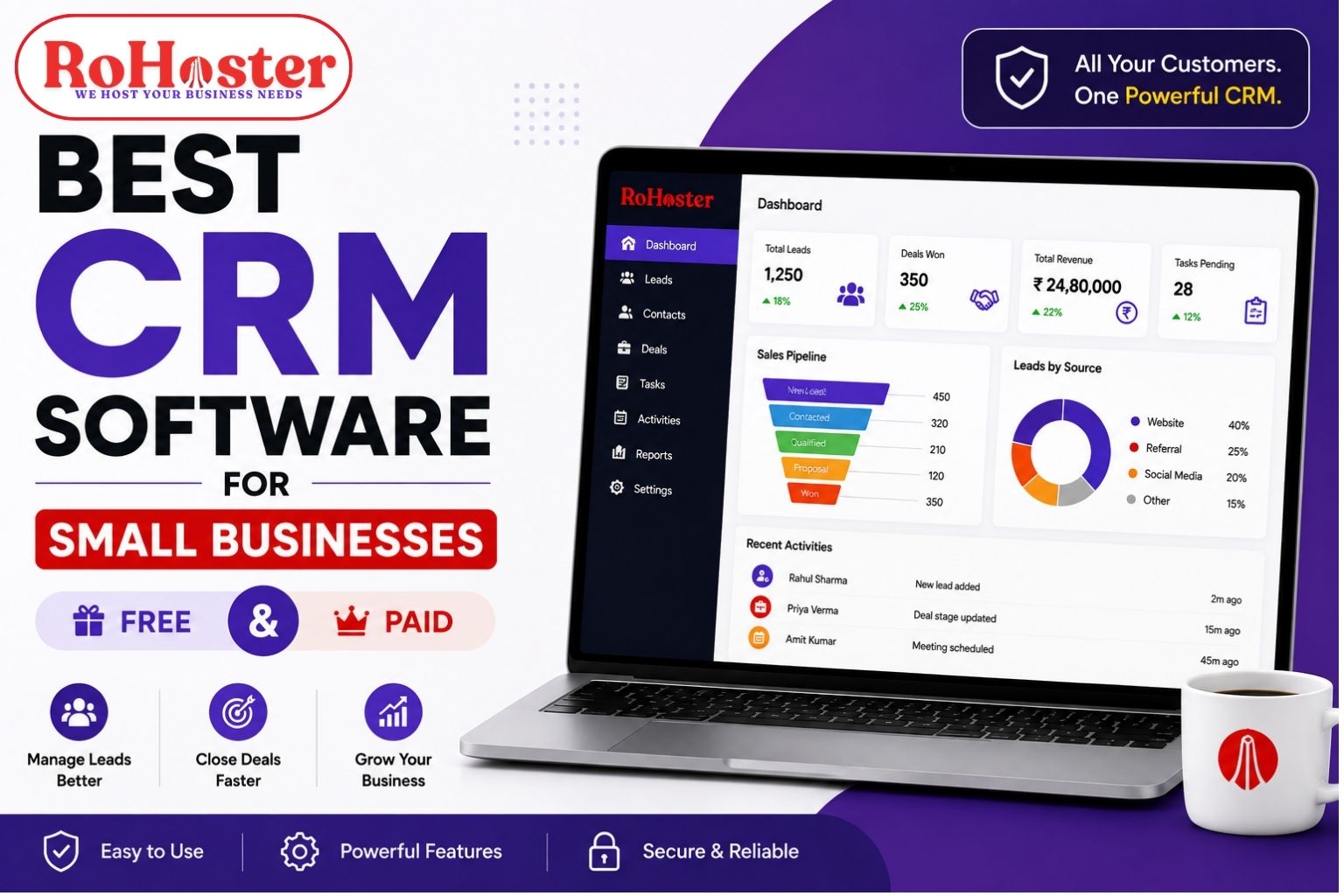
A dedicated client management software for accounting firms keeps everything organized in one secure platform.
Key Factors to Consider Before Choosing Client Management Software
1. Complete Client Database
The software should allow you to maintain complete client profiles, including:
- Contact Details
- PAN & GST Information
- Company Details
- Services Provided
- Billing History
- Documents
- Communication Records
A powerful client management software for Chartered Accountants ensures that your entire team can instantly access client information whenever needed.
2. Easy-to-Use Interface
Software should simplify your work—not complicate it.
Look for:
- Simple navigation
- Quick search
- Mobile-friendly dashboard
- Easy onboarding
- Minimal learning curve
The easier the software is to use, the faster your team will adopt it.
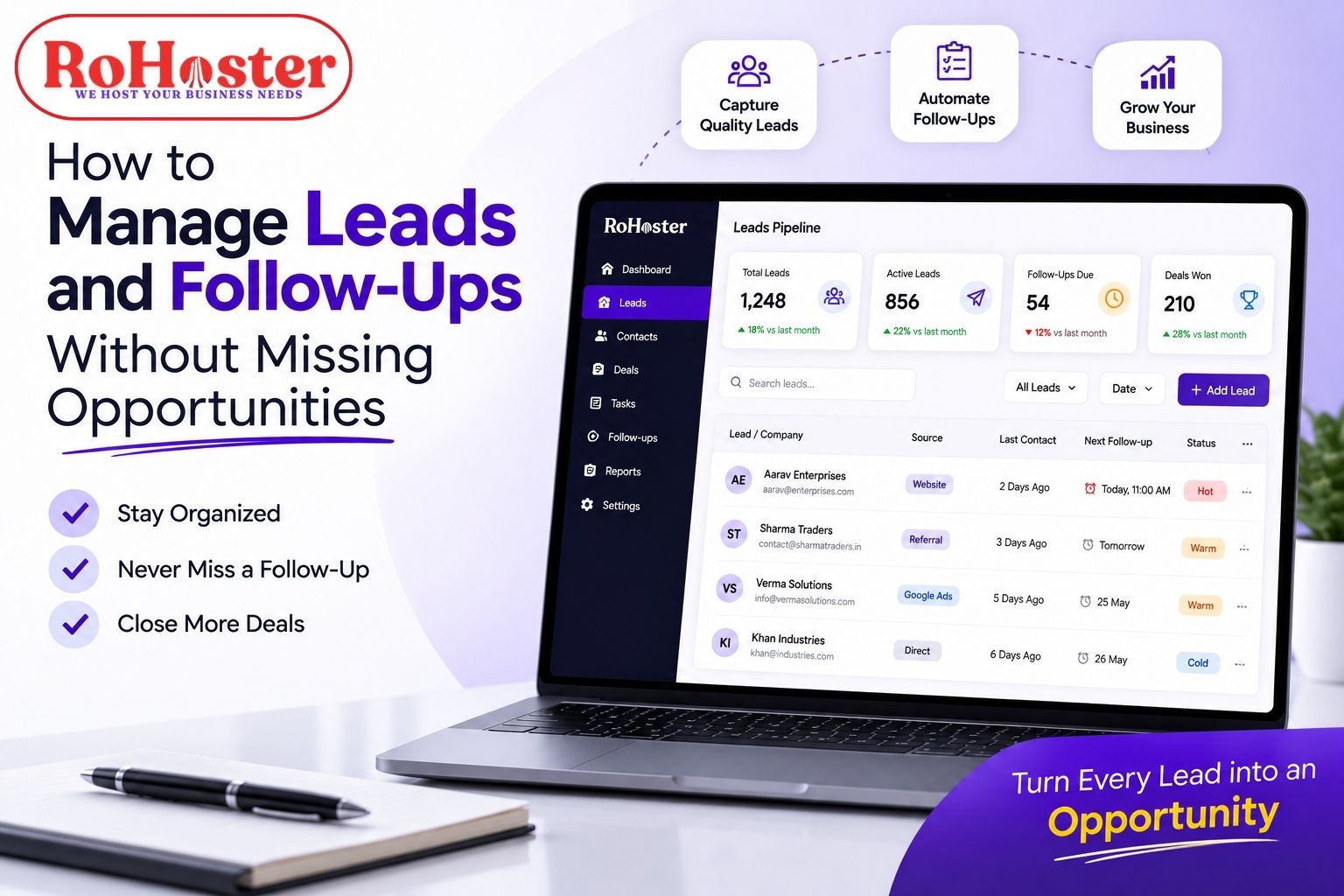
3. Follow-up Automation
One of the biggest reasons firms lose clients is poor follow-up management.
Choose software that provides:
- Automatic reminders
- Task notifications
- Meeting scheduling
- Payment reminders
- Deadline alerts
A good accountants client management software ensures no client is forgotten.
4. Billing & Invoice Management
Instead of maintaining separate billing software, choose a solution that integrates everything.
Look for:
- GST Invoice Generation
- Outstanding Payment Tracking
- Payment Reminders
- Invoice History
- Financial Reports
Integrated billing software for accounting firms saves both time and effort.
5. Task & Employee Management
As your firm grows, assigning work manually becomes difficult.
Good software should include:
- Task Assignment
- Progress Tracking
- Employee Dashboard
- Deadline Monitoring
- Performance Reports
This improves productivity across the entire organization.
6. Document Management
Accounting firms handle thousands of documents every year.
Your software should securely organize:
- GST Returns
- Audit Reports
- Financial Statements
- Client Documents
- Agreements
- Compliance Records
Cloud-based storage also makes document retrieval much faster.
7. Reports & Business Insights
Business decisions should be backed by data.
The software should help answer questions like:
- Which clients have pending invoices?
- Which employee has the highest workload?
- Which services generate maximum revenue?
- How many follow-ups are pending?
Real-time analytics enable firms to make informed decisions.
8. Scalability
Choose software that grows with your business.
Whether you have:
- 50 Clients
- 500 Clients
- Multiple Branches
- Multiple Employees
Your software should continue to perform efficiently without requiring migration later.
9. Customization
Every accounting firm has a different workflow.
Some focus on:
- GST
- Income Tax
- Audit
- ROC Compliance
- Bookkeeping
- Financial Advisory
Instead of changing your workflow to fit the software, choose software that adapts to your business.
This is one area where many generic CRM solutions fall short.
10. Data Security
Since accounting firms manage sensitive financial information, security should never be compromised.
Choose software that offers:
- Cloud Backup
- User Access Control
- Secure Login
- Data Encryption
- Regular Backups
Your clients trust you with confidential information—your software should do the same.
Also Read: Top Practice Management Software for CA Firms in 2026
Mistakes to Avoid While Choosing Client Management Software
Many firms make these common mistakes:
❌ Choosing software based only on price
❌ Purchasing multiple software instead of one integrated solution
❌ Ignoring future scalability
❌ Not checking customization options
❌ Overlooking customer support
❌ Buying overly complex enterprise software
Instead, choose a solution that balances affordability, functionality, and ease of use.
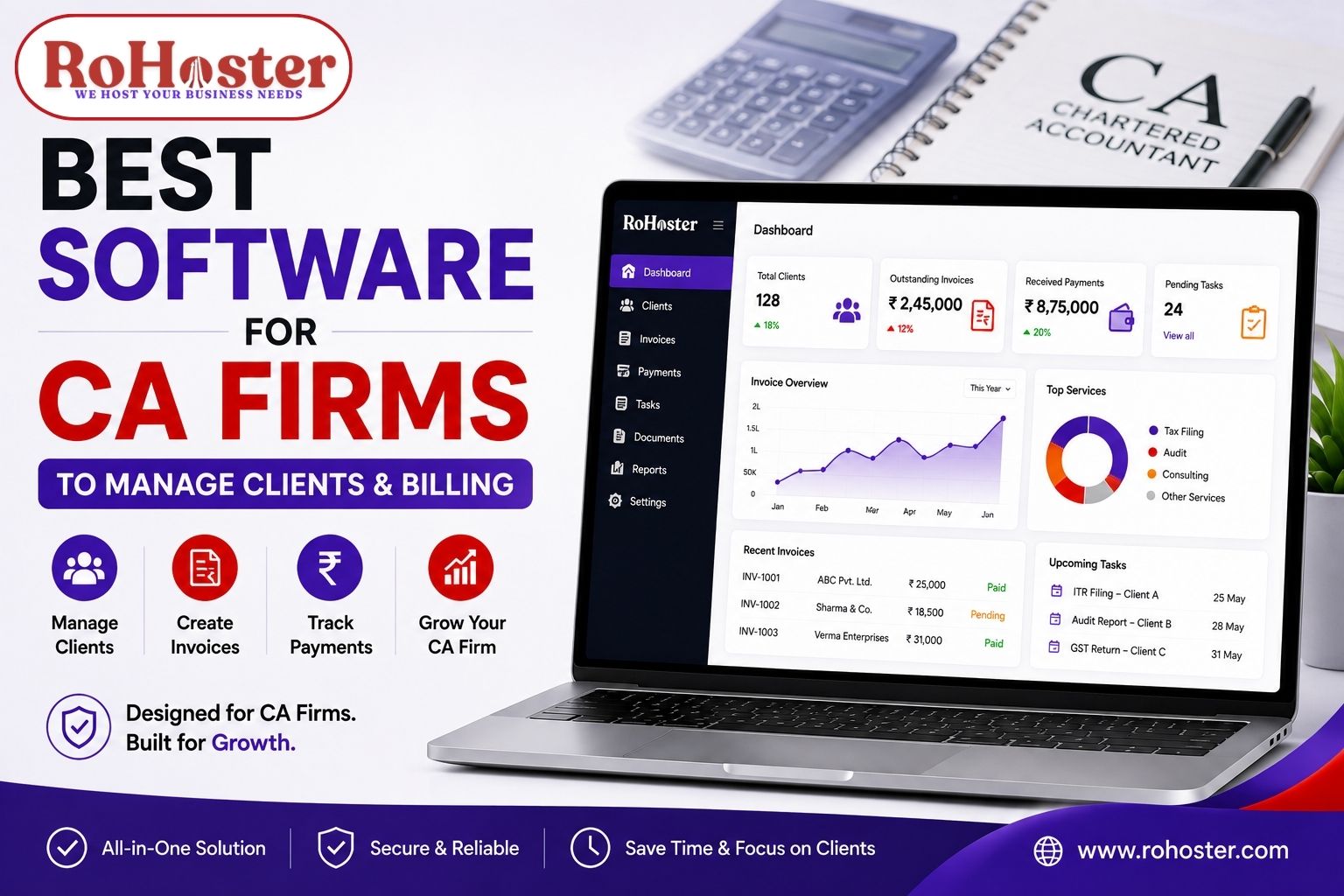
Why RoHoster is an Excellent Choice for Accountants
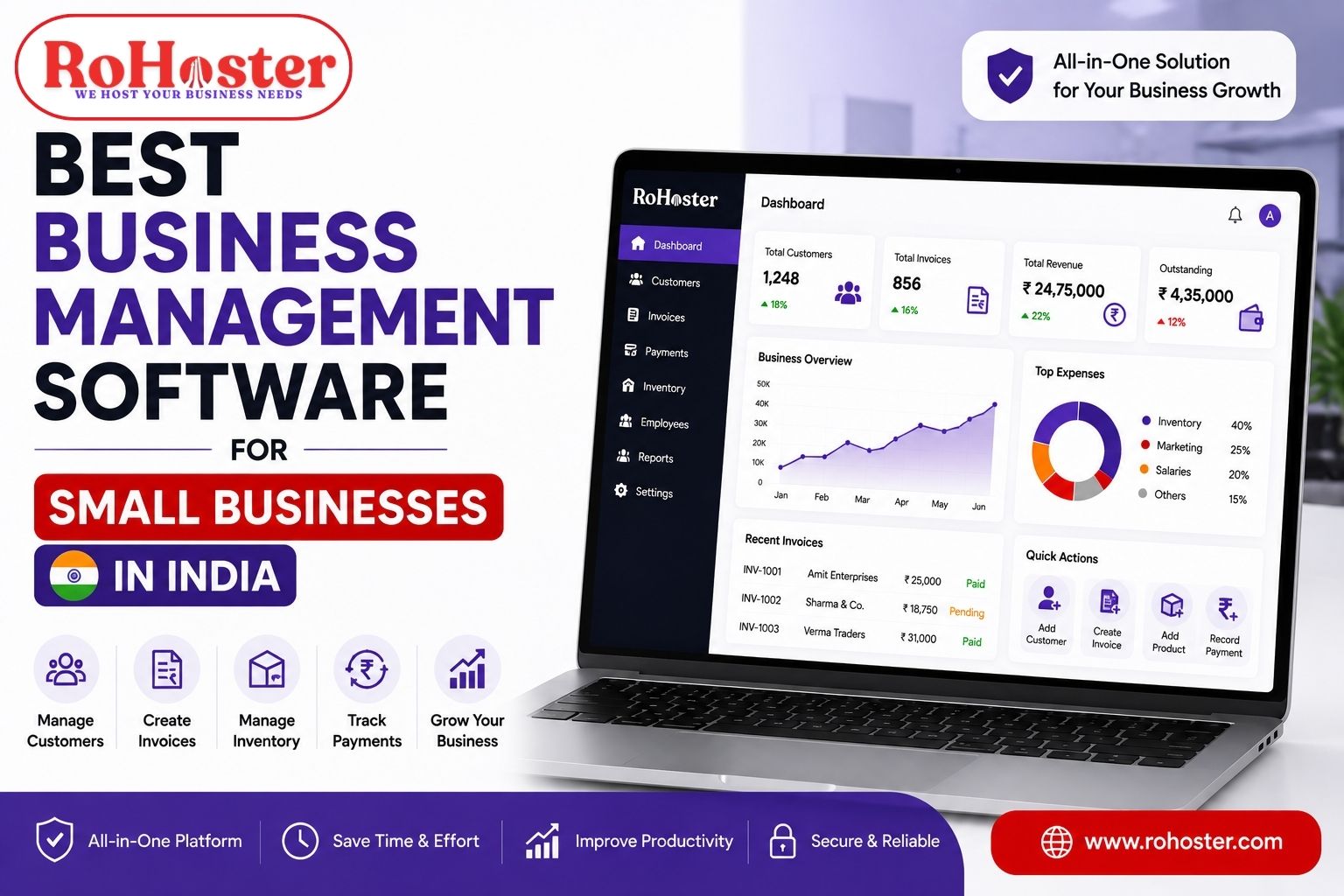
RoHoster is more than just a CRM.
It is a complete business management platform built specifically for Indian businesses, including Chartered Accountants, accounting firms, and tax consultants.
Instead of managing clients through multiple software applications, RoHoster centralizes everything in one dashboard.
RoHoster Includes
✅ Client Management
✅ Lead Management
✅ GST Billing
✅ Follow-up Automation
✅ Employee Management
✅ Task Management
✅ Reports & Analytics
✅ Attendance Management
✅ Workflow Customization
What Makes RoHoster Different?
Unlike traditional CRM platforms, RoHoster allows accounting firms to customize workflows according to their existing business processes.
Benefits include:
- Affordable pricing
- Free Forever Plan
- Cloud-based platform
- Secure data storage
- Easy-to-use interface
- Built for Indian SMEs
- Custom business workflows
- Scalable architecture
Whether you're an individual Chartered Accountant or managing a growing accounting firm, RoHoster adapts to your business.
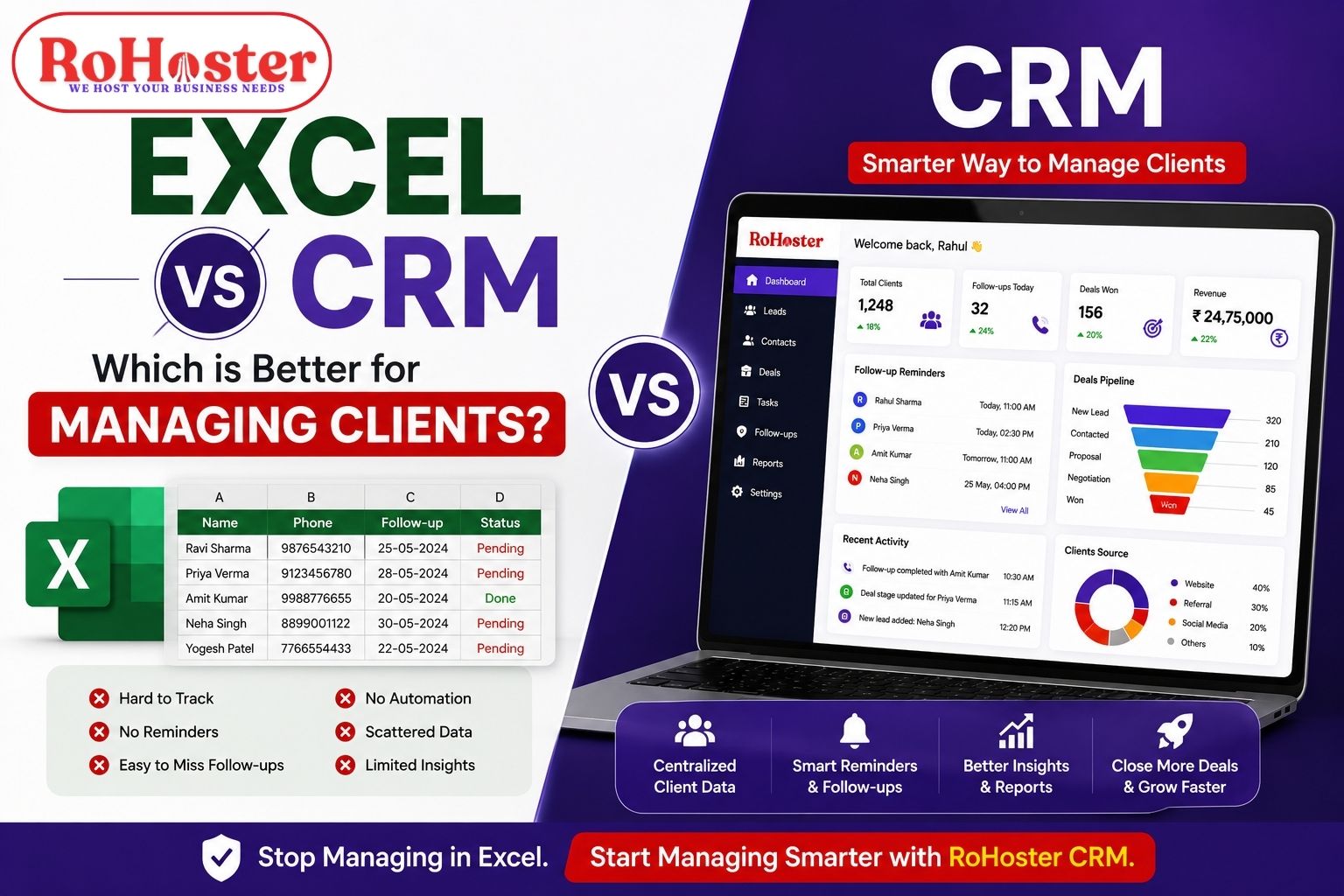
Client Management Software vs Excel
| Excel | Client Management Software |
|---|---|
| Manual Updates | Automated Workflows |
| No Reminders | Smart Notifications |
| Scattered Files | Centralized Dashboard |
| High Error Risk | Better Accuracy |
| Difficult Collaboration | Team Access |
| Limited Reporting | Real-Time Analytics |
If your firm is still managing clients in spreadsheets, it's probably time to upgrade.
Final Thoughts
The right client management software for accountants should do much more than store client information.
It should improve productivity, automate follow-ups, simplify billing, organize documents, and help your firm scale efficiently.
RoHoster combines client management software for Chartered Accountants, billing software for accounting firms, practice management software for CA firms, and business management tools into one affordable platform.
If you're planning to modernize your accounting practice in 2026, investing in the right software today can save countless hours tomorrow.
Also Read: Best Client Management Software for Chartered Accountants
Ready to Simplify Your Accounting Practice?
Stop managing clients through spreadsheets and disconnected tools.
✔ Manage clients from one dashboard
✔ Automate follow-ups
✔ Simplify billing
✔ Improve team productivity
✔ Grow your accounting practice
Book your FREE demo today and discover how RoHoster helps accounting firms work smarter.
👉 Start with the FREE Forever Plan or schedule your personalized demo today.